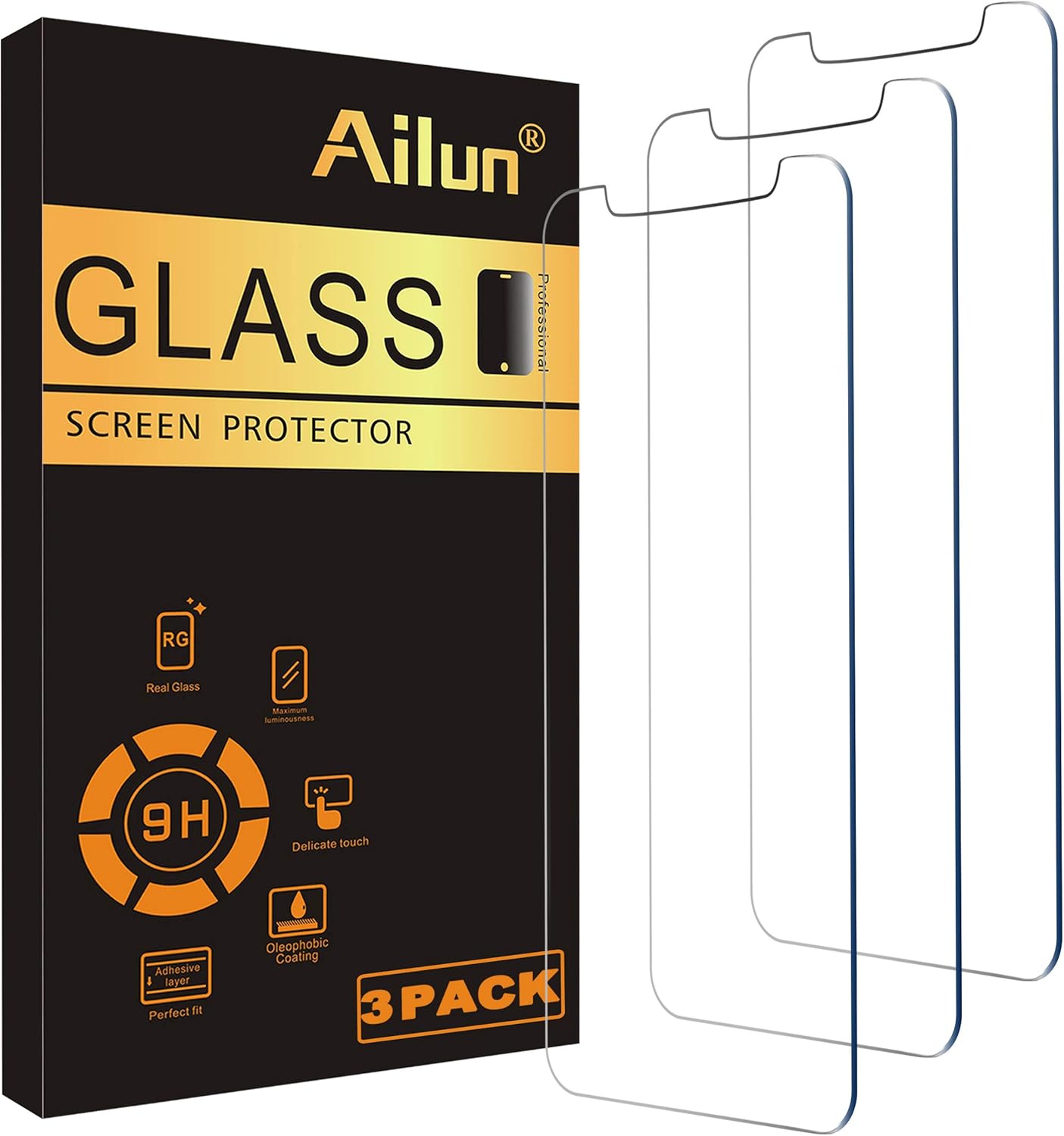
Ailun
Ailun Glass Screen Protector Compatible for iPhone 11/XR,6.1 Inch 3 Pack Tempered Glass
See current price

Compare phones, cases, chargers, SIM options, and other mobile essentials by compatibility, design, features, and intended use. Browse the catalog to narrow down products that fit your device and routine.
118,549 products in catalog
118,549 results
Ailun
See current price
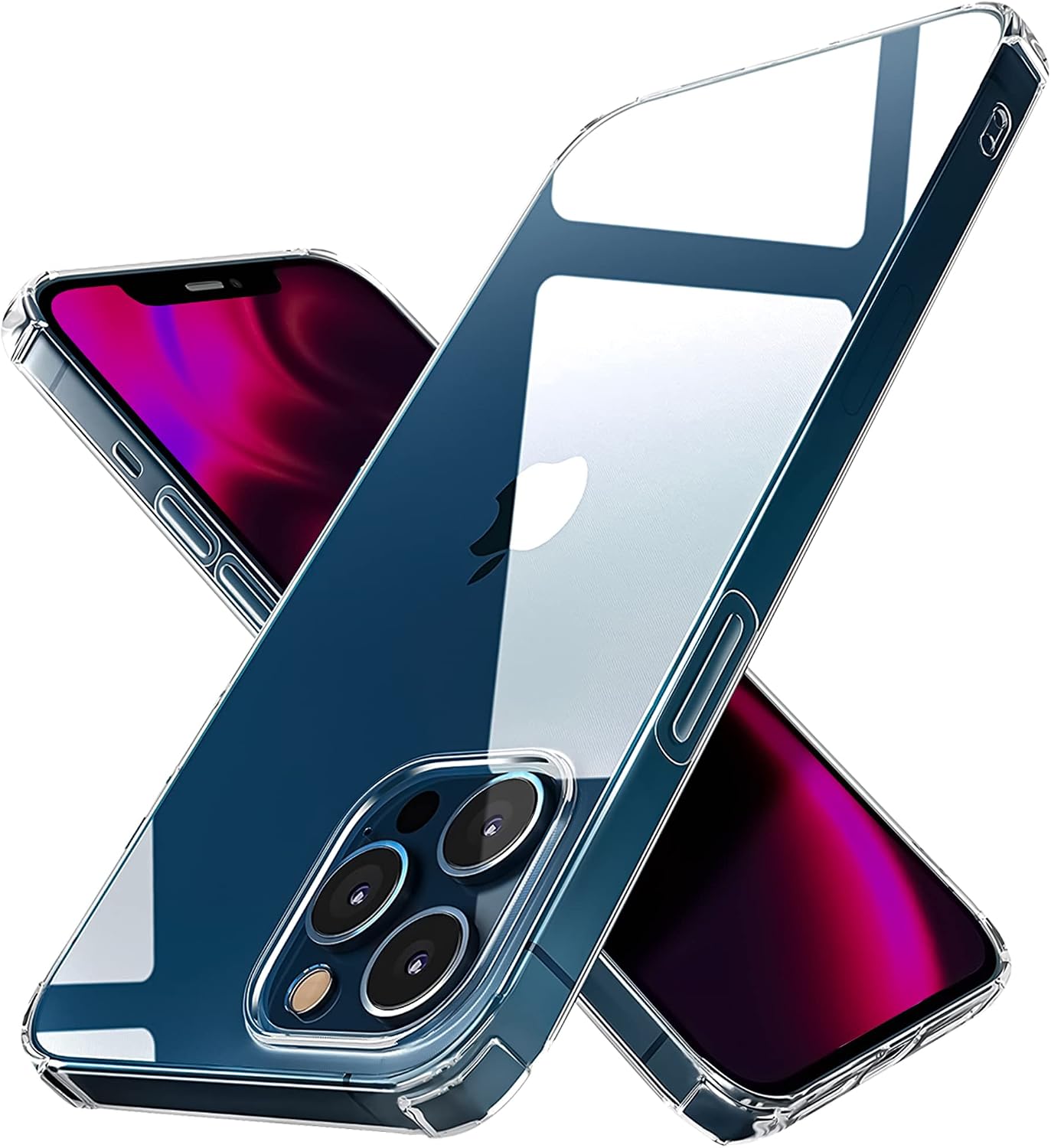

JETech
See current price


JETech
See current price


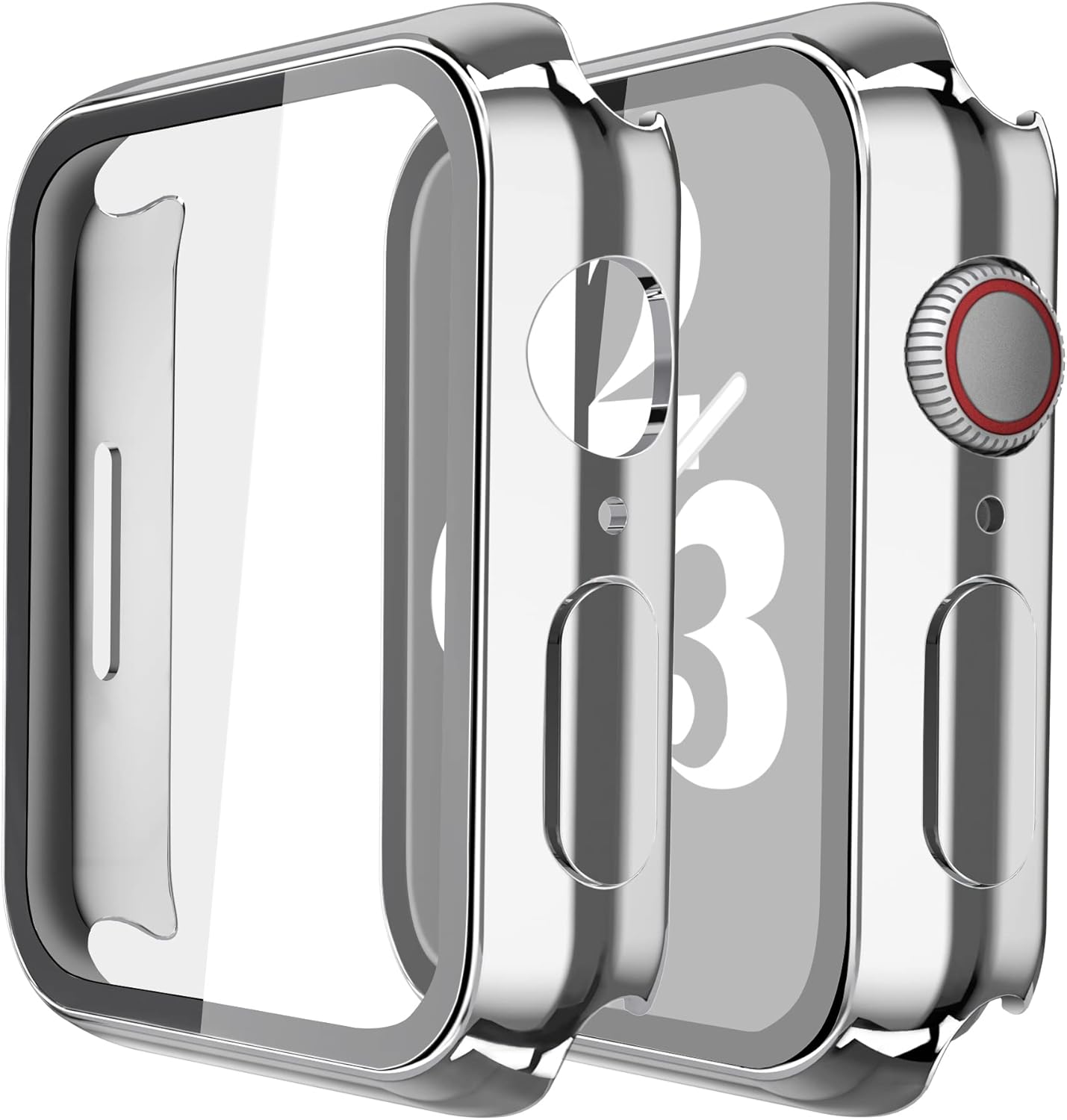


PopSockets
See current price


![Ailun 2 Pack Screen Protector for iPhone 13 [6.1 inch Display] with 2 Pack Tempered Glass Camera Lens Protector,[9H Hardness]-HD[4 Pack]](https://m.media-amazon.com/images/I/71iaXGldcsL._AC_SL1500_.jpg)
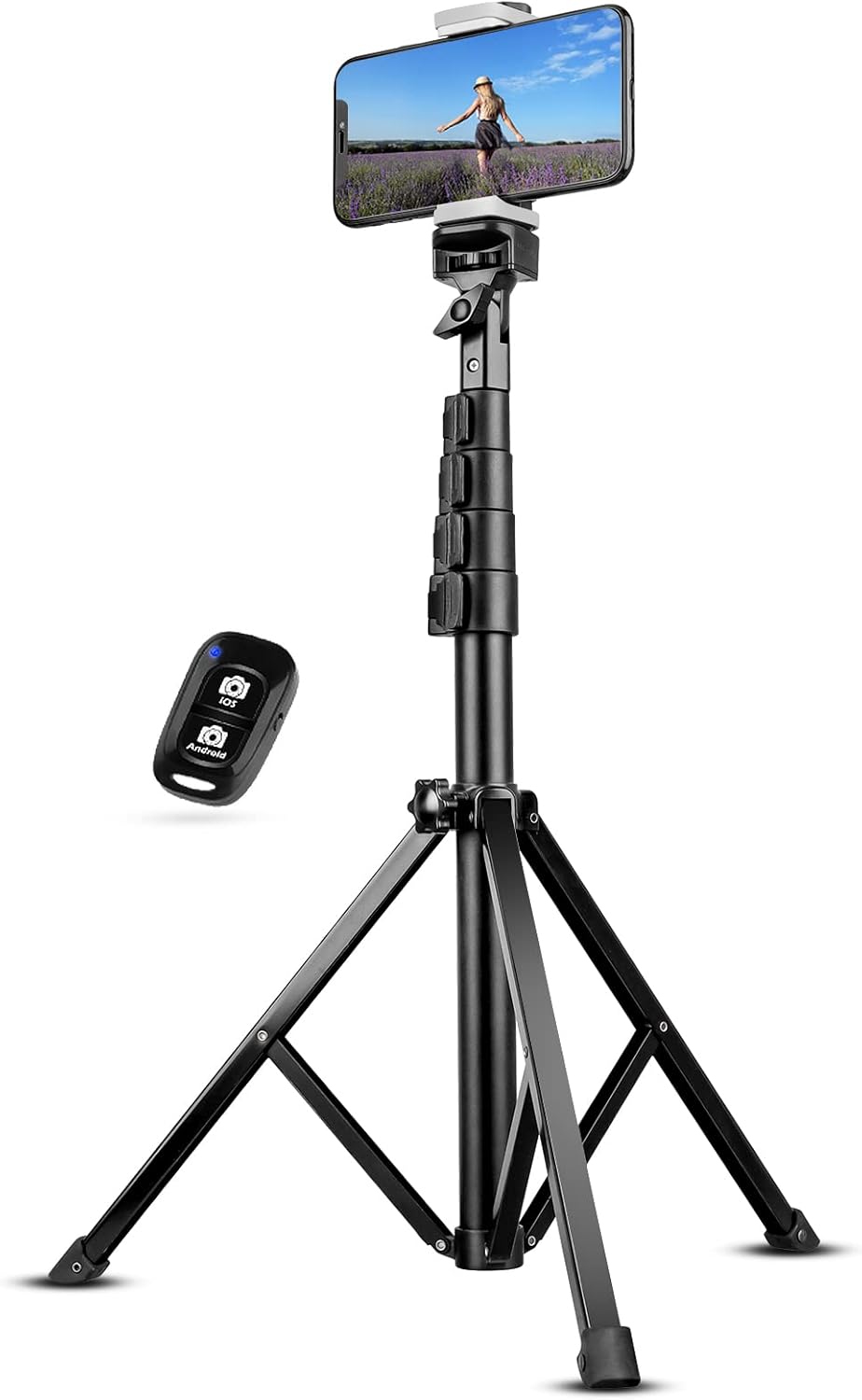
Cell phones and accessories cover everything from the handset itself to the case, charging setup, connectivity options, and replacement parts that support everyday use. The right choice depends on the exact phone model, how you use it, and which features matter most—such as portability, protection, battery support, camera capabilities, or wireless connectivity.
K-Catalog helps shoppers compare product specifications and features before clicking through to Amazon for current availability and pricing. Start with the most relevant section, then verify compatibility and included accessories before making a decision.
Begin by identifying the device or accessory you need. A phone case, screen protector, charging cable, SIM card, and handset each require a different kind of comparison. If you are replacing an existing item, check the exact phone name or model designation first; products made for a similar-looking device may not fit correctly.
Next, consider how the product will be used:
Product descriptions should be checked carefully for what is included. A listing may show a phone with accessories or a case with a screen protector in images, but the written package contents are the better reference for comparison.
The largest parts of this catalog are devoted to protection and general mobile accessories, making them useful starting points for shoppers building a complete setup.
Because the category is broad, using a focused section can make it easier to compare products with similar purposes instead of sorting through unrelated accessories.
When choosing a cell phone, start with compatibility. Confirm that the device works with the intended carrier or network and that its connectivity options suit your location and plan. A phone’s physical dimensions and port layout also affect which cases, screen protectors, cables, and mounts can be used with it.
Other specifications to review include:
For used, renewed, or trade-in-related products, read the condition description carefully and check what the seller identifies as included. Do not assume that an accessory shown in a product image comes with the device.
A case should match the precise phone model and leave the camera, buttons, speakers, microphones, and charging port usable. Compare the case profile, grip, closure, stand or wallet functions, and stated protection features. A slim case may be convenient for pockets, while a more structured design may appeal to shoppers who prioritize extra coverage.
For screen protectors and similar items, compare the intended model, coverage area, installation method, and whether the product is sold alone or as part of a bundle. Compatibility matters more than a general claim that a protector fits a particular phone family.
Chargers and cables require careful specification checks. Compare the connector on both ends, supported charging standards, power output, cable length, and whether the product is designed for a wall outlet, vehicle, computer, or portable battery. Wireless charging products should be checked for phone compatibility and the required placement or alignment. If a charger is intended for more than one device, verify that its output and connectors match each device.
Other accessories may include mounts, holders, adapters, earbuds, power banks, and organizational products. Compare attachment method, dimensions, controls, included parts, and intended environment. For a vehicle mount or stand, confirm that the mounting location and phone size are suitable before choosing.
The catalog includes products from brands such as Spigen, OtterBox, BENTOBEN, Samsung, LeYi, Supershieldz, Ringke, Caka, ULAK, ESR, Caseology, and UrSpeedtekLive. These names appear across the available catalog selection, particularly in phone protection and accessory browsing.
Brand familiarity can be a useful starting point, but it should not replace specification checking. Compare the exact product’s compatibility, materials, dimensions, package contents, and stated features. Two products from the same brand may serve different phone models or prioritize different uses, while products from different brands may offer similar functions in different designs.
Before selecting an accessory, write down the exact phone model and, when relevant, its generation, size, storage configuration, or carrier version. Camera placement, button locations, port design, and device dimensions can vary between closely related models.
Keep these checks in mind:
Mobile products also connect with broader shopping needs. Shoppers arranging a travel setup may browse Clothing, Shoes & Jewelry for carry and travel essentials, while a home charging station may relate to Home & Kitchen. Other technology comparisons can be found in Electronics, and adjacent household needs include Beauty & Personal Care, Health & Household, and Sports & Outdoors.
Check the exact phone model and generation first. Then compare the case’s dimensions, camera and port openings, protection style, grip, thickness, and any added functions such as a stand or card storage.
Review network compatibility, display, performance, storage, cameras, battery and charging support, software, physical design, and package contents. The most important specifications depend on how you use the phone.
Match the charger and cable connectors to the phone and power source, then compare supported charging standards, output, cable length, and package contents. Confirm compatibility with the exact device.
No. Compatibility can depend on the phone’s network support, SIM format, carrier restrictions, activation requirements, and service terms. Check the listing and your intended carrier before choosing.
It can be useful if you want coverage for both the display and the phone’s edges, but confirm that the protector and case are designed to work together and fit the same device model.
Read the listing’s eligibility and condition requirements, including any information about device functionality, damage, account status, included parts, and inspection. Requirements can differ by product or service.