

PlayStation 5 Games and Accessories
Compare PlayStation 5 games and accessories by format, compatibility, features, and intended use. Browse the catalog to narrow your options, then check Amazon for current availability.
426 products in catalog
426 results
Filters
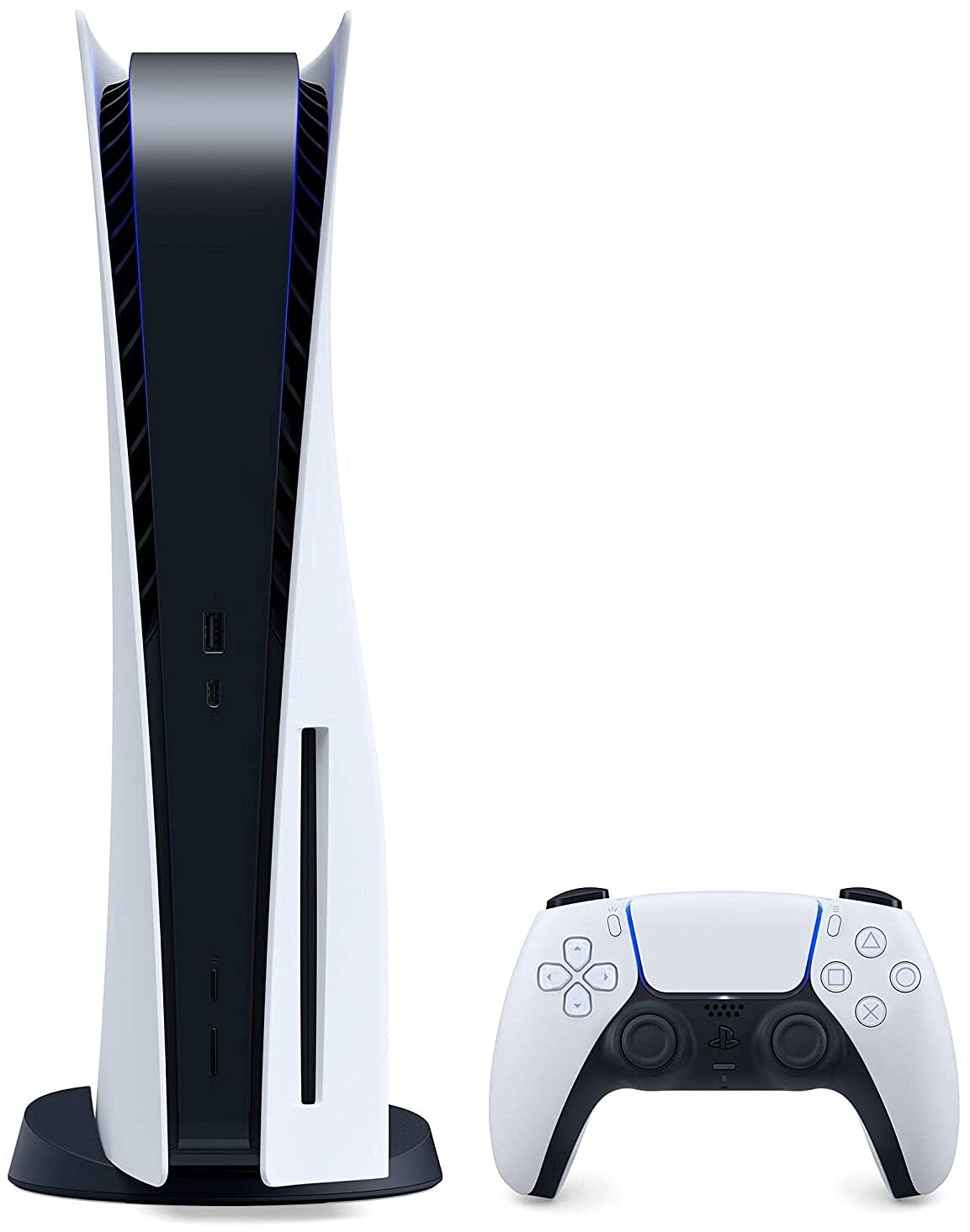


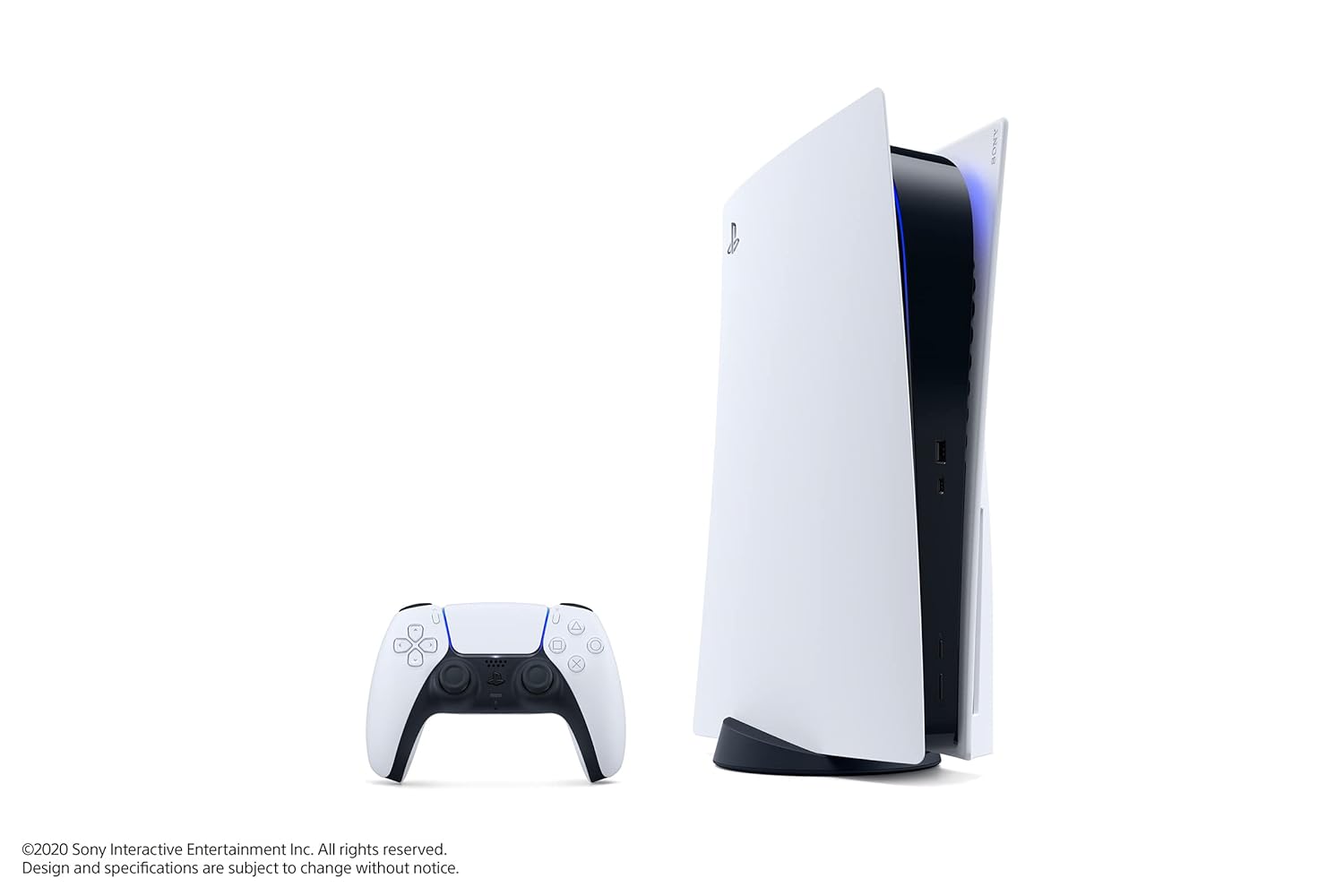

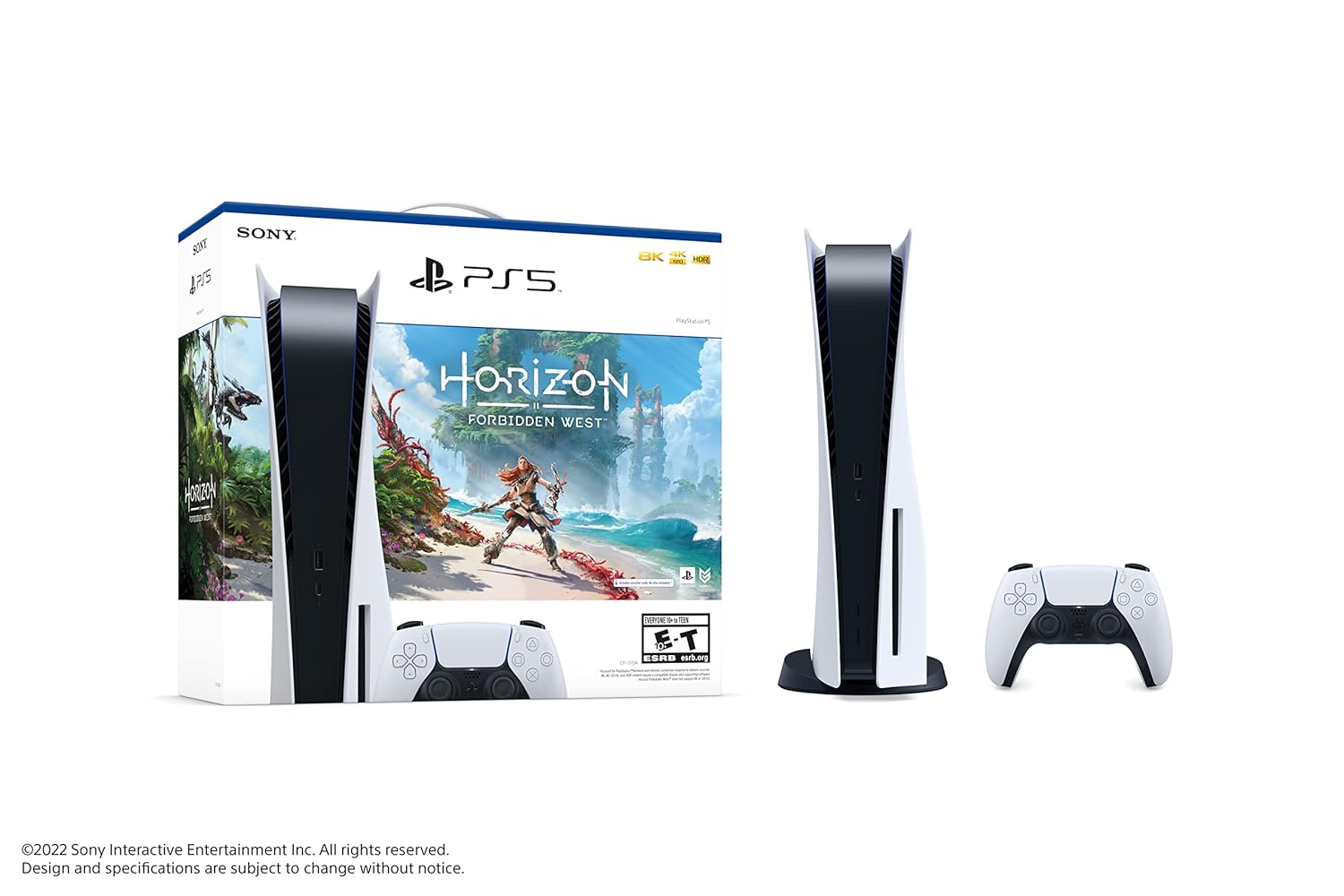

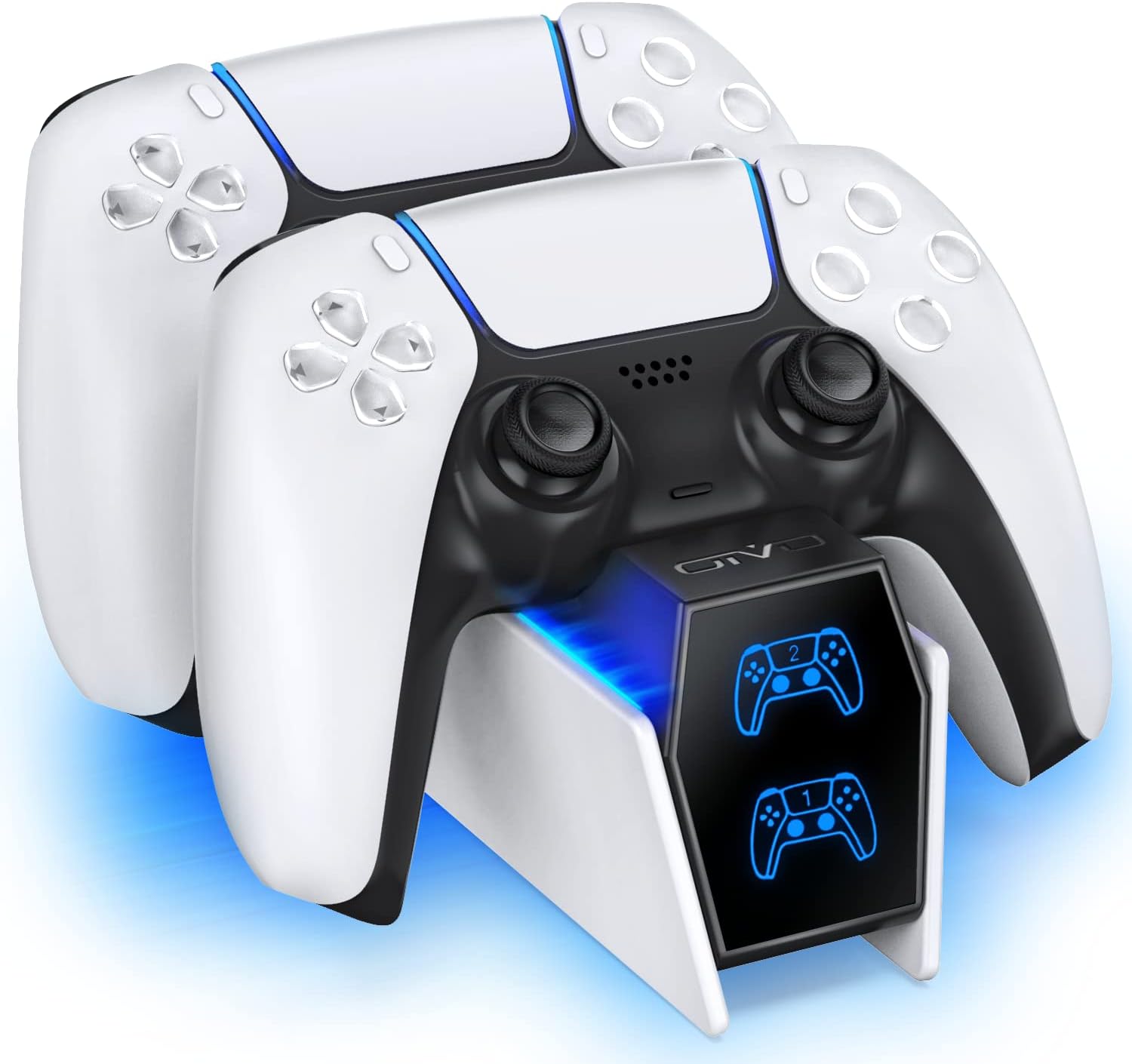
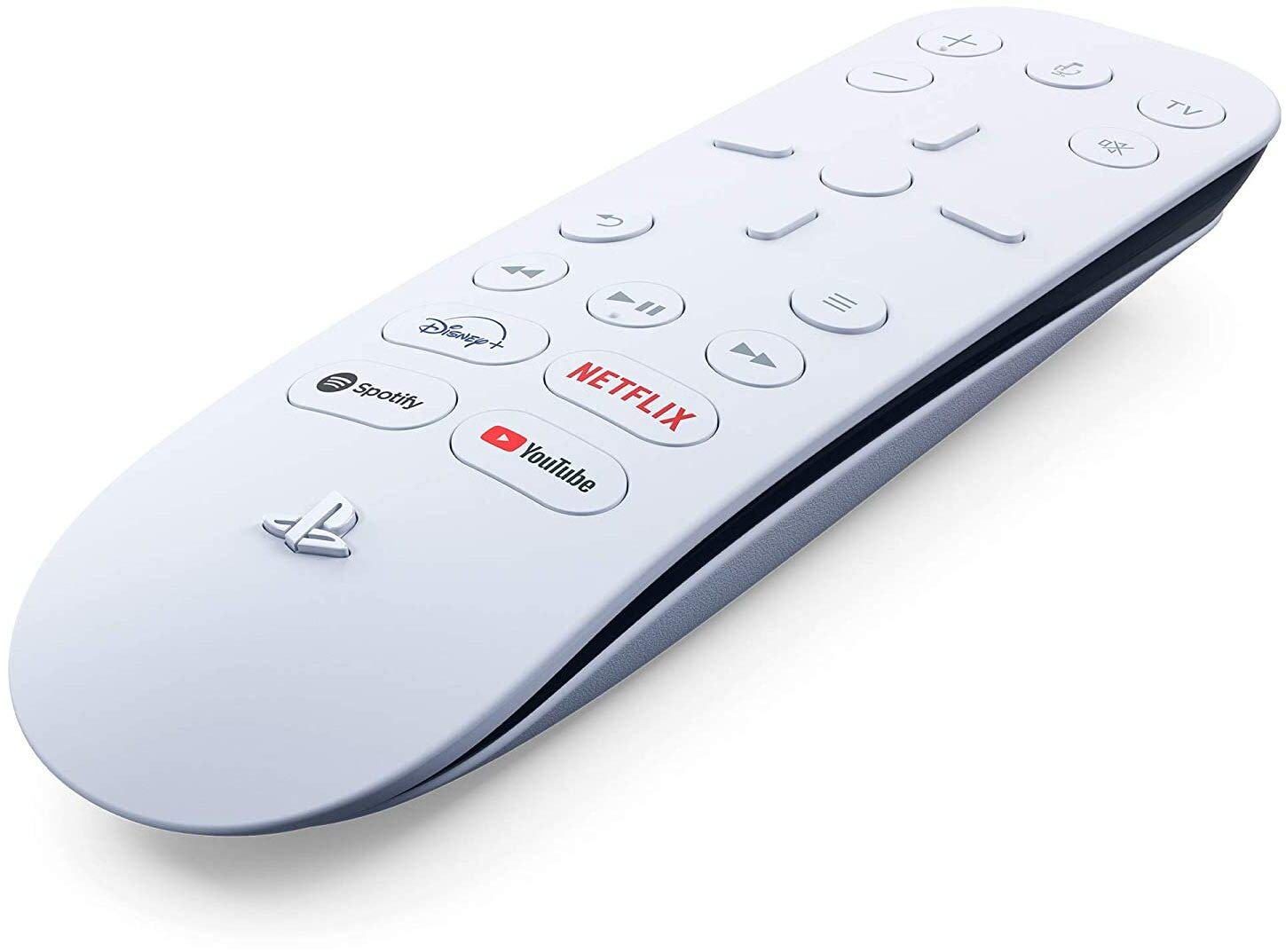


Popular brands in PlayStation 5
Whether you are expanding a game library, replacing a controller, or setting up a more comfortable gaming space, the right PlayStation 5 product depends on how you play. Compare compatibility, physical design, connection type, storage needs, and included features rather than choosing by appearance alone.
This catalog brings together PlayStation 5 games and accessories from brands including Sony, PlayStation, Extremerate, Deep Silver, Maximum Games, Electronic Arts, Square Enix, Playvital, SIKEMAY, Mcbazel, GAMEROOM, and wds. Brand presence is provided for catalog browsing, not as an endorsement.
Choose the right PlayStation 5 category
Start by deciding whether you need software or hardware:
- PlayStation 5 Games are suitable for building a new library or finding a particular style of entertainment. Compare genre, edition, format, supported play modes, and any included content.
- PlayStation 5 Accessories include products that can support comfort, control, charging, protection, storage, or organization. Check compatibility and connection details carefully before buying.
If you are comparing platforms as well as products, browse the broader Video Games catalog. Other system categories such as PlayStation 4 may be useful when checking cross-generation compatibility or choosing a product for a different console.
How to compare PlayStation 5 games
Game listings can differ significantly even when they belong to the same genre. Consider the type of experience you want, including single-player campaigns, local multiplayer, online play, strategy, action, role-playing, sports, or family-oriented entertainment.
Important details to check include:
- Format: Confirm whether the listing is for a physical release, a digital code, or another format. Make sure it matches the way you access games on your console.
- Edition and included content: Special, complete, or bundle editions may differ in included expansions, bonuses, or additional content.
- Play modes: Look for information about offline play, local multiplayer, online features, or any account or service requirements.
- Compatibility notes: Check the product description for console requirements and whether any features depend on a particular system setup.
- Storage considerations: Large game installations may require available console storage, so consider your current library before adding another title.
For a gift, genre and age suitability may matter more than advanced features. For regular players, supported play modes and included content are often more useful comparison points.
How to compare PlayStation 5 accessories
Accessories serve different purposes, so identify the problem you want to solve first. A charging or storage product should fit your existing setup, while a controller accessory should match the way you hold and use the controller.
Compare these specifications where available:
- Compatibility: Look for explicit PlayStation 5 support and check whether the accessory works with the exact controller, console edition, or peripheral you own.
- Connection method: Wired, wireless, USB, and other connection types can affect setup, range, portability, and charging requirements.
- Power and charging: Check how the accessory receives power, whether cables or adapters are included, and how many devices it is designed to support.
- Materials and fit: Covers, grips, shells, stands, and protective products should fit securely without interfering with buttons, ports, ventilation, or access to the disc area.
- Included items: Review the package contents so you know whether extra cables, replacement parts, tools, or installation components are supplied.
- Use environment: A compact product may suit a travel setup, while a larger stand or organizer may be better for a permanent gaming area.
Avoid assuming that an accessory is universal. Similar-looking controllers and console accessories can have different shapes, ports, and placement requirements.
Brands represented in the catalog
The PlayStation 5 catalog includes products associated with Sony and PlayStation, along with third-party brands such as Extremerate, Playvital, SIKEMAY, Mcbazel, GAMEROOM, and wds. Game listings also include publishers or brands such as Deep Silver, Maximum Games, Electronic Arts, and Square Enix.
Use the brand name as one way to narrow browsing, then compare the actual specifications, compatibility notes, package contents, and intended use of each listing. Product features can vary within the same brand.
Compatibility and setup tips
Before selecting a product, check the PlayStation 5 setup you already have. Confirm available ports, controller type, console placement, storage space, and whether you need a wired or wireless connection. For replacement parts or cosmetic accessories, compare dimensions and attachment methods rather than relying only on product photos.
For games, verify the edition and format before purchasing. For accessories, retain installation instructions and check that cables are routed without putting stress on ports. Protective items should not block ventilation or prevent normal access to buttons, drives, or connectors.
Players comparing several console ecosystems can also browse Xbox Series X & S, Nintendo Switch, or PC. For older hardware, Legacy Systems offers a separate place to compare products outside the current PlayStation 5 category.
Frequently asked questions
What can I find in the PlayStation 5 category?
This category includes PlayStation 5 games and accessories. Use the subcategory links to focus on software or hardware before comparing individual listings.
How do I choose a PlayStation 5 game?
Compare genre, format, edition, play modes, included content, and compatibility notes. Also consider whether you prefer solo play, local multiplayer, or online features.
How do I check whether an accessory will fit?
Look for explicit compatibility information and compare the accessory’s supported console, controller, connection type, dimensions, and included installation parts with your existing setup.
Are all PlayStation 5 games the same format?
No. Listings can represent different formats or editions. Check the product description to confirm what is included and how the game is accessed.
Should I compare brands or specifications first?
Brand can help organize your search, but specifications are more important for confirming compatibility, included features, fit, and intended use.