

Office Furniture & Lighting
Compare office furniture and lighting by dimensions, materials, adjustability, storage, and workspace compatibility. Browse organized categories to narrow your options before checking current details on Amazon.
3,828 products in catalog
3,828 results
Filters


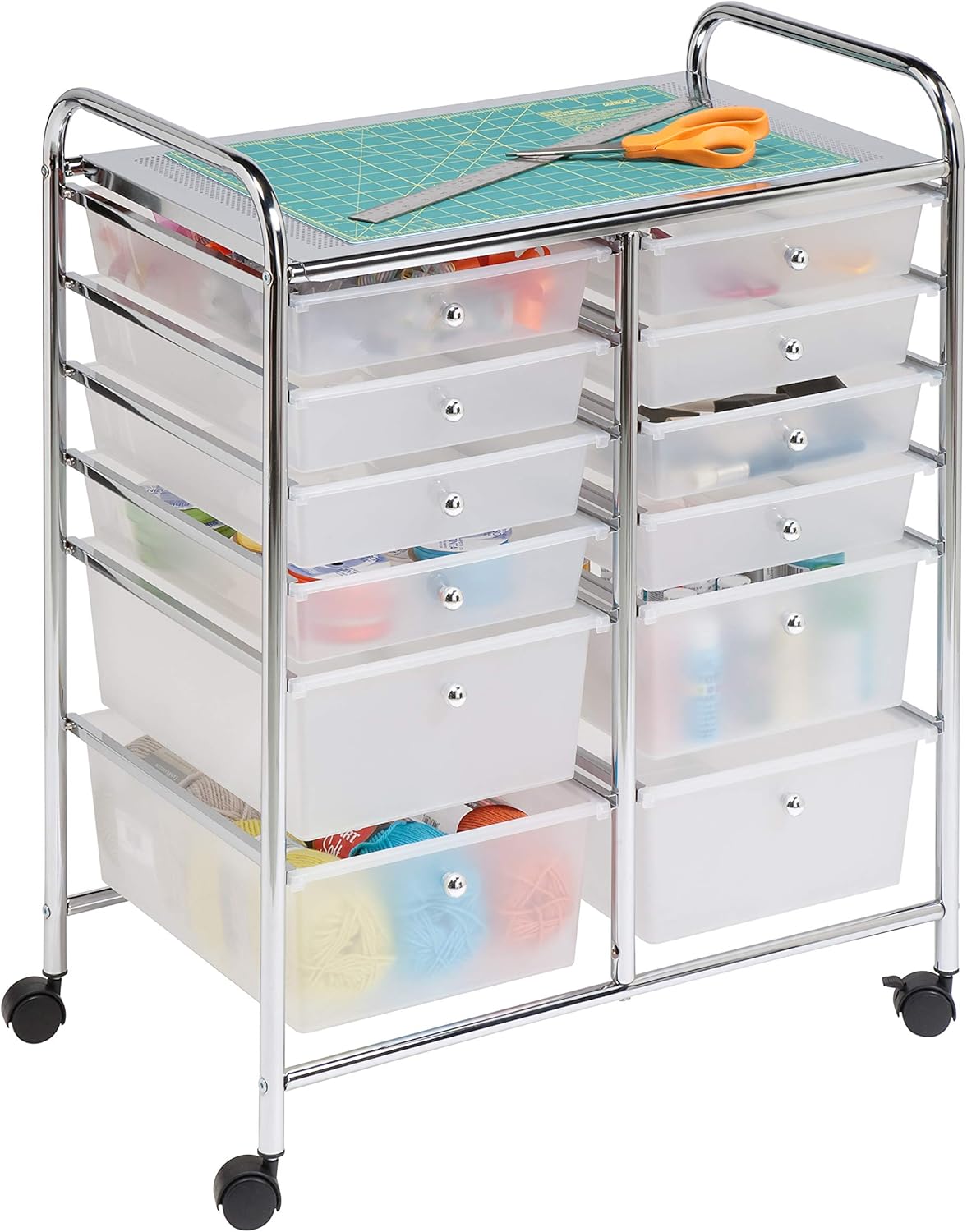
Honey-Can-Do
Honey-Can-Do Rolling Storage Cart and Organizer with 12 Plastic Drawers
See current price


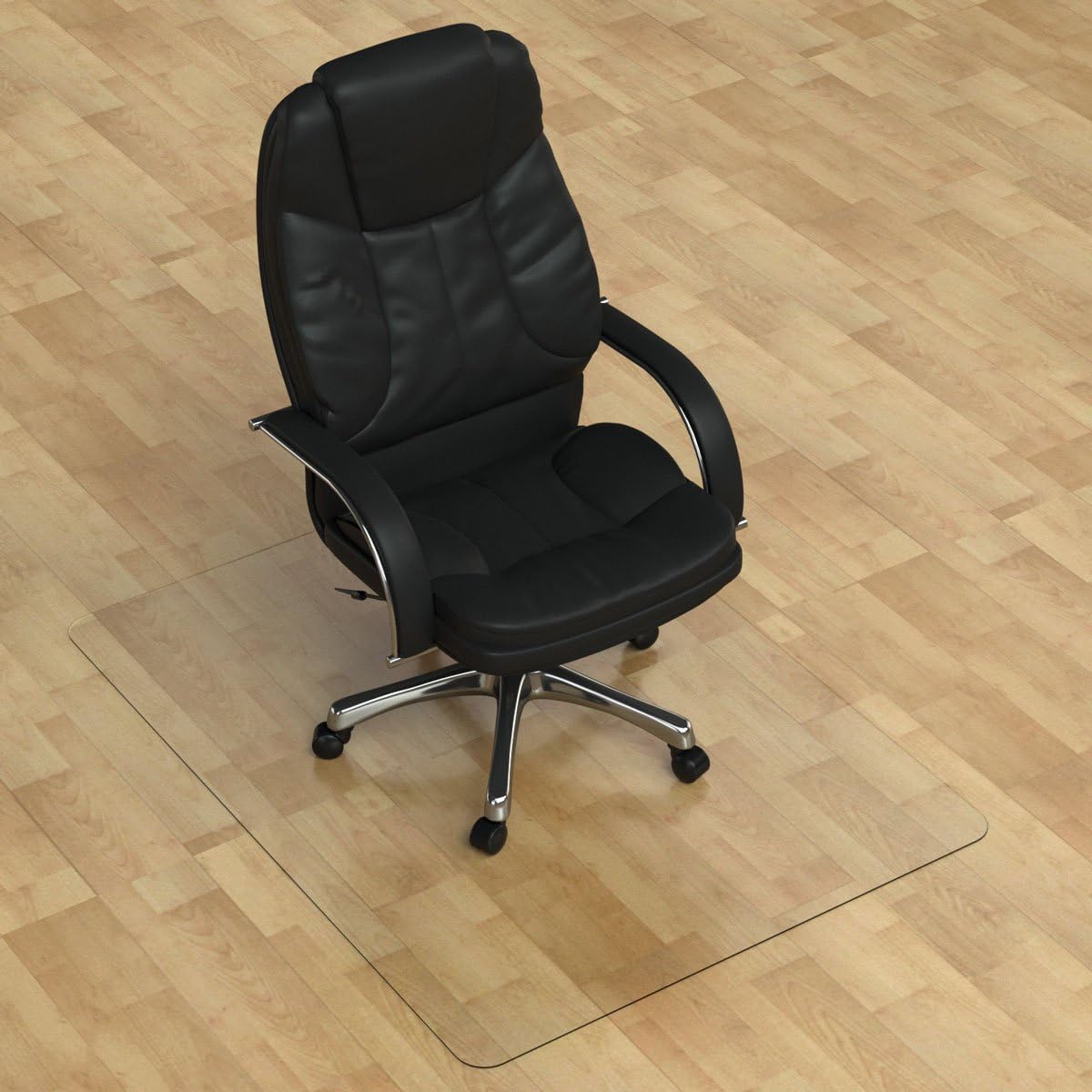

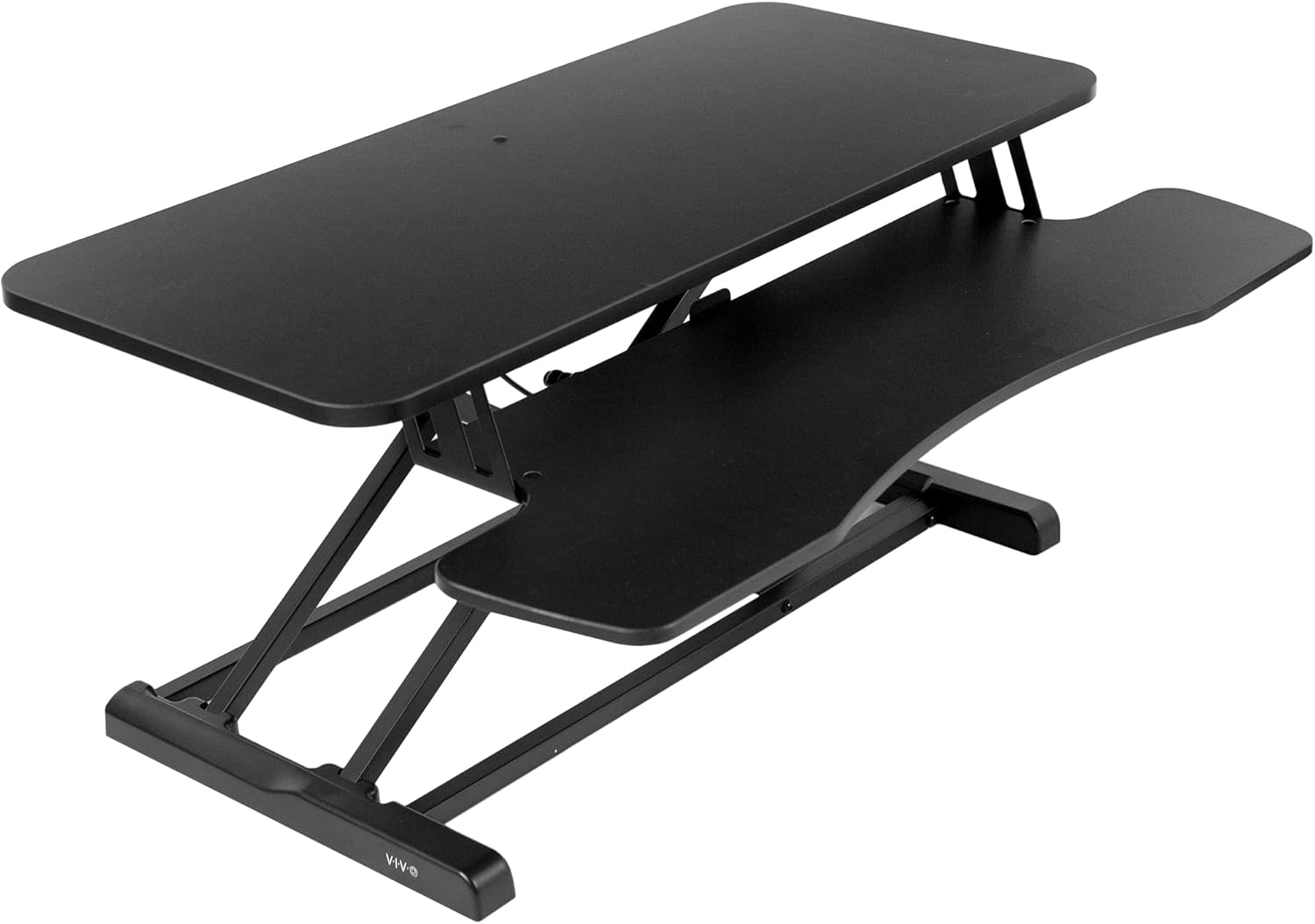


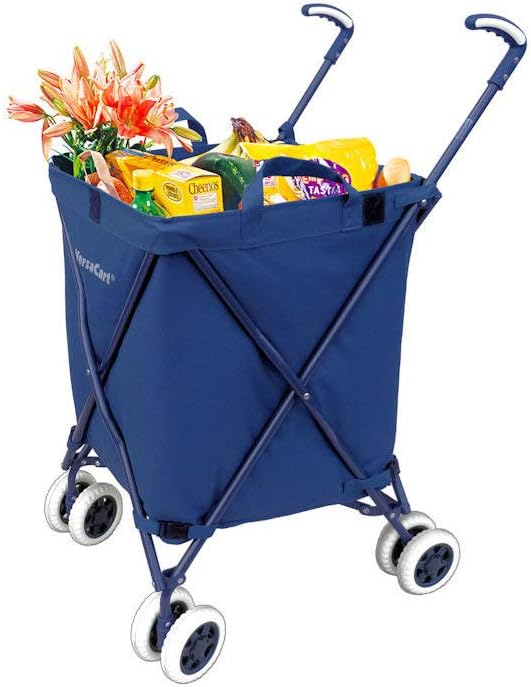
Create a more practical workspace by comparing office furniture and lighting based on how you work, the space available, and the equipment you need to support. K-Catalog brings together office furniture categories so you can review product specifications and features before visiting Amazon for current purchasing information.
Whether you are furnishing a home office, improving a shared workspace, or adding storage and accessories to an existing setup, start with the products that solve your main space or comfort issue. Then check measurements, construction details, compatibility, and adjustment options rather than choosing based on appearance alone.
Choose the right office category
The catalog’s largest selection is in Furniture Accessories, useful for additions that improve organization, comfort, cable management, positioning, or everyday desk use. Explore Furniture Accessories when the main desk or chair is already in place and you need a targeted upgrade.
For mobile equipment, display support, or flexible room layouts, browse Carts & Stands. These products can suit offices that need to move devices or supplies between work areas, although wheel design, locking features, load capacity, and footprint should be checked carefully.
Seating is covered in Chairs & Sofas, while Cabinets, Racks & Shelves is the natural starting point for document storage, equipment organization, and vertical use of available space. For a complete primary workstation, compare Desks & Workstations. Tables can be useful when a room needs an additional surface for meetings, projects, or shared tasks.
How to compare office furniture
Measure the intended area before comparing styles. Record the available width, depth, and height, including clearance for drawers, doors, chair movement, walking paths, and nearby equipment. A product that fits the room on paper may still be inconvenient if it restricts movement or blocks outlets.
Consider how the furniture will be used throughout the day:
- Seating: Compare seat height, back support, armrest design, padding, upholstery, base construction, and adjustment range where provided.
- Desks and tables: Check working surface dimensions, height, legroom, frame design, cable openings, and whether the layout suits a monitor, laptop, paperwork, or other equipment.
- Storage: Look at shelf spacing, compartment dimensions, door or drawer operation, weight limits, and whether the unit is intended for floor or wall placement.
- Carts and stands: Review wheel type, braking, platform size, height adjustment, and stability for the equipment being supported.
- Accessories: Confirm the attachment method, supported dimensions, material, and compatibility with the desk or furniture already owned.
If lighting is part of the setup, compare the lamp or fixture’s placement options, adjustability, switch location, power connection, and the amount of desk space it occupies. Also consider whether the light can be positioned to reduce screen glare and shadows on paperwork.
Features that affect daily use
Material and finish influence durability, maintenance, and the visual fit of a workspace. Metal frames may suit equipment stands and heavily used furniture, while wood-based or laminate surfaces can provide a conventional desk appearance. Mesh, fabric, leather-like, and plastic seating surfaces each have different cleaning and comfort considerations.
Adjustability is especially important when more than one person will use the workstation. Look for adjustable chair components, monitor or device positioning, desk height options, and movable storage where flexibility matters. If a product requires assembly, check the listed assembly method, included hardware, and the space needed to put it together safely.
For larger furniture, pay attention to delivery access and final placement. Compare packaged or assembled dimensions when available, and confirm that the item can pass through doors, stairways, and elevators. For tall shelving or cabinets, review stability information and follow any recommended anchoring or placement guidance.
Brands represented in the catalog
The catalog includes products from DEVAISE, Amazon Basics, VIVO, OfficeMarshal, Office Marshal, BestOffice, SALLOUS, Lorell, Flash Furniture, FEZIBO, Mind Reader, and Seville Classics. These brands appear across office furniture, accessories, seating, organization, and equipment-support categories. Compare the specifications of individual products rather than assuming that every item from one brand has the same construction or intended use.
Build a complete workspace
Furniture works best when selected as a system. A desk should leave enough room for the chair and allow equipment to sit at a comfortable working position. Storage should keep frequently used items within reach without overcrowding the primary surface. A cart or stand can separate devices from the main work area, while an accessory may improve organization without replacing the furniture.
For related workspace needs, browse Office & School Supplies for everyday materials and Office Electronics for devices that may need desk, stand, or cable compatibility. The Education Store may also be relevant when furnishing a study area, classroom, or learning workspace.
Frequently asked questions
What should be measured before buying office furniture?
Measure the available width, depth, and height, then allow clearance for chairs, drawers, doors, cables, and walking paths. Check the product dimensions as well as any assembly or placement requirements.
How do I choose furniture for a small office?
Prioritize a compact footprint, useful storage, and flexible positioning. Carts, stands, vertical shelving, and accessories can add function without requiring a larger primary desk.
What should I compare when choosing an office chair?
Compare seat dimensions, height range, back design, armrests, padding, upholstery, base, and casters. The right features depend on the user’s posture, desk height, and expected daily use.
Are office accessories compatible with every desk?
No. Check attachment methods, thickness limits, supported device sizes, mounting space, and weight capacity before selecting an accessory.
What matters when choosing office lighting?
Consider adjustability, placement, controls, power requirements, footprint, and whether the light can be positioned to limit glare on screens or shadows on work materials.