

Microphones & Accessories
Compare microphones and supporting gear for recording, streaming, vocals, instruments, presentations, and live performance. Browse specifications and features to narrow your options.
1,836 products in catalog
1,836 results
Filters
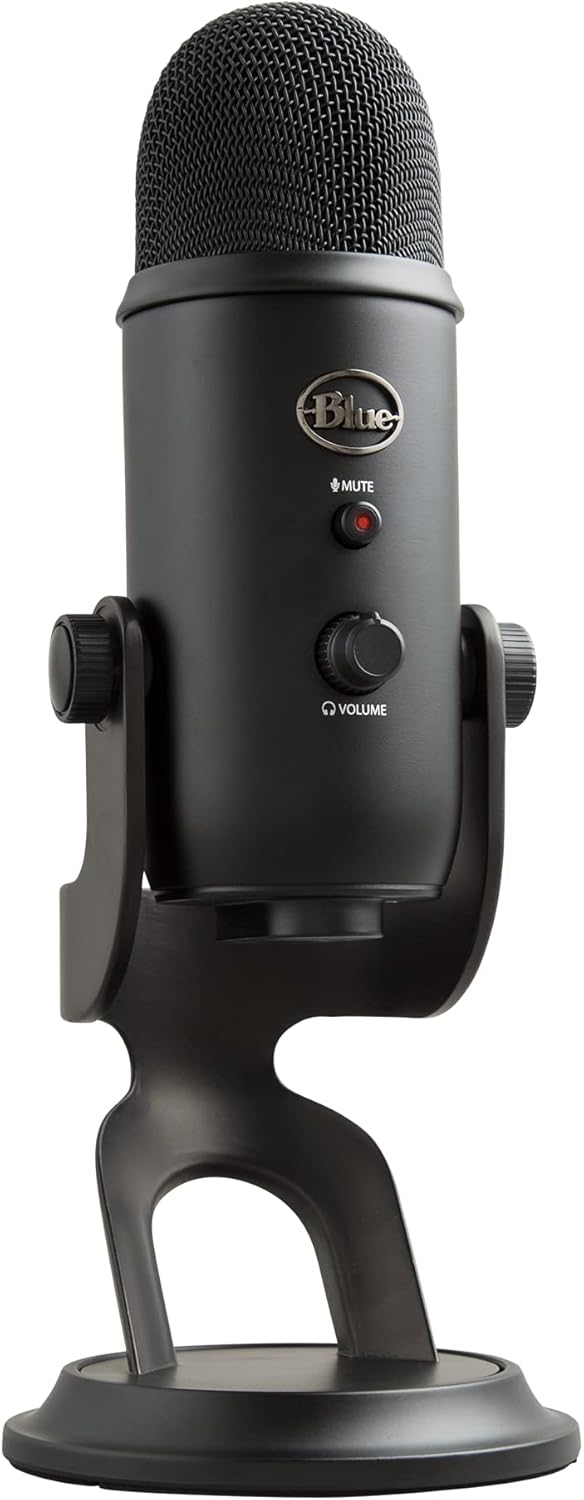

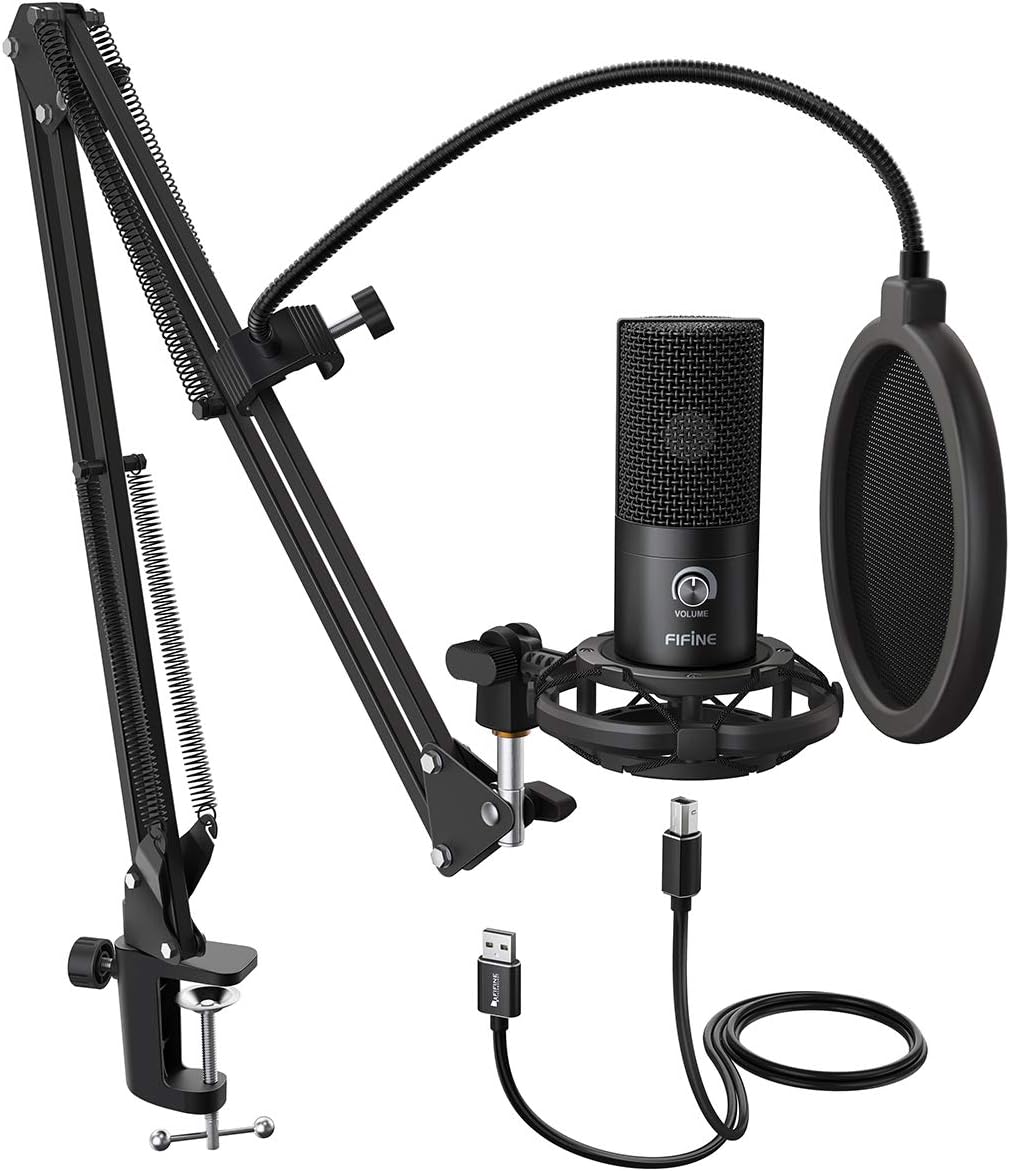


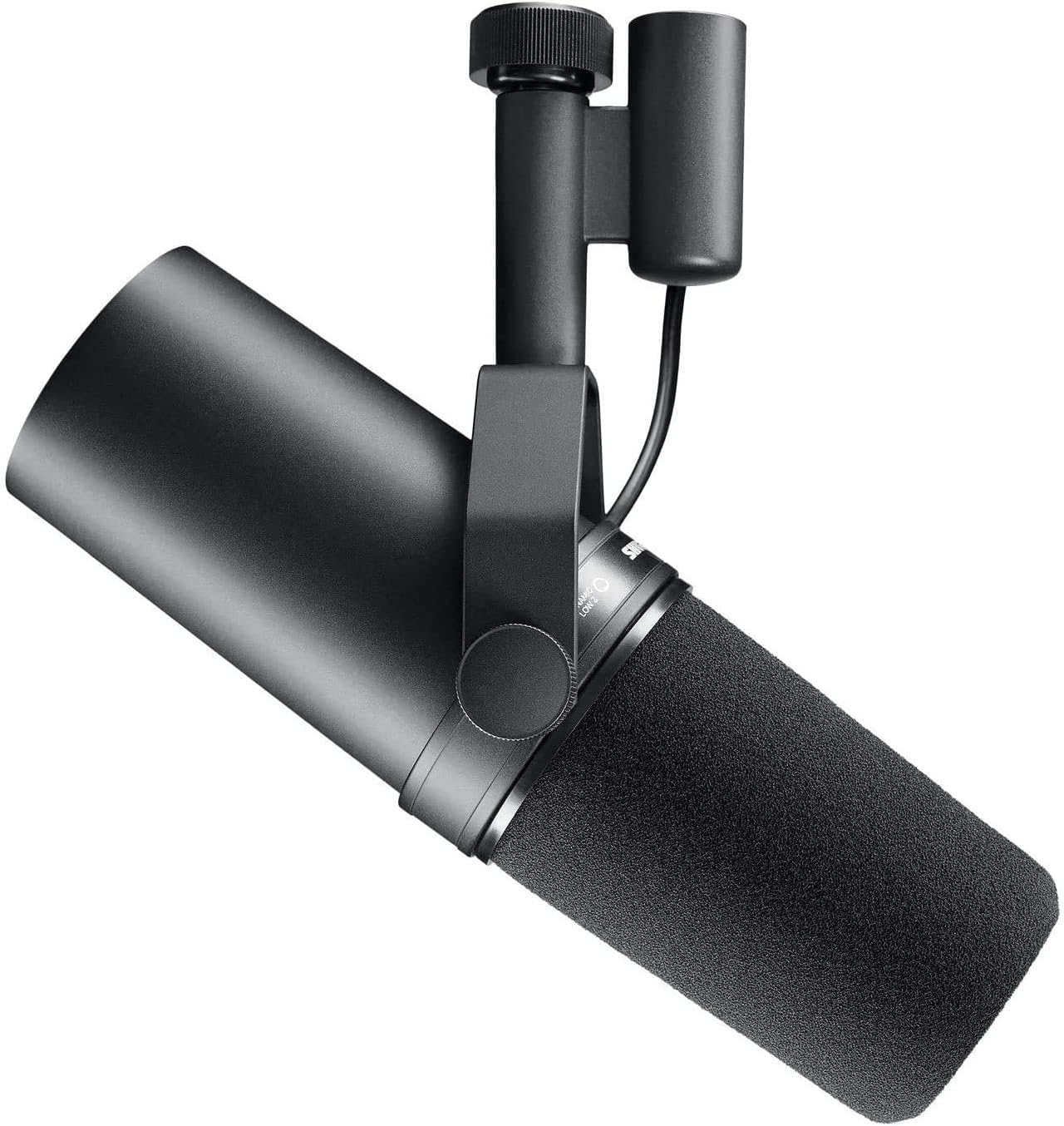


Singing Machine
Singing Machine SMM-205P Unidirectional Dynamic Karaoke Microphone with 10 Ft. Cord, Pink, One Size
See current price

Mudder
Mudder Mic Cover Foam Microphone Windscreen, Condenser Microphone (Size A, 1 Pack)
See current price
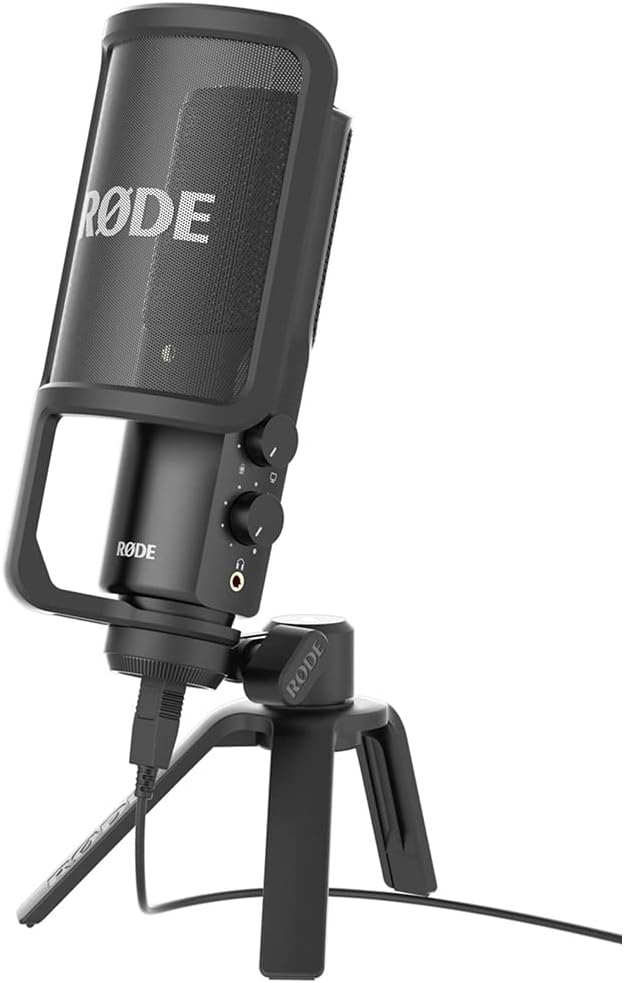

Amazon Basics
Amazon Basics Adjustable Boom Height Microphone Stand with Tripod Base, Up to 85.75 Inches - Black
See current price




Popular brands in Microphones & Accessories
Microphones & Accessories covers the equipment used to capture, shape, position, and protect sound. The right choice depends on your source, recording environment, connection, and intended setup—not just the microphone’s appearance.
Start by deciding whether you need a microphone itself or supporting equipment such as a stand, cable, mount, windscreen, or pop filter. From there, compare the technical details that affect compatibility and sound capture.
Browse microphones and accessories
The catalog is divided into two main areas:
- Microphones includes microphones for vocals, instruments, streaming, podcasting, recording, video calls, and other audio applications. This is the larger area of the category, so it is a useful starting point when you are choosing the primary recording device.
- Accessories includes equipment that helps position, connect, isolate, protect, or improve the usability of a microphone.
For a broader search, Musical Instruments provides access to related equipment across the larger instrument category.
How to choose a microphone
Consider the sound source and the environment before comparing individual features.
- Dynamic microphones are commonly considered for loud sources, vocals, stage use, and less controlled rooms. They generally prioritize durability and focused sound capture.
- Condenser microphones are often chosen for studio vocals, acoustic instruments, voice recording, and detailed audio. They can be more revealing of room noise, reflections, and handling sounds.
- USB microphones connect directly to a computer or compatible device, making them practical for streaming, podcasting, meetings, and simple home recording setups.
- XLR microphones connect to an audio interface, mixer, or other compatible equipment. They suit users building a more flexible recording or live-sound system.
- Lavalier and compact microphones are useful for presentations, video production, interviews, and hands-free speech, depending on device compatibility and mounting needs.
Polar pattern is another important choice. Cardioid patterns focus primarily on sound in front of the microphone, while omnidirectional patterns capture sound from a broader area. Some microphones offer selectable patterns for different recording situations.
Key specifications to compare
A microphone’s specifications can help reveal whether it will work with your equipment and environment. Compare:
- Connection type: Check whether the microphone uses USB, XLR, a 3.5 mm connection, or another connector required by your device.
- Power requirements: Some condenser microphones require phantom power from an interface or mixer. USB models may receive power through their connection, but compatibility still matters.
- Frequency response: This describes the range of frequencies the microphone is designed to capture. Consider whether the intended source is speech, singing, bass, guitar, drums, or another instrument.
- Polar pattern: Match the pickup pattern to the number of people, the direction of the sound, and the amount of room noise.
- Sensitivity and maximum sound pressure level: These specifications can help determine how a microphone responds to quiet speech or loud sources.
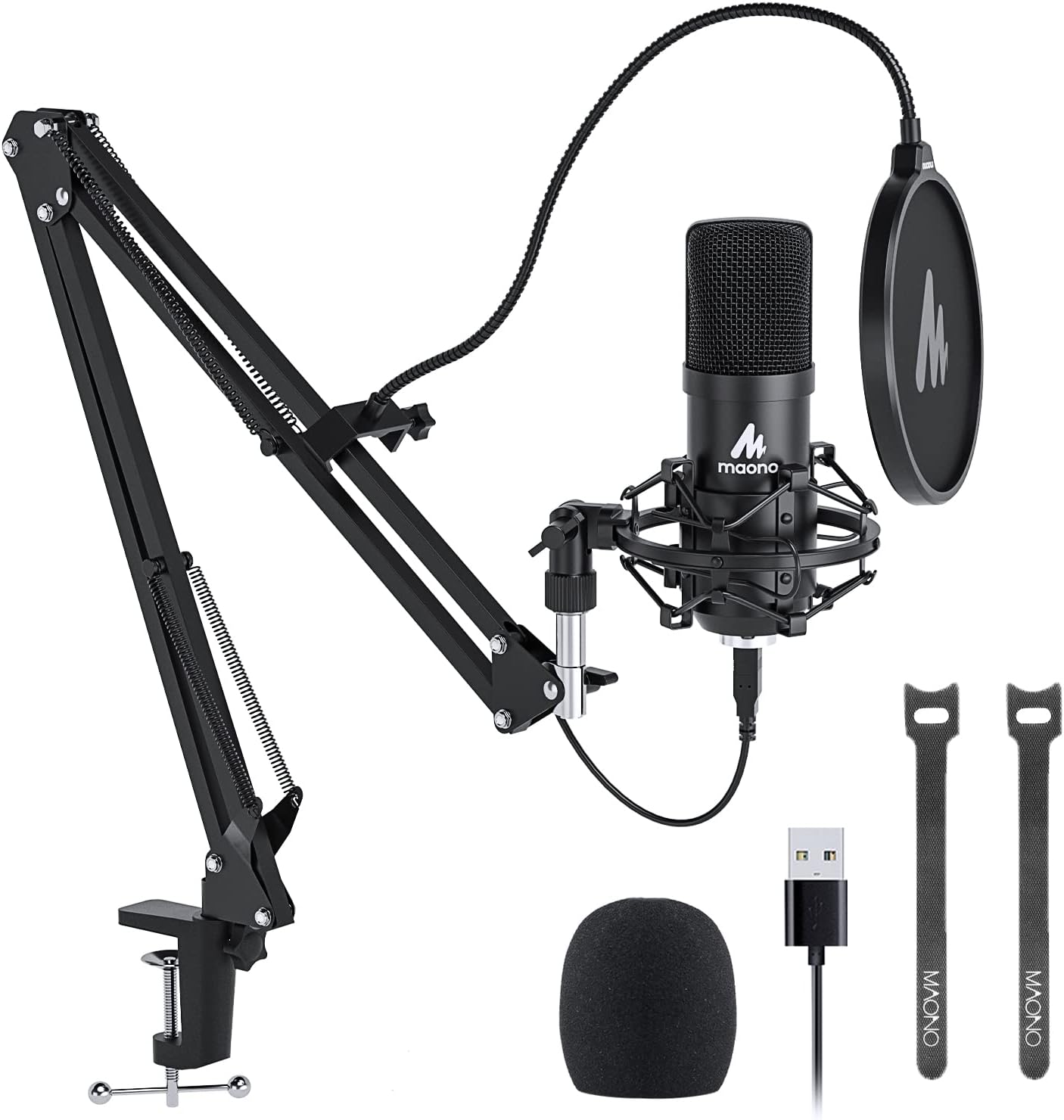
- Mounting and included components: Check for a stand mount, shock mount, clip, cable, windscreen, pop filter, or carrying case if those items are important to your setup.
Compatibility should be confirmed across the complete signal chain. A microphone may need an interface, mixer, adapter, stand, or powered connection before it can be used as intended.
Accessories that complete a setup
Accessories can affect positioning, handling noise, clarity, and convenience. A boom arm or desktop stand helps place the microphone at a consistent distance. A shock mount can reduce some vibration transfer, while a pop filter or windscreen can help manage plosive sounds and airflow.
Cables should match the microphone and the receiving device, with enough length for the intended arrangement. For live use or frequent transport, consider protective storage and sturdy mounting hardware. If several pieces are needed, check connector types and included parts carefully to avoid buying incompatible equipment.
Brands represented in the catalog
The catalog includes products from Neewer, SHURE, Pyle, Rode, OnStage, YOUSHARES, Audio-Technica, Moukey, Samson, InnoGear, Movo, and Logitech for Creators. These brands appear across different microphone formats and accessory types, so comparing specifications within the intended use case is more useful than choosing by brand alone.
For stage-focused equipment, explore Live Sound & Stage. Home and professional recording setups may also benefit from browsing Studio Recording Equipment, while Electronic Music, DJ & Karaoke may be relevant for performance and vocal applications.
Frequently asked questions
Should I choose a USB or XLR microphone?
USB is convenient for direct connection to a computer or compatible device. XLR is better suited to setups that use an audio interface, mixer, or other recording hardware and may offer more flexibility as the system grows.
What is the difference between dynamic and condenser microphones?
Dynamic microphones are often suitable for louder sources and stage environments. Condenser microphones are commonly selected when detailed capture is important, though the best option depends on the source and room.
Do I need a pop filter?
A pop filter can help reduce bursts of air from speech sounds such as “p” and “b.” It is especially useful when recording vocals, narration, podcasts, or close-miked speech.
Does every microphone need an audio interface?
No. USB microphones can connect directly to compatible devices. XLR microphones generally need an interface, mixer, or another device that accepts the signal and provides any required power.
What should I check before buying a microphone accessory?
Confirm the connector, mounting size, device compatibility, cable length, and included hardware. Also consider whether the accessory fits your desk, stand, camera, instrument, or other equipment.