

Keyboards & MIDI
Compare electronic keyboards, MIDI-focused options, and folk and world instruments by key feel, sound options, connectivity, size, and intended use.
534 products in catalog
534 results
Filters

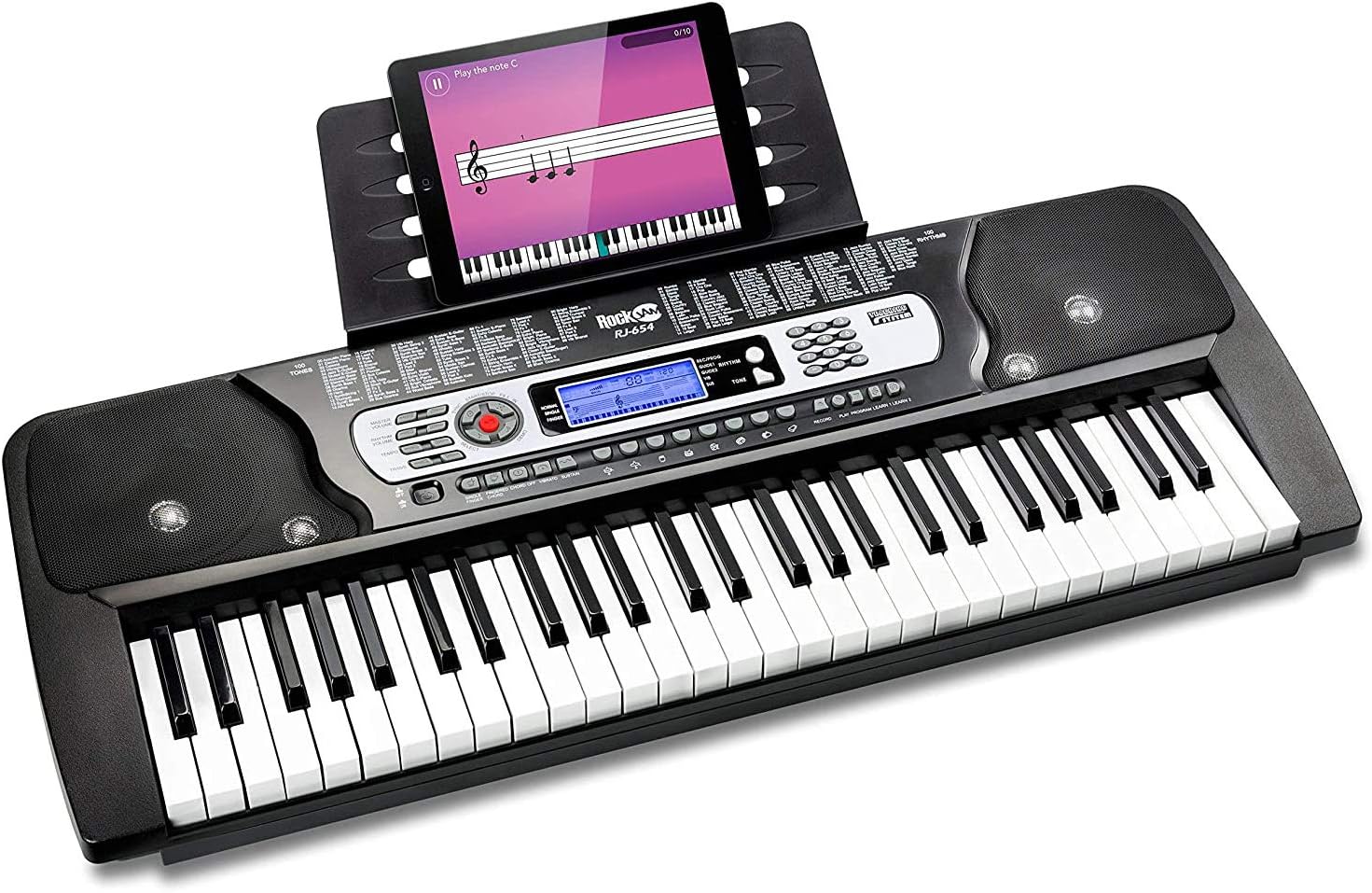


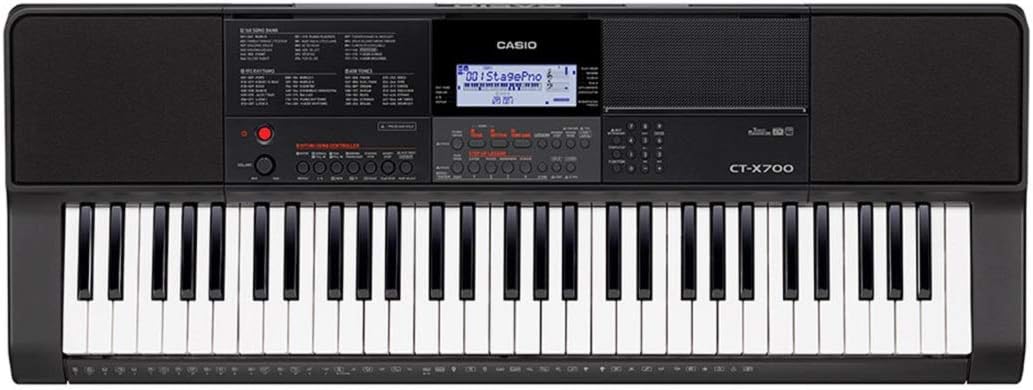
Casio
Casio CTK-3500 61-Key Touch Sensitive Portable Keyboard with Power Supply,Black
See current price






Popular brands in Keyboards & MIDI
Keyboards & MIDI covers a broad range of instruments and music-making tools, from self-contained electronic keyboards to equipment designed to control software, synthesizers, and virtual instruments. The right choice depends on whether you want built-in sounds, a realistic playing experience, portability, or hands-on control for recording and performance.
Browse the catalog to compare specifications and features before visiting Amazon for the latest product information. If you are exploring the wider instrument category, see Musical Instruments for additional options.
How to choose a keyboard or MIDI instrument
Start with the way you plan to play. A keyboard with built-in sounds and speakers can be convenient for practice, casual performance, and learning. A MIDI keyboard or controller is generally intended to send performance data to compatible software or external equipment, making it a practical choice for arranging, recording, and electronic music production.
Consider these questions:
- Do you need onboard sounds and speakers, or will you use a computer or other sound source?
- Will the instrument stay in one place, or should it be easy to carry?
- Do you prefer a piano-like response, lightweight synth-style keys, or a compact control surface?
- Does your setup require specific connections, software compatibility, or pedal support?
- Is the instrument for a beginner, live playing, home recording, or more detailed production work?
Explore the main subcategories
The catalog’s two main sections suit different musical goals:
- Electronic Keyboards — Explore self-contained keyboards and electronic instruments with features such as built-in voices, rhythms, accompaniment functions, recording tools, and different key actions. Compare them for home practice, education, songwriting, and performance.
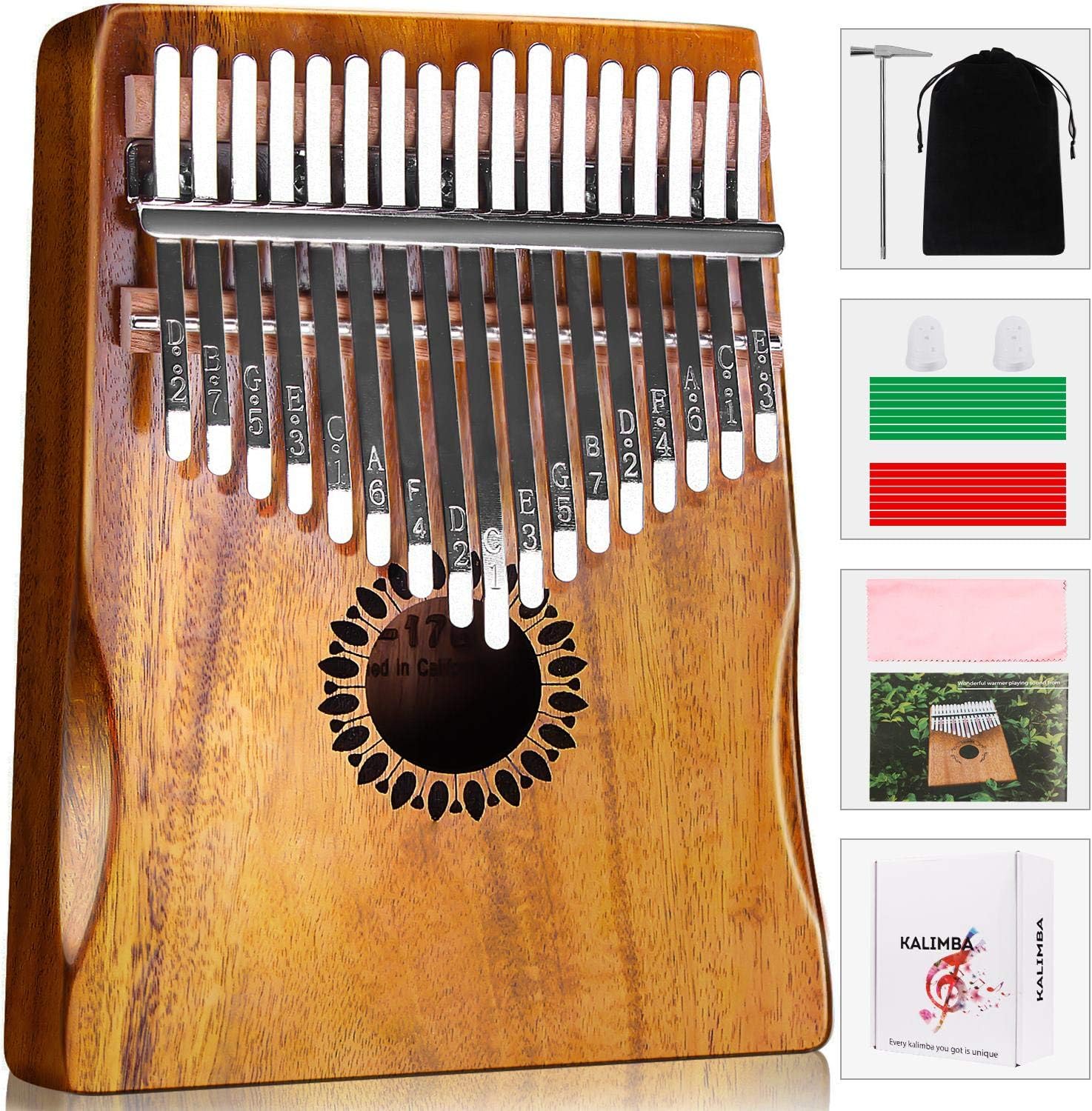
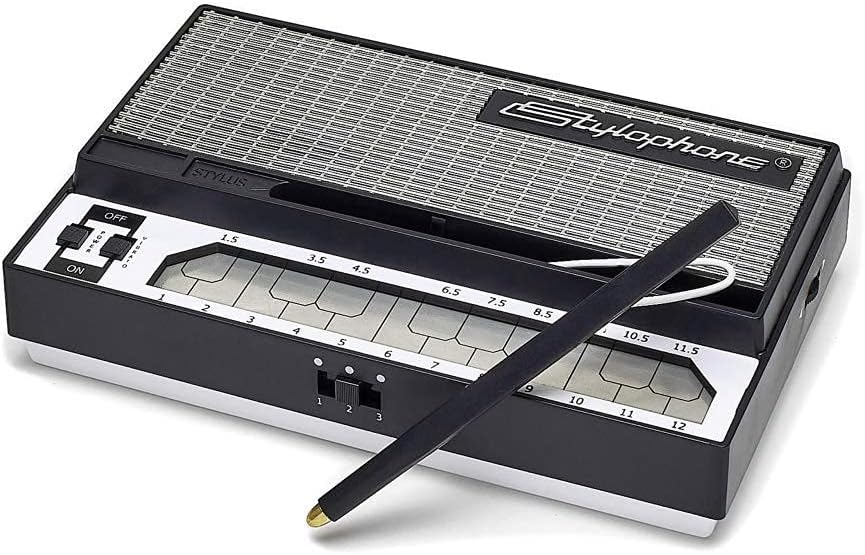
- Folk & World — Browse instruments associated with traditional, regional, and global musical styles. Pay attention to the instrument’s playing technique, tuning approach, included accessories, and whether it is intended for solo use, ensemble playing, or cultural repertoire.
Key features and specifications to compare
Key action and layout affect comfort and technique. Some players want weighted or touch-sensitive keys for more expressive piano-style playing, while others prefer a lighter action for fast parts and portability. Compare the number and size of keys, velocity sensitivity, aftertouch where offered, and the available octave or transpose controls.
Sounds and controls matter most when the instrument produces audio itself. Check the available sound categories, accompaniment or rhythm functions, built-in effects, layering and split features, and the controls used to shape or select sounds. For MIDI-focused equipment, look for pads, knobs, sliders, transport controls, arpeggiator functions, and other hands-on controls that match your workflow.
Connectivity should fit the rest of your setup. Compare USB connections, traditional MIDI ports, audio outputs, headphone connections, pedal inputs, and wireless features where applicable. Also check whether the instrument connects directly to the devices and software you intend to use.
Physical design can be just as important as the feature list. Compare overall size, weight, stand or mounting requirements, power options, speaker placement, and whether a protective case or suitable stand is available separately. If you plan to perform, make sure the controls and connections are accessible in your intended position.
Brands represented in the catalog
The catalog includes products from Yamaha, Casio, Korg, Donner, Alesis, Vangoa, LAGRIMA, GLARRY, CILILI, XGATML, Sky store, and Aeiniweraabbcc. Treat brand as one comparison point rather than a substitute for checking the individual specification sheet. Key action, connectivity, included functions, dimensions, and intended use can vary substantially between products from the same brand.
For setup needs beyond the instrument itself, Instrument Accessories may be useful for stands, pedals, cables, cases, and other supporting equipment. Producers can also compare Studio Recording Equipment and Electronic Music, DJ & Karaoke categories when building a larger setup.
Setup and compatibility tips
Before choosing a MIDI-capable instrument, confirm the operating system, software, and connection type required by your setup. A USB connection does not always serve the same purpose as a traditional MIDI connection, so check how data and audio are handled. If you plan to use headphones, external speakers, or a mixer, verify the available outputs and any required adapters.
For electronic keyboards, check whether the product includes a power supply, music stand, sustain pedal, or other essentials. For folk and world instruments, review the tuning method, string or membrane type where relevant, maintenance needs, and whether replacement parts or accessories are easy to source. Keep the instrument protected from excessive heat, moisture, and abrupt environmental changes.
Frequently asked questions
What is the difference between an electronic keyboard and a MIDI keyboard?
An electronic keyboard can typically generate sounds on its own, while a MIDI keyboard primarily sends performance information to compatible software or external sound sources. Some products combine both functions.
Are weighted keys better for every player?
Not necessarily. Weighted keys can suit piano-oriented technique, while lighter keys may be preferable for portability, synth parts, or fast control. The best action depends on your playing style and purpose.
What should I check before connecting a MIDI keyboard?
Check the connection type, compatible software or devices, power requirements, available controls, and whether any drivers or configuration steps are needed. Confirm that the instrument supports the workflow you want to use.
Do electronic keyboards need external speakers?
Not always. Some include built-in speakers, while others are designed for headphones, an amplifier, powered monitors, or another audio system. Review the product’s output and speaker specifications.
What accessories may be useful?
A sustain pedal, stand, headphones, case, cables, and a suitable power supply may be useful depending on the instrument and setup. Check what is included before selecting additional equipment.