

Accessories & Supplies for Electronics
Find practical accessories and supplies for organizing, powering, mounting, and connecting electronics. Compare specifications and features across the catalog to narrow your options.
5,635 products in catalog
5,635 results
Filters


Amazon Basics
Amazon Basics 8-Outlet Power Strip Surge Protector, 4,500 Joule - 6-Foot Cord, Black/Green
See current price


Amazon Basics
Amazon Basics 6-Outlet Surge Protector Power Cord Strip, 790 Joule, Black, 10-Pack
See current price


Amazon Basics
Amazon Basics Rectangular 6-Outlet, 200 Joule Surge Protector Power Strip, 2 Foot, White - Pack of 2
See current price





PASOW
PASOW 50pcs Cable Ties Reusable Fastening Wire Organizer Cord Rope Holder 7 Inch (Black)
See current price
Popular brands in Accessories & Supplies
Electronics accessories can make a setup safer, easier to use, and better suited to the space around it. This category covers everyday essentials such as cord organizers, power strips, telephone accessories, mounts, and storage cases.
Start by identifying the job the accessory needs to perform, then compare compatibility, dimensions, materials, connection types, and safety features. The right choice depends less on appearance alone and more on how the item will fit your equipment, workspace, travel routine, or home entertainment setup.
Choose accessories by the problem they solve
A useful way to shop this category is to begin with the source of the inconvenience. Tangled cables call for a different solution than limited outlets, an awkward viewing angle, or a need to carry adapters between locations.
- For cable clutter: Look for routing, bundling, labeling, or storage solutions that match the number and thickness of your cables.
- For electrical equipment: Compare outlet layouts, cord length, protection features, and the type of devices you plan to connect.
- For hands-free viewing or positioning: Check mounting compatibility, adjustment options, weight support, and installation requirements.
- For communications equipment: Confirm connector type and compatibility with the telephone or office system you already use.
- For portability: Consider interior compartments, closure style, padding, and whether the case fits the accessories you carry.
A clear use case helps prevent buying an accessory that technically fits but does not work well in the intended environment.
Explore the main subcategories
The catalog’s largest selections focus on managing cables and distributing power, making them useful starting points for home offices, entertainment areas, and workstations.
- Cord Management includes solutions for keeping cables together, routed, or out of the way. Compare fastening methods, installation style, reusable design, and the cable sizes each product can accommodate.
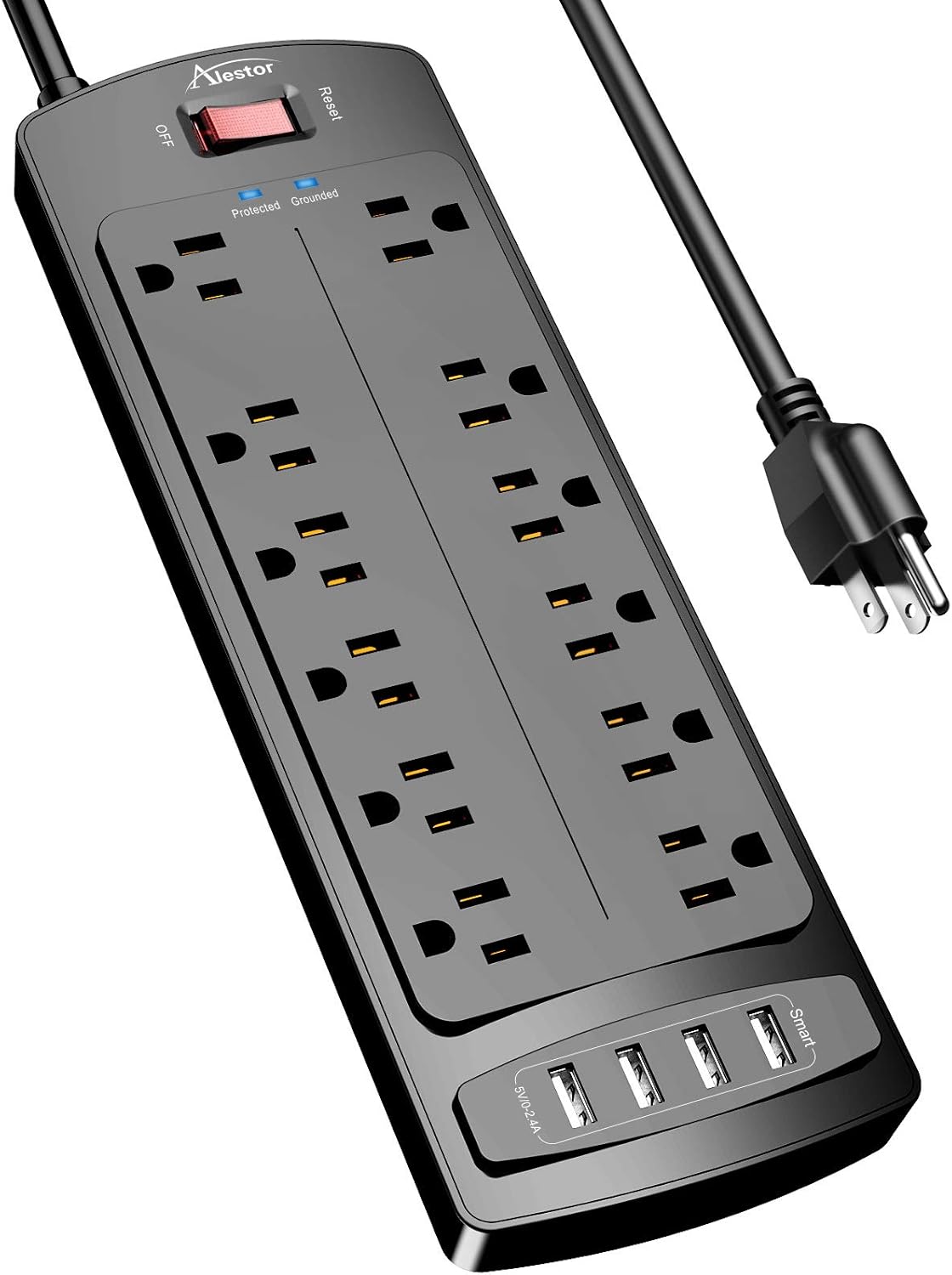
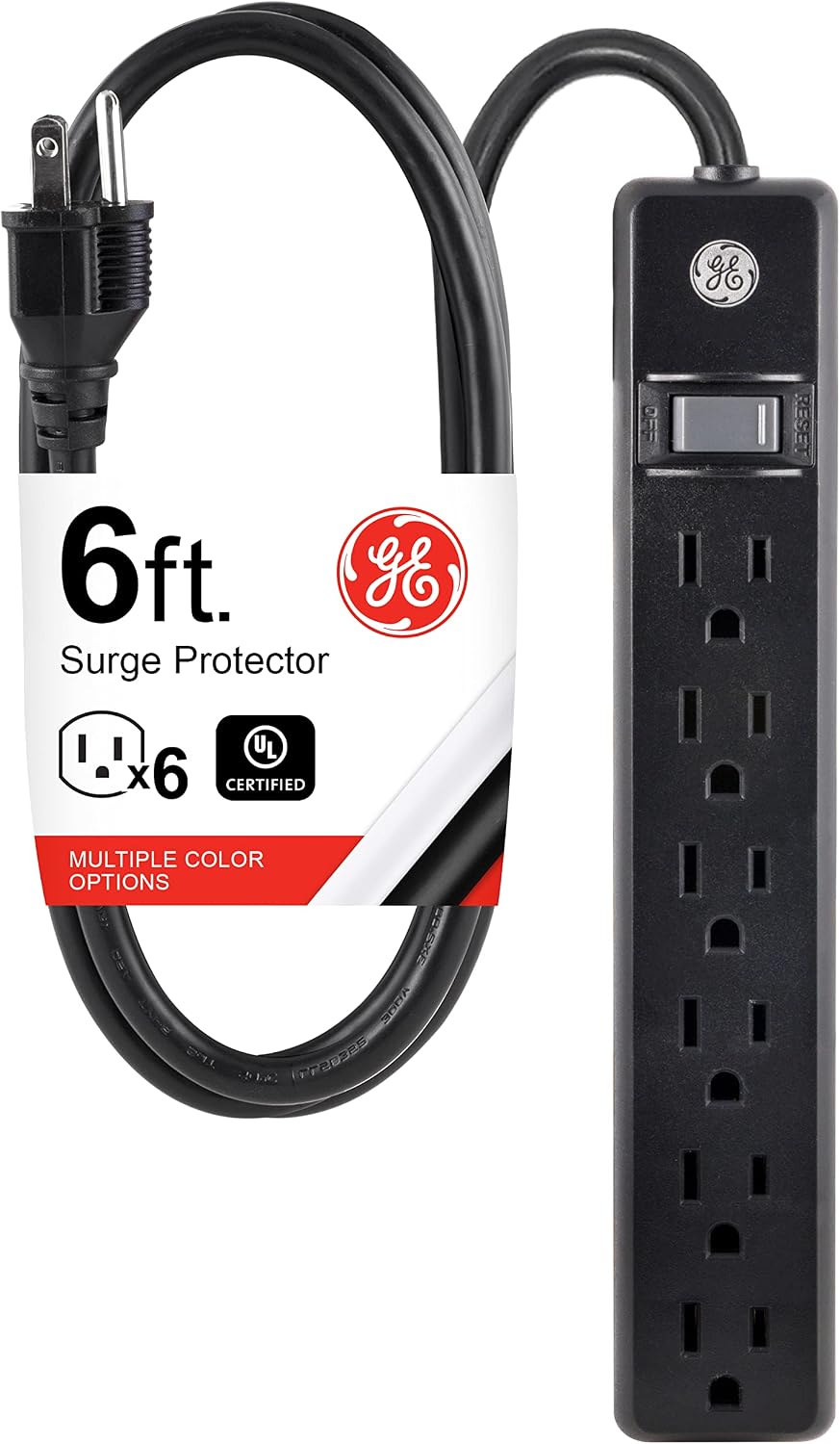
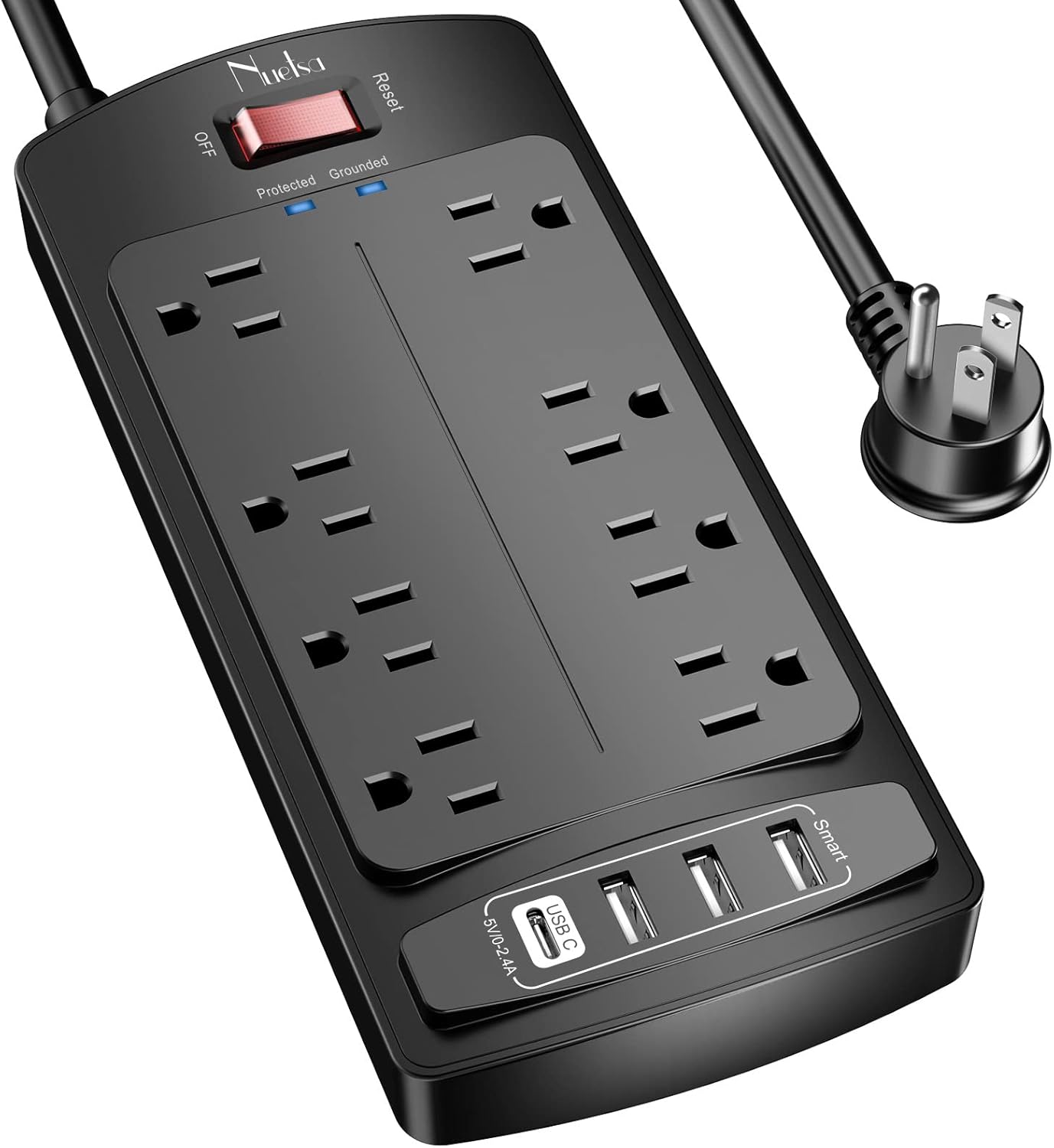
- Power Strips & Surge Protectors are suited to setups that need additional outlets or a more organized way to connect equipment. Pay attention to outlet spacing, switch design, cord length, mounting options, and stated protection details.
- Telephone Accessories can support landline and office communication setups. Check connector compatibility, intended equipment, cord configuration, and whether the accessory is designed for a specific telephone arrangement.
- Mounts help position electronics for easier viewing or access. Compare the mounting method, adjustment range, supported device dimensions, installation surface, and hardware requirements.
- Office Electronics Accessories covers practical additions for desks and office equipment. Consider how the accessory integrates with your current devices and whether it improves organization, access, or daily workflow.
- Cable Organizer Bags & Cases are useful for storing chargers, adapters, cords, and other small electronics accessories. Compare pocket layouts, closure type, materials, padding, and the amount of flexibility inside.
You can also browse Computers & Accessories when the accessory is specifically related to a computer, peripheral, or workstation component.
Specifications and features to compare
Compatibility first
Compatibility may depend on connector style, device dimensions, mounting pattern, power requirements, or the equipment’s intended use. Read the product specifications carefully instead of relying on a general category label. For a multi-device setup, list every item that must connect or fit before choosing an accessory.
Size and capacity
Dimensions matter for both physical fit and practical use. Measure the available desk, wall, cabinet, or travel space. For organizers and cases, consider the combined bulk of the items inside rather than the outside dimensions alone. For power products, check the number and arrangement of outlets along with the space required by larger plugs or adapters.
Materials and construction
Materials can affect flexibility, durability, weight, and ease of cleaning. A rigid case may provide structure, while a soft organizer may be easier to pack. Cable-routing products may need to bend around furniture or remain secured in one position. Look for construction details that suit the amount of handling and movement the accessory will receive.
Installation and adjustment
Mounts and cable-management products can use adhesive, clips, fasteners, screws, or other attachment methods. Confirm whether the installation surface is suitable and whether tools are needed. For adjustable products, compare the range of movement and how securely the position can be held after adjustment.
Power and safety details
For power accessories, review the stated electrical specifications and protection features. Think about the devices being connected, the available wall outlet, and whether the product will be used at a desk, behind entertainment equipment, or in another location. Avoid overloading a power accessory, and follow the manufacturer’s instructions for placement and use.
Brands represented in the catalog
The catalog includes products from Plantronics, NTONPOWER, TESSAN, iMah, Cambridge Resources, Panasonic, Brother, JACKYLED, Uvital, Yecaye, Belkin, and SUPERDANNY. These brands appear across different accessory and supply needs, so compare the specifications of individual products rather than choosing by brand name alone.
Brand familiarity can help when you need a product for a particular equipment ecosystem, but connector type, dimensions, electrical details, and installation requirements remain the most useful comparison points. Product pages can also clarify what is included and how the accessory is intended to be used.
Tips for a cleaner, more reliable setup
Group cables by destination before securing them. Leave enough slack near connectors so routine movement does not pull against the device ports. Labeling both ends of similar cables can make future maintenance easier, especially in a desk or entertainment setup with several matching cords.
Keep power accessories accessible rather than placing them where switches, plugs, or ventilation areas are difficult to reach. Do not hide electrical products under rugs, inside tightly enclosed spaces, or in locations where spills are likely. Replace accessories that show visible damage, fraying, loose connections, or other signs of unsafe wear.
For mounts, check the surface and hardware before installation. Make sure the device’s weight and dimensions fall within the product’s stated requirements, and retighten or inspect the mounting points as appropriate after installation. For travel cases, avoid forcing oversized plugs or tightly bending cords into compartments, since storage pressure can damage accessories over time.
If your setup includes audio or video equipment, related options can be found in Headphones, Earbuds & Accessories, Television & Video, and Home Audio. Portable setups may also benefit from browsing Portable Audio & Video, while camera-specific needs belong in Camera & Photo.
Frequently asked questions
How do I choose the right electronics accessory?
Start with the device, task, and installation location. Then compare compatibility, dimensions, materials, connection type, capacity, and any relevant safety or mounting specifications.
What should I check before buying a cable organizer?
Check the cable thickness and quantity it can accommodate, how it attaches, whether it can be reused or repositioned, and whether the design suits your desk, wall, floor, or travel setup.
How do I choose a power strip for several devices?
Review outlet spacing, cord length, switch placement, electrical specifications, and stated protection features. Make sure the connected equipment stays within the product’s requirements.
What matters when selecting a mount?
Confirm device compatibility, supported size and weight, mounting surface, installation hardware, adjustment range, and how easily the device can be accessed after installation.
Are cable organizer bags useful for travel?
They can be useful when you need to keep chargers, adapters, and cords together. Compare compartment layout, padding, closure, dimensions, and flexibility with the items you plan to carry.