
Amazon Basics
Amazon Basics HDMI Cable, 18Gbps High-Speed, 4K@60Hz, 2160p, Ethernet Ready, 10 Foot, Black
See current price

Compare televisions, streaming devices, disc players, audio equipment, accessories, and more by the specifications and features that matter for your home setup.
11,896 products in catalog
11,896 results
Amazon Basics
See current price


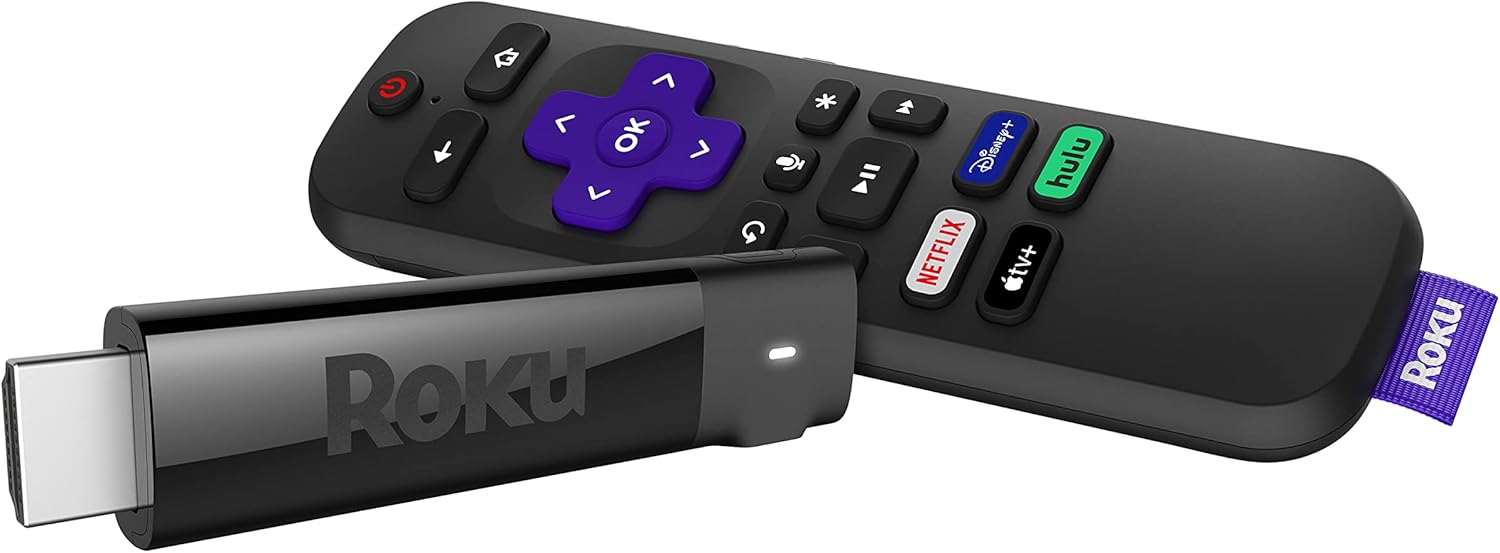


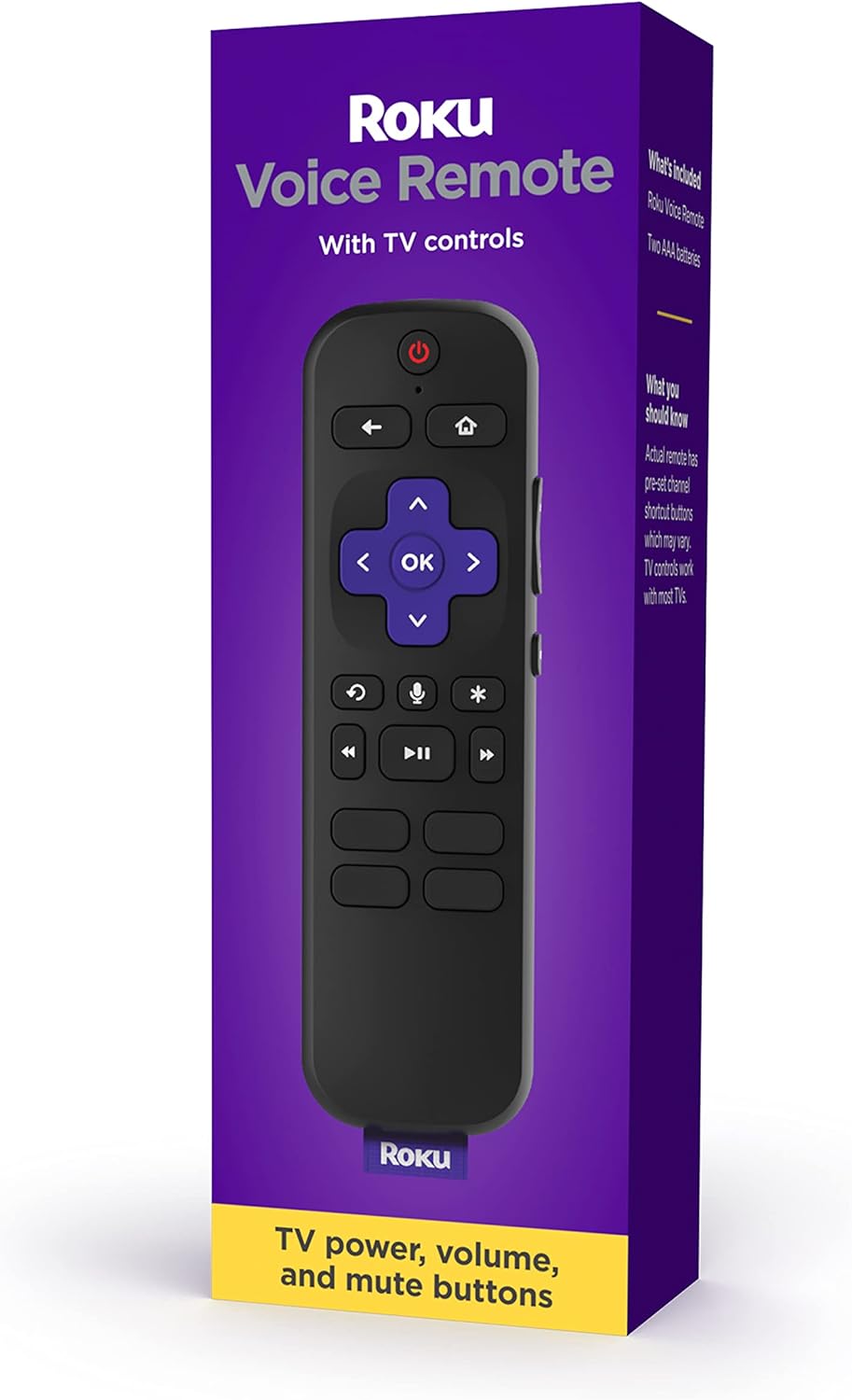


Amazon Basics
See current price
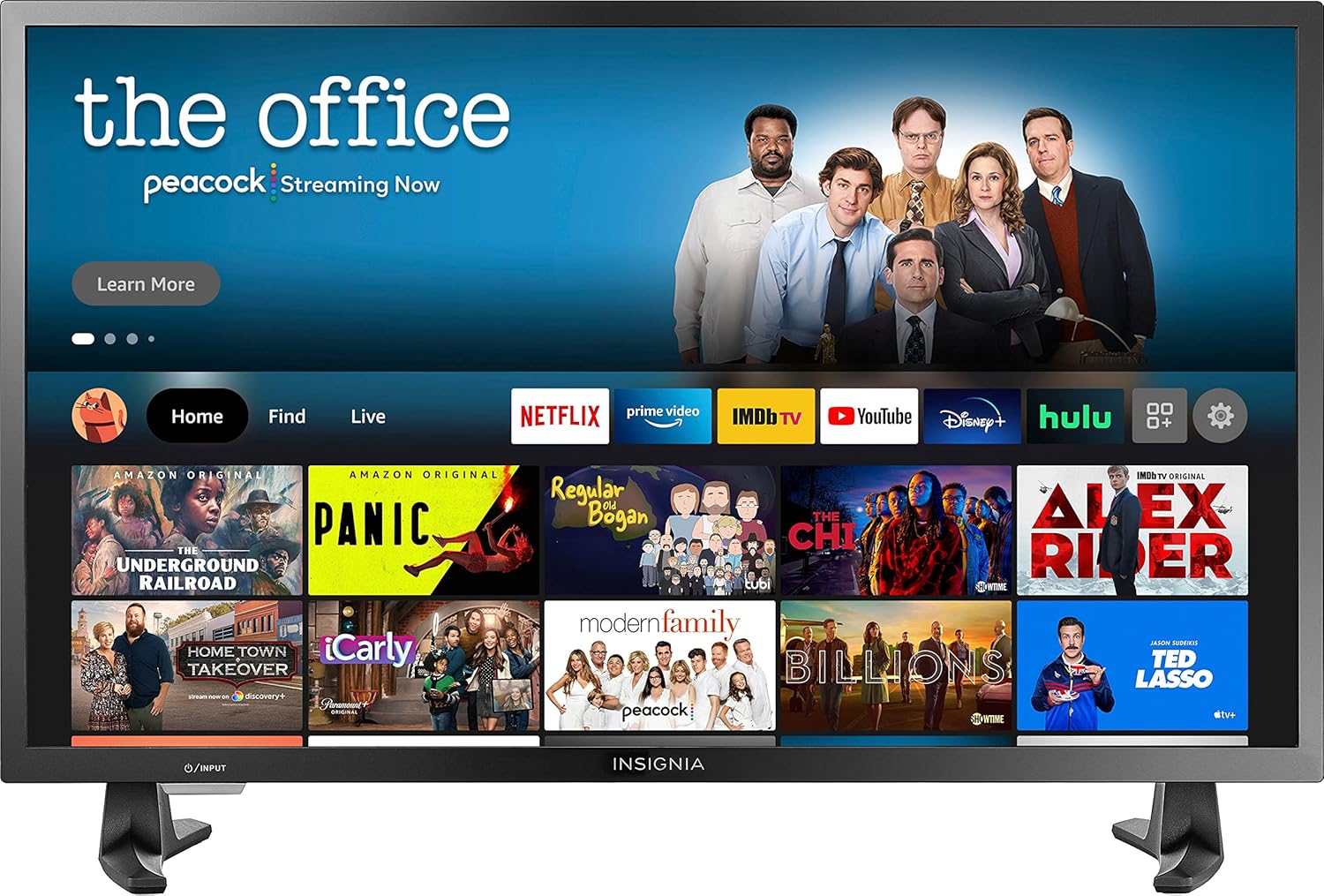
INSIGNIA
See current price


Television and video equipment covers much more than the screen itself. The right combination can bring together streaming services, broadcast channels, physical media, gaming, and home audio—but compatibility varies between products.
Use this catalog to compare specifications and features across TVs, source devices, receivers, speakers, mounts, cables, and other equipment. Start with the Televisions category if you need a display, or explore accessories and source components to improve an existing setup.
Begin by identifying how you watch content and which devices you already own. A streaming-focused setup has different requirements from a disc-based collection, while a traditional broadcast arrangement may need an antenna connection or a converter. If you plan to connect multiple sources, check the available inputs before choosing a display or receiver.
Consider these questions:
The catalog’s largest areas are [Television & Video Accessories](/category/television-video-accessories/) and televisions. Accessories can include mounts, remotes, cables, replacement parts, adapters, and other equipment that helps connect or position a system. Match accessories carefully to the exact device, connector, mounting pattern, or signal type.
For the main viewing device, browse Televisions. Compare display technology, screen size, resolution, refresh rate, HDR support, smart platform, input selection, tuner features, and mounting details. A TV for movies may prioritize contrast and cinematic picture modes, while a gaming setup may place more emphasis on input response, refresh rate, and compatible HDMI features.
For internet-based viewing, Streaming Media Players provide a separate way to access streaming services. Compare supported resolutions, HDR formats, wireless connectivity, Ethernet availability, voice-control options, remote design, and the operating interface. Confirm that the player works with the display and audio equipment already in the room.
Physical media remains important for many households. Blu-ray Players & Recorders and DVD Players & Recorders can be compared by disc compatibility, upscaling, connection types, network functions, and recording capabilities. If you have older VHS tapes or want a combined unit, review DVD-VCR Combos and VCRs. A TV-DVD Combo can be useful where a compact all-in-one arrangement is more practical than separate components.
For broadcast and signal equipment, Analog-to-Digital (DTV) Converters may help compatible older televisions receive digital broadcasts. Satellite Television equipment is another area to consider when a system depends on satellite reception and related components.
For a television, resolution indicates the level of image detail the panel can display, but it is not the only factor. Compare panel or display technology, contrast behavior, brightness, viewing angles, color features, HDR support, and picture-processing options. Screen size should fit both the room and the intended viewing distance rather than being chosen in isolation.
Refresh rate and motion processing can matter for sports, fast action, and gaming. Check whether the stated refresh features are supported by the inputs and by the source device. Gamers should also compare variable refresh support, input response, gaming modes, and the type and placement of HDMI ports.
Look beyond the number of ports. HDMI version and feature support, optical or analog audio outputs, USB functions, Ethernet, Wi-Fi, antenna inputs, and legacy connections can all affect how easily a product fits into an existing system. An adapter may solve one connection problem, but it cannot always add a feature that the original device does not support.
Also check regional or format compatibility for broadcast equipment and disc players. For accessories, confirm connector type, cable purpose, length, power requirements, and whether the item is intended for the exact brand or model family.
Home Theater Systems combine multiple parts for a more immersive setup, while AV Receivers & Amplifiers can act as the central connection point for sources, speakers, and a display. Compare channel configuration, supported audio formats, HDMI features, speaker connections, room-calibration tools, and wireless capabilities.
If you are building a system piece by piece, check that the receiver’s power and connection options suit the speakers. You can also compare this category with Home Audio when your priority is music playback or a broader audio arrangement rather than television viewing.
The catalog includes products from Samsung, Sony, LG, VIZIO, Panasonic, Roku, and Amazon Basics, along with accessory-focused brands such as VINABTY, ZdalaMit, Mount-It!, MonoPrice, and AIDITIYMI. Brand availability varies by product type, so compare the specifications of each individual item rather than assuming products from one brand have identical features.
When replacing a remote, power adapter, mount, or other accessory, brand matching can be especially important. Check the supported device list and connector details. For TVs and players, compare software features, connections, supported formats, and physical dimensions in addition to the brand name.
A simple system might pair a television with a streaming player and a suitable audio connection. A more involved arrangement could include several HDMI sources, an AV receiver, external speakers, a disc player, and mounting or cable-management accessories. Draw a quick connection plan before buying: list each source, the display, the audio equipment, and the cables or adapters between them.
Leave room for future changes, such as adding a console or replacing a streaming device. It can also help to keep the remote-control method, wireless network requirements, and power access in mind. For wall mounting, verify the television’s mounting pattern, the mount’s supported size and load requirements, and the wall surface before installation.
For adjacent electronics, browse Headphones, Earbuds & Accessories for private listening, Portable Audio & Video for mobile entertainment, or Computers & Accessories when a computer is part of the media setup.
A smart TV keeps streaming functions inside the display, while a separate player can provide another interface and an easier way to change streaming hardware later. Compare app support, connectivity, remote controls, and the features of your current TV.
Confirm the television’s mounting pattern, supported screen size, weight requirements, wall type, and desired range of movement. The mount should also leave enough access for cables and connected devices.
No. Ports and cables can differ in supported resolution, refresh rate, HDR, audio return, and other functions. Check the requirements of the source, display, and receiver as a complete chain.
An AV receiver can centralize several video sources and connect them to a display and speakers. It is most useful when you want more inputs, surround-sound support, or a structured home theater arrangement.
It may, but the connection depends on the outputs of the older device and the inputs on the TV. Composite, component, HDMI, and adapter requirements should be checked before choosing an accessory or replacement component.