
Amazon Basics
Amazon Basics 15-Sheet Cross-Cut Paper, CD Credit Card Office Shredder
See current price

Compare office electronics by purpose, connectivity, compatibility, and ease of use. Explore printers, scanners, phones, calculators, presentation tools, and specialized equipment in one catalog.
8,660 products in catalog
8,660 results
Amazon Basics
See current price

J. K. Rowling (Author), Mary GrandPré (Illustrator)
See current price

Amazon Basics
See current price


Texas Instruments
See current price

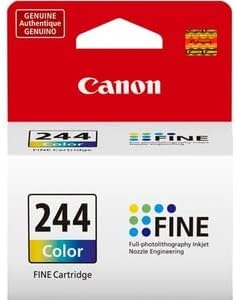

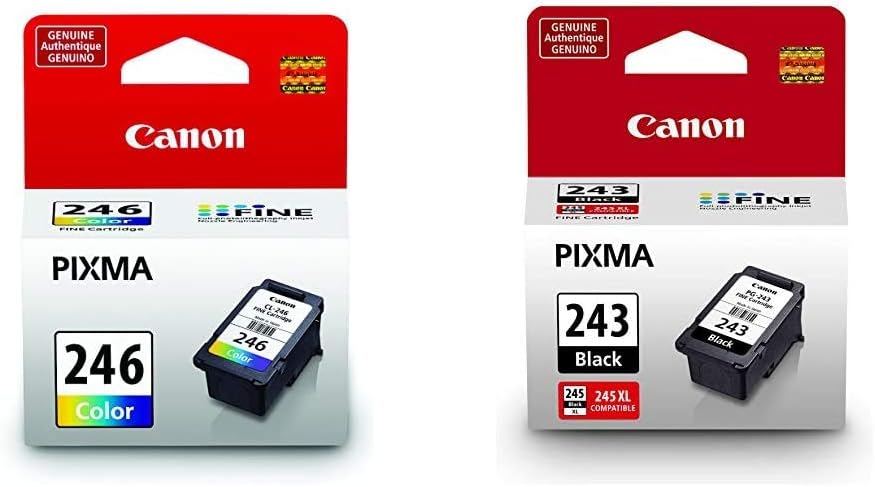


Amazon Basics
See current price


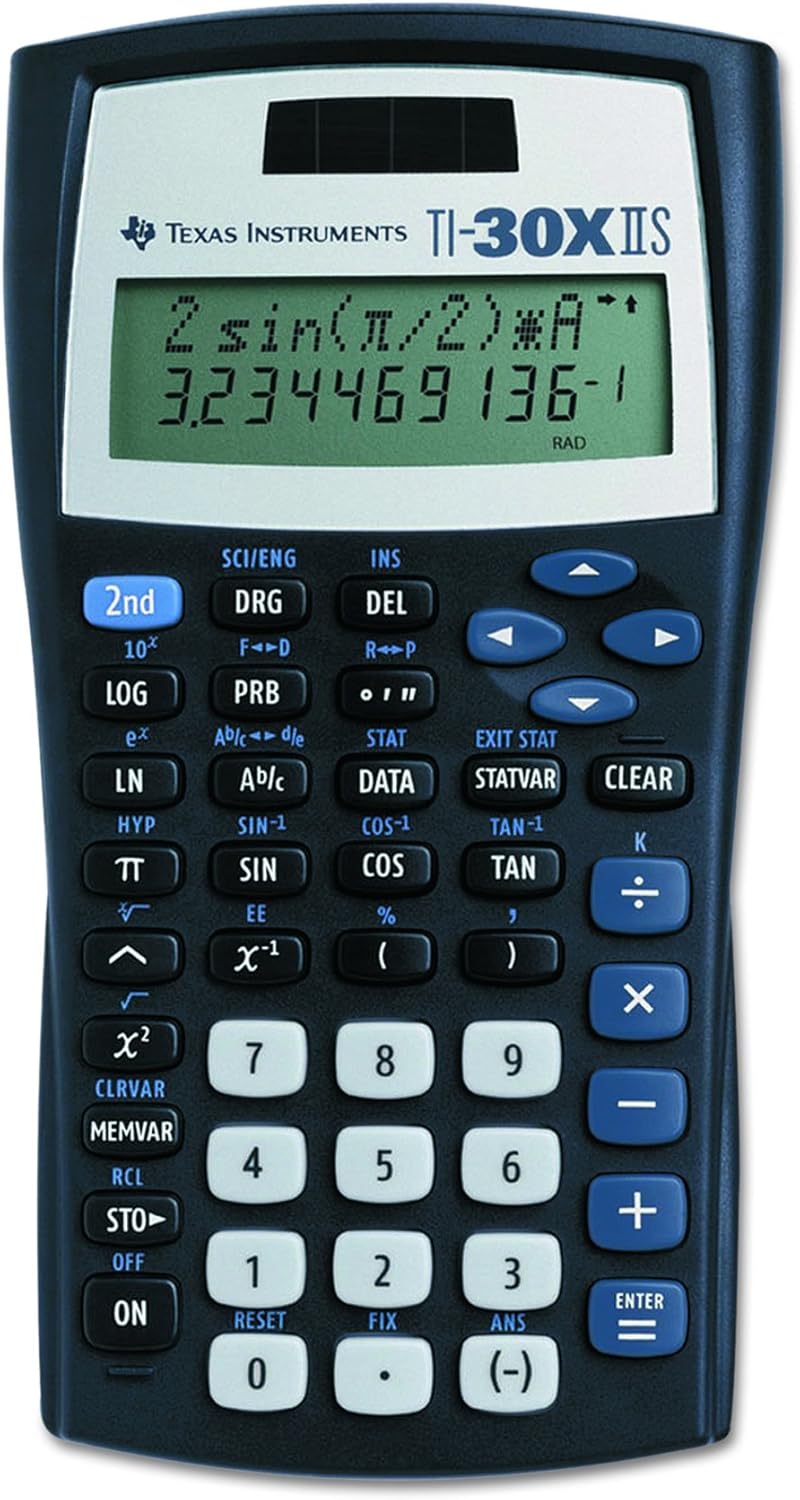
Texas Instruments
See current price

Office electronics support everyday tasks such as printing, scanning, calculating, communicating, presenting information, and processing transactions. The right choice depends on your workflow: a home office may prioritize compact equipment and simple setup, while a business or classroom may need higher capacity, broader compatibility, and easier sharing.
K-Catalog brings together office technology across the Office Products category so shoppers can compare specifications and features before visiting Amazon to check current availability and pricing.
Start with the task the device must perform and how often it will be used. A printer selected for occasional documents may have different priorities from one intended for frequent business output. Likewise, a telephone for a reception desk, a calculator for financial work, and a presentation device each require different controls and connections.
Consider these questions before comparing products:
For a broader workspace search, compare office electronics with Office & School Supplies and Office Furniture & Lighting.
The catalog’s largest group is Printers & Accessories, making it a useful starting point for document-heavy offices, home workspaces, and school projects. Compare the intended print tasks, supported media, connection options, and accessory compatibility. Supplies and replacement items are especially important when building a complete printing setup.
For voice communication, browse Telephones & Accessories. Compare handset design, controls, installation requirements, and features that suit a desk, reception area, shared office, or other environment.
Calculators cover a range of everyday and specialized calculation needs. Focus on the functions required, display readability, keypad layout, power source, and portability. A straightforward calculator may suit routine arithmetic, while work involving finance, science, education, or technical tasks may call for more dedicated functions.
For meetings, lessons, and demonstrations, Presentation Products can help organize and display information. Compare device compatibility, connection methods, portability, control options, and the type of display or presentation environment involved.
Other catalog areas include Other Office Equipment, Scanners & Accessories, and Point-of-Sale (POS) Equipment. Scanners call for careful comparison of document handling and image capture specifications, while POS equipment should be assessed for the transaction workflow, peripherals, connectivity, and operating environment.
More specialized options are available in Electronic Dictionaries, Thesauri & Translators, Fax Machines, PDAs & Handhelds, and Document Cameras. These categories may suit language support, legacy communication needs, mobile data access, classroom instruction, or live document display.
Specifications matter most when they connect directly to your daily tasks. Compare the following areas across similar products:
Do not compare a single specification in isolation. For example, a compact device may be easier to place but offer fewer controls, while a feature-rich model may require more room and setup. The best match is the one whose specifications align with the actual workflow.
The Office Electronics catalog includes products from HP, Canon, Brother, Epson, Lexmark, Panasonic, AT&T, Texas Instruments, and Casio. It also includes accessory and supply brands such as E-Z Ink, Valuetoner, and LD Products. Brand availability varies by product type, so compare specifications within the relevant category rather than assuming that a familiar brand offers the same features across every device.
For shoppers comparing printer supplies, the Brother Remf Ink & Toner category provides an additional place to review compatible options. Always verify compatibility with the exact equipment and consumable requirements before selecting an accessory.
Before ordering, gather the information needed to avoid mismatches. For printers and scanners, note the device or computer connections, paper or document formats, and any required replacement supplies. For telephones and POS equipment, check the existing system, installation environment, and peripheral connections.
For shared equipment, consider placement and access. A device used by several people should be easy to reach without blocking walkways or creating cable clutter. Keep manuals and accessory information with the equipment so future users can identify compatible replacements.
In classrooms and presentation spaces, test the planned connection path and confirm that the display, computer, camera, or presentation accessory uses compatible connections. For handheld and battery-powered electronics, consider charging or battery storage as part of the routine. For any office device, follow the manufacturer’s safety, cleaning, installation, and maintenance guidance.
The category includes printers, telephones, calculators, presentation products, scanners, POS equipment, fax machines, document cameras, electronic language tools, handheld devices, and other office equipment.
Compare the features tied to your workflow, including connectivity, capacity, controls, compatibility, size, power requirements, and expected workload. Give priority to the specifications you will use most often.
Yes. Confirm that required supplies, cables, replacement parts, paper, toner, ink, batteries, or peripherals are compatible with the equipment you are considering.
Review supported media and document formats, connection options, physical dimensions, operating requirements, controls, and the availability of compatible accessories or supplies.
They can be. Electronic dictionaries, document cameras, POS equipment, handhelds, and other specialized products may be appropriate when a specific workflow or teaching, retail, language, or communication task requires them.