




2Pack 44-Key Led Light Remote Control for RGB LED Strip Light, for SMD 5050 3528 2835 RGB LED Light Strip
See current price
Check the current price and availability on Amazon.com.
View on AmazonAffiliate link — we may earn a commission at no extra cost to you. Learn more
- Brand
- Sunity
- Indoor/Outdoor Usage
- Indoor
- Light Source Type
- LED
- Power Source
- Battery Powered
Key features
- 2pack 44-Key IR Remote Control for RGB LED Strip Light.
- 2 batteries(CR2025) included.
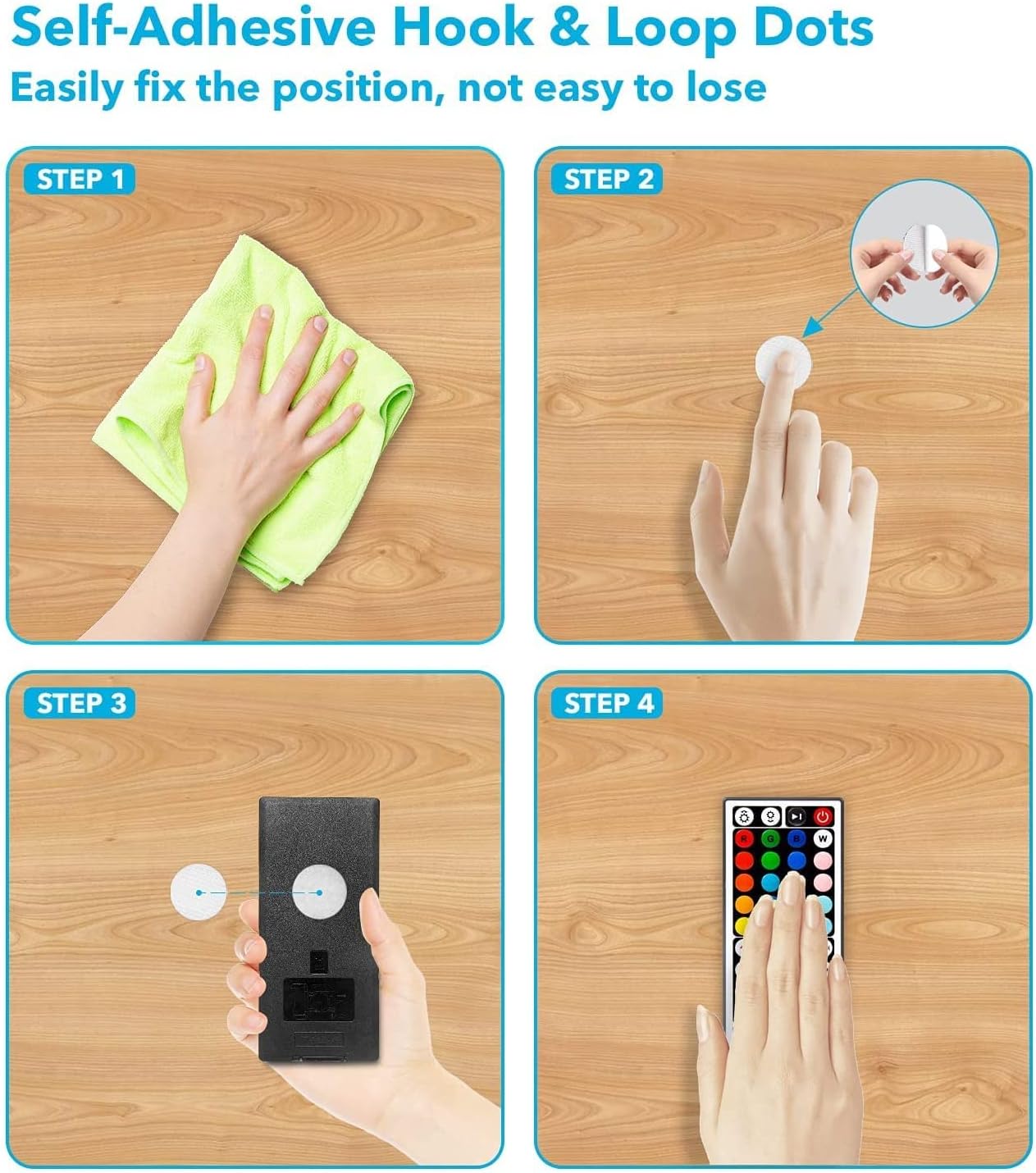
- Come with 2pack of HOOK & LOOP tape for nicely keeping the remote control.
- Compatible with 5050 2835 3528 RGB LED light strip. NOTE: not compatible with bluetooth and WIFI led strip.
- NOTE: there may be slight color difference between the buttons' color on the remote and the actual color of led lights.
- After-sales service: We offer 60 days money back guarantee. If there is any questions, please contact us any time. We promise to reply with 24 hours.
Specifications
| Color | Multicolor |
|---|---|
| Brand | Sunity |
| Indoor/Outdoor Usage | Indoor |
| Light Source Type | LED |
| Power Source | Battery Powered |
| Light Color | RGB |
| Theme | Indoor |
| Style | Modern |
| Material | Metal |
| Controller Type | Remote Control |
| Connectivity Protocol | Bluetooth, Wi-Fi |
| Connectivity Technology | Infrared |
| Number of Light Sources | 2835 |
| Wattage | 72 watts |
| Item Weight | 2.12 ounces |
| Number of Items | 2 |
| Item Dimensions LxWxH | 0.71 x 7.09 x 2.36 inches |
| Control Method | Remote |
| Manufacturer | Sunity |
| Product Dimensions | 0.71 x 7.09 x 2.36 inches; 2.12 Ounces |
| Batteries | 2 CR2 batteries required. (included) |
| Assembled Height | 6 centimeters |
| Assembled Length | 1.8 centimeters |
| Assembled Width | 18 centimeters |
| Batteries Included? | Yes |
| Batteries Required? | Yes |
| ASIN | B09DK56BBW |
About this product
DIY Color Setting: 6 DIY buttons for 6 DIY colors. Each DIY button can be set with one color you like. The color for each button can be changed and saved at any time you like. Here below, take the DIY3 button as example for setting: Step 1: turn on the led strip lights. Step 2: press the button DIY3 to enter the color setting. Step 3: press the 6 arrow buttons to mix the color until you get the color you like. ( Color changing slow, long press recommended to make the color changing more visible) Step 4: press again the button DIY3 to save the color setting. Step 5: test the button DIY3 to see whether it display the color you have just set.
Similar products


See current price