


DOSS
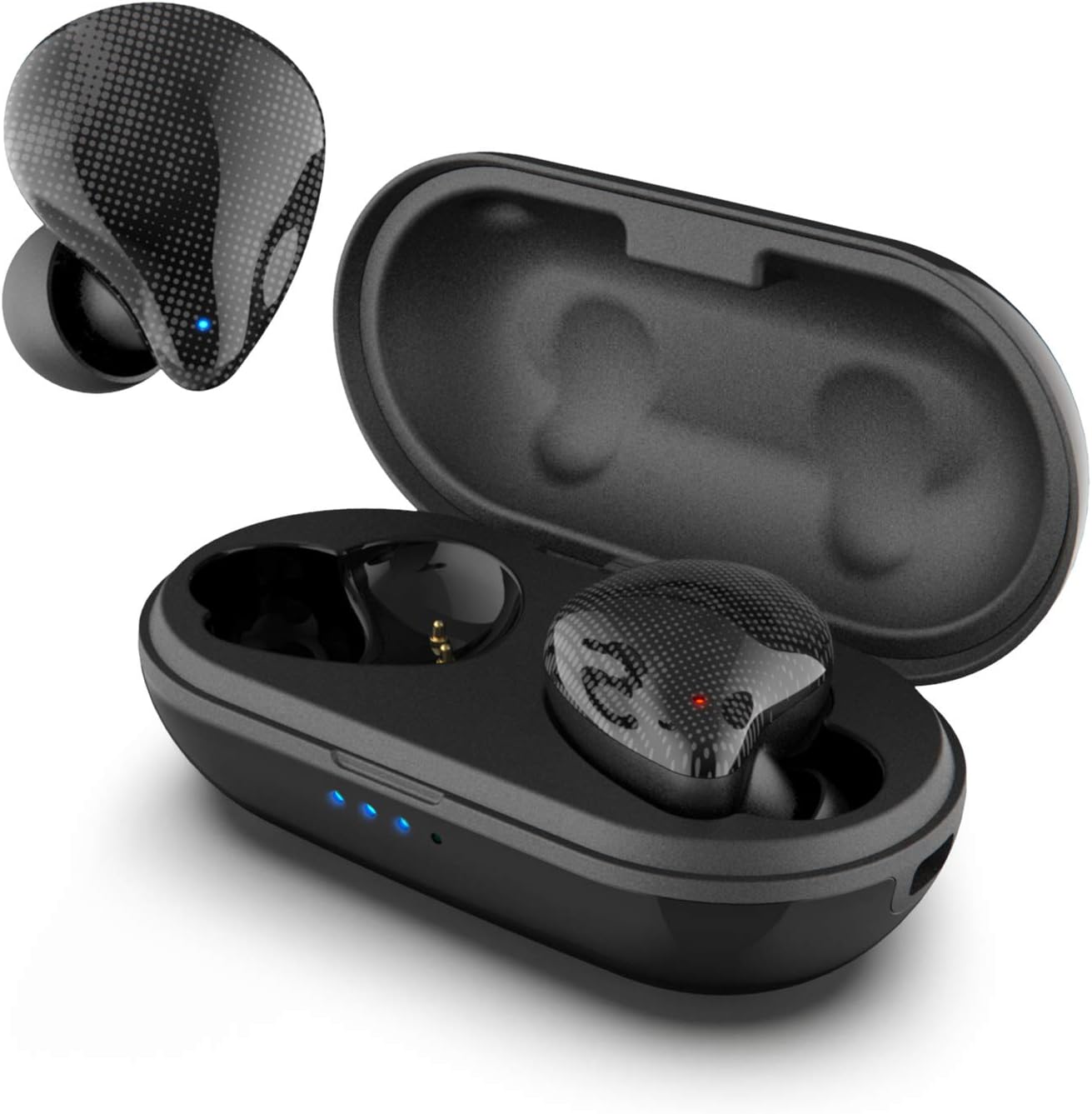
DOSS ICON True Wireless Earbuds, Stereo Sound, 30 Hours Playtime, Bluetooth 5.0, One-Step Pairing, Touch Control, Passive Noise Canceling, IPX5 Waterproof for Outdoor and Indoor Activities-Black
See current price
Check the current price and availability on Amazon.com.
View on AmazonAffiliate link — we may earn a commission at no extra cost to you. Learn more
- Item Weight
- 0.02 Pounds
- Item model number
- DOSS ICON
- Batteries
- 1 Lithium Polymer batteries required. (included)
- Manufacturer
- Wonders Tech
Key features
- Premium Sound: Featured by a customized driver made with graphene, allows DOSS ICON to re-produce richly detailed mids and highs that are in perfect balance with the bass tones.
- Extended Playtime: Featuring a built-in 500mAh battery, the ultral charging case provide 4 charges giving your earbuds up to 30 hours of playtime. Enjoy the non-stop music for up to 6 hours on every charge.
- Snug and Secure fit: Thanks to the ergonomic design and 2 set of ear tips, the earbuds provide an extra-secure fit with maximum comfort. No more falling down, even when running, working, exercising, or engaging in any other activities.
- Sensitive Touch Control: Designed with high sensitivity touch sensors, you can easily play/pause musics, answer and end calls with your fingertips.With Bluetooth 5, DOSS ICON will ensure instant pairing and a seamless communication with your smartphone.
- Unique and Stylish: DOSS ICON’s simple organic appearance has a radiant light matte texture, define the beauty around your own ears and gives you a better look for any occasion.
Specifications
| Product Dimensions | 1.4 x 2.8 x 1.2 inches |
|---|---|
| Item Weight | 0.02 Pounds |
| Item model number | DOSS ICON |
| Batteries | 1 Lithium Polymer batteries required. (included) |
| Manufacturer | Wonders Tech |
| Units | 1.0 Count |
| Brand | DOSS |
| Model Name | ICON |
| Color | Black |
| Form Factor | In Ear |
| Connectivity Technology | Wireless |
| ASIN | B07VT79839 |
About this product
True Wireless Earbuds, DOSS ICON Bluetooth TWS Earbuds Please try these steps to see if they help resolve the issue or not:1. Place both earbuds back in the charging case, then take them both out and try again. 2. If this doesn't work, then reset the headphones by referring to the Quick Start Guide or manual and re-pair:1) Place the earbuds into the charging case and make sure they are being charged;2)Press and hold the button on both earbuds for 8 seconds. The LED indicators will flash blue once.
Similar products


See current price