




EZSound
EZSound Box - 10 inch Extension Play Button for Stuffed Animals, Craft Projects, School Presentations, Hobbies, Personalized Items, Model Trains, etc - 200 seconds - Rerecordable thru Audio Port
See current price
Check the current price and availability on Amazon.com.
View on AmazonAffiliate link — we may earn a commission at no extra cost to you. Learn more
- Item Weight
- 0.04 Pounds
- Item model number
- IBV-SB-WWB_SML
- Manufacturer
- Invite By Voice LLC
- Compatible Devices
- Personal Computer
Key features
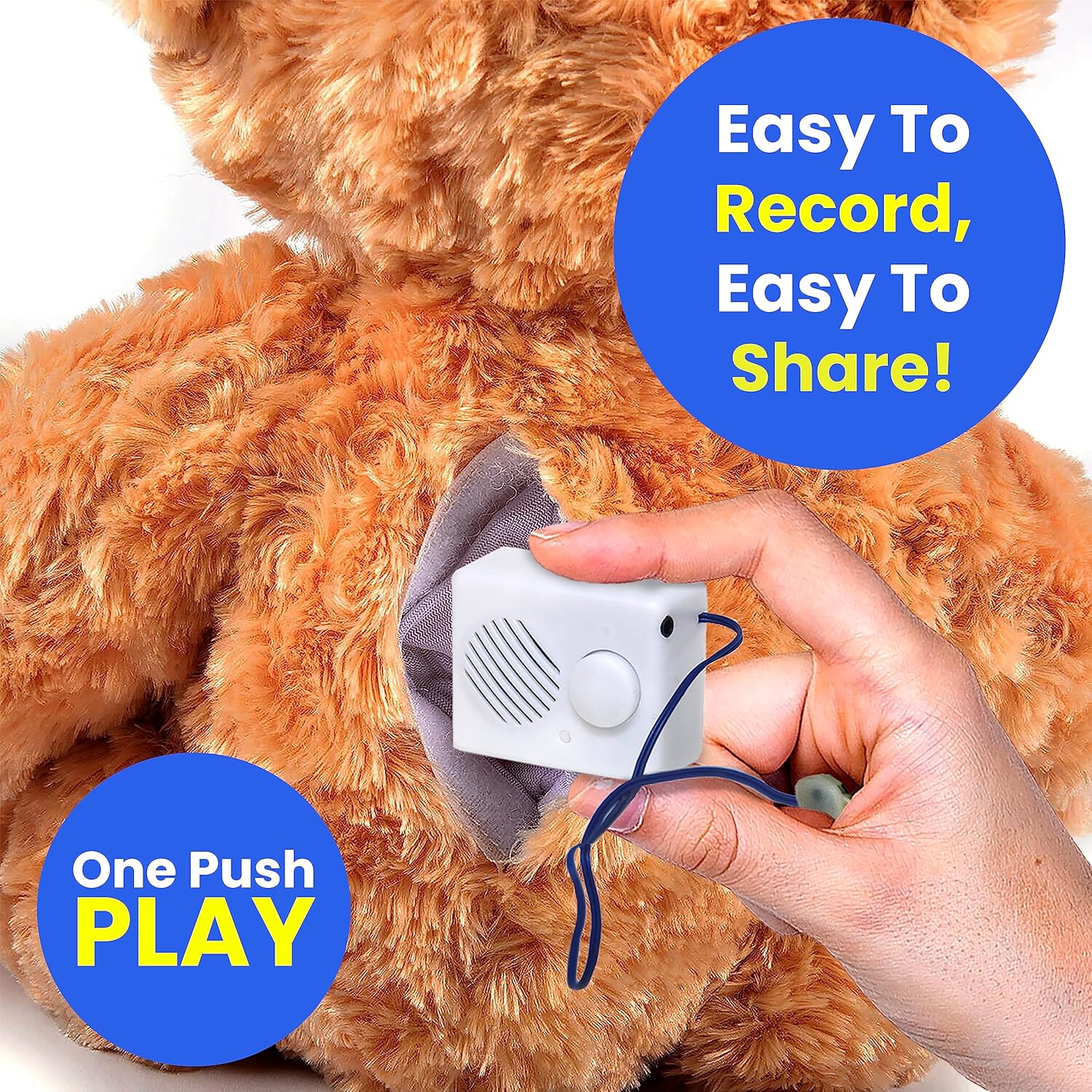
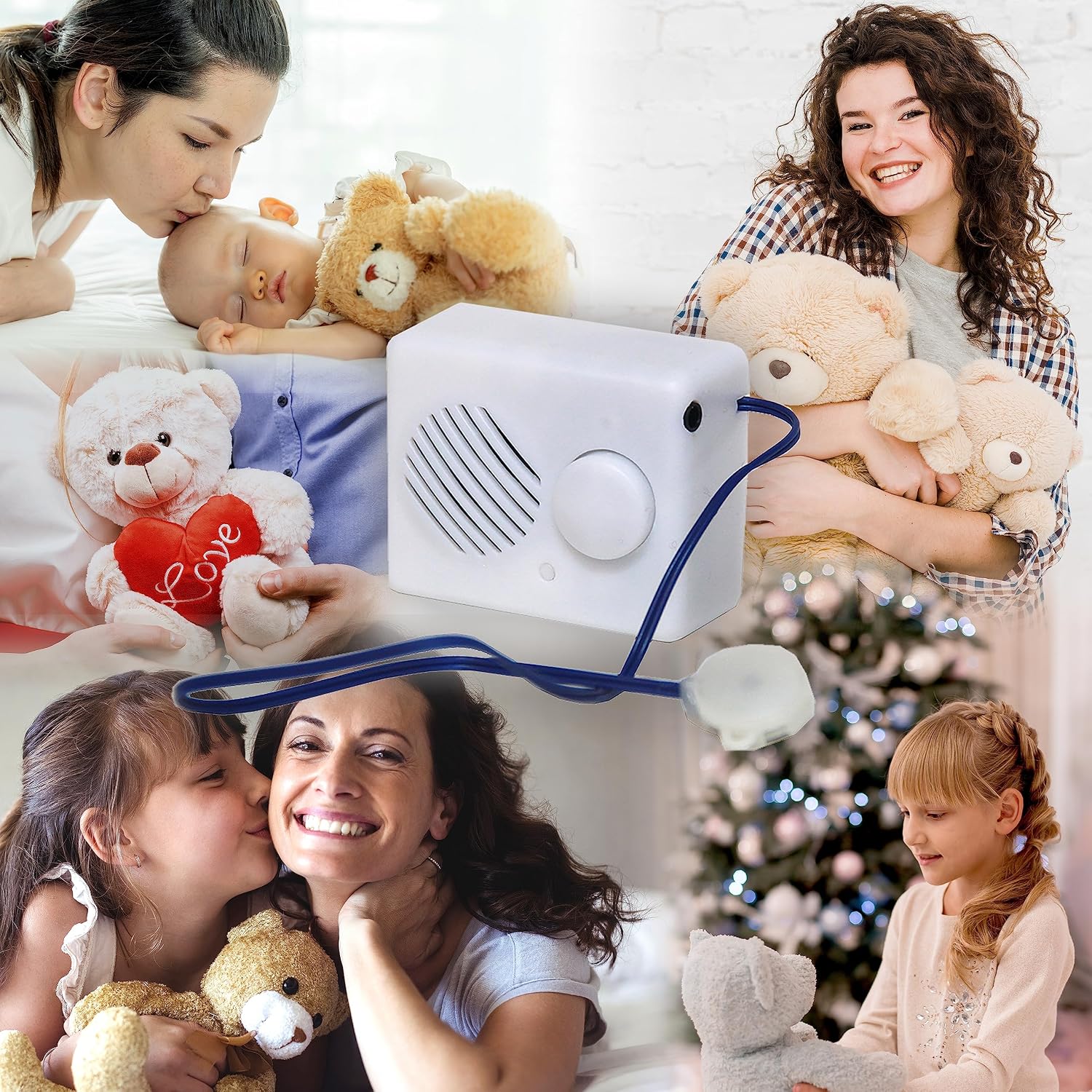
- Ideal for adding sound effect to plush toys, stuffed animals, interactive school projects, photo frames, personalized gifts, kid activities, paints, hobbies, craft projects, model trains, etc
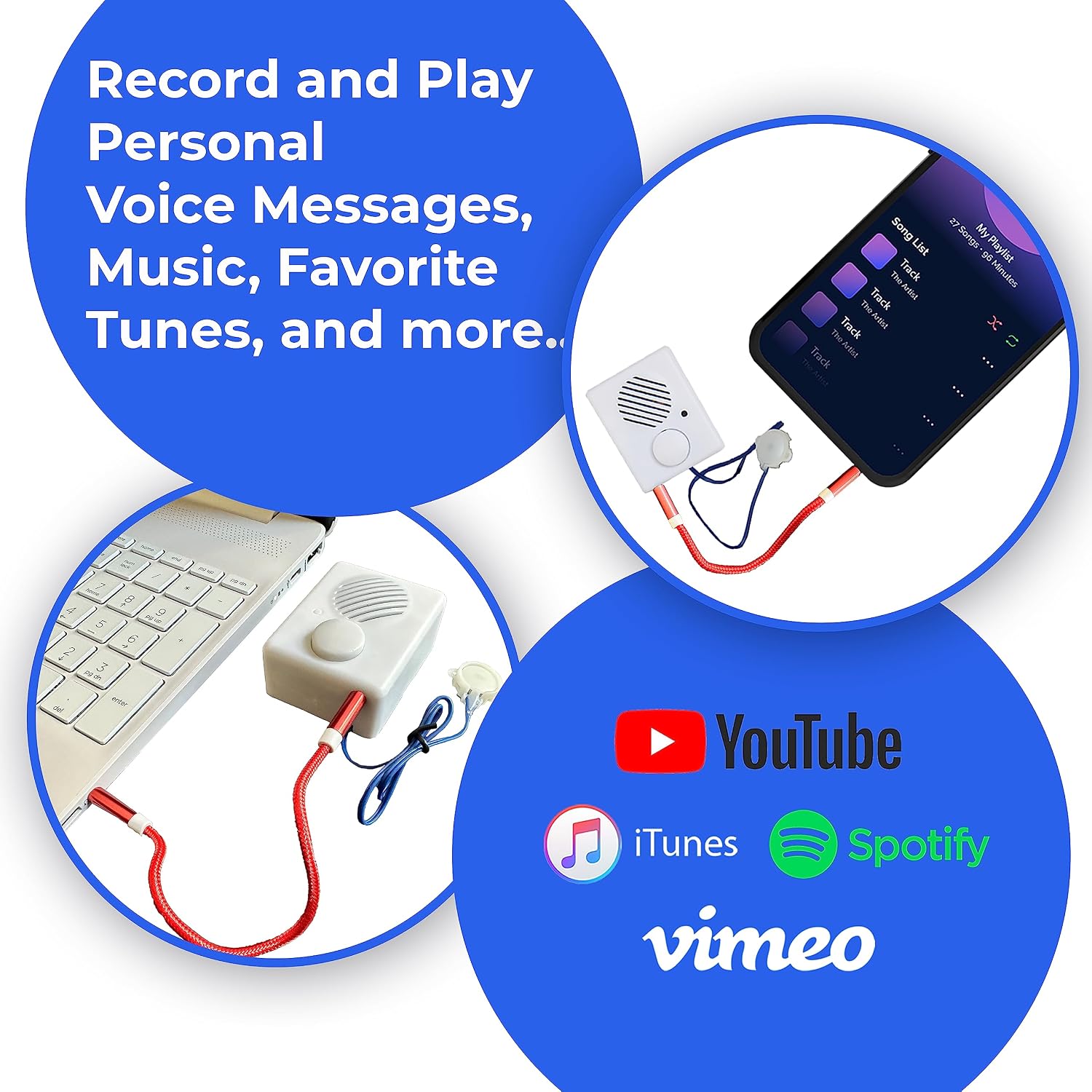
- Recording is done thru 3.5mm audio port (headphone jack) of your device. EZSound Box will record & play back anything playing in your device.
- EZSound Box can be recorded from videos, sound files (any format), voice recordings, phone messages, websites, etc
- Works with Mac, PC, Iphone, Ipad, Tablet, Android, MP3 player, etc. NO SOFTWARE REQUIRED.
- Re-recordable up to 200 seconds. Re-record as many times as you wish. No limitations
Specifications
| Product Dimensions | 2 x 1 x 2.5 inches |
|---|---|
| Item Weight | 0.04 Pounds |
| Item model number | IBV-SB-WWB_SML |
| Manufacturer | Invite By Voice LLC |
| Compatible Devices | Personal Computer |
| Brand | EZSound |
| Hardware Interface | USB |
| Microphone Form Factor | Built-In |
| Format | MP3 Audio |
| Headphones Jack | 3.5 millimeters |
| Item Dimensions LxWxH | 2 x 1 x 2.5 inches |
| Screen Size | 10 Inches |
| ASIN | B00PEYCBPY |
About this product
* Dimensions: about 2.5 inch x 2 inch x 1.25 inch (64 mm x 50 mm x 32 mm). * Weight: approximately 1.3 oz (without batteries) * Your order will include a double-sided audio adapter to program the sound box * Unit has ON/OFF switch button * High Sound Quality. Sound volume of the module is controlled by the sound volume of your device * Press the 10 inch extension button, it will start playing from the beginning, press again and it will stop playing, press again it will start from the beginning. If pressed only ones, it will play the full recording and stop * Operates by 3 AAA batteries (NOT INCLUDED). Once batteries die, replace them and unit will continue to play already recorded files. No re-recording required. * Unit will play only one recording. It will not play multiple recordings such as at each button press RECORDING STEPS: 1. Remove the back cover and insert 3 AAA batteries 2. Switch "ON/OFF" button to "ON" position 3. Plug double-sided audio adapter into your device and into sound box 4. Start playing the audio in your device and also push the FRONT button to start recording (BOX WILL BEEP ONCE to indicate that recording started) 5. Push front button again to stop recording (BOX WILL BEEP TWICE to indicate that recording stopped. If button is not pushed a second time to stop recording, it will beep twice automatically when the box reaches its max recording time limit) 6. Play recording by pushing the button attached to wires 7. ENJOY IT !!!
Similar products


See current price