


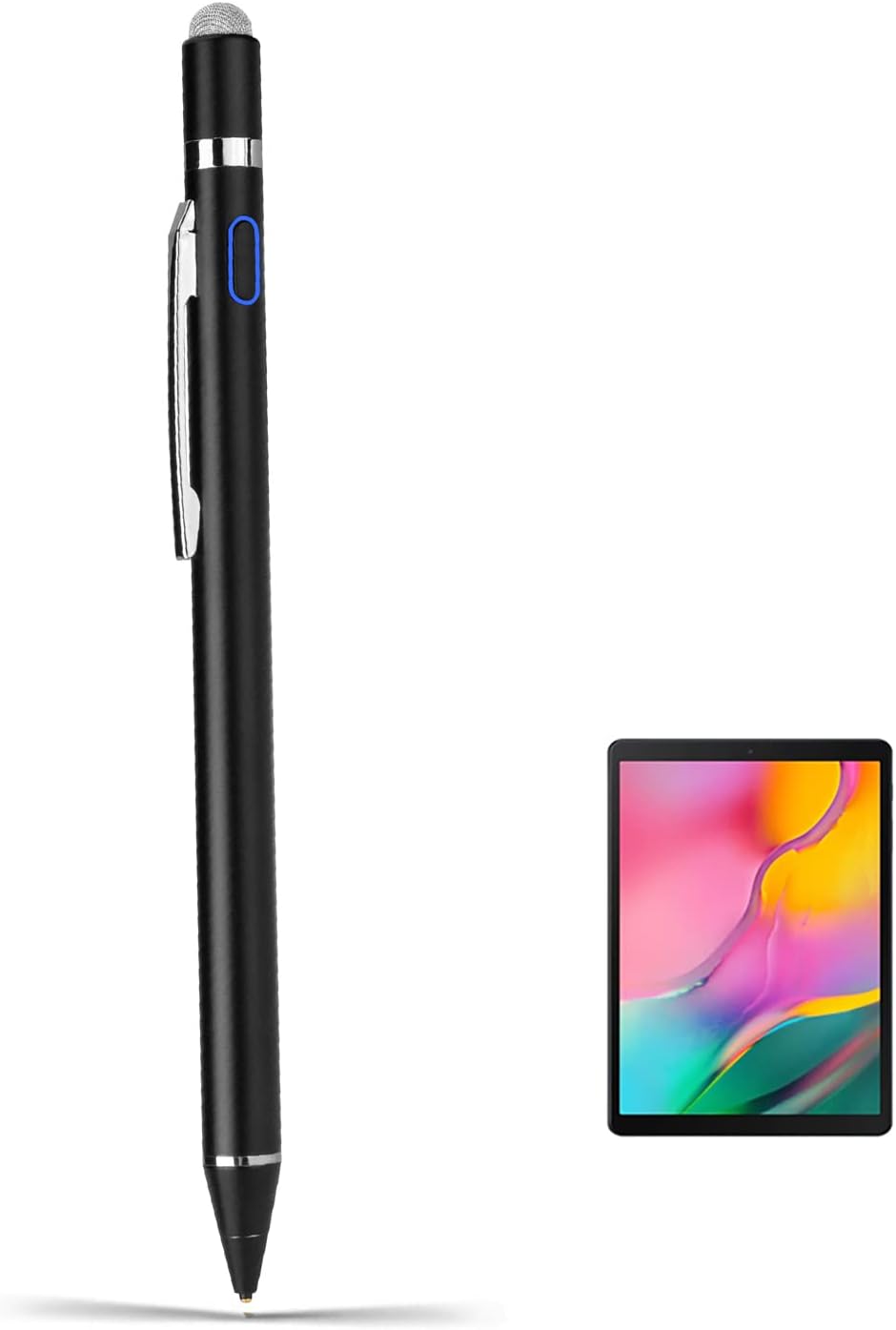
iPhone 13/12 Pro Max Stylus Pens,Active Digital Pencil Type C Recharge with 1.5mm Ultra Fine Tip Stylus Pens for iPhone 13/12 Pro Max Drawing/Notes,Black
See current price
Check the current price and availability on Amazon.com.
View on AmazonAffiliate link — we may earn a commission at no extra cost to you. Learn more
- Item Weight
- 1.44 ounces
- Item model number
- K806-B
- Batteries
- 1 Lithium Polymer batteries required. (included)
- Manufacturer
- EVACH
Key features
- 【New Active Stylus】EVACH New Design iPhone 13/12 Pro Max Active stylus is made for smoothly writing and drawing for artist,journalist,teacher and students etc. Fine tip,light weight, elegant brief stylish design with 1.5mm metal tip, providing more sensitivity with long time wearing at best performance
- 【Touch-Control】This stylus pencil provides a smooth pen-writing experience for your iPhone 13/12 Pro Max touchscreen tablets and smartphones has a good touch point than the tip of your finger,which provides better accuracy. Don't worry your fingers after using this pen
- 【Long Duration Battery】A full charge takes 60 minutes and it supports 8 hours of continuous use with Built-in Lithium-polymer. Smart saver will auto shutdown after 30 minutes. Charging input is 5V/0.2A.【Warm Tips】Don't Use Fast Charger because of high currency will do damage to the internal chip.
- 【Perfect Gift Option】This pencil stylus for iPhone 13/12 Pro Max is a perfect gift option for all seasons with an elegant designed box and charming uses. Get it without hesitation for youself and your friends.
- 【After-Sales Support】Contact us at any time if there is any question or concern on the product or service.We are always here to help and get problem resolved.We will make everything right for you as faithful partner
Specifications
| Product Dimensions | 7.72 x 1.85 x 0.91 inches |
|---|---|
| Item Weight | 1.44 ounces |
| Item model number | K806-B |
| Batteries | 1 Lithium Polymer batteries required. (included) |
| Manufacturer | EVACH |
| Country of Origin | China |
| Color | Black |
| Brand | EVACH |
| Material | Metal |
| Number of Batteries | 1 Lithium Polymer batteries required. (included) |
| Compatible Devices | Smartphone |
| Item Dimensions LxWxH | 7.72 x 1.85 x 0.91 inches |
| Are Batteries Included | Yes |
| Batteries Required? | Yes |
| Charging Time | 1 Hours |
| Battery Description | Lithium |
| ASIN | B08NFVZ7YL |
About this product
iPhone 13/12 Pro Max Stylus Pencil,Active Digital Pens Type C Recharge with 1.5mm Ultra Fine Tip Stylus Pens for iPhone 13/12 Pro Max Drawing/Notes,Black 1.5mm Fine Point Stylus Pens for iPhone 12 Pro Max lets you draw,write and navigate with pinpoint accuracy and offers comfortable pen-like control for iPhone 12 Pro Max Stylus Pen New design anodized aluminum body Pencil Stylus for iPhone 12 Pro Max pens provide durability and offers a stylish appearance Touch control design helps the drawing stylist pen for iPhone 12 Pro Max within reach for easy operation Soft Tip Pen for iPhone 12 Pro Max allows you to interact with your device's touch screen without leaving scratches or smudges Instruction for Use: This is active capacitive stylus, so you can use it just like use a pen with ultra fine tip, which will help you draw and write more accuracy. When you use this pen on different apps or devices, you would need to change the input method to handwriting/drawing mode. For example, when you use this pen on Apple Notes, click the small pen writing icon, and then you can start using it. Frequently Asked Questions/Issues: Q1: Why the indicator blinks in blue? A1: The battery is out, you will need to take it for a charge. Q2: Why I can slide the screen pages, but can not write or draw in apps? A2: Check the software configuration if it supports handwriting editing, if yes, then enables it to stylus pen drawing/writing mode. If you have any question or concern, just let us know, we will help on troubleshooting.
Similar products


See current price