


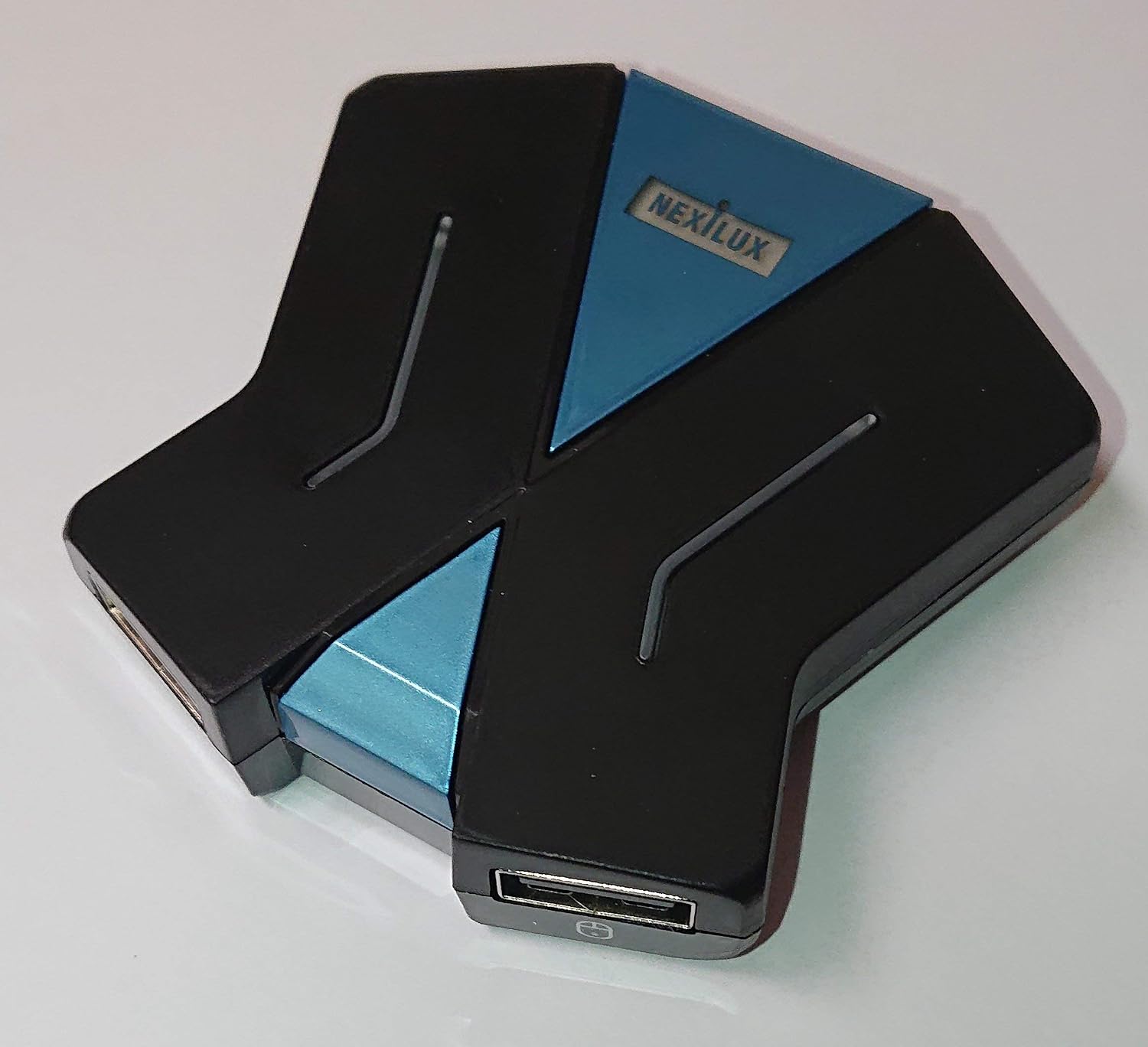


NEXiLUX Mouse Keyboard Converter for Playstation 4 / Xbox One / Switch / PS3
See current price
Check the current price and availability on Amazon.com.
View on AmazonAffiliate link — we may earn a commission at no extra cost to you. Learn more
- Item Weight
- 4 ounces
- Item model number
- NXL-95214
- Manufacturer
- NEXiLUX
- Compatible Devices
- Gaming Console, PC
Key features
- Glowing RGB LED indicator
- Works with Playstation 4 (PS4) & Playstation 3 (PS3)
- Works with XBOX One
- Works with Switch
- Keymapping with PC (Mouse sensitivity can also be adjusted via keyboard)
Specifications
| Product Dimensions | 2.4 x 2.4 x 0.7 inches |
|---|---|
| Item Weight | 4 ounces |
| Item model number | NXL-95214 |
| Manufacturer | NEXiLUX |
| Compatible Devices | Gaming Console, PC |
| Connector Type | USB Type A |
| Connector Gender | Male-to-Female |
| Color | black |
| Item Dimensions LxWxH | 2.4 x 2.4 x 0.7 inches |
| ASIN | B07N8LSGWR |
About this product
Connect your keyboard and mouse to the NEXiLUX converter to be used as a Joypad. The NEiLUX MouseKey2Joy converter works on Nintendo Switch, Playstation 4 (PS4) , Xbox One and Playstation 3 (PS3). You can change the key configuration + sensitivity with a windows PC. Mouse sensitivity can also be adjusted via keyboard. Download the configuration software from the website. Note: Original controller is required to start the converter for PS4/XboxOne/PS3. Important: Works with many keyboards and mice on the market. Due to a large number of keyboard and mouse chips, best to configure the sensitivity that suits your preference. For XBOX One, start with console powered off. XBOX One: Ensure your controller is OFF (no power light on) 1. Ensure XBOX One is powered off 2. Power on XB1 using the power on button on the console 3. Connect the adapter 4. Connect the Original XBox One controller using the SYNC & Charge cable 5. Connect the keyboard 6. Connect the mouse. Also compatible with XBOX Series X & S when using the XBOX One controller to initiate.
Similar products


See current price