
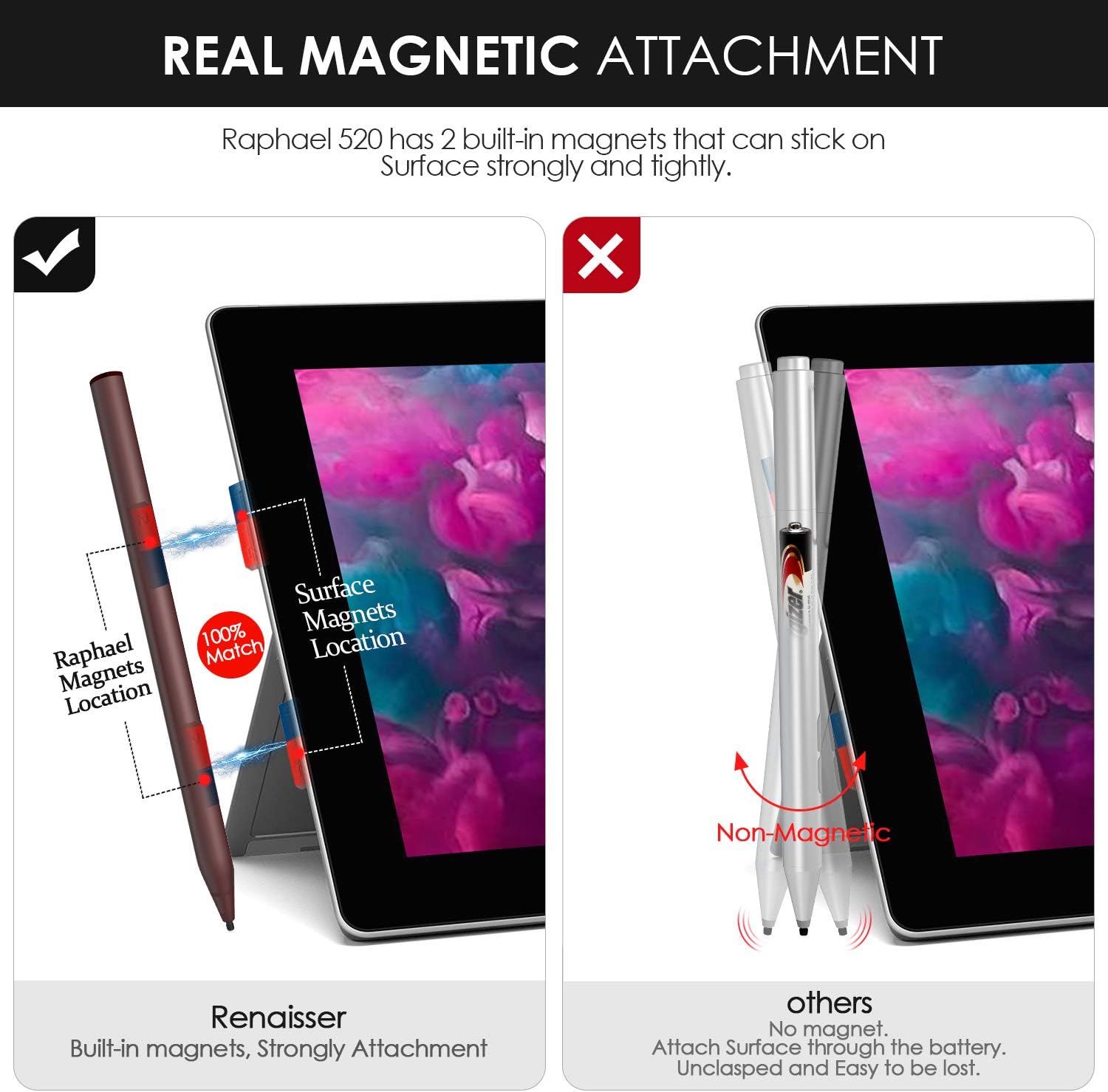


Renaisser Stylus Pen for Surface, Raphael 520 Magnetic Stylus Pen, 4096 Levels Pressure, Tilt & Palm Rejection, HB+H+2H Tips, Rechargeable, for Surface Pro/Go/Laptop/Book/Studio
See current price
Check the current price and availability on Amazon.com.
View on AmazonAffiliate link — we may earn a commission at no extra cost to you. Learn more
- Item model number
- Raphael 520
- Item Weight
- 11 Grams
- Product Dimensions
- 6.1 x 0.34 x 0.36 inches
- Item Dimensions LxWxH
- 6.1 x 0.34 x 0.36 inches
Key features
- Wide Compatibility – Compatible with Surface Pro 3, Surface Pro 4, Surface Pro 5, Surface Pro 6, Surface Pro 7, Surface Pro X, Surface Go, Surface Book, Surface Book 2, Surface Studio 1st Gen, Surface Studio 2, Surface Laptop 1st Gen, Surface Laptop 2. Not compatible with Surface Laptop Go.
Specifications
| Brand | RENAISSER |
|---|---|
| Item model number | Raphael 520 |
| Item Weight | 11 Grams |
| Product Dimensions | 6.1 x 0.34 x 0.36 inches |
| Item Dimensions LxWxH | 6.1 x 0.34 x 0.36 inches |
| Color | Burgundy |
| Batteries | 1 Lithium Ion batteries required. (included) |
| Manufacturer | RENAISSER |
| Material | Aluminum |
| Number of Batteries | 1 Lithium Ion batteries required. (included) |
| Compatible Devices | Laptops |
| Item Dimensions LxWxH | 6.1 x 0.34 x 0.36 inches |
| Are Batteries Included | Yes |
| Batteries Required? | Yes |
| ASIN | B07ZJNGZR4 |
About this product
Troubleshoot If the pen doesn’t work, please follow following instruction to reinstall the drivers: 1. Open Device Manager 2. Expand Firmware, Bluetooth and Human Interface Devices 3. Look for the pen drivers. Below are as follows: Intel Precise touch HID- Compliant Touch Surface Pen Digitizer Surface Pen Settings Surface Touch (Firmware) 4. Then right-click on each driver and select "uninstall device". If in case you'll get a prompt before uninstalling the driver, please leave the box unchecked and hit uninstall. 5. After the driver is removed, click the Scan for hardware changes icon and wait while the driver is installed. Lastly, restart your Surface and see if the pen writes. Seamless Connectivity – No Bluetooth connection required. Simply turn on the stylus and begin using. Smart Engineering – The stylus’s special “D” shape prevents rolling. Pen tips are compatible with Surface pen tips and can be replaced by hand. Easily charge your stylus with any Micro-USB cable (included). Wide Compatibility – Compatible with Surface Pro 3, Surface Pro 4, Surface Pro 5, Surface Pro 6, Surface Pro 7, Surface Pro X, Surface Go, Surface Book, Surface Book 2, Surface Studio 1st Gen, Surface Studio 2, Surface Laptop 1st Gen, Surface Laptop 2. Please note the Surface Go is the entry-level model of Surface series, the touch screen performance not sensitive like the Surface Pro model. When you use Raphael 520 on Surface Go, please tap the screen harder。
Similar products


See current price