


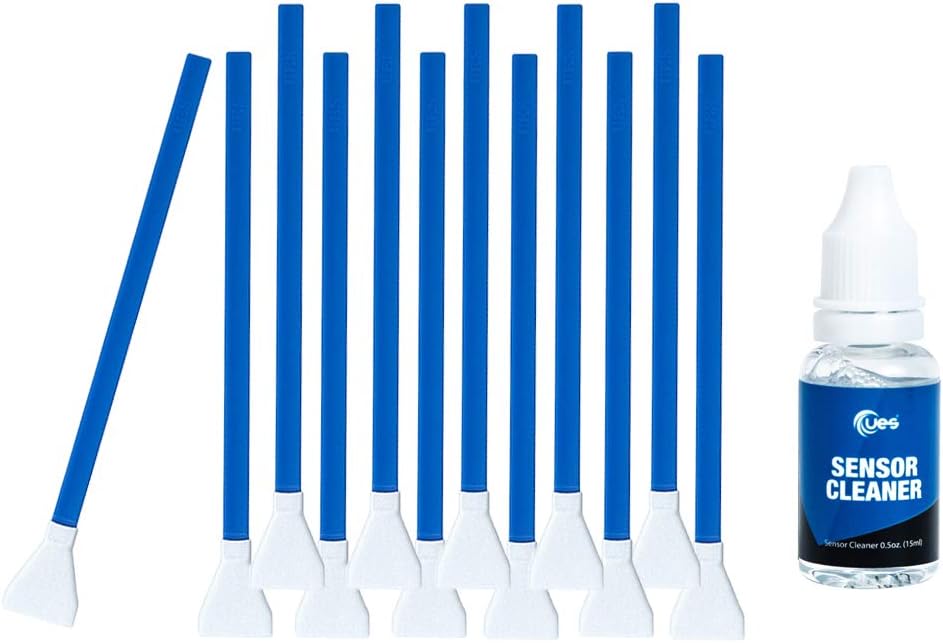
UES DSLR or SLR Digital Camera Cleaning Swab for APS-C Sensors, Blue, 12 swabs + 15ml Cleaner (DDR-16)
See current price
Check the current price and availability on Amazon.com.
View on AmazonAffiliate link — we may earn a commission at no extra cost to you. Learn more
- Item Weight
- 3.38 ounces
- Item model number
- DDR-16
- Manufacturer
- UES
- Brand
- UES
Key features
- UES Sensor Cleaner is alcohol-free and ammonia-free. Ideal for cleaning both CCD and CMOS sensors.
- Ultra pure water-based sensor cleaner has non-aggressive formula.
- Super soft swab head is fully covered by ultra fine microfiber - efficient cleaning and no scratch
- Flexible swab rod with a mini channel enables the pressure on the swab head evenly across the sensor
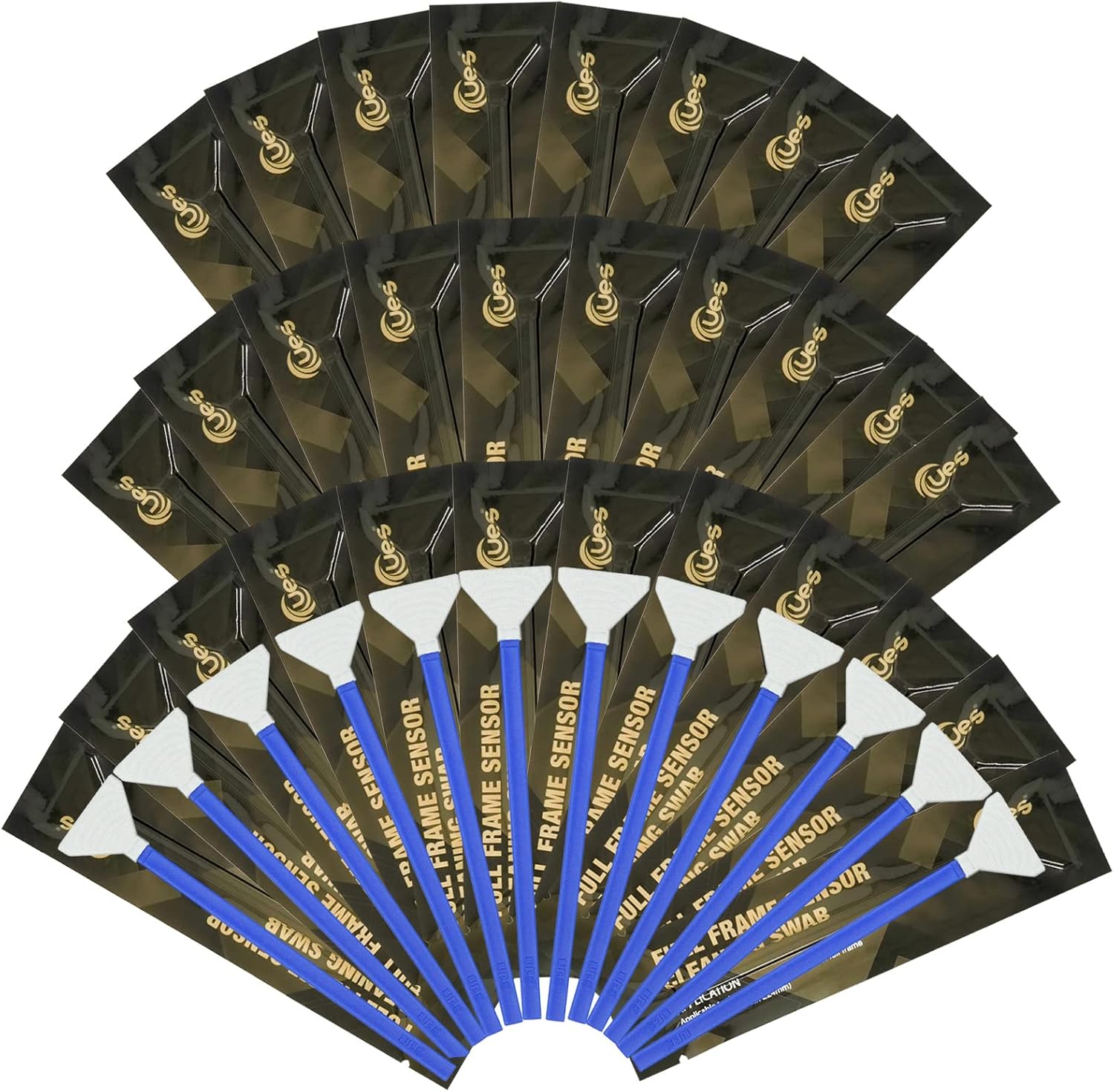
- Every sensor cleaning swab is made in a Class 100 Clean-Room and sealed in a vacuum package
Specifications
| Product Dimensions | 7.09 x 1.1 x 5.54 inches |
|---|---|
| Item Weight | 3.38 ounces |
| Item model number | DDR-16 |
| Manufacturer | UES |
| Brand | UES |
| Material | Fabric |
| Liquid Volume | 15 Milliliters |
| ASIN | B00K8MTPEW |
About this product
UES DDR-16 DSRL and Mirrorless Digital Camera APS-C Type Sensor Cleaning KitFeatures:⁘ The swab head is extremely soft that is 100% safe to clean your sensor. ⁘ The soft swab head is covered completely with super fine microfiber cloth. It can effectively and efficiently clean camera sensor.⁘ The width of the swab is compatible with all APS-C type sensors. ⁘ Every swab is produced in a 100 Class Clean Room and packed in a vacuumed package. ⁘ The non-aggressive formulated sensor cleaner is alcohol-free and ammonia-free. It is ideal for cleaning both CCD and CMOS sensors. Package Content: ⁕ Sensor cleaner 15ml x 1 Sensor, ⁕ Cleaning Swab 16mm X 12Sensor Cleaning Instruction:1. Before start, shoot a piece of white paper with Aperture Priority (A) mode set at f/22 or higher. On the photo, you could identify where the dust is located on your sensor.2. Make sure your camera’s battery is 100% fully charged. Set camera to sensor cleaning mode, so the delicate shutter and mirror mechanisms stay out of the way, and allow you to access the sensor. 3. Use an air blower to remove loose dust from the sensor. 4. Open one end of the swab package and remove the swab. 5. Dispense 1 to 2 drop of cleaner to the edge of the swab head. 6. Hold the handle at a 60◦ angle, off the surface of the sensor. 7. Swipe the swab from one end of the sensor to the other end with single constant motion. 8. Turn the swab 180◦ and use the clean side of the swab to swipe the sensor in the same direction again with single constant motion. 9. Discard the used swab and never reuse the same swab on any other sensors. Always use sealed one for other applications.
Similar products

Digital Goja
MagicFiber Extra Large Microfiber Cleaning Cloth - Premium Cloth for TV, Screens, Windows, Mirrors & More
See current price
![White Christmas [VHS]](https://m.media-amazon.com/images/I/51Z9D11JW6L._AC_.jpg)
Bing Crosby (Actor), Danny Kaye (Actor), Michael Curtiz (Director) & 0 more Rated: Unrated Format: VHS Tape
White Christmas [VHS]
See current price
See current price