
3D Printers
Compare 3D printers by printing method, build area, resolution, materials, and ease of use. Review the specifications and features that matter for your projects before visiting Amazon.
190 products in catalog
190 results
Filters
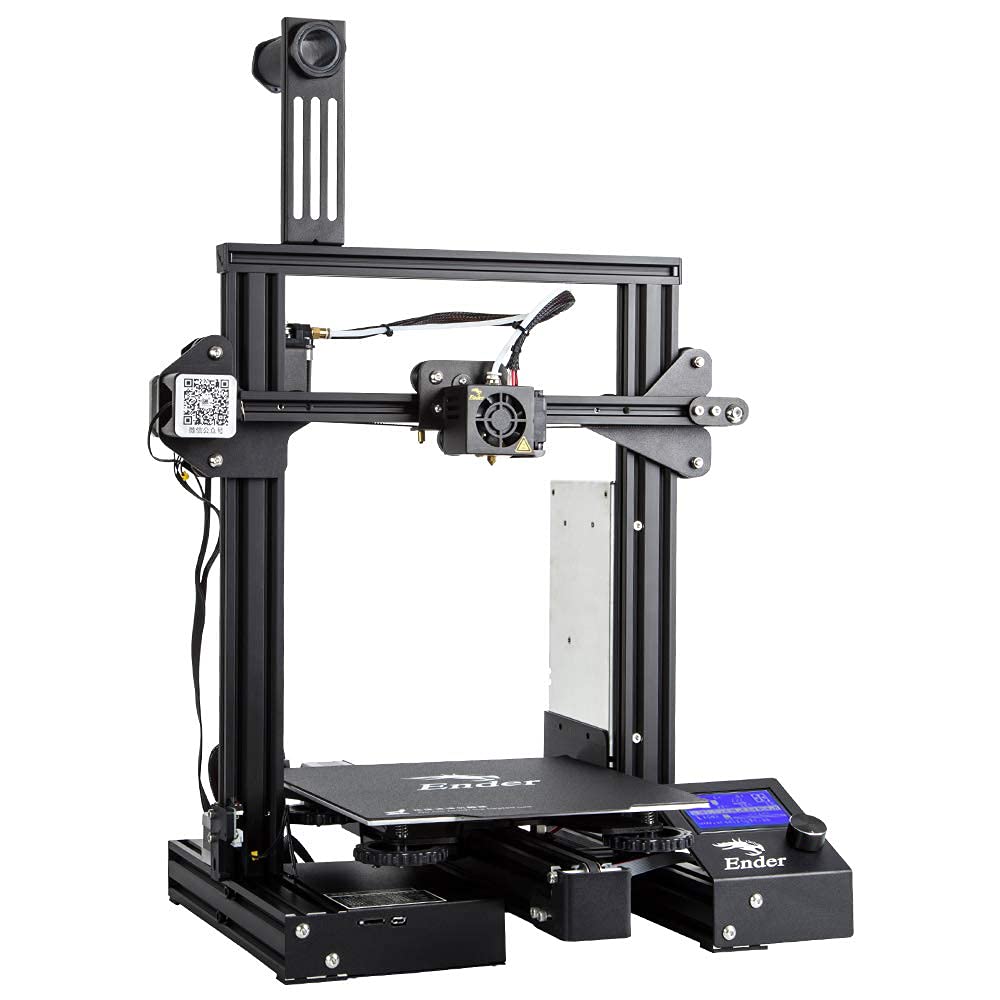
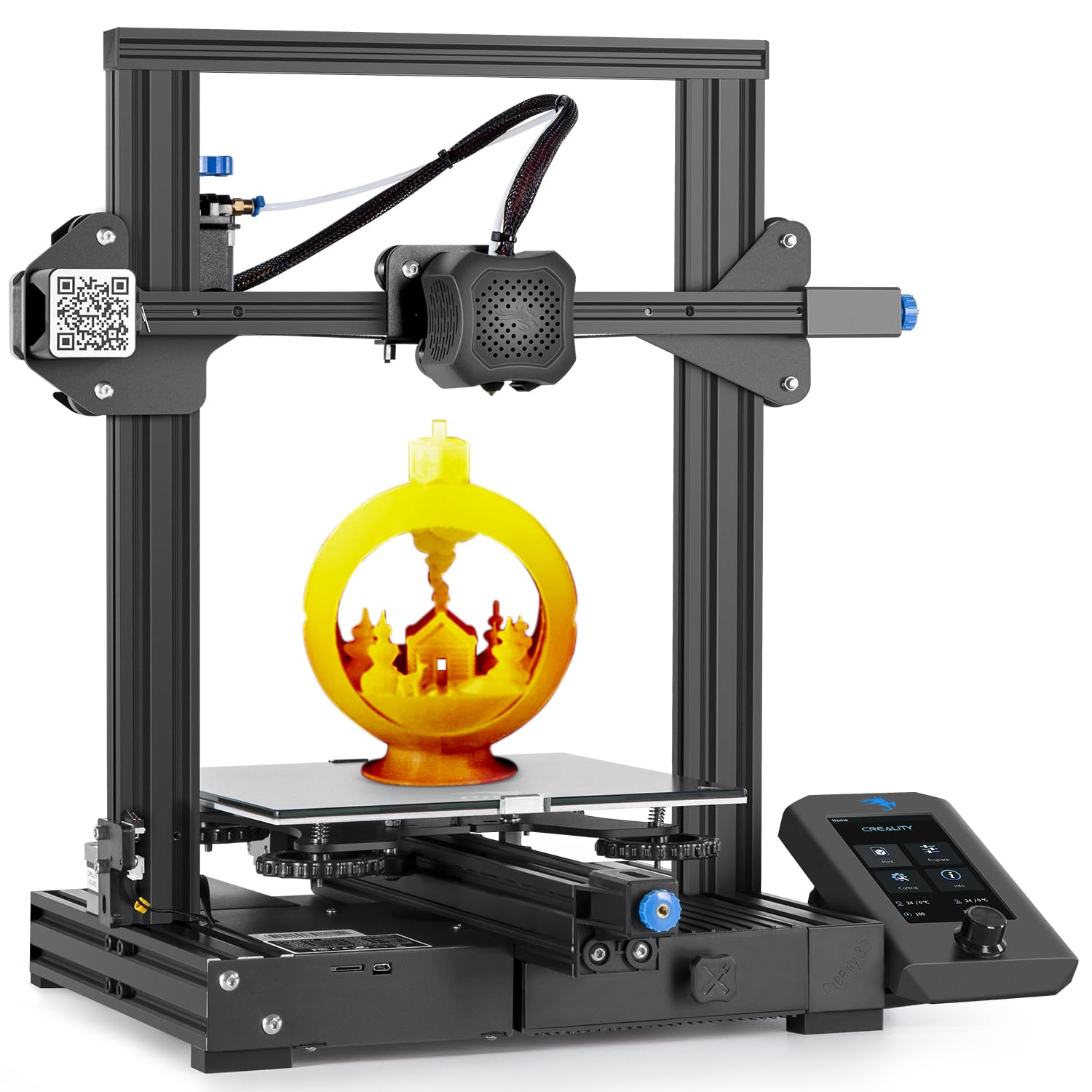


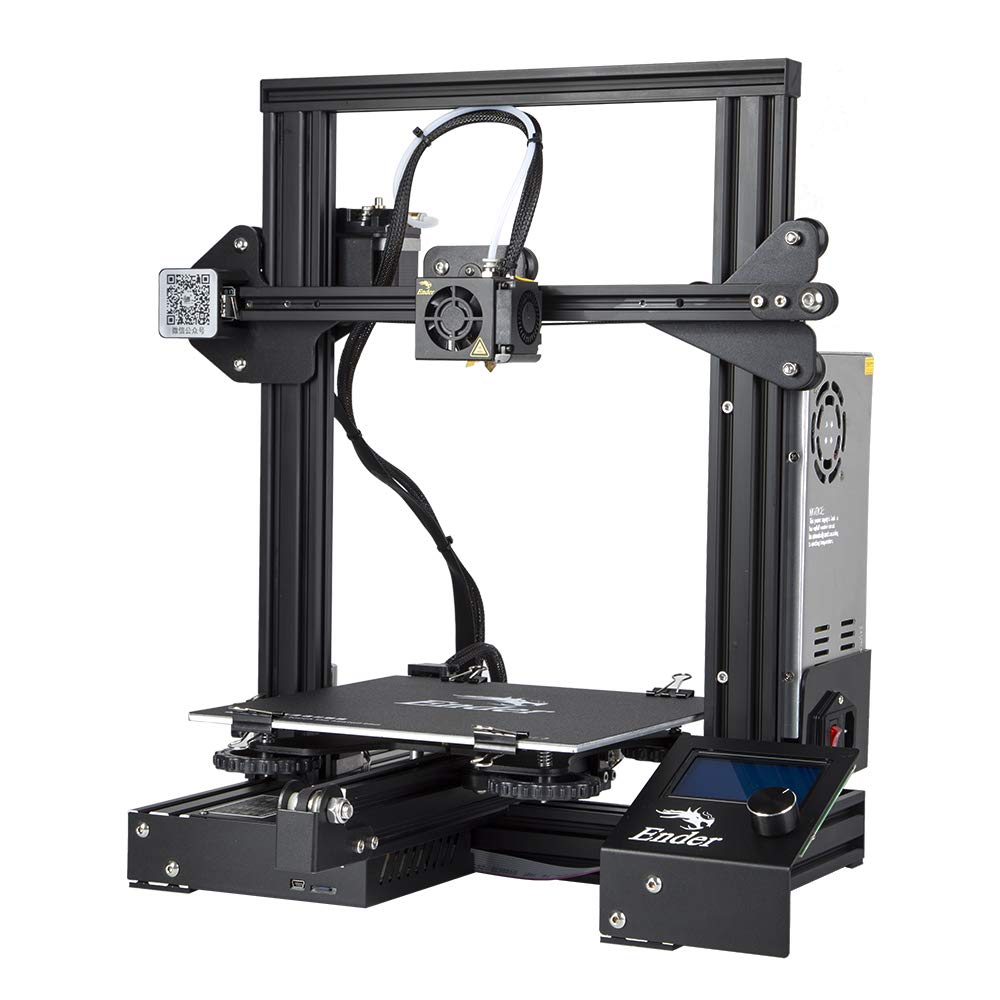
Popular brands in 3D Printers
3D printers vary widely in their printing methods, materials, build volumes, and level of automation. The right choice depends on what you plan to make, how much detail you need, and whether you prioritize simple operation, fast prototyping, or greater control over the printing process.
This K-Catalog category helps you compare available 3D printers by their listed specifications and features. Use the information below to narrow the field, then check the product listing for the latest compatibility details and current availability on Amazon.
How to choose a 3D printer
Start with the type of objects you expect to print. Functional parts may require durable materials and a printer with reliable dimensional accuracy, while display models may place more emphasis on fine detail and surface quality. For occasional projects, straightforward setup and easy maintenance can be more important than advanced controls.
Consider these questions before comparing individual products:
- What materials do you want to use?
- How large do your typical projects need to be?
- Do you need fine detail, strong parts, or both?
- Will the printer be used by a beginner, an experienced maker, or a work team?
- How much time can you spend on calibration, cleaning, and maintenance?
A printer that matches your workflow is generally more useful than one with specifications that exceed your actual needs.
Common 3D printer types
FDM and FFF printers
Fused deposition modeling and fused filament fabrication printers create objects by depositing melted filament layer by layer. They are commonly considered for prototypes, household parts, tools, educational projects, and larger models. Compare supported filament types, nozzle options, heated-bed features, and the level of manual adjustment required.
Resin printers
Resin printers use liquid photopolymer resin and are often considered when small features, intricate shapes, or smooth model surfaces are priorities. The workflow also involves resin handling, washing, curing, and appropriate ventilation or protective equipment. Check the compatible resin types and the included or required post-processing equipment.
Enclosed and open-frame designs
An open-frame printer can provide easy access to the print area and may be convenient for monitoring a project. An enclosed design can help contain the printing area and may be preferable for certain materials or shared workspaces. Compare the enclosure design, access points, ventilation approach, and available workspace before choosing.
Specifications and features to compare
Build volume determines the maximum space available for a print. Compare the listed width, depth, and height with the dimensions of the objects you expect to produce. A larger build area can be useful for bigger parts, while a compact printer may be easier to place in a limited workspace.
Layer resolution and nozzle size affect visible detail and printing flexibility. Finer settings may suit detailed models, while a larger nozzle can be useful for faster deposition or thicker lines. Look at the printer’s adjustment range rather than relying on one headline specification.
Material compatibility is another key consideration. Confirm which filament or resin types are supported, whether the printer includes the necessary hardware, and whether the recommended materials match your intended applications. Material requirements can influence the need for a heated build plate, enclosure, special nozzle, or post-processing tools.
Also compare the control interface, file-transfer options, included software, leveling method, power-loss behavior, and safety features. Automatic calibration and monitoring functions may simplify operation, but the exact implementation differs between products.
Brands in the catalog
The catalog includes 3D printers from Comgrow, Anycubic, ELEGOO, Creality, Voxelab, R QIDI TECHNOLOGY, Creality 3D, FLASHFORGE, Artillery, MonoPrice, Longer, and Tresbro. These brands cover a range of printer formats and feature sets. Compare each product on its own specifications rather than selecting by brand name alone, since capabilities can differ across a manufacturer’s catalog.
For supporting materials, browse 3D Printing Supplies. If you need replacement or upgrade components, 3D Printer Parts & Accessories may also be useful. Related equipment can affect setup, maintenance, and the materials a printer can use.
Setup, maintenance, and safety considerations
Plan for a stable, level surface with enough room to access the printer and handle finished parts. Review the manufacturer’s guidance for electrical requirements, ventilation, temperature, and material handling. Resin printing generally requires extra attention to protective equipment and cleanup, while filament printers may need regular bed cleaning, nozzle care, and calibration.
Before buying, check what is included and what must be supplied separately. A printer may require compatible filament or resin, tools, replacement parts, a computer or storage device, and post-processing equipment. Confirm software compatibility and file formats if the printer will be part of an existing design workflow.
Frequently asked questions
Which type of 3D printer is easiest to start with?
Many beginners compare FDM or FFF printers because their workflow is familiar and their materials are available in filament form. Ease of use still depends on calibration, software, and the specific printer’s setup features.
What build volume should I choose?
Choose a build volume that accommodates your usual projects with some practical margin. If you mainly print small components, a compact build area may be sufficient; larger models require more space or multiple assembled pieces.
Are resin printers suitable for functional parts?
Some resins are designed for stronger or more specialized parts, but suitability depends on the material and the intended use. Compare the resin manufacturer’s guidance with the performance requirements of the finished object.
What materials should I compare?
Compare the materials supported by the printer and the properties needed for your projects, such as strength, flexibility, heat resistance, appearance, or ease of post-processing. Also check whether extra hardware is required.
What else should I buy with a 3D printer?
Depending on the printing method, you may need filament or resin, cleaning supplies, tools, spare components, protective equipment, and software. Review the included accessories and recommended supplies before completing your setup.