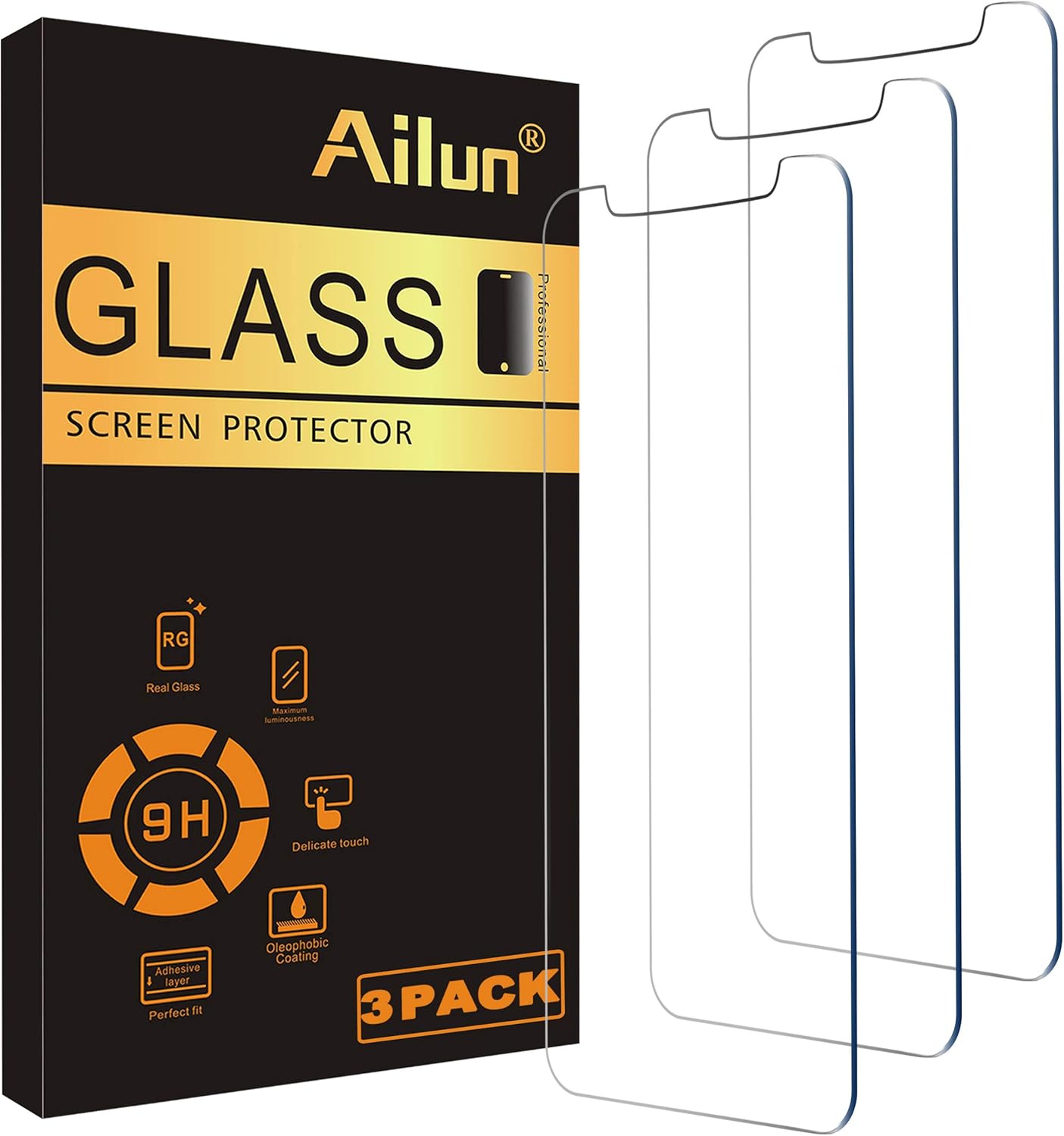
Ailun
Ailun Glass Screen Protector Compatible for iPhone 11/XR,6.1 Inch 3 Pack Tempered Glass
See current price

Find accessories for protecting, maintaining, and repairing cell phones. Compare fit, materials, compatibility, and included tools or components before choosing an option for your device.
10,475 products in catalog
10,475 results
Ailun
See current price

JETech
See current price


JETech
See current price


![Ailun 2 Pack Screen Protector for iPhone 13 [6.1 inch Display] with 2 Pack Tempered Glass Camera Lens Protector,[9H Hardness]-HD[4 Pack]](https://m.media-amazon.com/images/I/71iaXGldcsL._AC_SL1500_.jpg)
![Mr Shield [Tempered Glass] Screen Protector For iPhone 6 / iPhone 6S / iPhone 7 / iPhone 8 [3-Pack] Screen Protector](https://m.media-amazon.com/images/I/51jrAM4kIfL._AC_SL1050_.jpg)


JETech
See current price

![Ailun Privacy Screen Protector for iPhone 11 Pro/iPhone Xs/iPhone X 5.8Inch 2Pack Anti Spy Private Case Friendly, Tempered Glass [Black]](https://m.media-amazon.com/images/I/81VvzTGvceL._AC_SL1500_.jpg)
![TETHYS Glass Screen Protector Designed For iPhone 11 / iPhone XR (6.1") [Edge to Edge Coverage] Full Protection Durable Tempered Glass Compatible iPhone XR/11 [Guidance Frame Include] - Pack of 3](https://m.media-amazon.com/images/I/71K-UQStC0L._AC_SL1500_.jpg)


JETech
See current price

Cell phone maintenance accessories can help address everyday wear, protect vulnerable surfaces, and support small repair or replacement tasks. This category covers practical products for shoppers who want to keep a phone usable, clean, and protected without choosing accessories at random.
Start by identifying the exact phone model and the job you need to complete. A product designed for one screen size, camera layout, connector, or device generation may not suit another. Use the catalog to compare specifications and features, then check the current listing details on Amazon before buying.
The right accessory depends on whether you are preventing damage, refreshing a worn component, or carrying out a hands-on repair. Before comparing individual products, consider these questions:
Compatibility should come before appearance. A well-matched accessory is more likely to align correctly, work as intended, and avoid interfering with buttons, ports, sensors, cameras, or wireless functions.
Although this category does not have listed subcategories, maintenance and repair accessories can be compared by their purpose. Thinking in these groups makes it easier to narrow a broad catalog selection.
Protective accessories help reduce exposure to scratches, fingerprints, dust, and everyday contact. When comparing screen or surface protection, look for the stated device fit, coverage area, thickness or material description, transparency, edge design, and installation method. Consider whether the protector is intended to cover only the display or accommodate a case around the phone.
Cleaning-related accessories should be evaluated for the surfaces they are designed to contact. A suitable material and gentle application method matter for displays, camera lenses, ports, and other sensitive areas. Avoid assuming that a general-purpose cleaning product is appropriate for every phone component.
Replacement parts may address a worn, cracked, loose, or missing component. Compare the exact part description, compatibility information, connector or attachment style, included adhesive, and any tools supplied. Product photos can help with visual matching, but written specifications should carry more weight when a small difference could affect installation.
Pay attention to whether a listing describes a complete assembly or only one part. A component that looks similar may still differ in dimensions, connection points, mounting tabs, or sensor placement.
Repair and upkeep tasks may require precise handling. Compare tool material, tip style, grip, flexibility, and the types of fasteners or components the tool is intended to handle. For installation accessories, check whether the process depends on alignment guides, cleaning wipes, dust-removal materials, or curing time.
If a repair involves opening a phone, consider your comfort level and the risk of damaging delicate parts. Some repairs are not simple accessory installations and may be better handled by a qualified technician.
Product descriptions can vary, so review the details that directly affect fit and use:
For replacement parts, also compare color, finish, connector placement, and whether the component is intended for a particular regional or carrier version of the phone. If the listing leaves an important compatibility detail unclear, it is safer to keep comparing rather than assume the part will fit.
The catalog includes maintenance and protection products from Supershieldz, Mr.Shield, Spigen, LK, UniqueMe, JETech, MMOBIEL, Letosan, UIYTRAESTING, L K, amFilm, and Tech Armor. These brands are represented across the available catalog; they should be compared by the specifications of the individual listing rather than by brand name alone.
When comparing products from different brands, focus on the same practical details: device compatibility, included accessories, materials, coverage, installation instructions, and the type of maintenance or repair task involved. Brand familiarity can help narrow a search, but it does not replace checking the exact model fit.
Some maintenance decisions overlap with other accessory needs. If the goal is reliable power after a repair or during regular use, compare options in Chargers & Power Adapters. For hands-free positioning while cleaning, installing, or using a phone, Stands may be useful to compare.
Maintenance needs can also extend beyond phones. Shoppers caring for a wearable device can browse Smartwatch Accessories, while drivers may find adjacent options in Automobile Accessories. For device interaction or creative use, Stylus Pens and Photo & Video Accessories may be relevant. The broader Accessories category provides another way to continue comparing compatible phone add-ons.
Read the product instructions before beginning. Clean and dry the work area, keep small parts organized, and avoid applying force when a component does not align. Dust under a screen accessory, misplaced adhesive, or a pinched cable can affect the result.
Back up important data before a repair that requires opening or resetting a phone. Power the device down when the instructions call for it, and keep liquids away from openings unless the product specifically supports that use. Batteries and other internal components can be hazardous if punctured, bent, overheated, or handled with unsuitable tools.
After installation, test essential functions carefully. Check charging, buttons, speakers, microphones, cameras, touch response, wireless connections, and biometric features as applicable. If the phone becomes unusually hot, stops functioning normally, or shows signs of battery damage, discontinue use and seek qualified help.
Confirm the exact phone model and identify the task. Then compare dimensions, connection points, included parts, installation method, and any stated compatibility limits.
Many are not. Screen dimensions, camera layouts, ports, internal connectors, and case clearances can vary between models, even within the same brand.
Check the stated phone fit, coverage, material, thickness, cutouts, case compatibility, and installation supplies. Also consider whether the protector is intended for the display or another surface.
Simple accessory installation may be manageable with clear instructions, but internal repairs can involve fragile components and batteries. Use a qualified technician when the task or safety risk exceeds your experience.
Match the full model information, compare product photos with the existing component, review dimensions and connectors, and verify what the package includes before ordering.
Use the related categories for chargers, stands, smartwatch accessories, automobile accessories, stylus pens, and photo or video accessories when your maintenance needs overlap with another device or use case.