
Mac Video Game Accessories
Compare gaming accessories for Mac setups by controls, comfort, connectivity, compatibility, and construction. Use the listed specifications to narrow your options before buying.
119 products in catalog
119 results
Filters

Turtle Beach
Turtle Beach Recon 70 Camo White Gaming Headset for Xbox Series X|S, Xbox One, PS5, PS4, Nintendo Switch & PC
See current price






![4 Trigger Mobile Game Controller with Cooling Fan for PUBG/Call of Duty/Fortnite [6 Finger Operation] YOBWIN L1R1 L2R2 Gaming Grip Gamepad Mobile Controller Trigger for 4.7-6.5" iOS Android Phone](https://m.media-amazon.com/images/I/61IeQ0mU5bL._AC_SL1000_.jpg)


Popular brands in Accessories
Mac gaming accessories can make a major difference in how comfortably and consistently you play. The right gear depends on the games you enjoy, the way you use your Mac, and whether you prefer a compact setup or dedicated equipment.
This category is suited to shoppers comparing input devices, audio gear, and desktop accessories. Review each product’s specifications carefully, then check compatibility and the current listing before choosing.
How to choose Mac gaming accessories
Start with the type of control or convenience you need. A controller may suit action, platform, racing, or arcade-style games, while a keyboard and mouse can be more suitable for strategy, simulation, and games that use many commands. Headsets and microphones are useful for voice communication, while a mouse pad or desk accessory can support a more consistent setup.
Consider how you play as well as what you play:
- Casual play: Prioritize straightforward controls, easy setup, and a comfortable design.
- Long sessions: Look closely at ergonomics, padding, key feel, grip, and adjustability.
- Multiplayer: Check microphone placement, audio controls, and connection type.
- Shared spaces: A compact or quieter accessory may be more practical.
- Flexible setups: Wireless connectivity or a removable cable can make switching between locations easier.
Accessory types to compare
The catalog includes accessories for different parts of a Mac gaming setup rather than one single style of equipment. Comparing products within the same use case makes specifications easier to understand.
Controllers and gamepads
Look for the control layout, button arrangement, joystick design, trigger style, and connection method. A controller that feels natural in the hands may be preferable for games designed around console-style input. Check whether the listed compatibility information covers your Mac and the games or platforms you plan to use.
Keyboards and mice
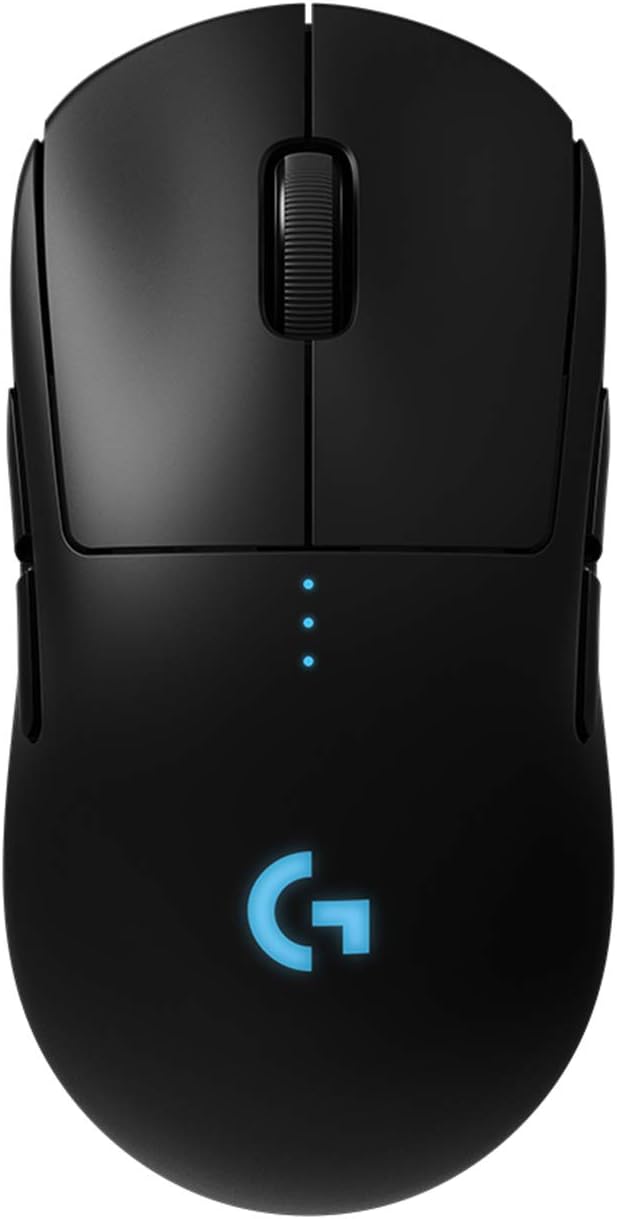
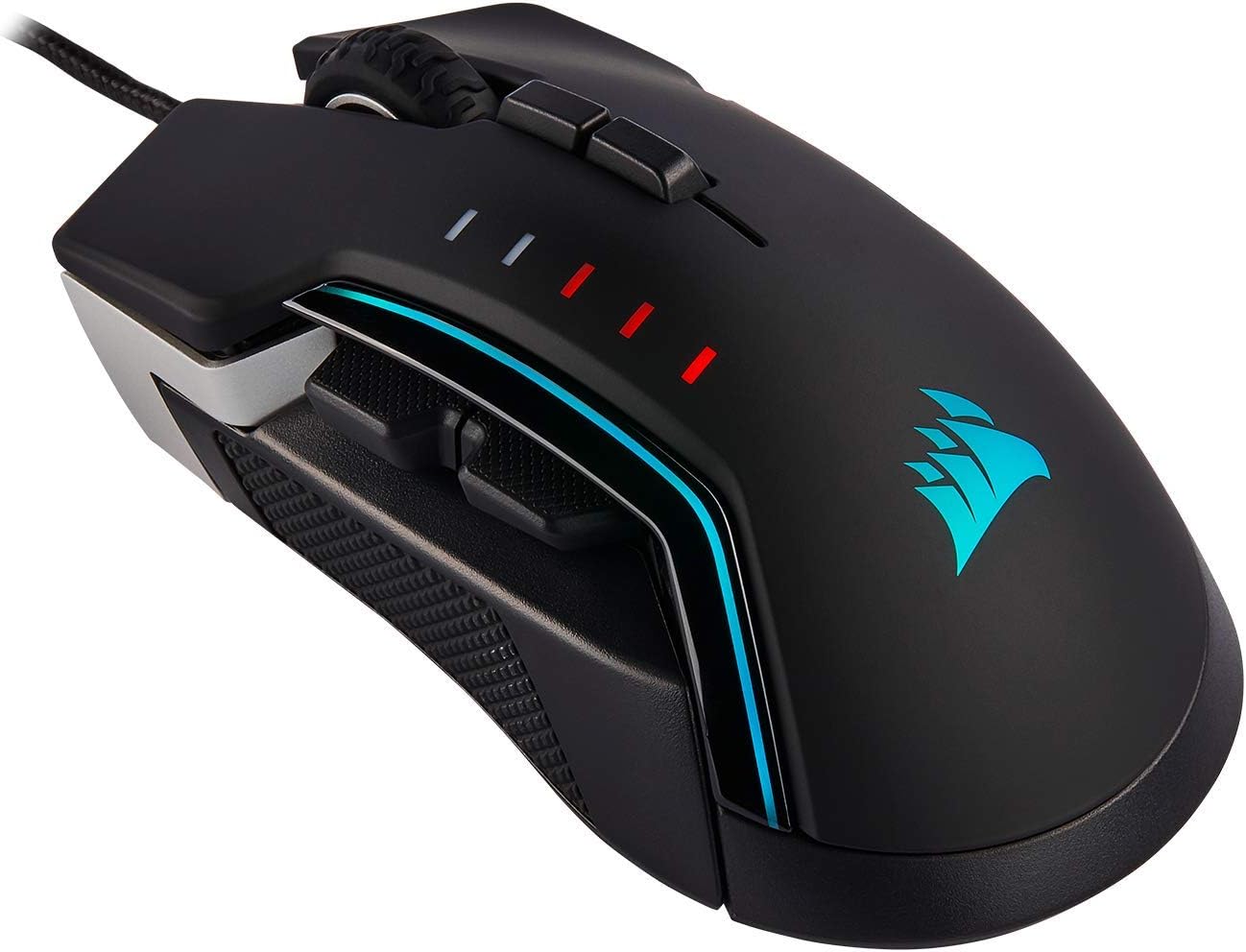
Gaming keyboards can differ in switch type, key layout, backlighting, and programmable controls. Mice may vary in shape, button configuration, sensitivity settings, and cable or wireless design. Choose features that support your preferred control style instead of paying attention to appearance alone.
Headsets and microphones
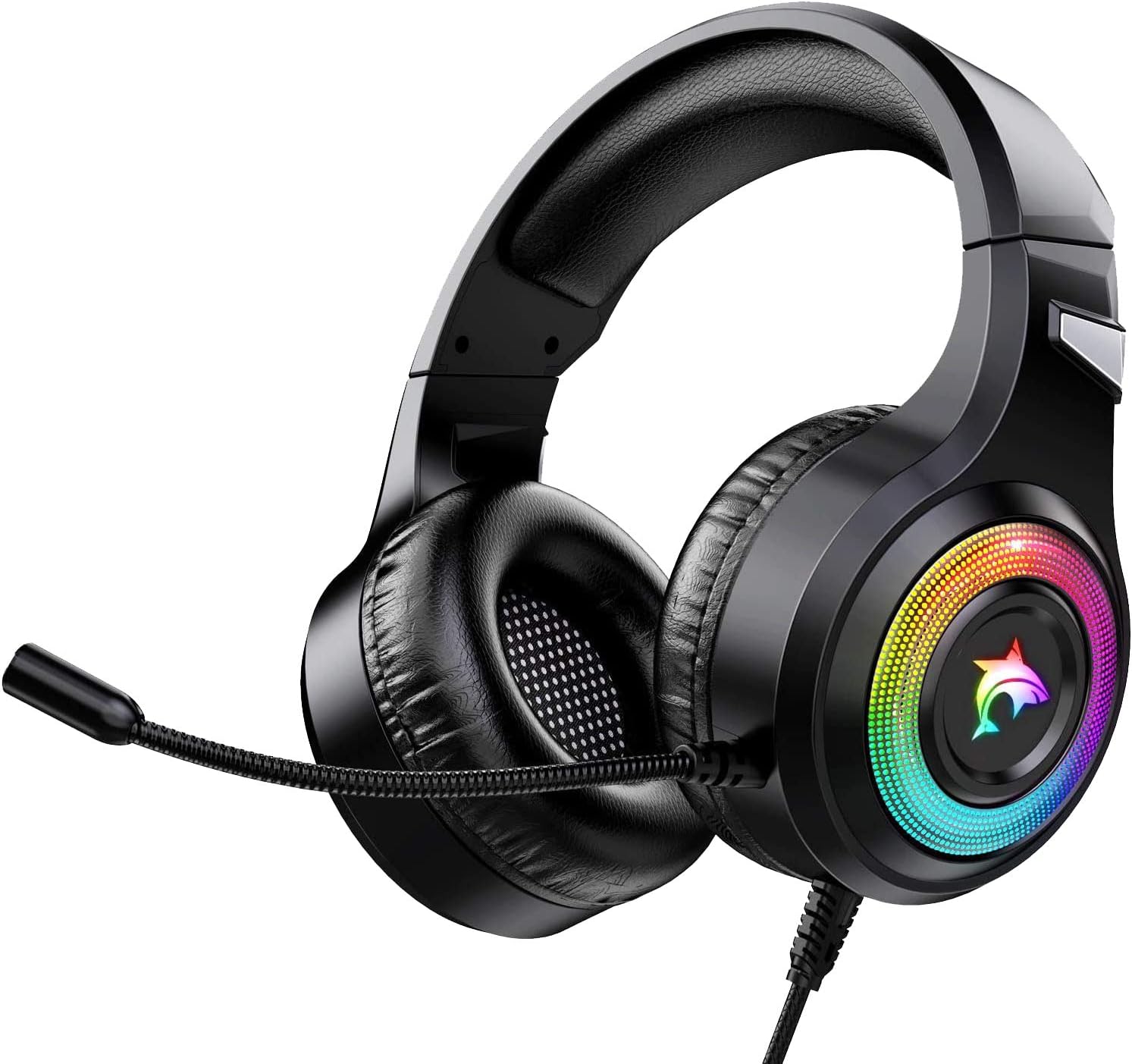
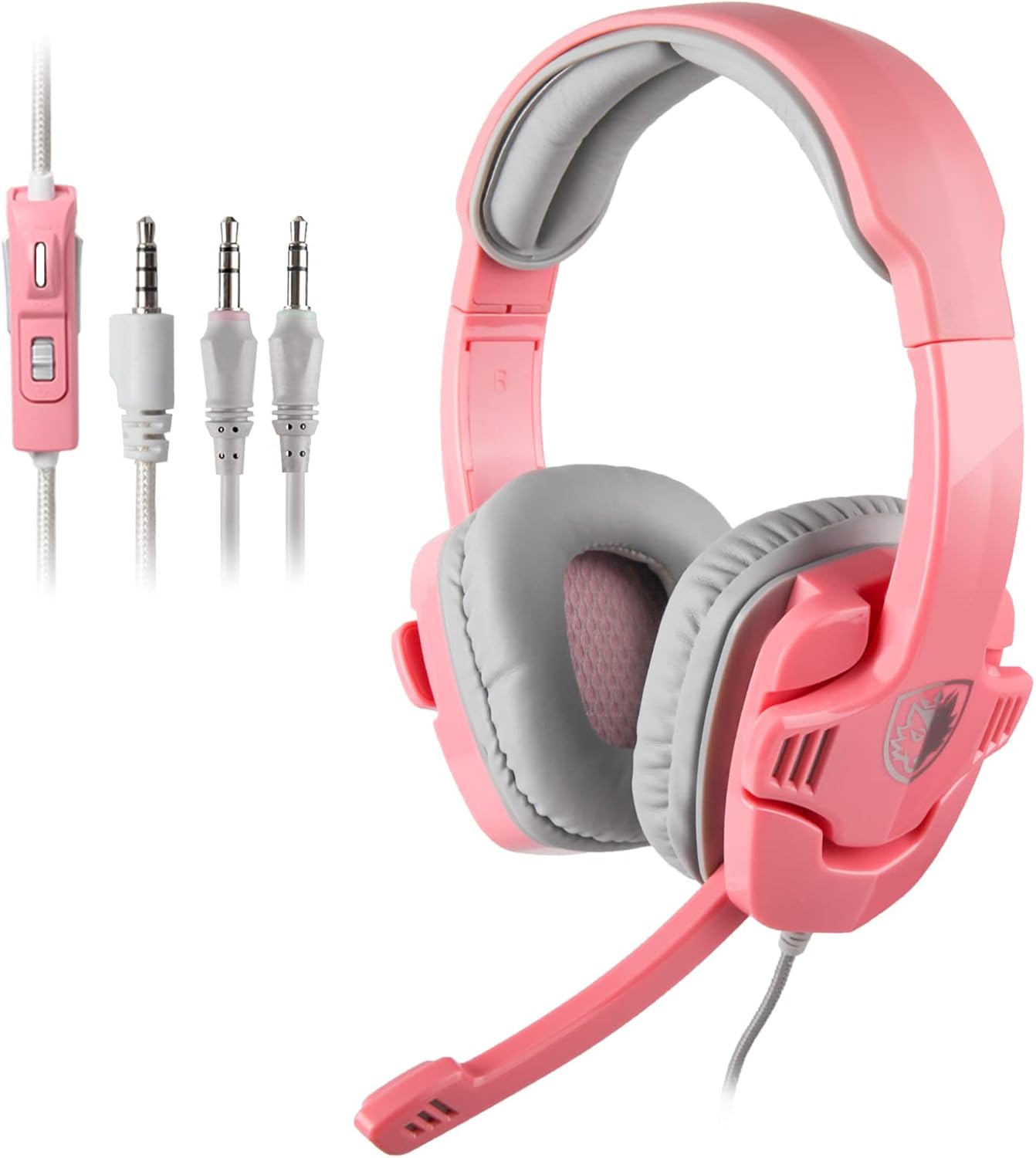
For game audio and communication, compare the headset’s connection, microphone design, ear-cup style, controls, and comfort features. A detachable or adjustable microphone can be useful for shoppers who also use the headset for general listening. Confirm whether the required connection works with your Mac and other devices.
Desk and setup accessories
A suitable mouse pad, stand, or related accessory can help organize a workspace and provide a more consistent place to play. Compare dimensions, surface material, construction, and portability when these products are part of your setup.
Key features and specifications
Compatibility should come first. Check the operating-system support, connection type, included cable or adapter, and whether any required software is available for Mac. If a product supports multiple platforms, verify which features work on each one rather than assuming every function is available everywhere.
Other specifications worth comparing include:
- Wired versus wireless operation and the charging or power requirements
- Connection stability and the practical range of wireless devices
- Button, key, or control customization
- Audio controls, microphone behavior, and mute options
- Materials, padding, cable construction, and overall durability features
- Size, weight, and storage needs for your desk or travel setup
Product photos can help with layout and proportions, but the specifications are the better source for compatibility and included accessories.
Brands represented in the catalog
The Mac accessories catalog includes products from 8Bitdo, Sades, Keychron, GameSir, NUBWO, Anivia, RIG, Corsair, Odaban, EPOMAKER, YOTMS, and Rii. These brands appear across different accessory styles, so compare the individual product specifications rather than treating a brand name as a substitute for checking fit, features, or Mac support.
You can also browse Mac products for related items in the broader platform category, or explore Games when choosing software to match your accessory setup.
Setup and compatibility tips
Before ordering, identify every connection your setup requires. A wired device may need a suitable port or adapter, while a wireless product may depend on Bluetooth, a receiver, charging, or companion software. If you use a MacBook with a dock or hub, account for that equipment when checking available ports.
For shared or portable setups, consider cable length, storage, pairing behavior, and how easily the accessory can be disconnected. For a permanent desk, ergonomics and cable management may matter more. Keep packaging and documentation available until you have confirmed that the accessory works as expected with your Mac.
Frequently asked questions
Do all gaming accessories work with Mac?
No. Compatibility varies by product, connection method, software, and feature support. Check the listed Mac and operating-system requirements before choosing.
Should I choose wired or wireless accessories?
Wired accessories are often simple to connect and do not require battery management. Wireless models can reduce desk clutter and improve portability, but they may require charging, pairing, or a receiver.
What matters most in a Mac gaming headset?
Compare connection type, microphone design, audio controls, comfort, and platform support. Make sure the headset’s required functions are supported on your Mac.
Are mechanical keyboards useful for Mac gaming?
They can be, especially for shoppers who prefer distinct key feedback or a particular switch feel. Compare the layout, switch type, Mac compatibility, and available customization features.
How can I choose the right controller?
Focus on the games you play, the controller layout, grip, button placement, connection method, and Mac support. The most suitable option is the one that matches both your preferred controls and your setup.