
Wilson Antenna
Wilson 305-492 T2000 Series Black Mobile CB Trucker Antenna with 5-Inch Shaft
See current price

Compare navigation, visibility, and communication equipment for heavy duty and commercial vehicles. Review specifications and compatibility details before checking current options on Amazon.
7 products in catalog
7 results
Wilson Antenna
See current price


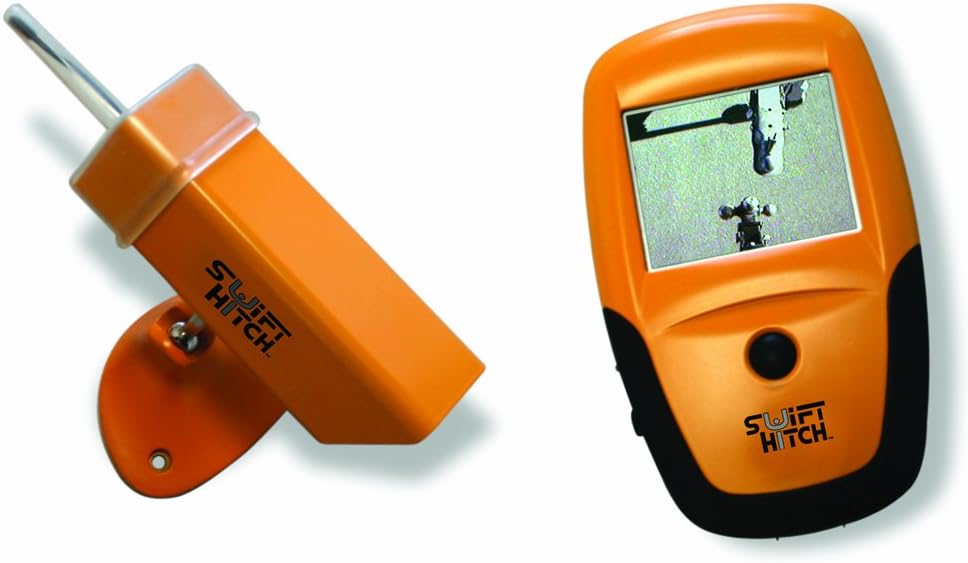

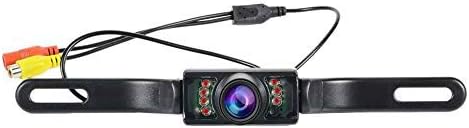
Fleet navigation and communication supplies can help commercial vehicle operators stay oriented, improve visibility around a vehicle, and maintain dependable in-cab connectivity. The right choice depends on the vehicle layout, installation method, operating environment, and the equipment already in use.
This K-Catalog category brings together options for fleet and heavy duty applications so shoppers can compare product specifications and features in one place. For more vehicle-focused equipment, browse Heavy Duty & Commercial Vehicle Accessories and Heavy Duty & Commercial Vehicles Parts.
Start by identifying the job the equipment needs to perform. A driver who needs route guidance may prioritize a clear display, straightforward controls, and mounting flexibility. A fleet operator focused on visibility may need a camera or monitor arrangement that suits a large vehicle and its blind spots. Communication equipment, including antenna-related products, calls for careful attention to system compatibility and installation requirements.
Consider the vehicle’s available power connections, dashboard or cab space, windshield visibility, and mounting surfaces. Heavy duty vehicles vary widely in size and configuration, so a product that fits one cab may not suit another. Confirm the intended vehicle type and installation position before selecting an item.
Although the exact selection varies, this category can include several types of equipment:
The most important details depend on the equipment type, but these comparisons are useful across the category:
The catalog includes products from RoadPro, Swift Hitch, CAMECHO, Brandmotion, and Wilson Antenna. These brands are represented across the available selection, but product suitability still depends on the individual item’s specifications and the vehicle setup. Compare each listing’s connections, dimensions, mounting details, and intended application rather than choosing by brand alone.
Before installation, map the cable route and identify any moving, hot, or exposed areas that could damage wiring. Keep displays and controls positioned so they do not block the driver’s forward view, mirrors, gauges, or emergency controls. Exterior components should be mounted where they have suitable clearance from doors, loading equipment, branches, and routine washing.
For camera systems, check the final viewing area after installation and adjust the position to cover the intended zone. For antennas, confirm that the mounting surface, connector, cable path, and grounding requirements match the communication equipment. When integrating a new component into an existing fleet system, record connector types and current equipment details before ordering.
Confirm the vehicle and device compatibility, mounting location, power connection, cable requirements, and whether the accessory supports the way drivers will use it.
Not necessarily. Heavy duty vehicles differ in cab design, power systems, available space, and installed electronics. Review the individual product specifications for the intended application.
Consider the area that needs visibility, camera placement, viewing angle, monitor inputs, cable routing, and mounting position. Make sure the components are compatible as a system.
Match the antenna to the communication equipment and review connector type, cable requirements, mounting method, clearance, and any installation guidance provided with the product.
Some products may be straightforward to fit, while others require wiring, drilling, integration, or system-specific knowledge. Follow the manufacturer’s instructions and use a qualified installer when needed.