

PC Gaming Accessories
Compare PC gaming accessories by compatibility, comfort, connectivity, and the features that support your games, workspace, and play style.
3,254 products in catalog
3,254 results
Filters
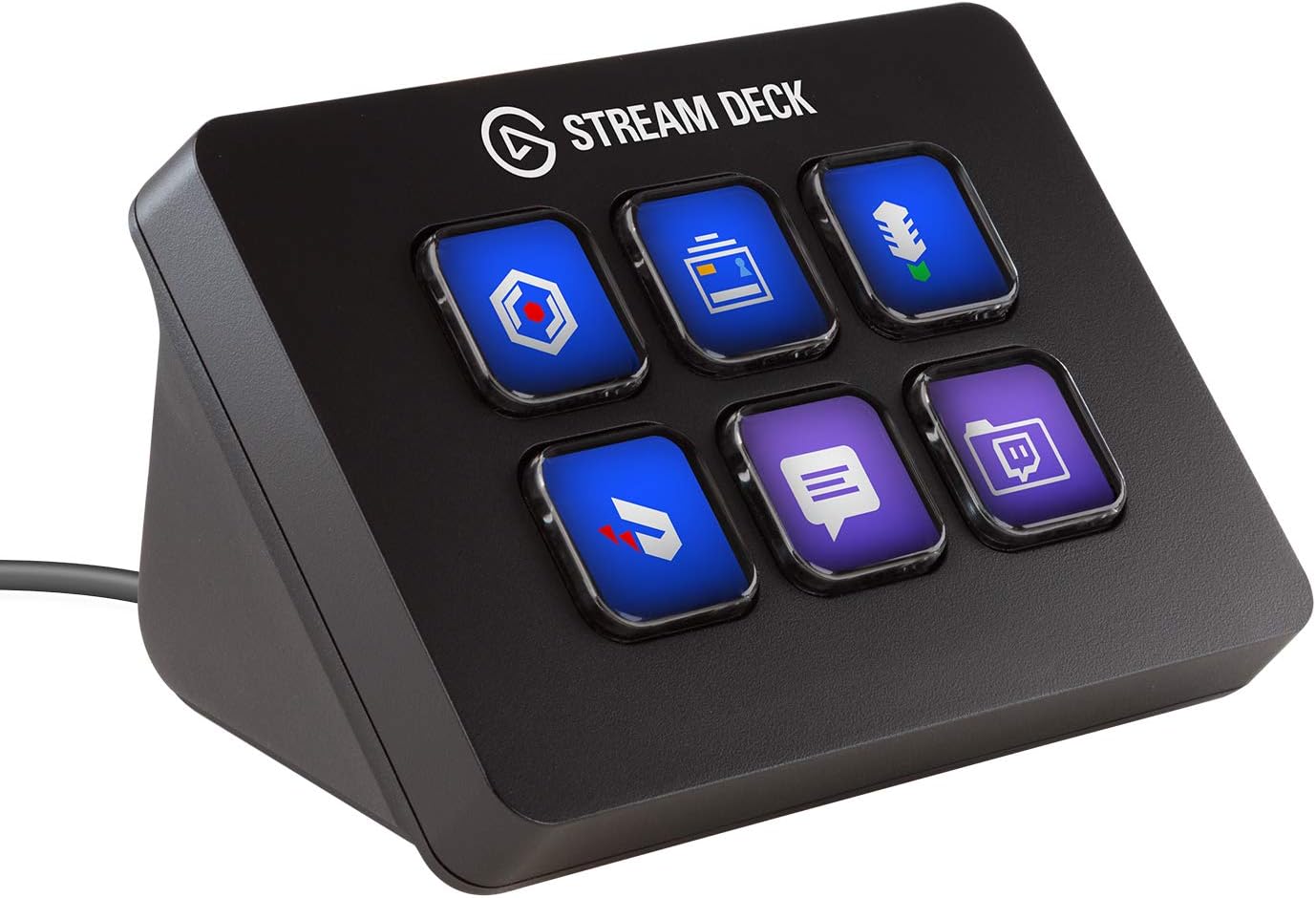
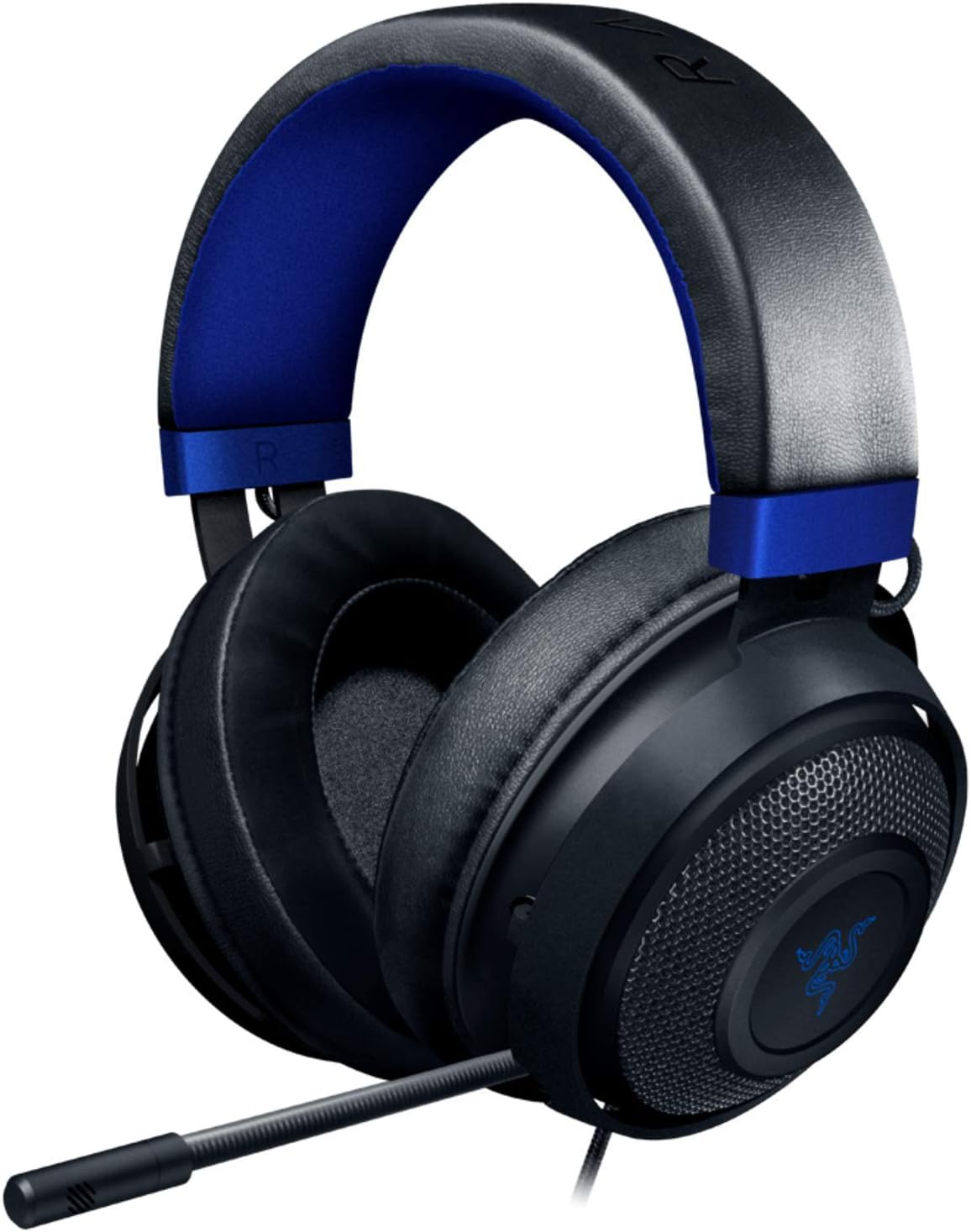
![Redragon S101 Gaming Keyboard, M601 Mouse, RGB Backlit Gaming Keyboard, Programmable Backlit Gaming Mouse, Value Combo Set [New Version]](https://m.media-amazon.com/images/I/71kr3WAj1FL._AC_SL1500_.jpg)


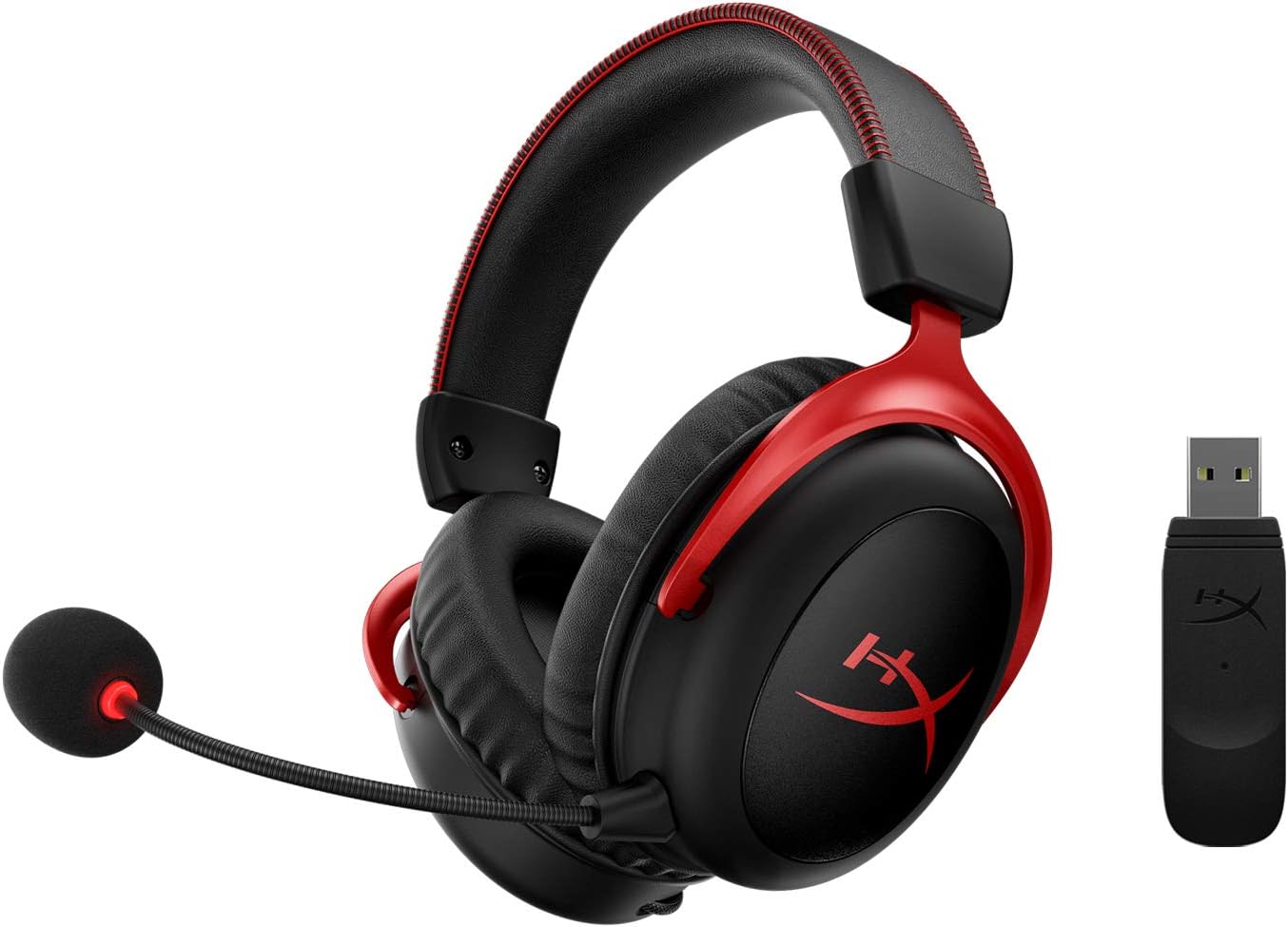
EURPMASK Choose the color of europe
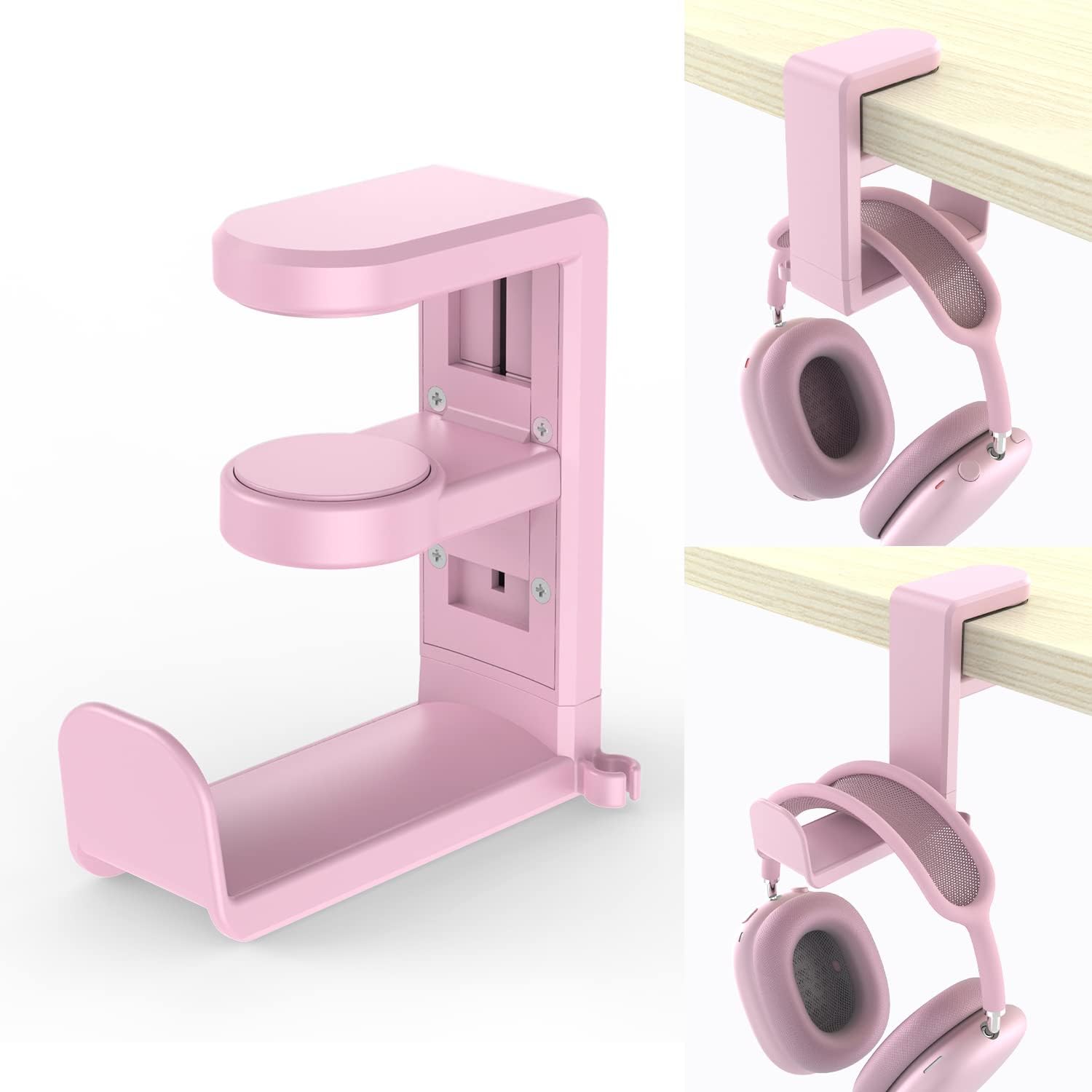
PC Gaming Headset Headphone Hook Holder Hanger Mount,Headphones Stand with Adjustable & Rotating Arm Clamp,Under Desk Design,Universal Fit,Built in Cable Clip Organizer EURPMASK Pink
See current price


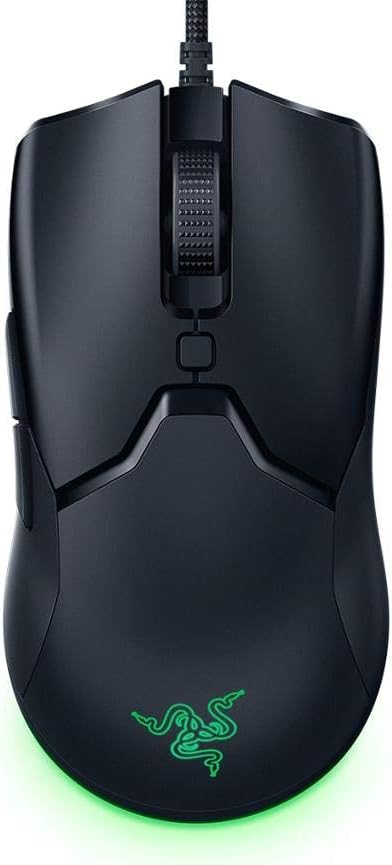


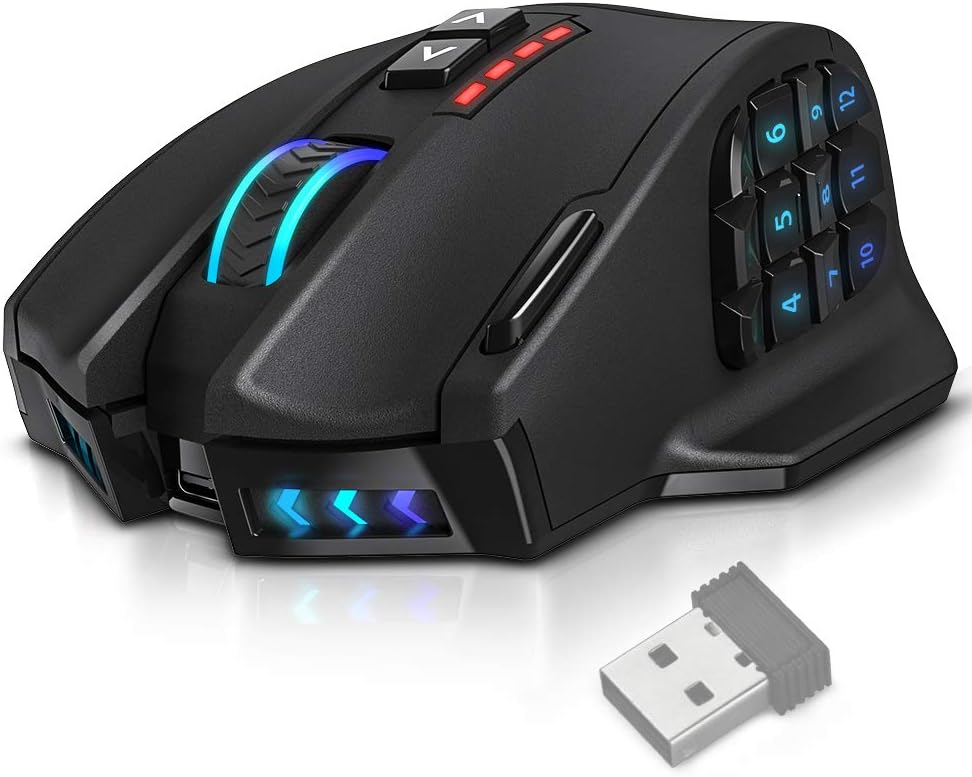


Popular brands in Accessories
PC gaming accessories can shape how comfortably and effectively you use a computer for games. The category covers input devices, audio gear, lighting, desk equipment, and other add-ons that help complete or customize a setup.
Because accessories differ in connection type, size, controls, software support, and intended use, comparing specifications is important. Start with the role an accessory needs to fill, then narrow the options by compatibility, ergonomics, and the features you are most likely to use.
How to choose PC accessories
Think about your current setup before selecting a new accessory. A product that looks appealing may not be suitable if it requires a connection your computer does not support, takes up more desk space than expected, or lacks controls you rely on.
Useful questions include:
- Is the accessory intended for gaming, general computer use, streaming, or several purposes?
- Does it connect through USB, a wireless receiver, Bluetooth, or another connection type?
- Will it work with your operating system and the software used by your other devices?
- Do you need a compact design, adjustable controls, onboard controls, or easy portability?
- Will it share desk space with a monitor, microphone, speakers, or other peripherals?
Prioritize features that affect daily use rather than choosing only by appearance. Comfort, cable management, button placement, and straightforward setup can matter as much as extra customization options.
Common types of PC gaming accessories
Accessories span several practical groups, and the right group depends on how you use your computer.
- Input and control accessories: Keyboards, mice, mouse pads, controllers, and related items can affect precision, speed, and comfort. Compare layouts, button arrangements, adjustment options, and the space available on your desk.
- Audio accessories: Headsets, headphones, microphones, and audio add-ons support game sound, voice chat, recording, or streaming. Check microphone placement, connection method, controls, and whether the design suits long sessions.
- Desk and setup accessories: Stands, holders, cable-management items, lighting, and other workspace additions can help organize equipment or personalize the area. Measurements and placement are especially important here.
- Specialized accessories: Some products are designed for particular genres, workflows, or immersive setups. If you are building a broader computer entertainment system, compare this category with Virtual Reality accessories as well.
Accessories can also complement the games themselves. Browse Games when choosing equipment around a particular genre, control style, or type of play.
Specifications and features to compare
Compatibility should come first. Check the supported platform, operating system requirements, available ports, wireless standards, and any required drivers or companion software. For accessories with customization tools, verify whether the software supports your computer and whether the features you want require it.
Connection and power affect convenience. Wired accessories generally need an available port and a suitable cable length. Wireless products may use a receiver or Bluetooth and can require charging or replaceable batteries. Consider how often you want to manage charging and whether other wireless devices are already in use.
Comfort and fit are important for products that you touch or wear. Look for adjustable components, suitable dimensions, weight, grip shape, key spacing, cushioning, and control placement. A compact accessory may suit a smaller desk, while a larger design may provide more room for movement or controls.
Construction and maintenance can influence long-term practicality. Compare the materials described in each listing, removable or washable components where applicable, cable design, and how easily the accessory can be stored or cleaned. For desk equipment, confirm its footprint and the available mounting or placement space.
Brands represented in the catalog
The catalog includes accessories from Razer, Corsair, SteelSeries, Redragon, logitech, Logitech G, ROCCAT, Sades, HUO JI, HyperX, EPOMAKER, and Havit. These brands appear across different accessory types, so compare the specifications of individual products rather than assuming that every brand offers the same features or compatibility.
Brand ecosystems may also matter when you want coordinated lighting, controls, or software. If that is a priority, check which products use compatible software and whether the functions you want work together across your setup.
Setup and compatibility tips
Before ordering, measure your available desk space and identify every port the accessory may need. For wireless equipment, consider receiver placement, charging access, and possible interference from nearby devices. For keyboards, mice, and other input devices, check the layout and physical dimensions carefully.
Keep product documentation and software requirements in mind when adding accessories to an existing setup. If you replace one device with another, confirm that your preferred controls, shortcuts, audio functions, or lighting settings can be configured as needed. For cable-connected equipment, leave enough room for comfortable routing without sharp bends or tension.
Frequently asked questions
What should I buy first for a PC gaming setup?
Start with the accessory that addresses the clearest need, such as more comfortable controls, better audio communication, or improved desk organization. Then check compatibility and available space before adding more equipment.
Are wired or wireless accessories better?
Neither connection type is best for every setup. Wired products avoid battery management, while wireless products can reduce cable clutter. Compare connection requirements, power needs, and how you use the accessory.
How can I check whether an accessory will fit my computer?
Review the product’s supported platforms, operating system requirements, connection type, port needs, dimensions, and any required software. Also check the physical space around your computer and desk.
Do all PC accessories work together?
Not necessarily. Differences in software, connection standards, operating system support, and control ecosystems can affect compatibility. Check the specifications for each accessory before combining products.
Are gaming accessories useful outside gaming?
Many can also support everyday computer use, communication, creative work, or streaming. Choose based on the controls, comfort, audio functions, and software features that match your broader needs.