
Sony Computer Entertainment
DualShock 4 Wireless Controller for PlayStation 4 - Jet Black
See current price

Compare PlayStation 4 accessories by purpose, compatibility, connection type, and comfort. Use the catalog to narrow down the features that fit your setup and play style.
1,068 products in catalog
1,068 results
Sony Computer Entertainment
See current price
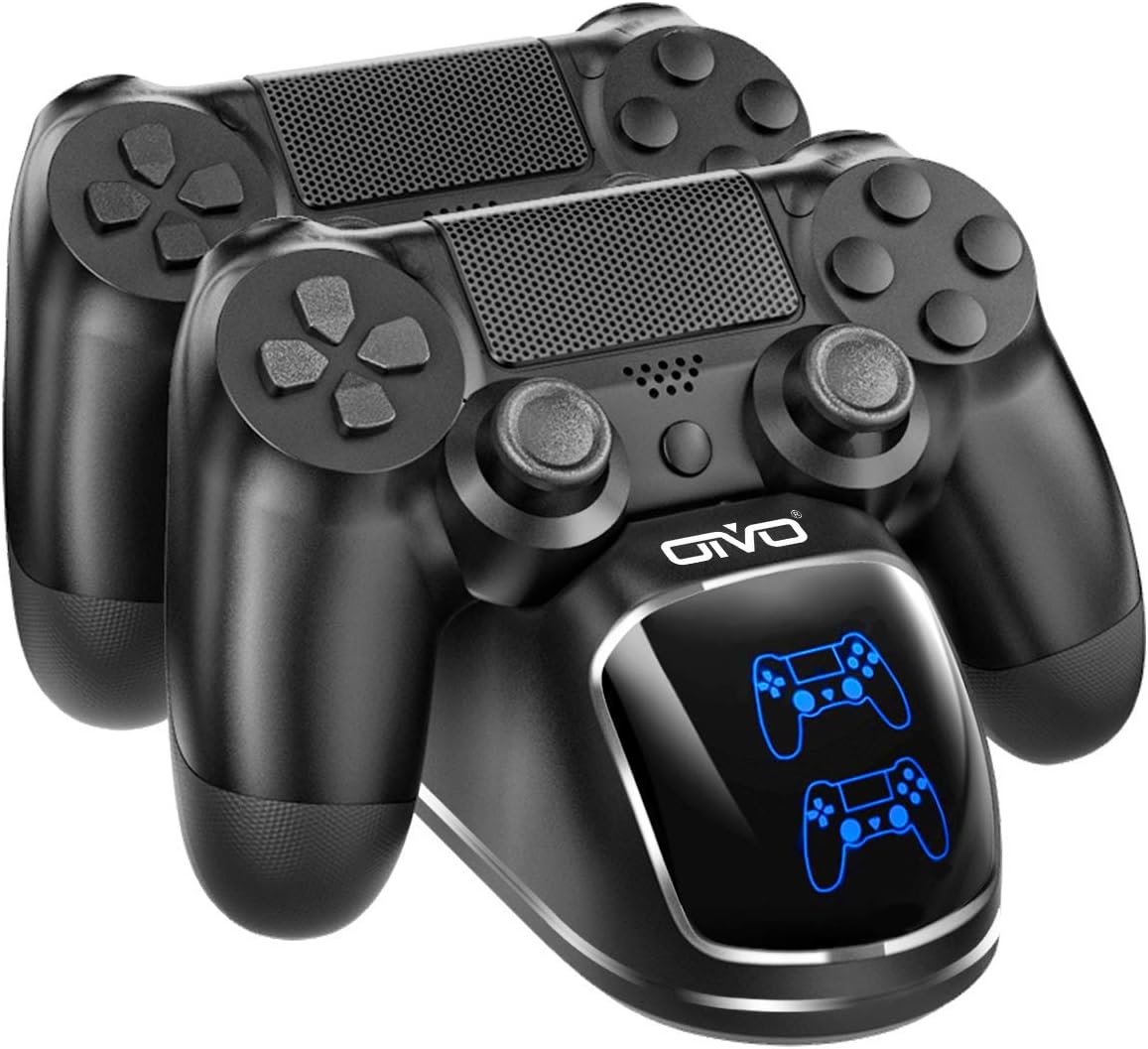

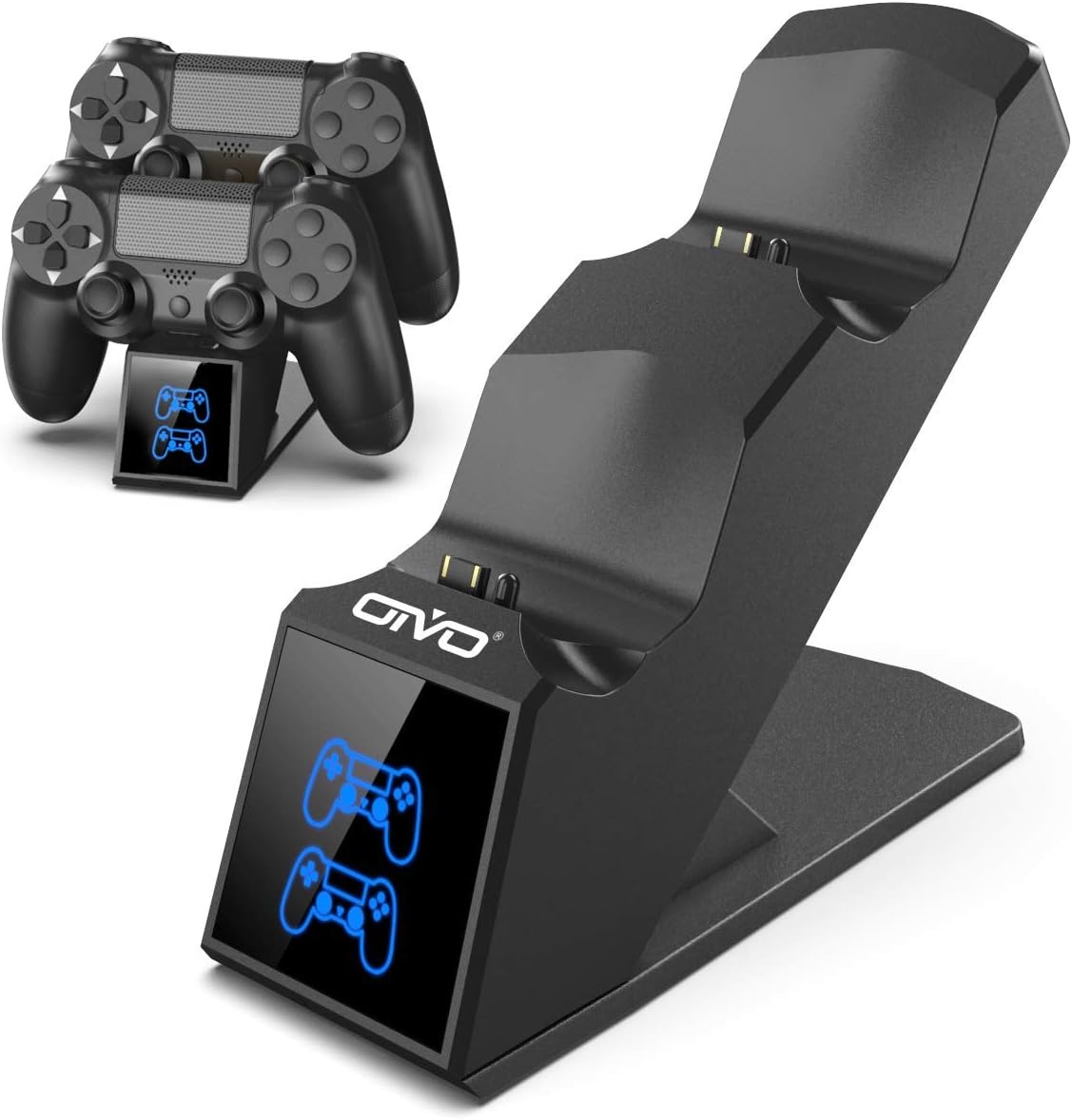

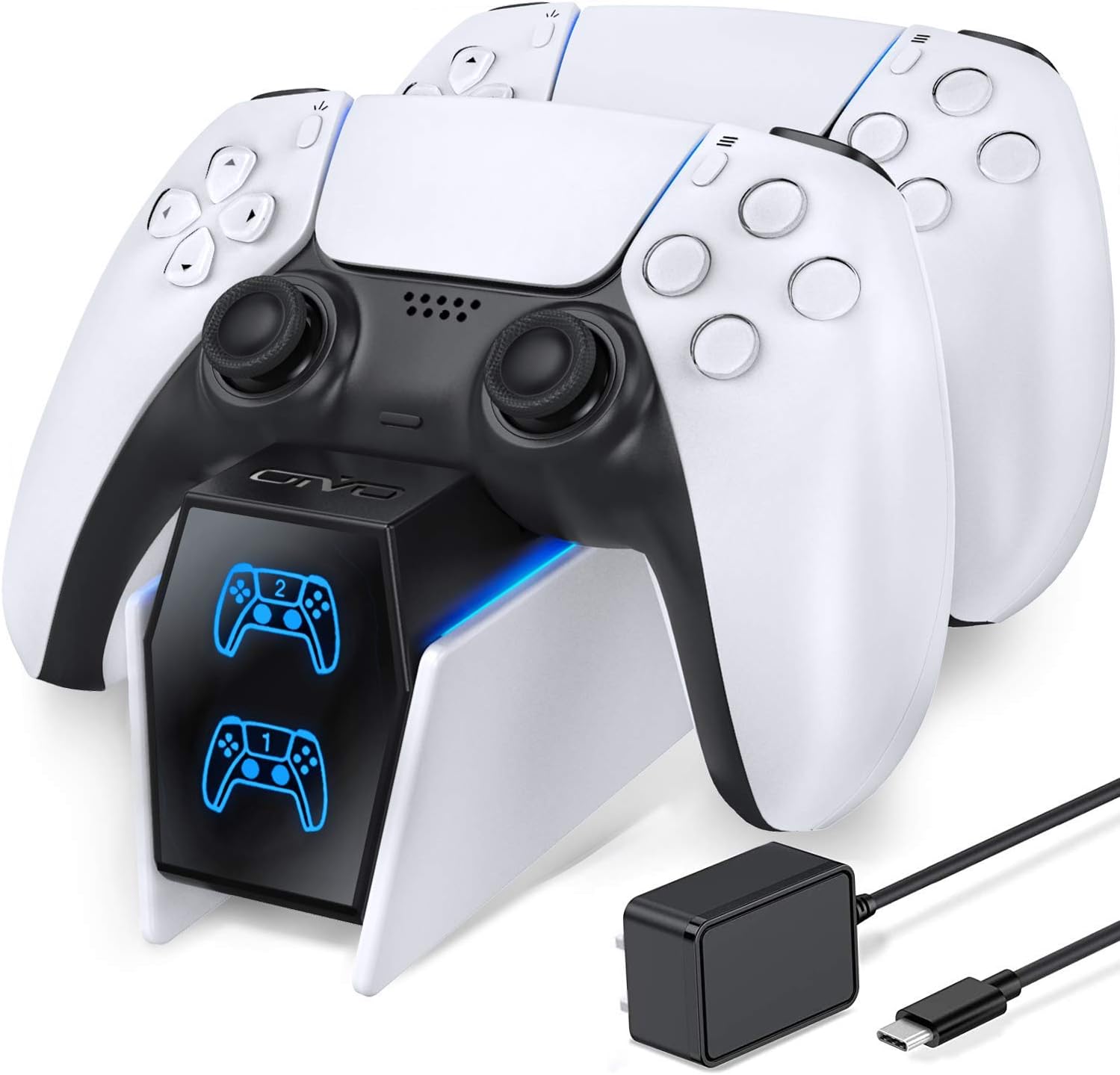


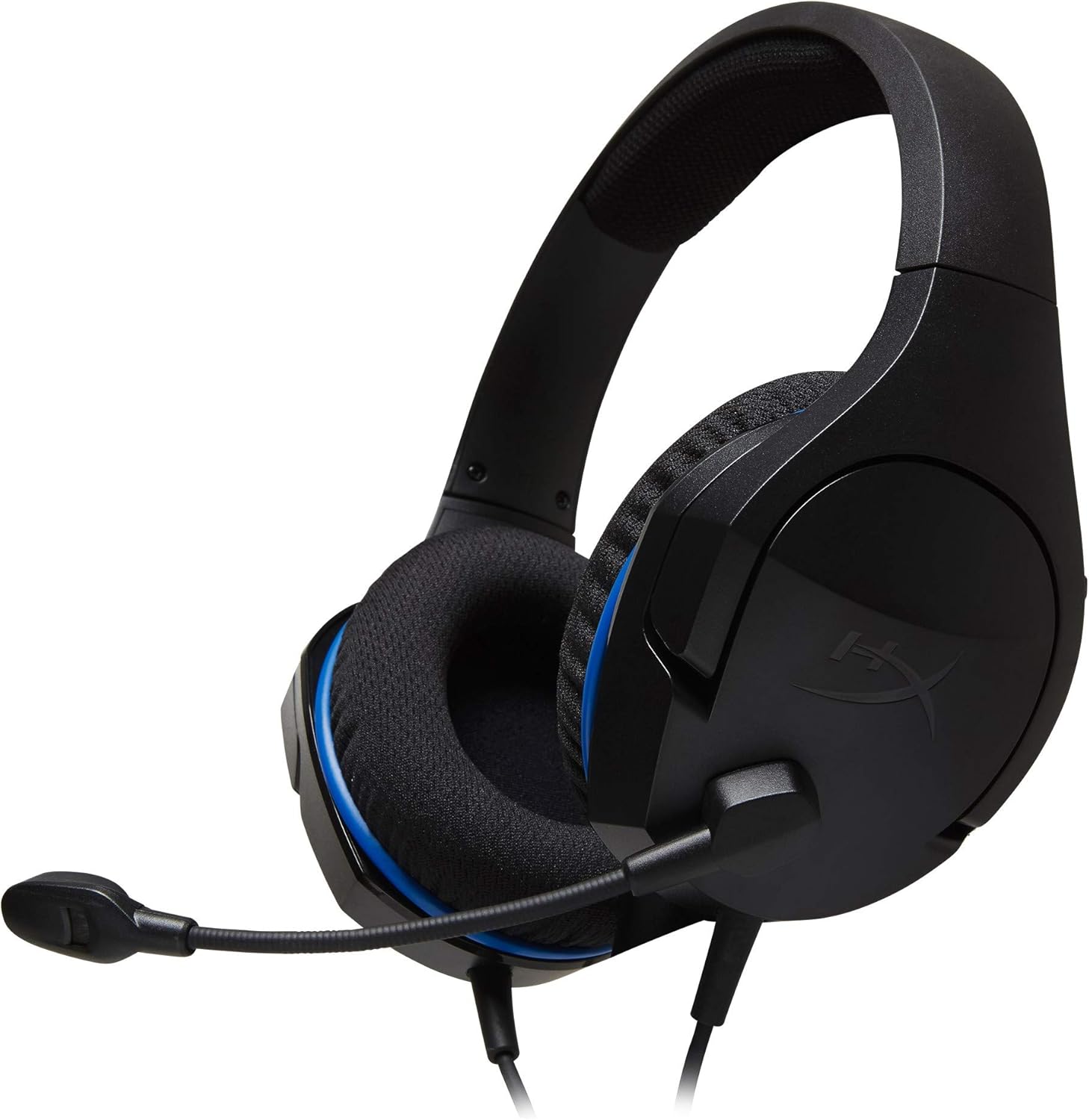


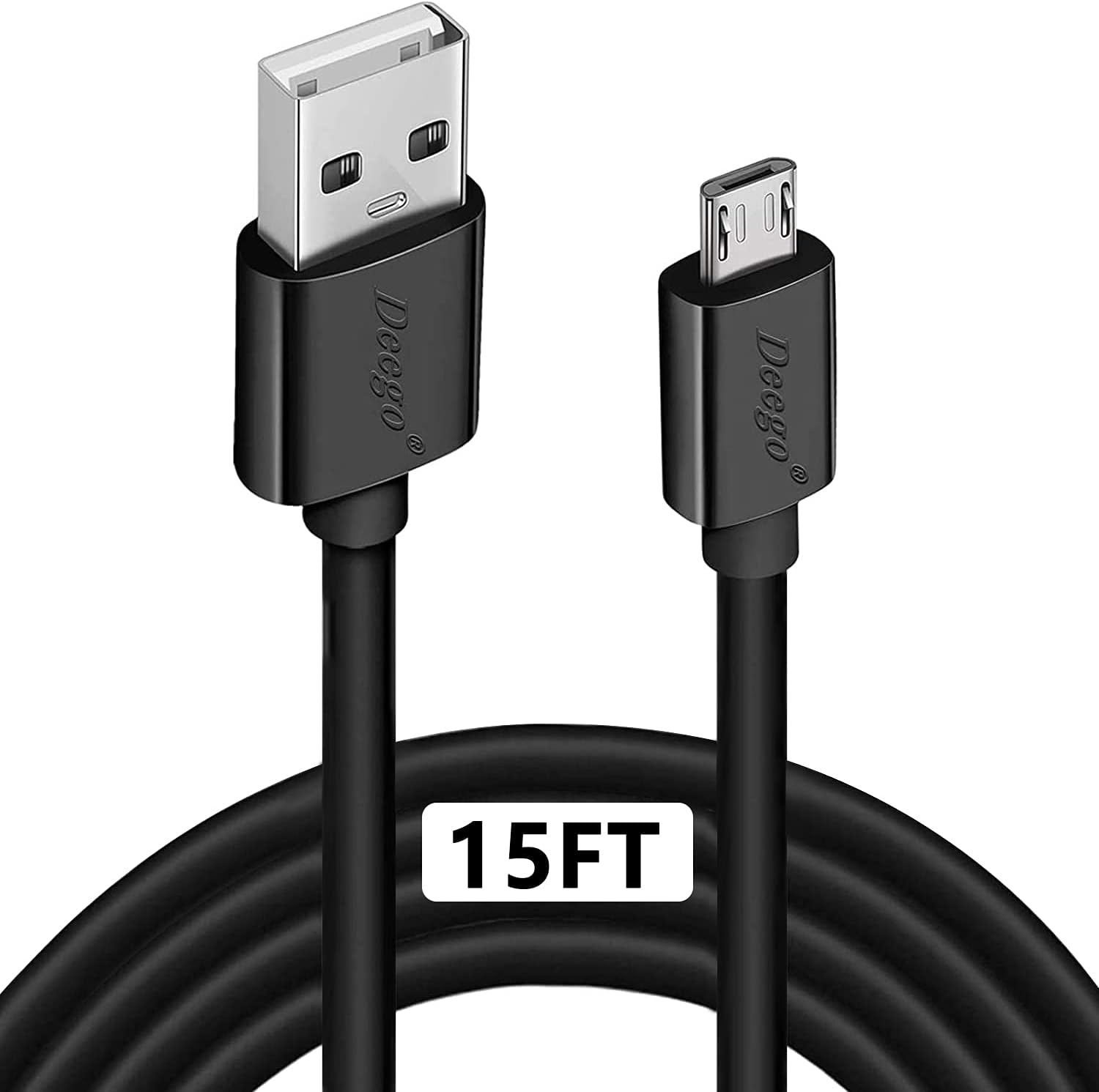

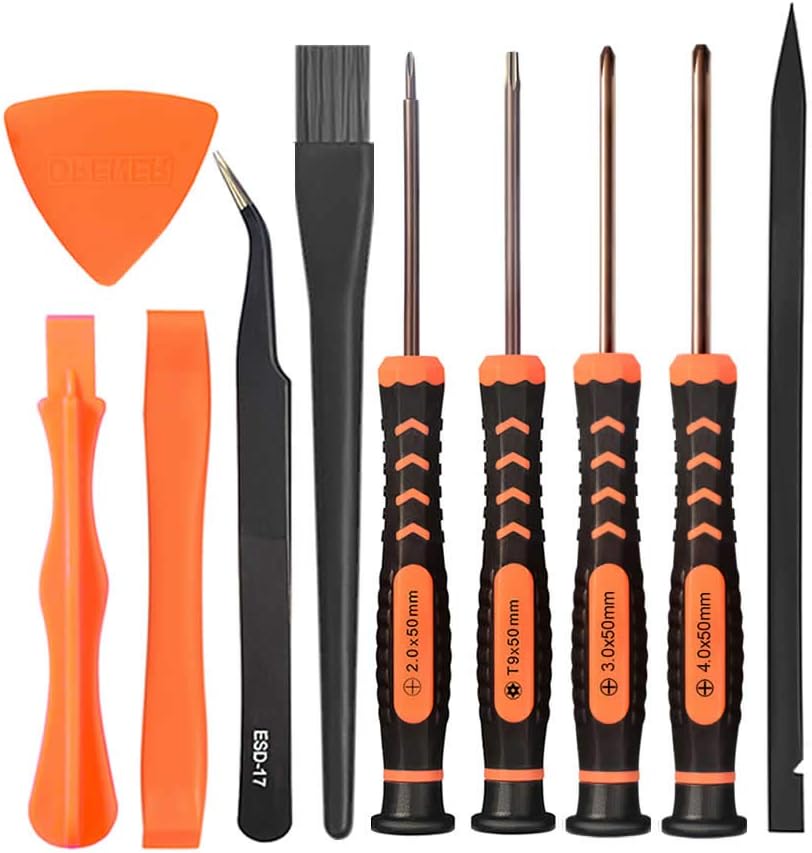

Corporate Computer
See current price

Sony Interactive Entertainment LLC
See current price


Amazon Basics
See current price
Amazon Basics
See current price

Turtle Beach
See current price


Collective Minds
See current price
PlayStation 4 accessories can improve how you play, charge, store, and connect your console. The right choice depends on whether you need a replacement controller, more comfortable controls, a headset for multiplayer, or practical equipment for everyday setup.
This catalog brings together accessories from brands including Sony, Hori, PDP, OIVO, Turtle Beach, and Amazon Basics, along with options from Extremerate, KontrolFreek, TNP Products, BRHE, YoRHa, and Sony Computer Entertainment. Compare specifications and features before selecting products for your particular console and setup.
Start with the problem the accessory needs to solve. A controller accessory should improve control or replace a worn part, while a headset may be chosen for communication, game audio, or both. Charging and storage products should match the way the console is positioned and used.
Consider these factors before comparing individual products:
The PlayStation 4 accessories category covers several types of products rather than one uniform design. Controller-focused products may include replacement parts, protective additions, grips, thumbstick enhancements, or alternative control solutions. These can suit shoppers looking to restore a controller or adjust its feel.
Audio accessories are useful for players who want private game sound or voice communication. When comparing headsets, look at microphone design, connection type, inline controls, ear-cup style, and whether the product is designed for extended wear.
Charging and power accessories can help keep controllers ready between sessions. Compare the number of devices supported, charging connections, cable length, and whether the design works conveniently with your console or entertainment center.
For a broader look at the system itself, browse PlayStation 4 Consoles. If you are choosing software to use with your accessories, see PlayStation 4 Games.
Product details can vary substantially even when two accessories serve a similar purpose. For controllers and control add-ons, compare button layout, stick design, trigger features, cable or wireless connectivity, and any compatibility notes. A product designed as a replacement component may require installation, while an external add-on may be ready to attach and remove.
For headsets, check the connector, microphone configuration, volume controls, ear-pad materials, adjustability, and stated platform support. A long cable can be useful in some setups but may create more clutter in others. Wireless products may offer a cleaner arrangement, but compatibility and charging requirements deserve close attention.
For stands, docks, organizers, and charging equipment, compare the footprint, supported devices, cable arrangement, and placement requirements. A compact design may suit a crowded entertainment center, while a larger stand may be more practical when several devices or controllers need to be stored together.
The catalog includes products from Sony and Sony Computer Entertainment, as well as third-party accessory brands such as Hori, PDP, OIVO, Turtle Beach, and KontrolFreek. Extremerate, TNP Products, BRHE, YoRHa, and Amazon Basics are also represented.
Brand selection can help organize a comparison, but compatibility and specifications should remain the deciding factors. The same type of accessory may differ in connection method, materials, included parts, and intended use across brands.
Before ordering, identify the exact device the accessory will connect to. A product made for a PlayStation 4 controller may not serve the same purpose as one made for the console itself. Check connector types and read installation requirements carefully for replacement shells, internal components, or modifications.
Keep cables routed away from walkways and areas where they can be pulled. For charging products, use the supplied instructions and avoid forcing connectors. Clean frequently handled accessories with an appropriate dry or lightly damp cloth, following the manufacturer’s care guidance and keeping moisture away from electronic openings.
If an accessory will be shared, prioritize adjustability, straightforward controls, and easy cleaning. For a dedicated player, specialized comfort or control features may matter more than quick interchangeability.
The category includes controller-related products, audio equipment, charging and power accessories, protective items, replacement components, stands, and other setup additions.
Review the product specifications for PlayStation 4 support, the required connector, and any notes about controller versions or other supported devices.
Neither is universally better. Wired accessories can simplify power and pairing, while wireless options may reduce cable clutter. Choose based on your setup and connection needs.
Compare the connection, microphone, comfort features, controls, ear-cup design, cable or charging requirements, and stated PlayStation 4 compatibility.
Check the number of controllers supported, charging connection, cable arrangement, placement, and whether the accessory fits the controllers you own.
Grips, thumbstick additions, replacement parts, and other control-focused accessories may change the feel of a controller. Check fit and compatibility before choosing one.