

PlayStation 5 Accessories
Compare PlayStation 5 accessories by compatibility, design, connectivity, and practical features. Use the catalog to narrow down options for your setup, controller, storage, or gaming space.
263 products in catalog
263 results
Filters




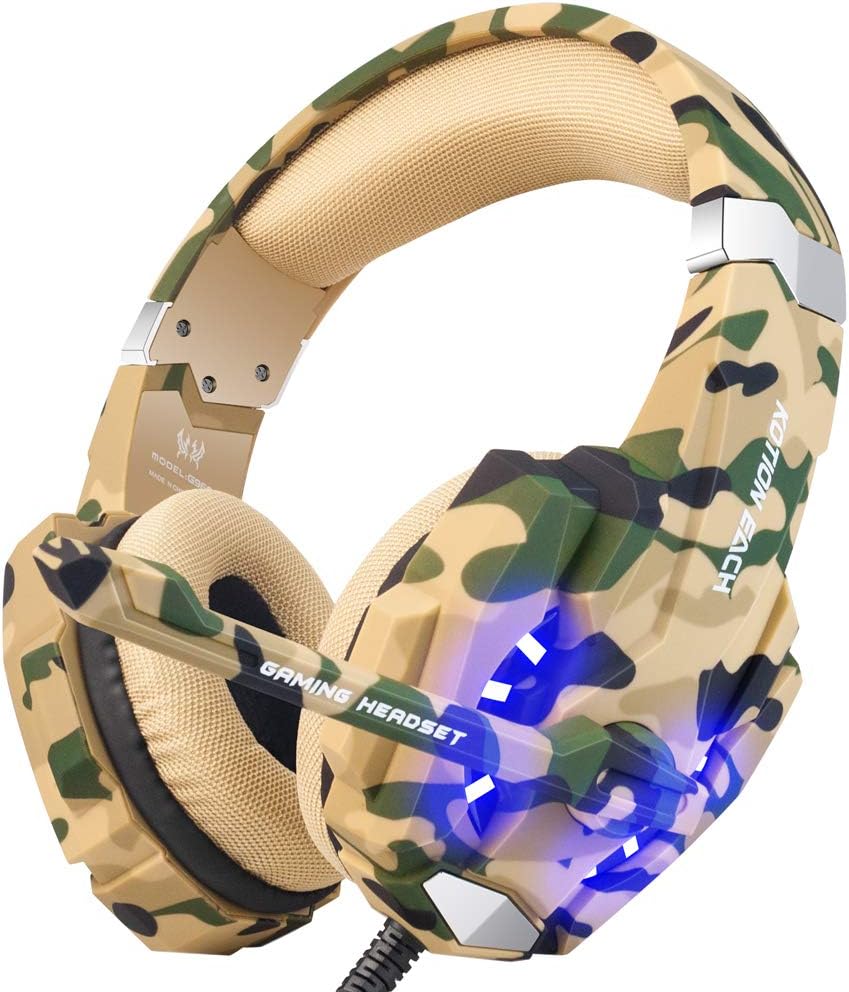


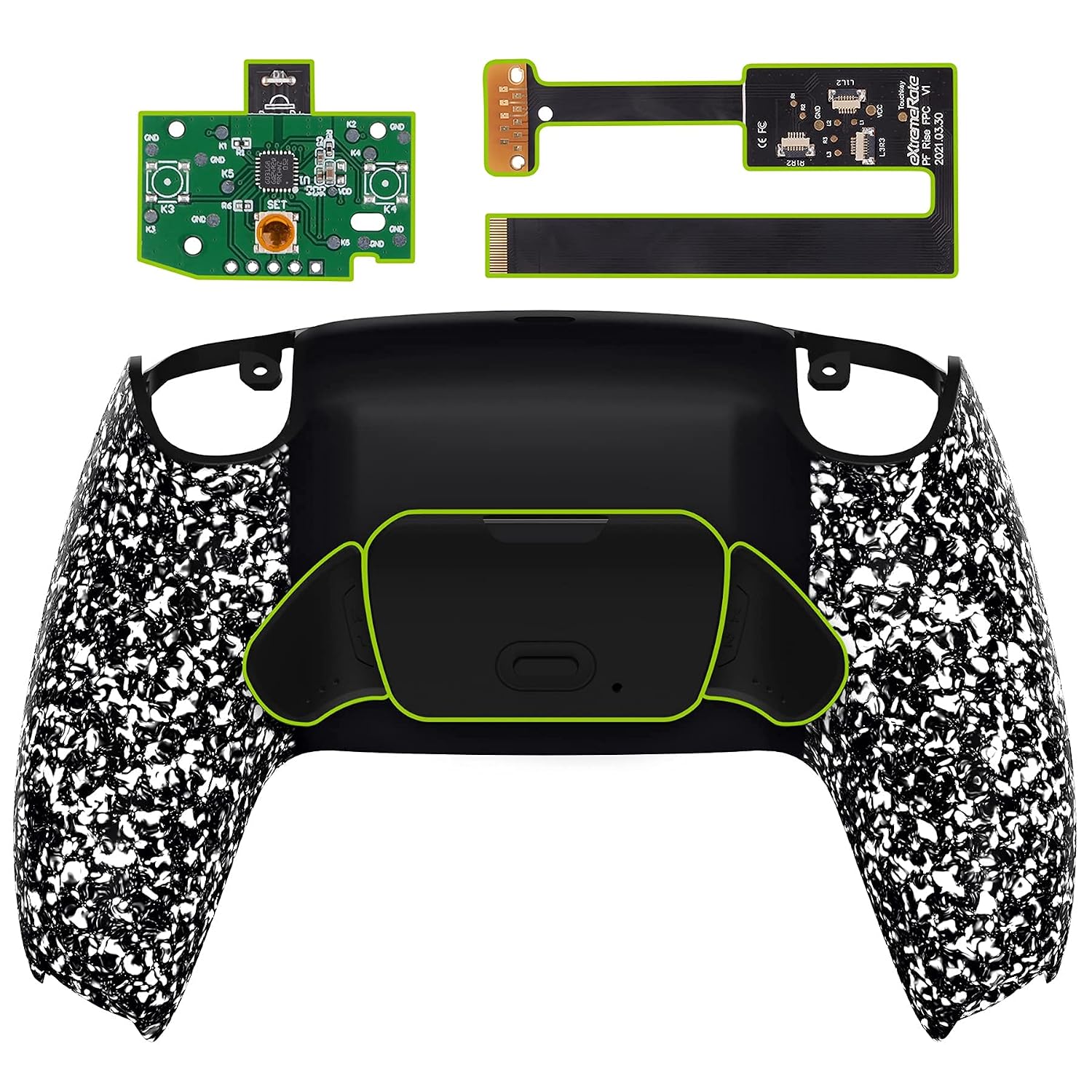


Popular brands in Accessories
PlayStation 5 accessories can improve comfort, organization, storage, connectivity, and the overall setup around your console. The right choice depends on how you play, which PS5 hardware you own, and whether you need a replacement, an upgrade, or a more convenient way to manage your equipment.
This catalog is part of the broader PlayStation 5 selection. Compare specifications and features carefully, then check the product listing for the latest availability and purchase information.
How to choose PlayStation 5 accessories
Start by identifying the problem the accessory should solve. A charging or controller accessory should match the controller and connection method you use. A storage or organization product should fit your available space and the equipment you plan to store. For display, audio, or connectivity accessories, check the supported standards and the ports on your console or other devices.
Consider these factors before choosing:
- Compatibility: Confirm whether the product is designed for the PS5 console, a specific controller generation, or another compatible device.
- Connection type: Compare wired, wireless, USB, Bluetooth, and other connection methods where applicable.
- Fit and dimensions: Check measurements for stands, cases, covers, mounts, and storage products.
- Use case: Decide whether the accessory is for everyday play, travel, multiplayer sessions, desk organization, or replacement use.
- Included components: Review the listing to see which cables, adapters, holders, or other pieces are included.
Common types of PS5 accessories
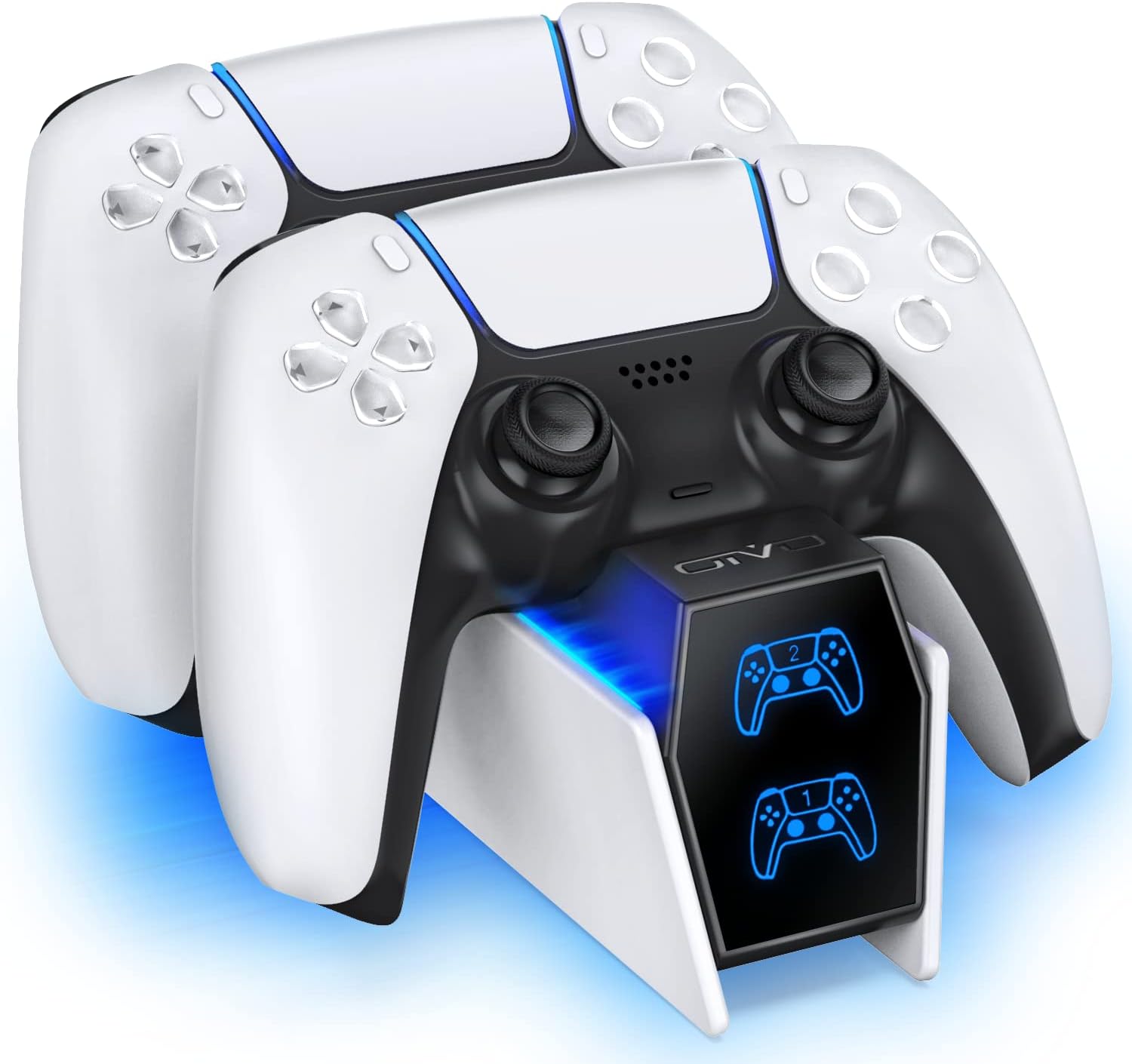
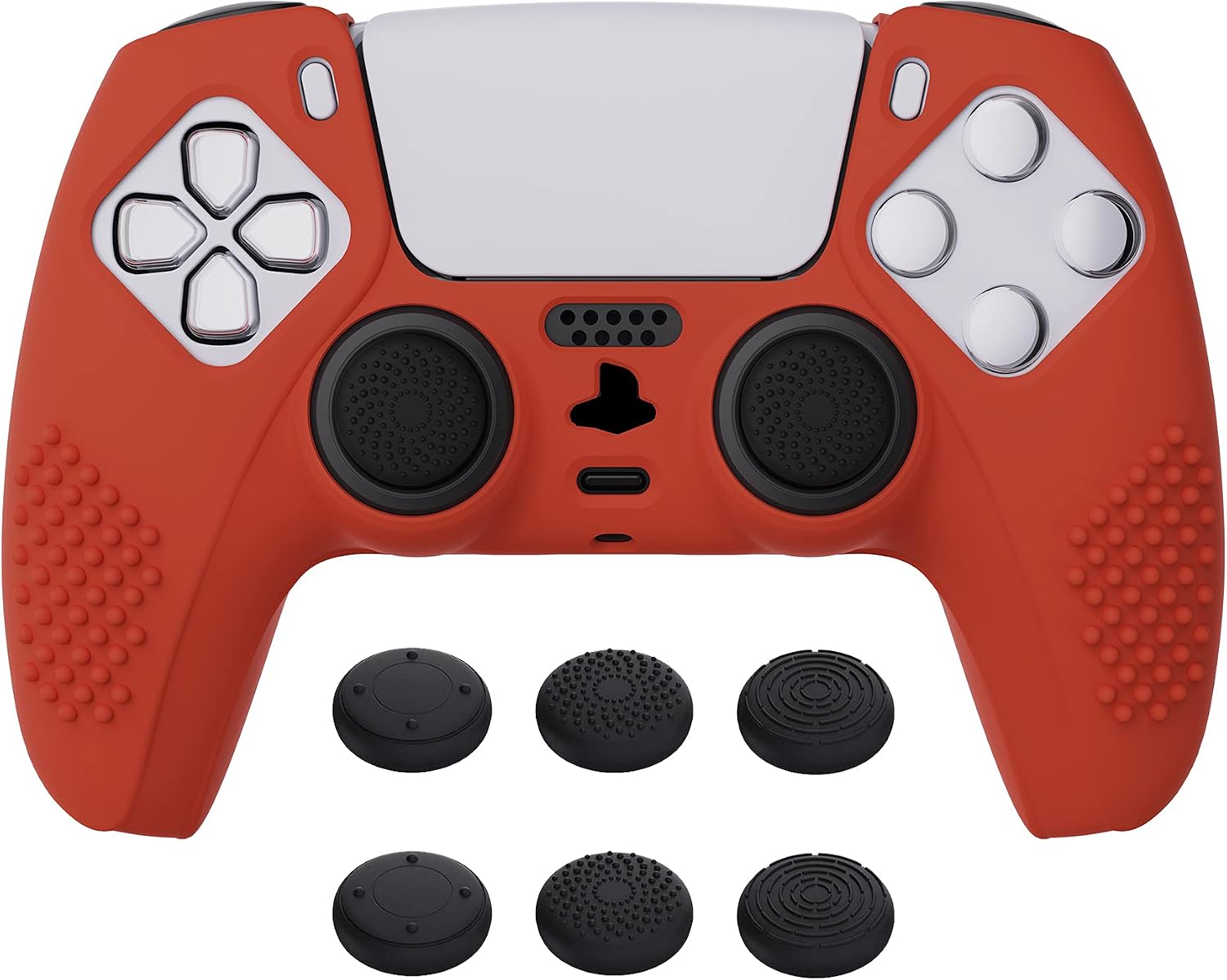
Because this category covers a wide range of products, shoppers may find accessories for several parts of a gaming setup. Controller-focused products can include replacement components, protective covers, grips, charging solutions, and ways to keep controllers organized between sessions.
Console accessories may include stands, dust protection, storage solutions, cable-management products, and items intended to make the system easier to place or transport. Audio and connectivity accessories can help connect headsets or other equipment, but specifications should be checked closely for device and port compatibility.
If you are also comparing software for the console, browse the related PlayStation 5 Games category separately.
Key features and specifications to compare
The most useful specifications vary by accessory type. For controller products, compare the fit, materials, button access, grip design, charging support, and whether the accessory affects access to ports or controls. A cover or shell should not obstruct buttons, triggers, touch controls, or the charging connection.
For stands, holders, and organizers, look at dimensions, layout, stability, ventilation considerations, and whether the design accommodates the console version and connected cables. For storage products, compare internal capacity, compartments, portability, and protection against dust or impact.
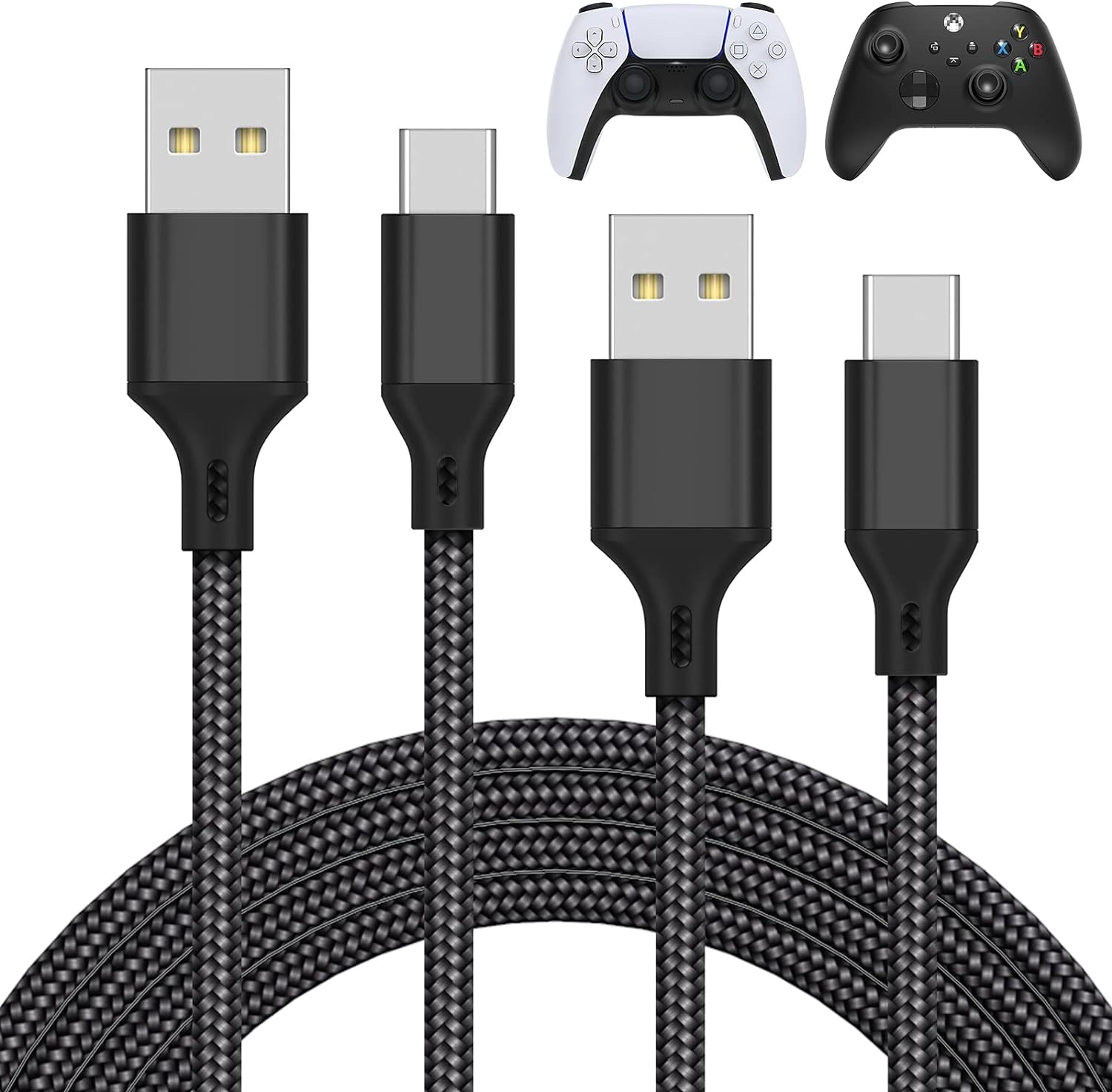
When comparing electronic accessories, pay attention to power requirements, supported connections, cable length, compatibility notes, and included adapters. Avoid assuming that a product works with every PS5 configuration simply because it is described as a gaming accessory.
Brands represented in the catalog
The catalog includes products from Extremerate, wds, Sony, Playvital, Mcbazel, SIKEMAY, GAMEROOM, Benazcap, Avolusion, TiMOVO, NexiGo, and YUANHOT. These brands may appear across different accessory types, so compare the specifications of the individual product rather than choosing by brand name alone.
Setup, care, and compatibility tips
Keep the console and accessories in a clean, well-ventilated area. Do not place covers, stands, or storage products where they block ventilation openings or put strain on connected cables. When using a new electronic accessory, follow its connection and power instructions and confirm that the setup remains stable during use.
For protective accessories, check that openings line up with the console or controller before applying or securing the product. For replacement parts, compare the exact shape, control layout, and hardware compatibility. Keeping cables labeled and separated can also make it easier to identify which accessory belongs with each device.
Frequently asked questions
How do I know whether a PS5 accessory is compatible?
Check the product description for the supported console version, controller type, connection method, and required ports. Compare those details with your own hardware before choosing.
Are all PS5 controller accessories interchangeable?
No. Covers, grips, replacement parts, and charging products can be designed for specific controller shapes or versions. Confirm the stated compatibility and dimensions.
What should I compare when choosing a PS5 stand or organizer?
Review its dimensions, stability, storage layout, ventilation clearance, cable access, and compatibility with your console configuration and connected equipment.
What specifications matter for electronic accessories?
Look at power requirements, connection type, supported devices, cable length, included adapters, and any compatibility limitations listed for the product.
Can accessories help with a travel setup?
Cases, compact organizers, protective covers, and cable-management products may be useful for travel. Compare portability, internal space, protection, and fit before selecting one.