
Meta Quest
Meta Quest 2 — Advanced All-In-One Virtual Reality Headset — 128 GB with Carrying Case, White
See current price

Compare standalone virtual reality hardware by display, tracking, comfort, storage, and compatibility. Use the catalog to narrow down devices and accessories that fit your space and play style.
56 products in catalog
56 results
Meta Quest
See current price


Oculus
See current price


Oculus
See current price
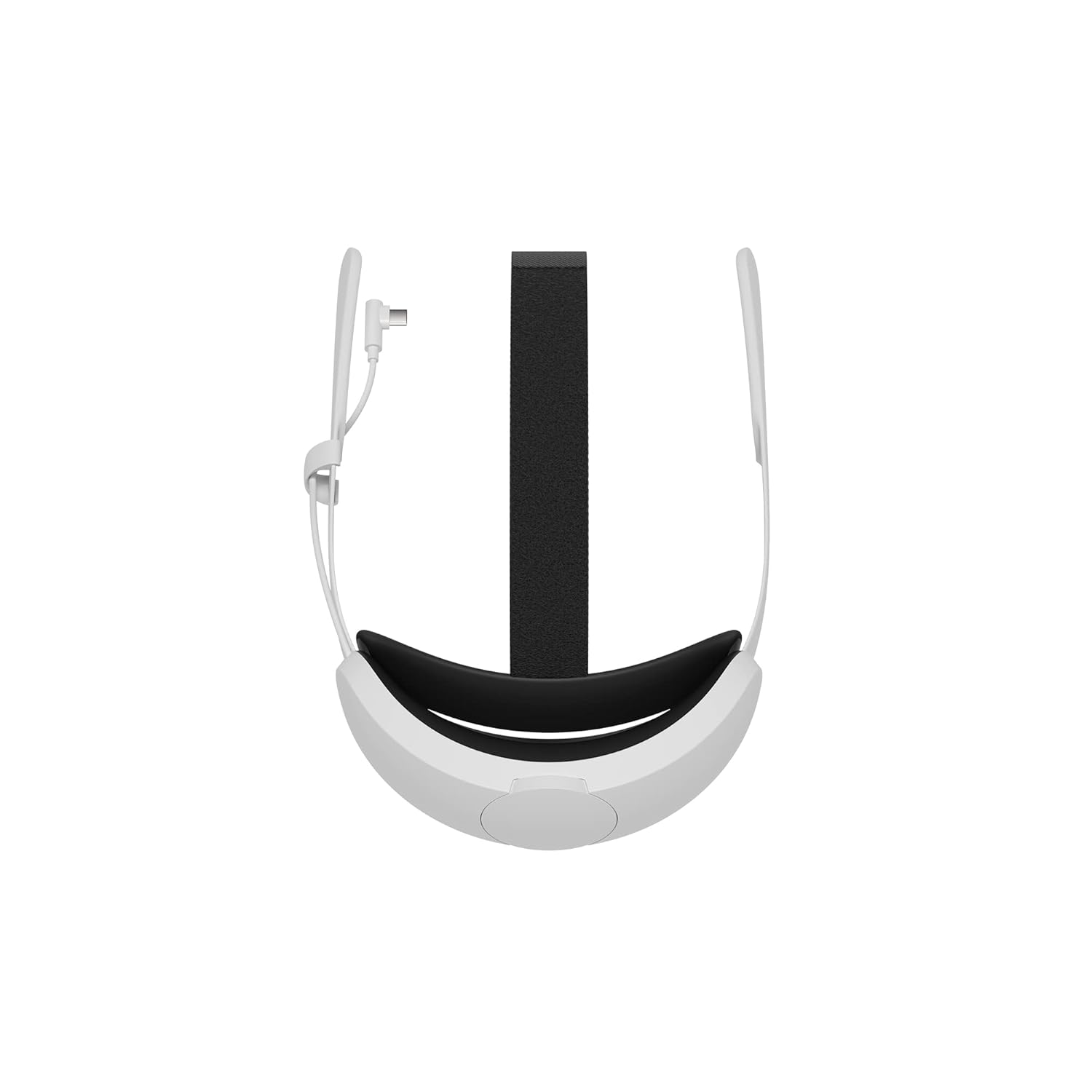


Aenllosi
See current price

Standalone virtual reality hardware is designed to work without requiring a gaming PC or external console for core VR use. That makes it a practical choice for shoppers who want a simpler setup, fewer cables, and the flexibility to use VR in different rooms.
This category can include standalone headsets as well as related fit, protection, and carrying accessories. Before choosing, compare the technical specifications of the device itself, then check whether accessories are made for the same headset family. For a broader look at VR equipment, visit the Virtual Reality category.
Start by deciding whether you need a complete headset or an accessory for hardware you already own. A complete standalone system should be evaluated as a combination of display quality, tracking, controls, comfort, and software compatibility. Accessories require a different checklist, including fit, materials, installation, and whether they interfere with sensors, buttons, cameras, or charging ports.
Consider how and where the hardware will be used:
Check the display specifications, lens design, field of view, and adjustment options listed for each headset. Higher visual detail can make text and fine objects easier to see, while lens and fit adjustments affect how consistently the image appears clear. If more than one person will use the headset, look for adjustment features that accommodate different face and eye positions.
Standalone headsets commonly use built-in tracking rather than external base stations, but the exact tracking capabilities vary by product. Compare the listed tracking system, controller support, hand-tracking features, and included controls. Also check whether the device needs a clear play area and whether its sensors can be obstructed by covers or other accessories.
Review the available storage, processor information, wireless connectivity, charging method, and port selection. Storage needs depend on how many applications and games you plan to keep installed. Compatibility with phones, computers, chargers, and other devices should be confirmed from the product specifications rather than assumed from a similar-looking model.
Weight distribution can affect comfort as much as the total weight. Compare the head strap design, face interface, padding, ventilation, and adjustment range. For accessories, examine the material, attachment method, cleaning guidance, and whether the product is intended for everyday use, transport, or protection from dust and surface wear.
The catalog includes products associated with Oculus, Meta, and Meta Quest, along with accessory-focused brands such as VR Cover, DEWVIE, Orzero, M AMVR, JSVER, Khanka, Esimen, AMVR, and Kootek. These names may appear across different types of standalone VR hardware and accessories, so brand alone should not replace checking compatibility.
When comparing items from the same brand family, verify the exact headset generation or compatible device stated in the listing. A case, facial interface, lens accessory, or replacement part designed for one version may not fit another version even when the product names look similar.
Before selecting an accessory, identify the exact headset name and version. Check dimensions, mounting points, controller shape, charging access, and camera or sensor clearance. If the item is a replacement component, compare the attachment method with the part already installed on your hardware.
For cases and storage products, consider whether you need room for controllers, charging equipment, straps, or other add-ons. A compact case may be easier to carry, while a larger design may offer more organized storage. For covers and facial interfaces, prioritize secure fit, easy cleaning, and materials suited to the way the headset is shared or stored.
Use the product specifications to confirm included items. Some listings may show a headset, while others focus on a case, cover, strap, or replacement accessory. Checking the package contents helps prevent choosing an item that does not provide the component needed for your setup.
Standalone VR hardware is designed to provide core virtual reality functionality without relying on a separate gaming PC or console. The category may also include accessories made for standalone headsets.
Not necessarily. Standalone headsets are intended to operate independently, although some products may support additional connections or features. Check the individual listing for its supported devices and connectivity.
Match the accessory’s stated compatibility with the exact headset name and version. Also compare the fit, attachment points, sensor clearance, ports, and controller design before ordering.
Focus on weight distribution, head-strap adjustment, face padding, ventilation, display comfort, and the ability to adjust the headset securely. Personal fit is important, so compare the available adjustment features carefully.
More storage can be useful if you plan to keep many applications or games installed. Compare the listed storage capacity with how you expect to use the headset, and check whether storage can be expanded before deciding.
Cases, covers, and replacement interfaces can help with transport, storage, fit, or cleaning. Choose them based on the specific protection or comfort problem they address, and confirm that they do not block sensors, controls, or charging access.