
Vehicle GPS Navigation Systems
Compare Vehicle GPS devices by navigation features, display design, mapping, connectivity, and installation details to find a model that fits your vehicle and driving habits.
83 products in catalog
83 results
Filters
Availability
Price


Garmin
Garmin nüvi 2555LMT 5-Inch Portable GPS Navigator with Lifetime Maps and Traffic
See current price




Garmin
Garmin Nuvi 2589LMT North America with Lifetime Map Updates and Traffic Avoidance
See current price


Garmin
Garmin Nuvi 2598LMTHD Advanced Series 5" GPS Navigation System with Bluetooth (Renewed)
See current price


Popular brands in Vehicle GPS
Vehicle GPS devices provide dedicated navigation for drivers who want route guidance without relying entirely on a smartphone. This category includes navigation units designed for use in cars and other vehicles, with differences in display layout, mapping features, mounting, and connectivity.
Use the catalog to compare specifications and features before selecting a device. The right choice depends on how often you drive, where you travel, how much screen information you prefer, and whether you need a simple navigator or more specialized guidance.
How to choose a Vehicle GPS
Start by considering your typical driving needs:
- Everyday commuting: A straightforward unit with clear route guidance and an easy-to-read display may be sufficient.
- Frequent road trips: Look for mapping coverage, route-planning tools, destination search, and features that make longer drives easier to manage.
- Driving in unfamiliar areas: Detailed visual guidance, spoken directions, lane information, and useful points-of-interest data can help reduce distractions.
- Commercial or specialized driving: Check whether the listed features and map information suit the vehicle type, route requirements, or dimensions involved.
It is also worth checking how the device receives map updates and whether those updates are handled through a computer, wireless connection, or another process. Confirm that the included mounting and power accessories work with your vehicle before buying.
Vehicle GPS features to compare
Specifications can vary considerably between navigation units. Pay attention to the following details:
- Display: Compare screen size, resolution, brightness, orientation, and whether the controls are touch-based or physical.
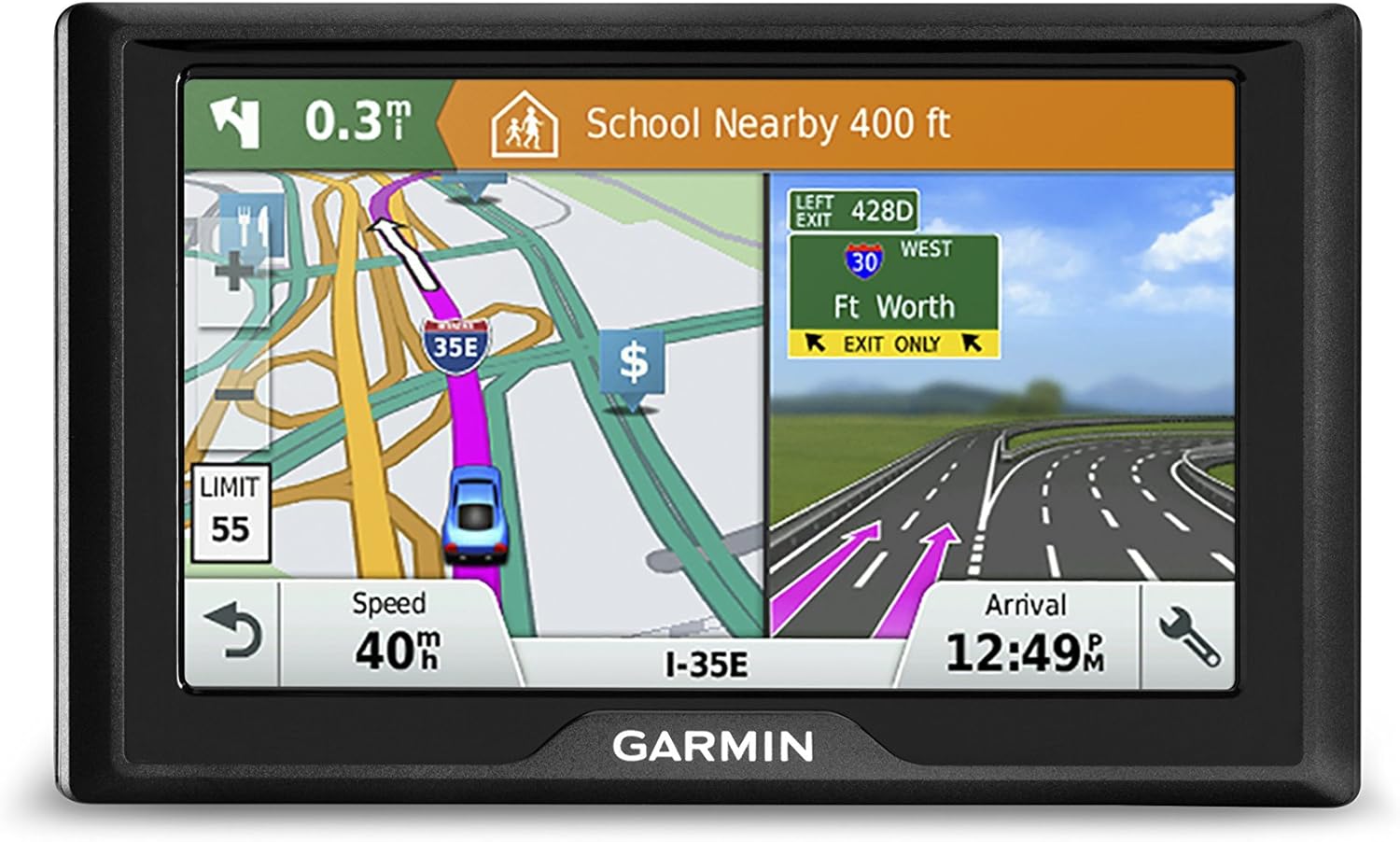
- Navigation guidance: Check for turn-by-turn directions, voice prompts, lane guidance, junction views, rerouting, and route alternatives.
- Maps and coverage: Review the included geographic coverage, map-update process, and whether the unit supports additional map content.
- Connectivity: Some devices may support Bluetooth, Wi-Fi, smartphone integration, or other connections. Check exactly which connections are listed and what they enable.
- Storage and expansion: Internal storage and memory-card support can affect map capacity and the handling of additional content.
- Power and mounting: Compare vehicle power requirements, cable placement, mounting style, and whether the mount can be adjusted for a comfortable viewing angle.
- Extra information: Traffic data, speed-limit displays, trip logging, fuel-related tools, and safety alerts may be useful, but availability depends on the specific device and service requirements.
A larger display is not automatically the best choice. It should remain visible without blocking the driver’s view, and the controls should be manageable without creating unnecessary distraction.
Brands represented in the catalog
The Vehicle GPS catalog includes products from Garmin, TomTom, Magellan, Navigon, Rand McNally, JOGANVE, Mkeke, Cube, and Cube Tracker. Brand names can help narrow a comparison, but the specifications of each individual device matter more than the brand alone. Compare map coverage, update support, mounting equipment, connection options, and guidance features across the models that match your needs.
For compatible add-ons such as mounts, cables, power supplies, and other replacement items, browse GPS System Accessories. These products can be useful when an existing setup needs a different installation arrangement or replacement component.
Installation and everyday use tips
Place the unit where it can be read with a brief glance while keeping the road view clear. Test the mounting position while seated in the normal driving position, and route the power cable so it does not interfere with controls or pedals.
Before a trip, enter destinations and confirm that the map coverage is appropriate for the route. Keep map data current according to the manufacturer’s instructions, and verify whether connected features require a paired phone, an account, or a separate service. A dedicated GPS should support attentive driving, not replace visual awareness of road signs and changing conditions.
Vehicle GPS is different from products intended for other uses. For outdoor navigation, compare Sports & Handheld GPS. For locating personal belongings, see Item Finders, while GPS Trackers are a separate category for tracking equipment, vehicles, or other assets.
Frequently asked questions
Does a Vehicle GPS need a smartphone?
Not necessarily. Many dedicated navigation units are designed to provide core route guidance independently, though some features may depend on Bluetooth, a phone connection, Wi-Fi, or another service. Check the individual product specifications.
What should I check before installing a Vehicle GPS?
Check the mounting method, power connection, available dashboard or windshield space, cable routing, and viewing angle. The unit should be secure, readable, and positioned without obstructing the driver’s view.
Are map updates included with every device?
Map-update policies vary. Review the product details to see how updates are provided, whether they require a computer or connection, and whether any additional requirements apply.
Is a larger screen always better for driving?
Not always. A larger screen can make information easier to read, but it also needs to fit the vehicle’s interior without blocking visibility. Compare screen design and mounting flexibility along with size.
Can a Vehicle GPS be used outside a car?
Some units may work in other vehicles if their power and mounting arrangements are compatible. Check the device specifications and installation requirements before using it in a different vehicle type.