

Video Projectors
Compare video projectors by brightness, resolution, throw distance, connectivity, and portability. Explore the specifications that matter for home entertainment, gaming, presentations, and outdoor viewing.
616 products in catalog
616 results
Filters
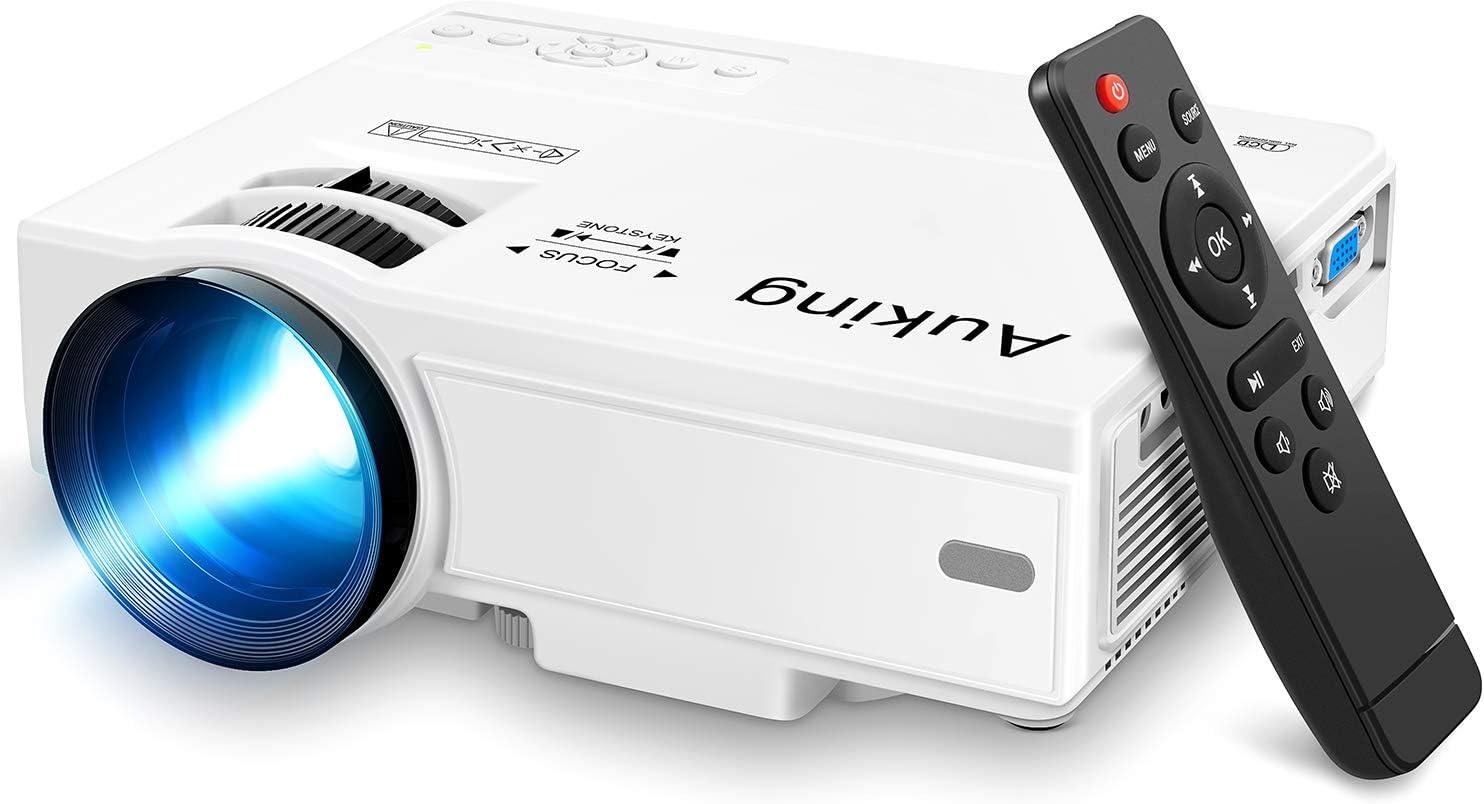

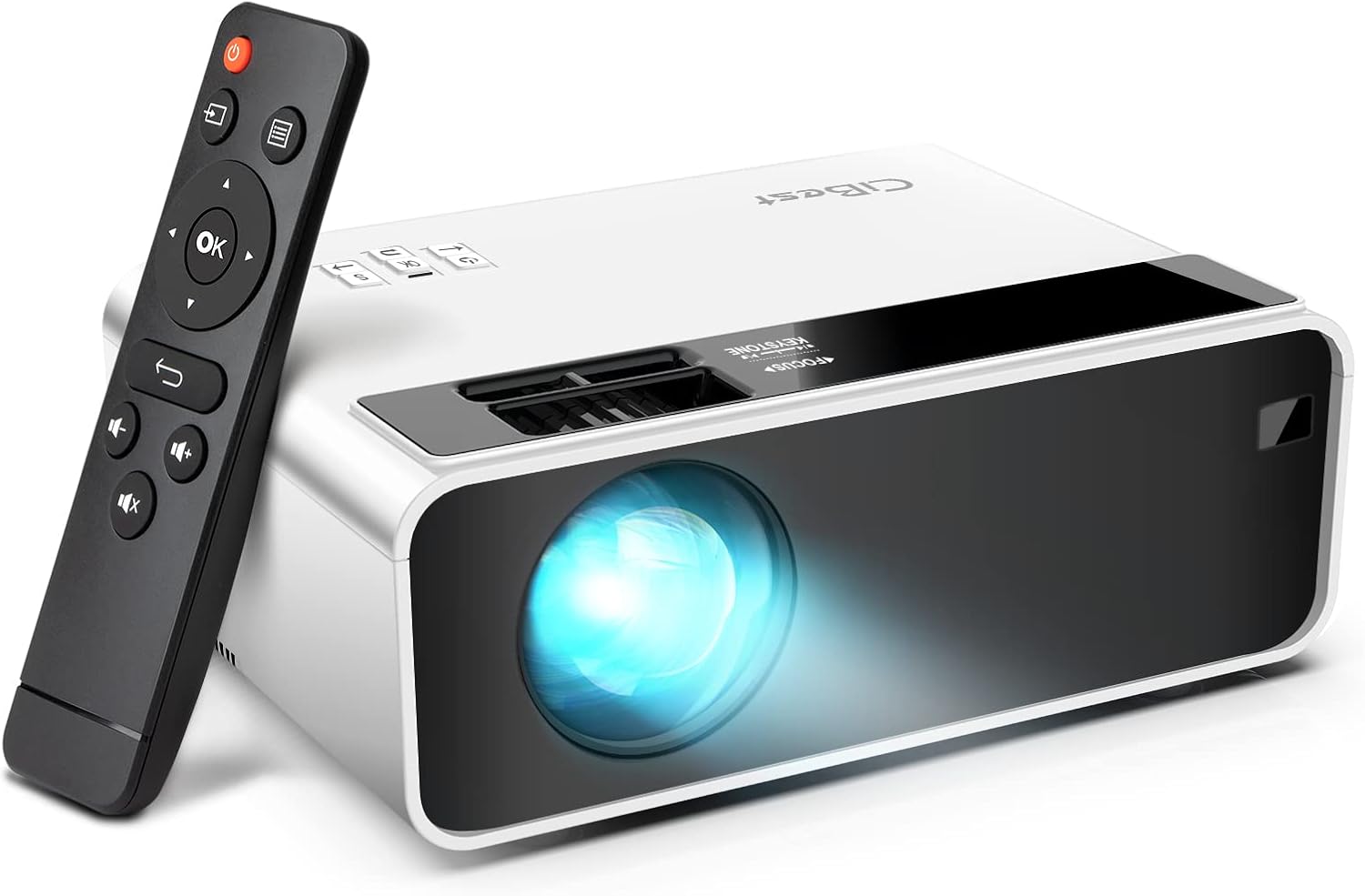
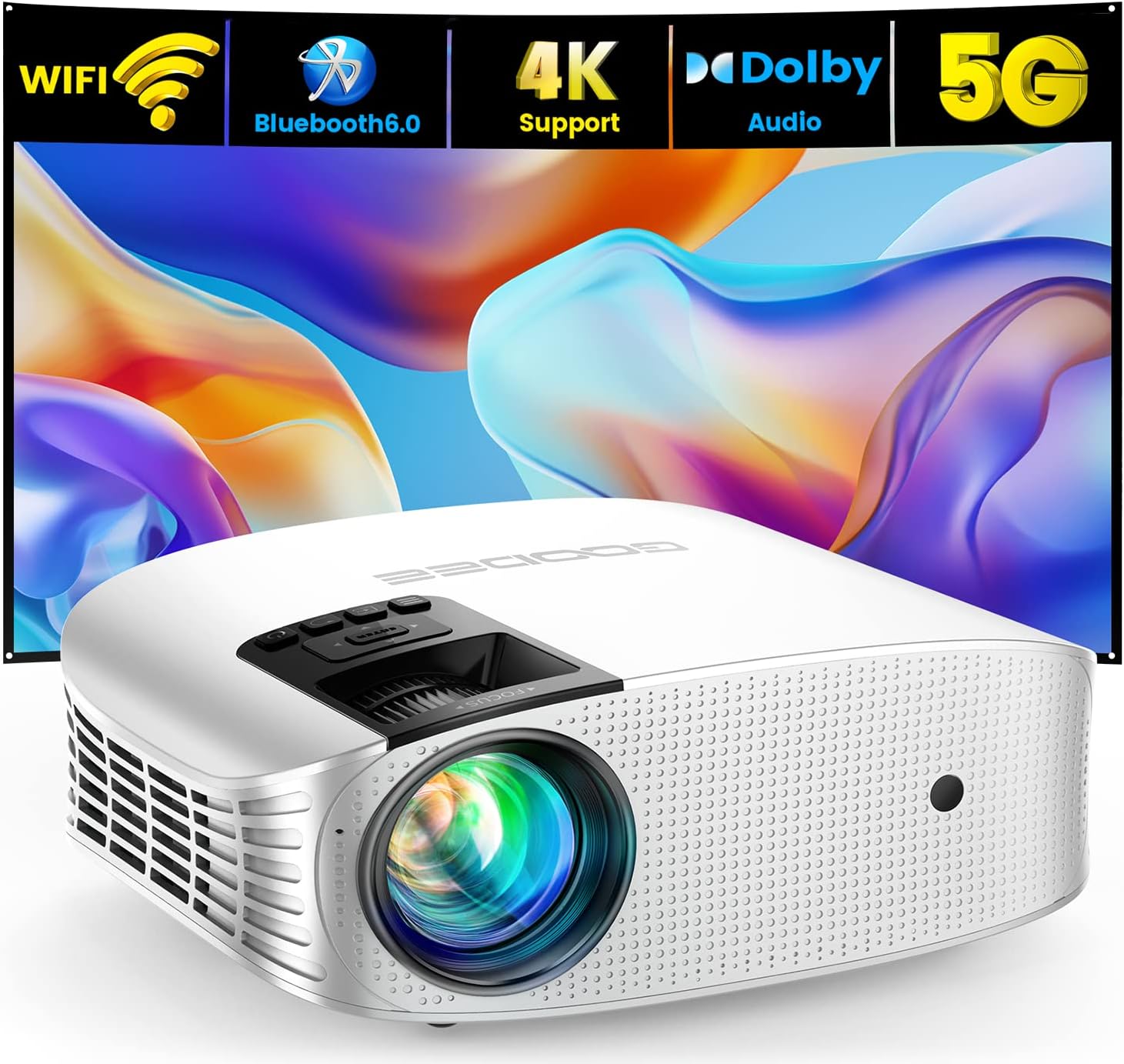
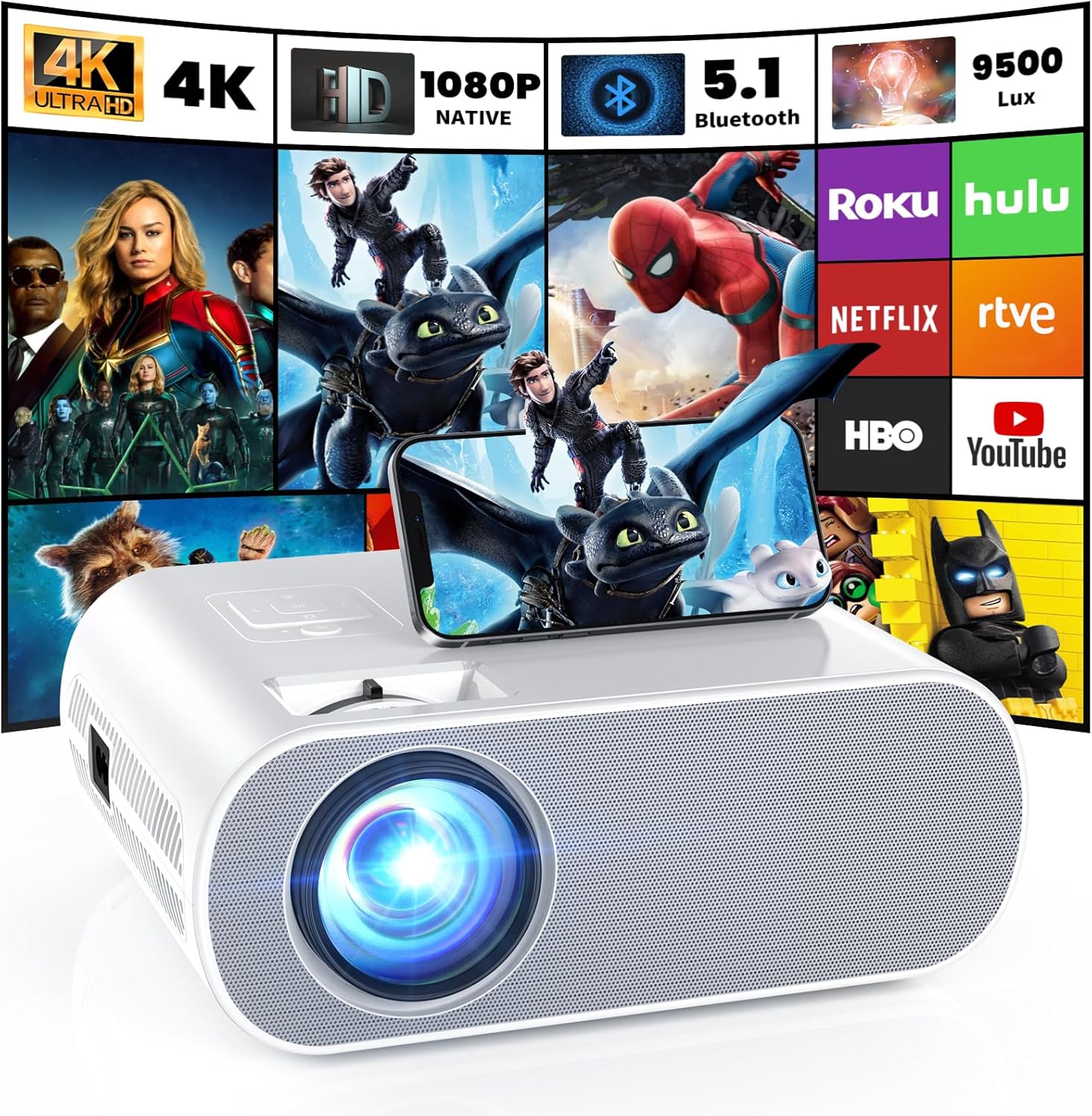

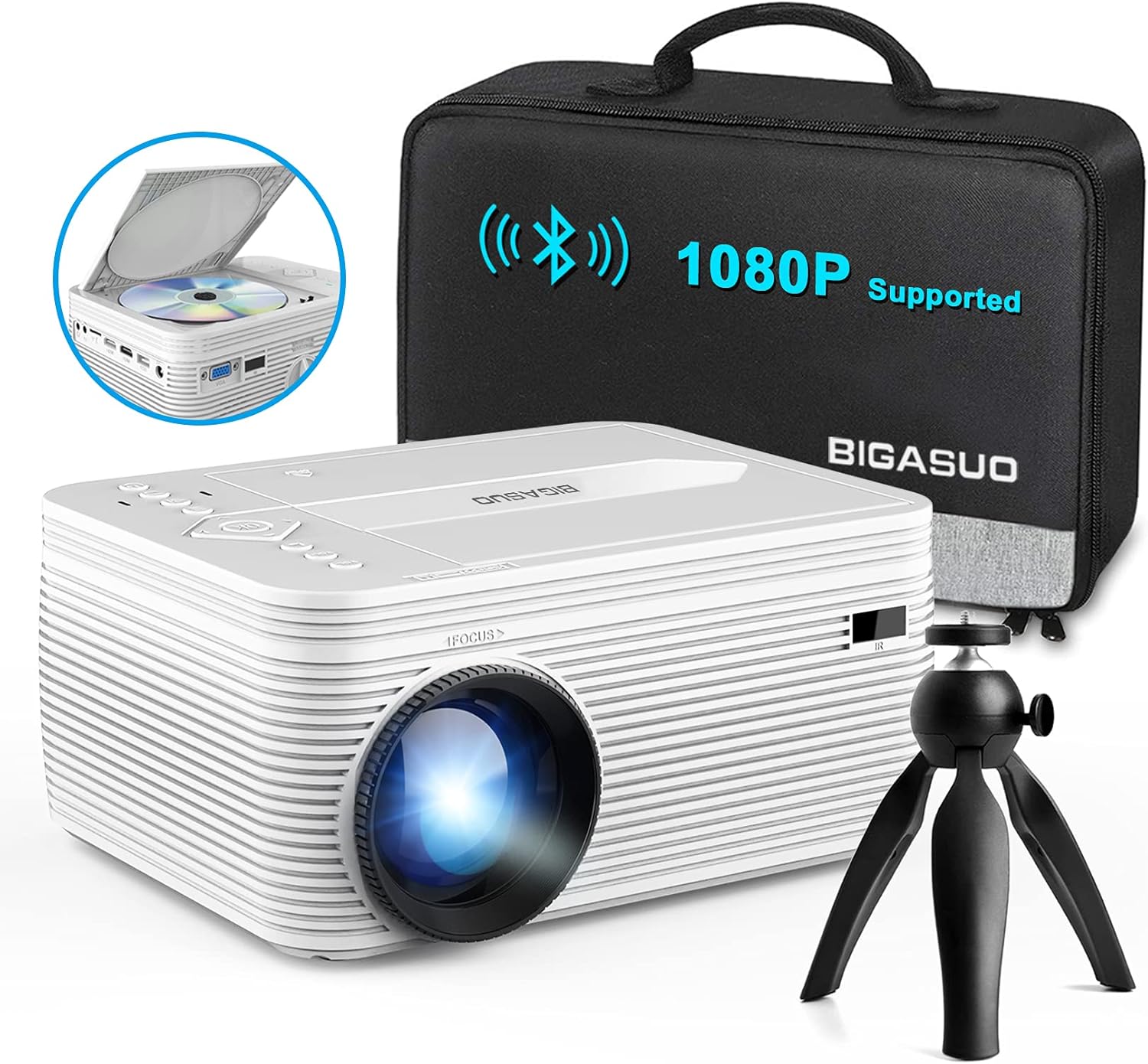


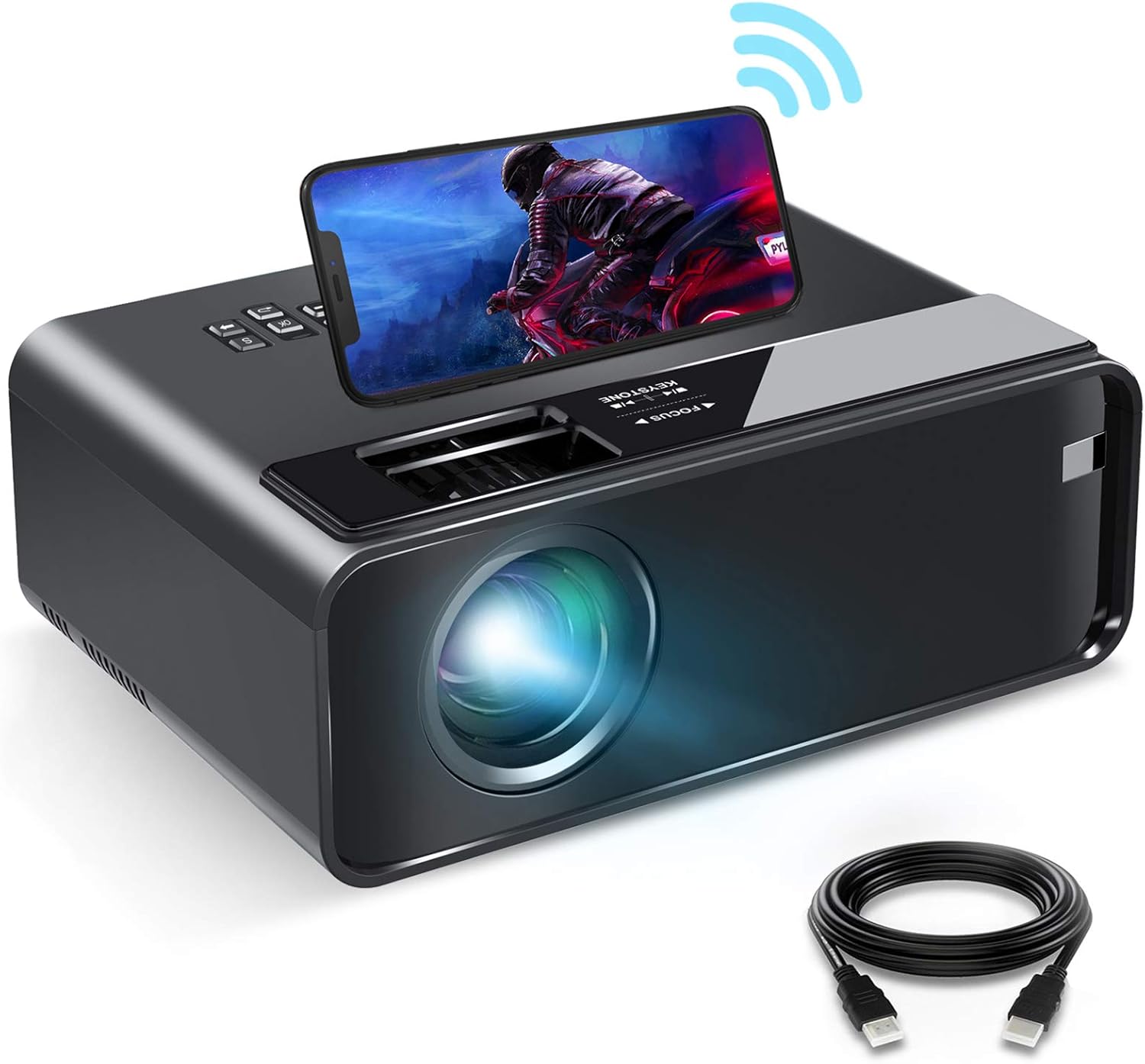
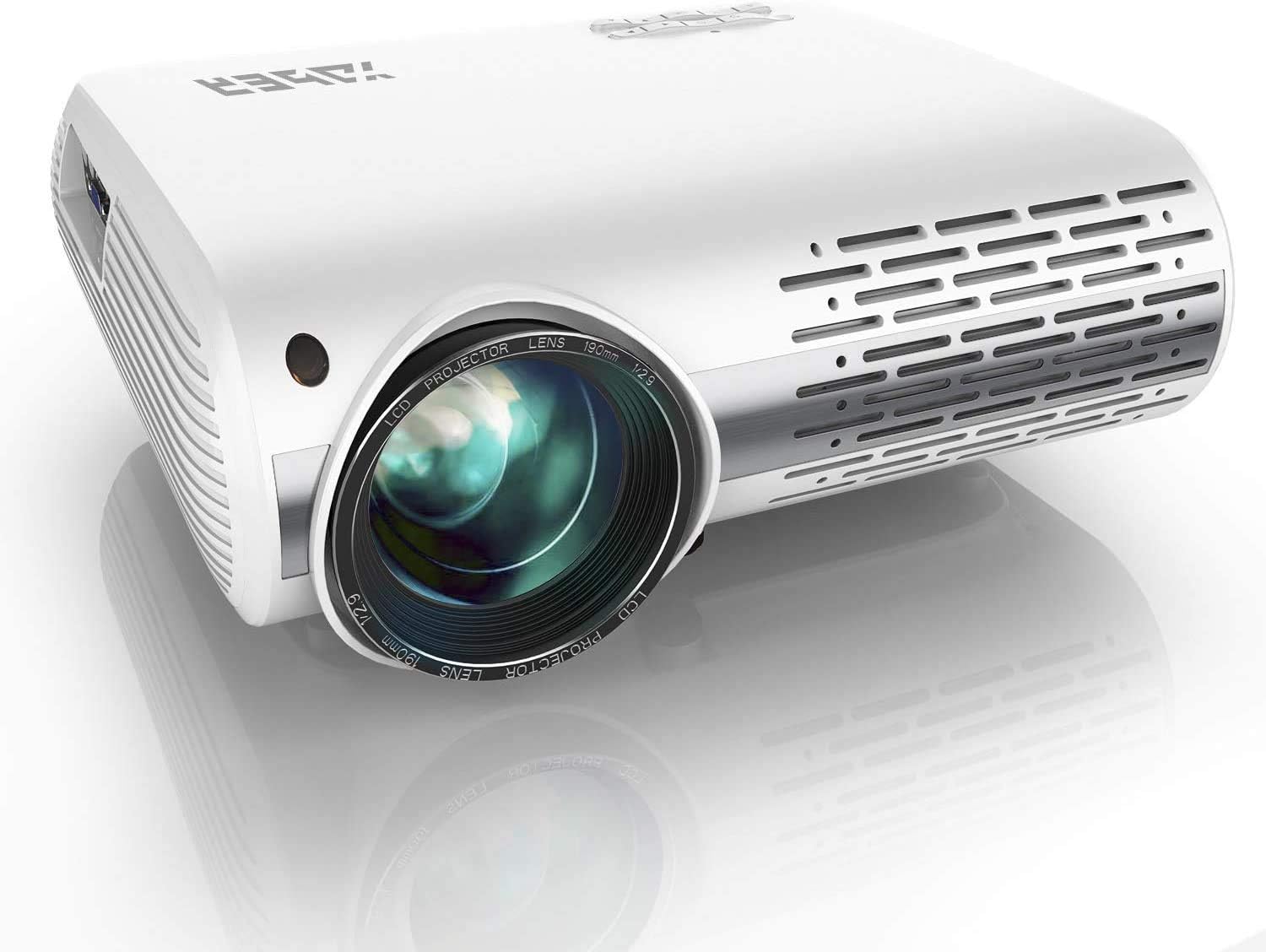
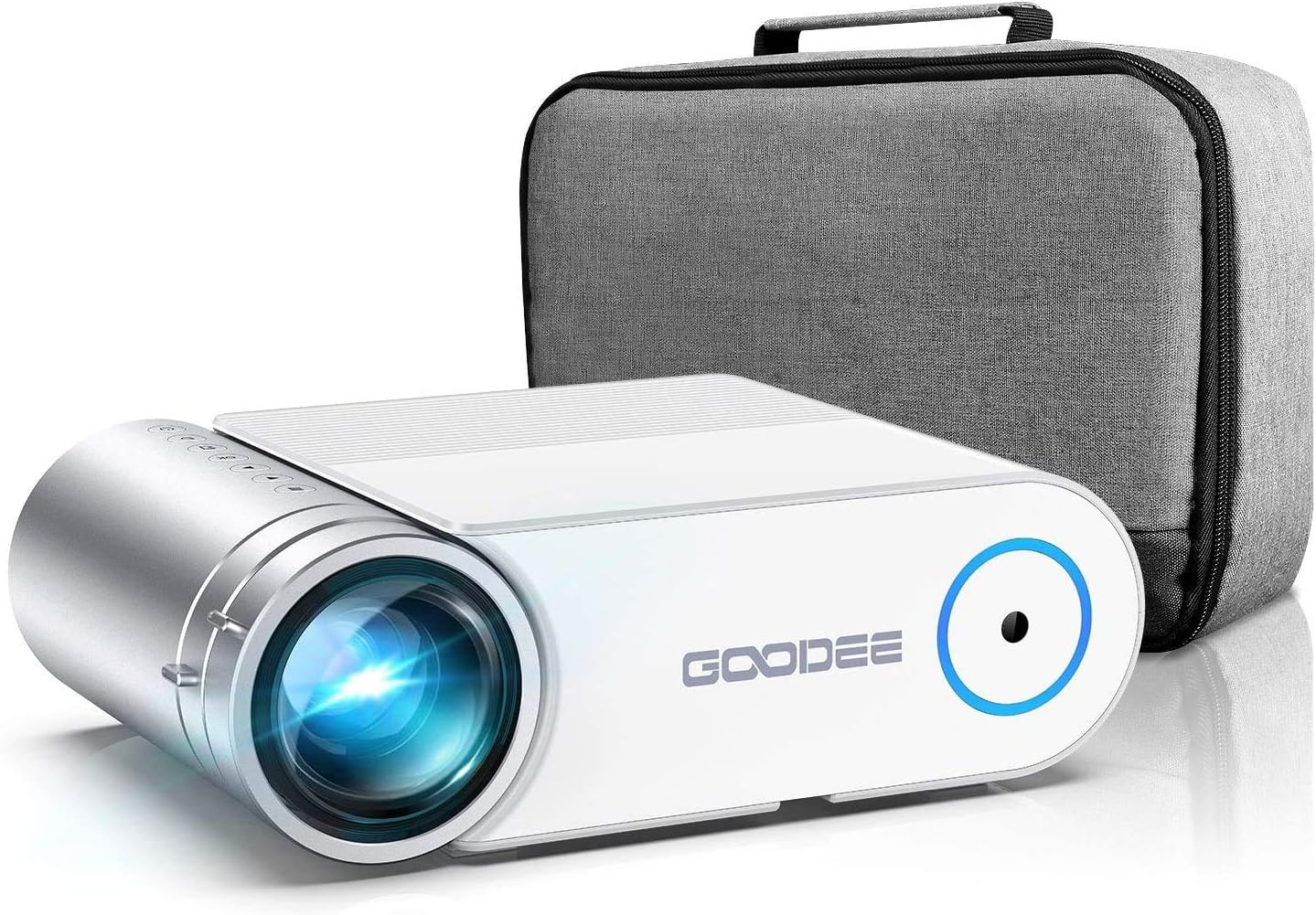

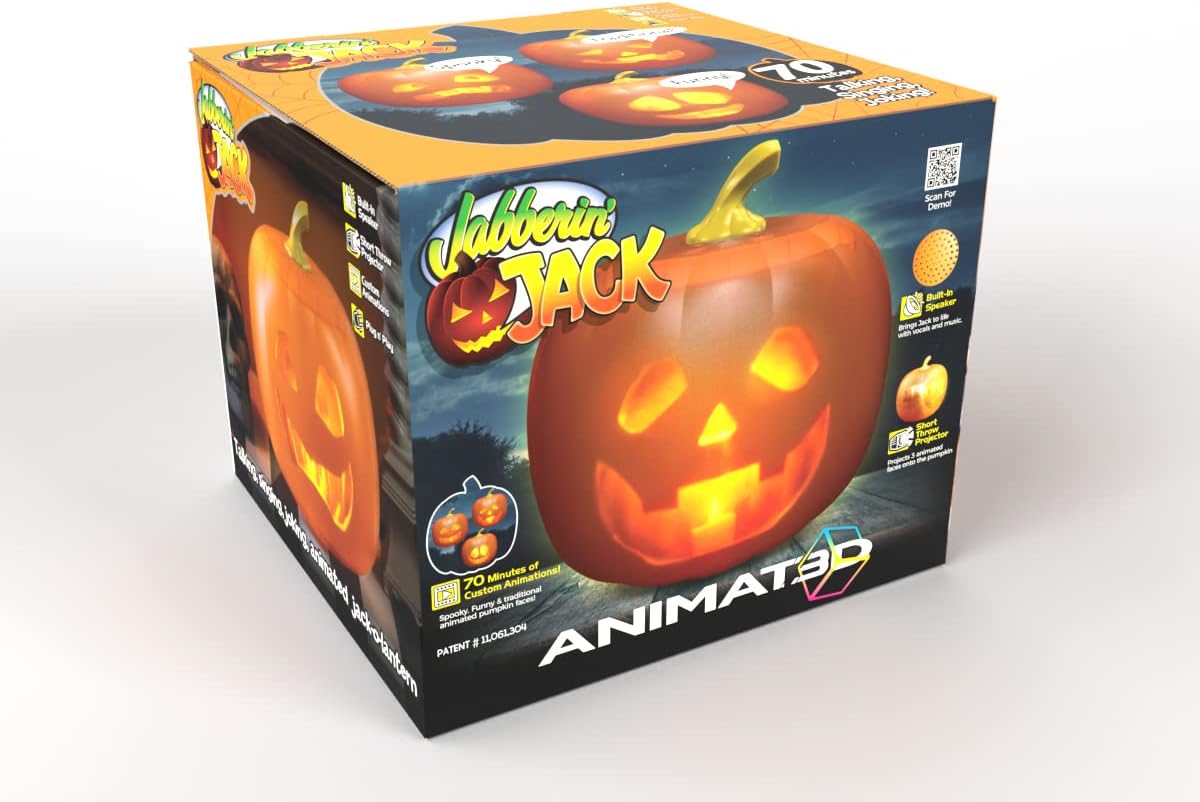
Mindscope
Mindscope Jabberin Jack XL Talking Animated Pumpkin with Built in Projector & Speaker Plug'n Play
See current price


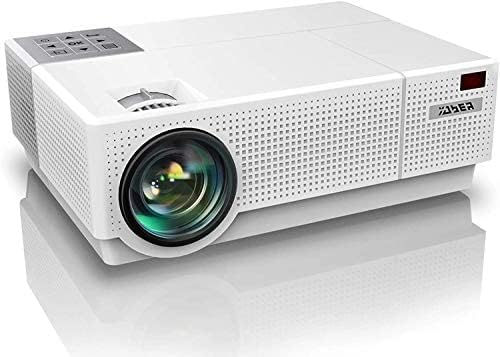

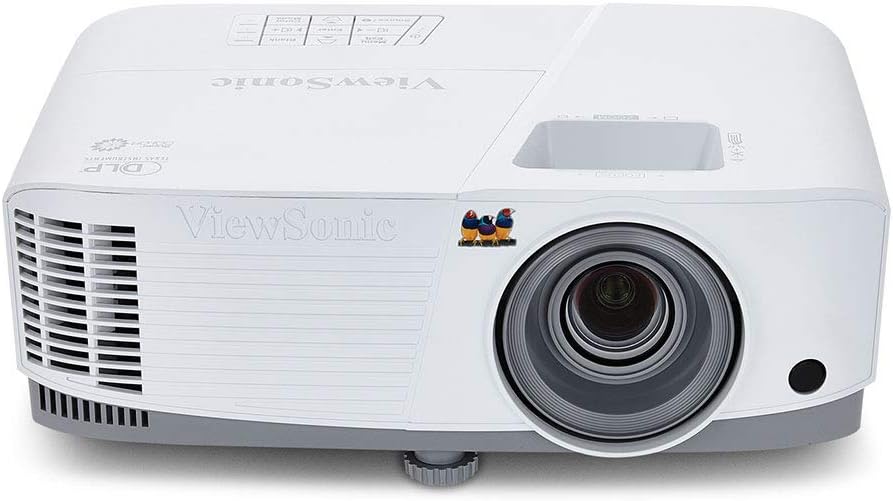
Popular brands in Video Projectors
A video projector can turn a wall or screen into a large viewing area, but the right choice depends on the room, source device, and type of content. A compact projector may suit occasional travel or bedroom use, while a brighter model with more connection options can work better for a dedicated home theater or presentations.
Use this catalog to compare specifications and features across video projectors from brands including Epson, Optoma, BenQ, DBPOWER, YABER, ViewSonic, GooDee, WiMiUS, ELEPHAS, Vamvo, ARTlii, and FANGOR. Brand availability and product selection can change as the catalog grows.
How to choose a video projector
Start by considering where the projector will be used and how far it can sit from the image surface. A short-throw design can produce a large image from a relatively short distance, while a standard-throw model may need more room. Portable designs are easier to move but may require compromises in built-in audio, brightness, or adjustment features.
The content you plan to watch also matters. Movies and streaming benefit from strong contrast and suitable resolution, while presentations may place more emphasis on readable text, easy setup, and compatibility with a computer. For gaming, check input support, image responsiveness, and whether the projector includes features suited to fast-moving content.
Key specifications to compare
- Resolution: Higher resolution can produce a sharper image, especially on larger screens or when viewing detailed text. Confirm the projector’s native resolution rather than relying only on supported input formats.
- Brightness: Brightness affects how clearly the image appears in rooms with ambient light. A darker room generally gives the projector more favorable viewing conditions.
- Contrast: Contrast influences the difference between dark and bright areas. It can be particularly noticeable in movies, games, and scenes with shadows.
- Throw distance and image size: Check the recommended projection range and the image size available at different distances. Make sure the projector fits the intended room before choosing a screen.
- Keystone correction and lens adjustment: These features can help align the picture when the projector cannot be positioned perfectly. Lens shift, when available, adjusts the image optically and may offer more placement flexibility.
- Connectivity: Compare HDMI, USB, wireless, and other input options with the devices you plan to use. A projector may need an external streaming device, computer, game console, or media player.
- Sound: Built-in speakers can be convenient, but an external sound system may provide a fuller experience. Check audio outputs and compatibility if you plan to connect speakers or a receiver.
Match the projector to your setup
For a home theater, prioritize resolution, contrast, quiet operation, placement flexibility, and compatibility with your chosen audio equipment. A screen can provide a more consistent surface than a painted wall, although the ideal setup depends on the room and viewing preferences.
For presentations, consider portability, setup speed, readable text, and connection options for laptops or other source devices. If the projector will move between rooms, review its size, weight, carrying options, and power requirements.
For outdoor or occasional use, portability and simple controls may be more important than advanced installation features. Outdoor viewing also requires a suitable power source, a stable surface, and control over surrounding light. Projectors are not automatically suitable for every outdoor environment, so check the product’s intended use and operating guidance.
Brands represented in the catalog
The Video Projectors catalog includes products from Epson, Optoma, BenQ, ViewSonic, and other brands such as DBPOWER, YABER, GooDee, WiMiUS, ELEPHAS, Vamvo, ARTlii, and FANGOR. Compare each product’s specifications directly rather than selecting by brand name alone, since features and intended use can vary across a brand’s catalog.
If you are building a broader entertainment setup, you can also compare related Television & Video, Home Audio, and Computers & Accessories categories. Camera or source-device compatibility may also be relevant when connecting equipment from Camera & Photo.
Setup and compatibility tips
Before purchasing, check the projector’s supported input resolutions and connection types against your laptop, streaming device, console, or other source. Some content services may require a compatible external device rather than working directly through the projector.
Place the projector on a stable surface or use a compatible mount, keeping ventilation openings clear. Avoid aiming the image at an unsuitable surface, and follow the manufacturer’s guidance for cleaning, lamp or light-source care, storage, and operating conditions. If you need ceiling mounting, verify mounting compatibility and allow enough access for maintenance.
Frequently asked questions
What is the most important video projector specification?
There is no single specification for every setup. Resolution, brightness, throw distance, and connectivity are usually the most important starting points because they determine image quality, placement, and device compatibility.
Do I need a screen for a video projector?
Not always. A smooth, neutral-colored wall may work for casual viewing, while a dedicated screen can offer a more consistent viewing surface and help make the most of the projector’s image.
Can a video projector connect to a laptop or game console?
Many projectors support common video connections, but the available ports and supported formats vary. Check the product specifications against the output ports and resolution of the device you plan to connect.
Is higher brightness always better?
Not necessarily. Brightness should match the room and screen size. A darker room may not require as much brightness, while ambient light can make a brighter projector more practical.
Can built-in projector speakers replace external audio?
Built-in speakers may be adequate for basic viewing or presentations, but external speakers or a sound system can be preferable for movies, gaming, and larger rooms. Check the available audio connections before choosing.