
logitech
Logitech Driving Force Shifter - USB for PS4 and Xbox One, 941-000130 (for PS4 and Xbox One)
See current price

Compare Xbox One accessories by compatibility, design, connection type, and everyday features. This catalog helps you narrow down options for play, charging, storage, and setup.
1,011 products in catalog
1,011 results
logitech
See current price




Venom
See current price


Venom
See current price



Xbox One accessories can improve how you play, organize, and maintain your console setup. The right choice depends on whether you need another controller, a more comfortable headset, charging equipment, replacement parts, or a simple way to protect and transport your hardware.
K-Catalog brings together accessory options so shoppers can compare specifications and features before visiting Amazon for current product details. For the broader platform, browse Xbox One, or explore Games, Consoles, and Downloadable Content.
Start with the specific problem the accessory needs to solve. A second controller may be useful for local multiplayer, while a headset can focus on voice chat, game audio, or both. Charging products are convenient for regular play, whereas cables, adapters, and replacement components can help complete or maintain an existing setup.
Check compatibility carefully. Some accessories are designed specifically for Xbox One, while others may support multiple Xbox generations or devices. Confirm that the listed platform, connector, and intended use match your console and controller before choosing a product.
Extra controllers support multiplayer and provide a spare when the primary controller is unavailable. When comparing them, look at wired or wireless operation, connection method, button layout, included cable, and power requirements. Controller grips, thumbstick accessories, and replacement parts can also change handling and comfort without replacing the entire controller.
Gaming headsets may connect through the controller, console, USB, or another supported connection. Compare microphone design, cable length, control placement, earcup style, and compatibility. Comfort matters for longer sessions, so pay attention to headband construction, padding, adjustability, and overall fit.
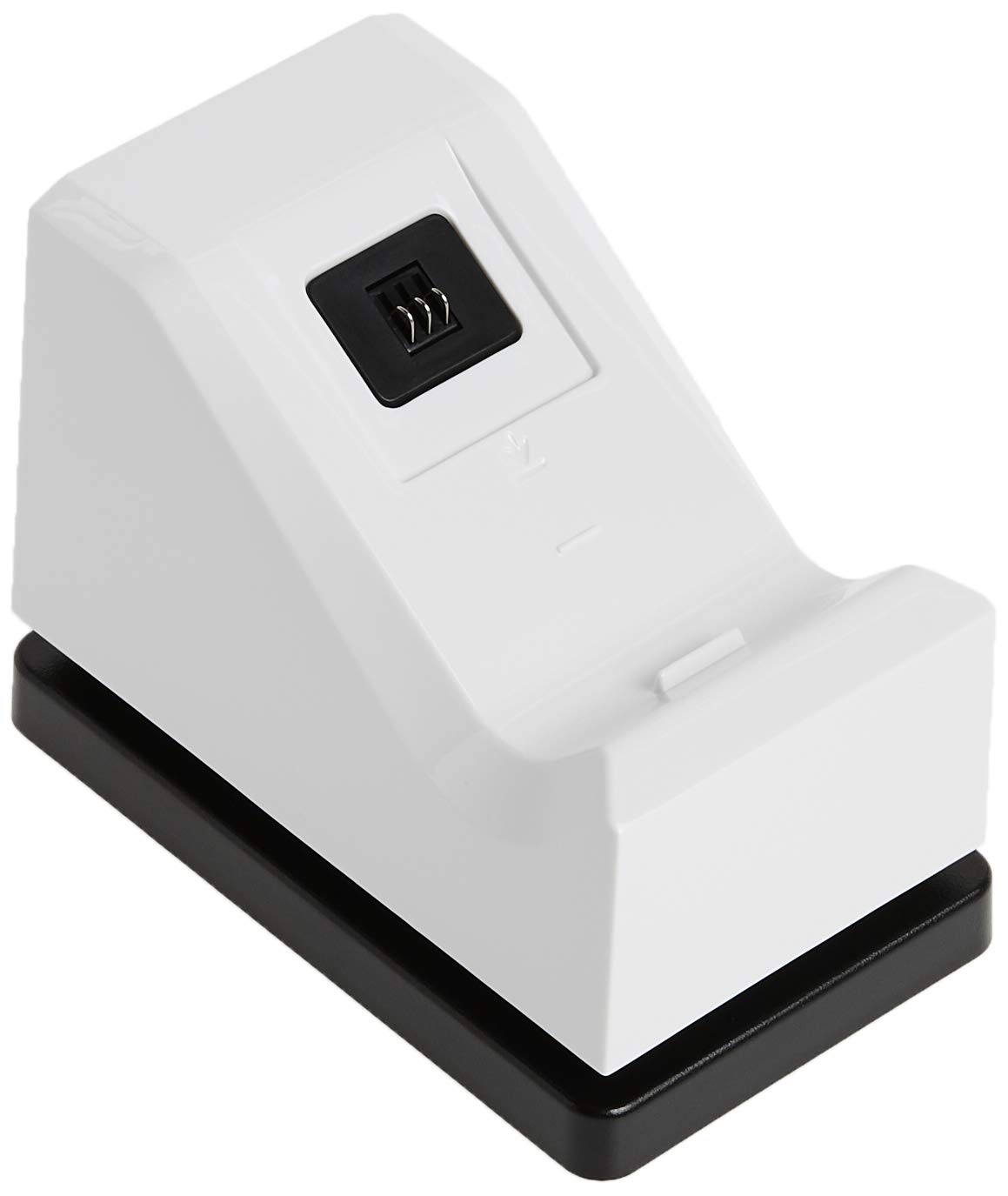
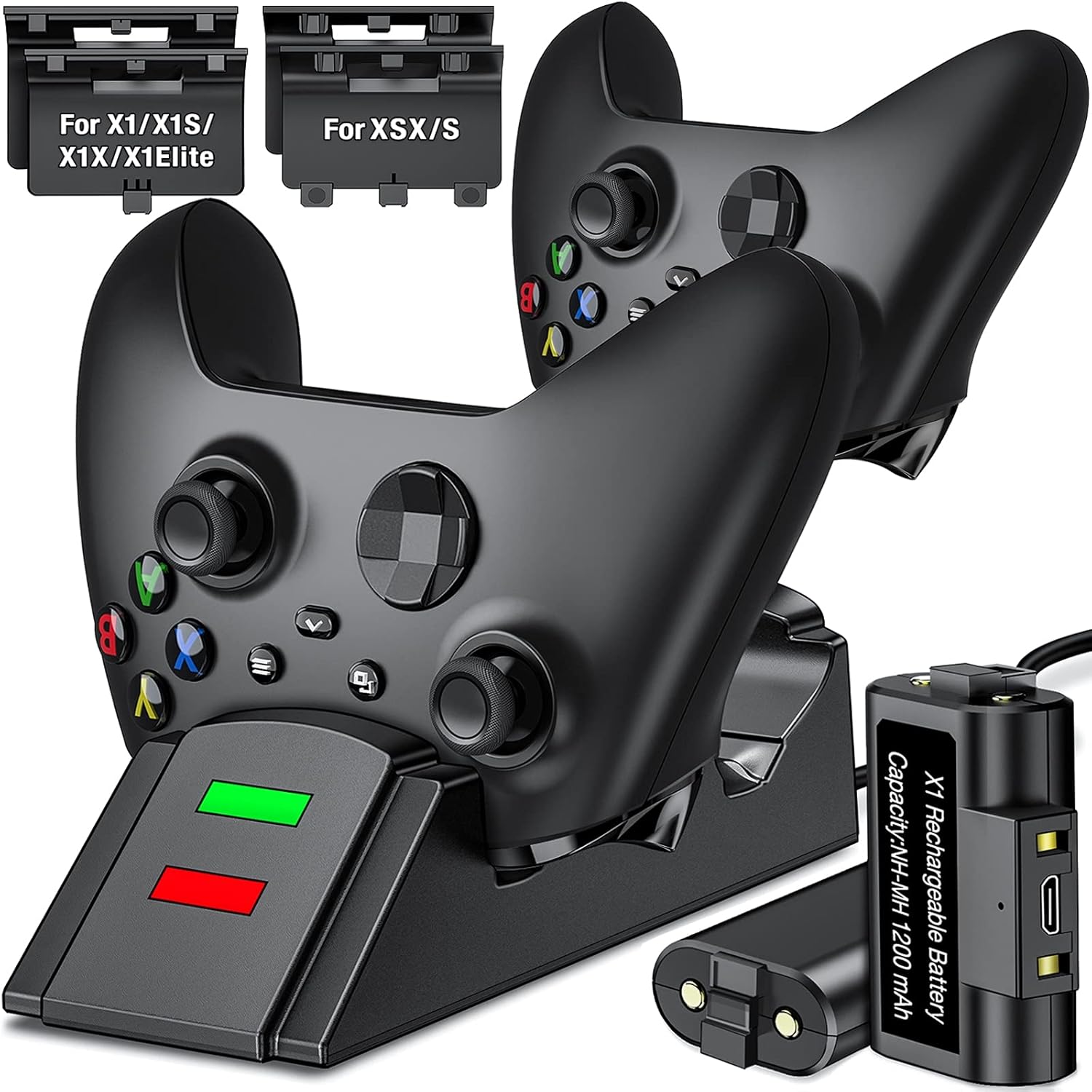
Charging docks, rechargeable battery solutions, and replacement cables can reduce the need to manage disposable batteries. Compare how many devices the accessory is intended to support, how it connects, whether the required cable is included, and how it fits into the available space around the console.
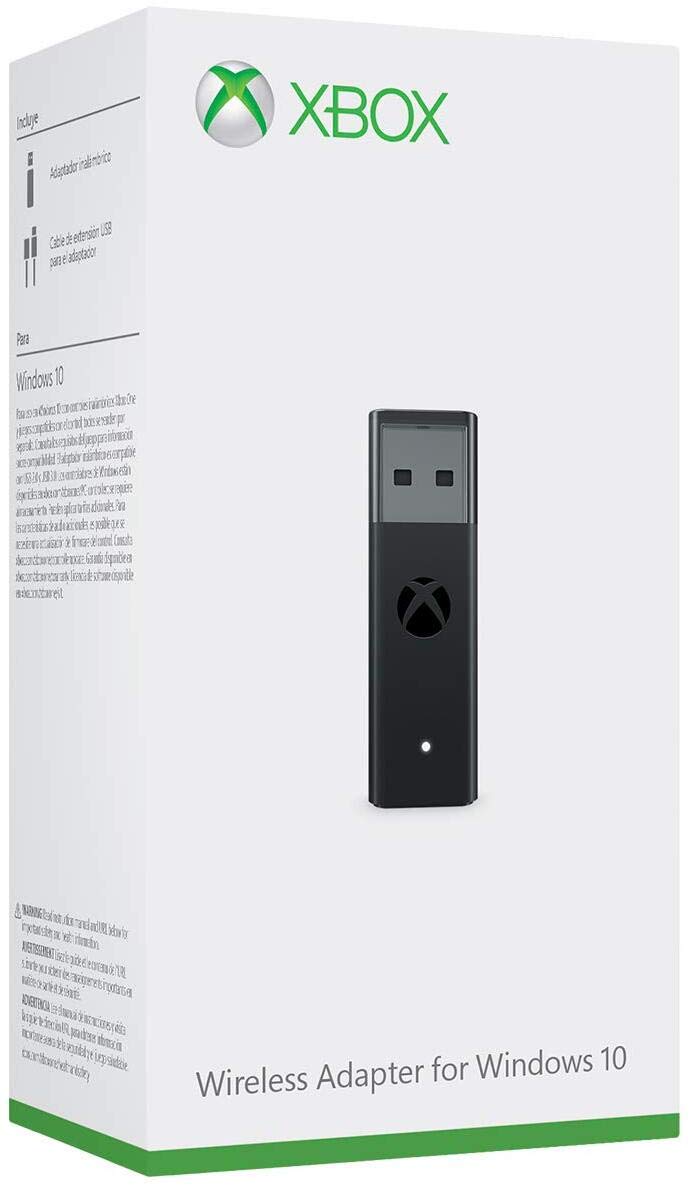
Cables and adapters should be matched to the exact connection on the console, display, controller, or headset. Check connector types, cable length, and the stated purpose. Avoid assuming that a physically similar connector provides the same function or works with every Xbox One setup.
Cases and organizers are useful for transporting controllers, headsets, games, and smaller accessories. Compare interior layout, padding, closure style, handle design, and the equipment the case is made to hold. Protective covers and replacement shells should also be checked for the correct controller or console version.
A product’s feature list is most useful when considered alongside your setup. Focus on:
The catalog includes Xbox One accessory options from Microsoft, Extremerate, KontrolFreek, PDP, PowerA, Amazon Basics, YCCTEAM, Foamy Lizard, Turtle Beach, Hyperkin, YoRHa, and SN-RIGGOR. Comparing products by specifications is useful even when browsing within a familiar brand, since connection types, supported devices, included components, and designs can differ across accessories.
Before ordering, identify the exact Xbox One hardware and accessories already in use. Take note of open USB ports, controller connection options, available shelf or desk space, and whether the setup is used for solo play, local multiplayer, online chat, or travel.
Keep cables arranged so they do not pull on the console or controller. For charging products, use the included instructions and confirm that the power connection is suitable for the accessory. Store detachable pieces together, especially adapters, dongles, and controller components that can be easy to misplace.
Choose based on the main limitation in the current setup. A controller, headset, charging solution, cable, or protective case may be the most useful starting point depending on how the console is used.
No. Compatibility can vary by controller design, connector, generation, and accessory type. Check the product specifications for the exact controller or device supported.
A wired headset may offer a straightforward connection, while a wireless model can reduce cable clutter. Compare the stated connection method, power requirements, controls, and Xbox One compatibility.
Confirm the supported controller or battery type, charging connection, number of devices it supports, included cables, and the space available near the console.
Use a case or organizer suited to the equipment, keep cables loosely coiled, and store small adapters with the device they support. Avoid placing pressure on connectors or controller sticks during storage.