

Xbox Series X & S Accessories
Compare Xbox Series X & S accessories by function, compatibility, and everyday convenience. Check the specifications that matter for your console, controller, and gaming setup.
118 products in catalog
118 results
Filters


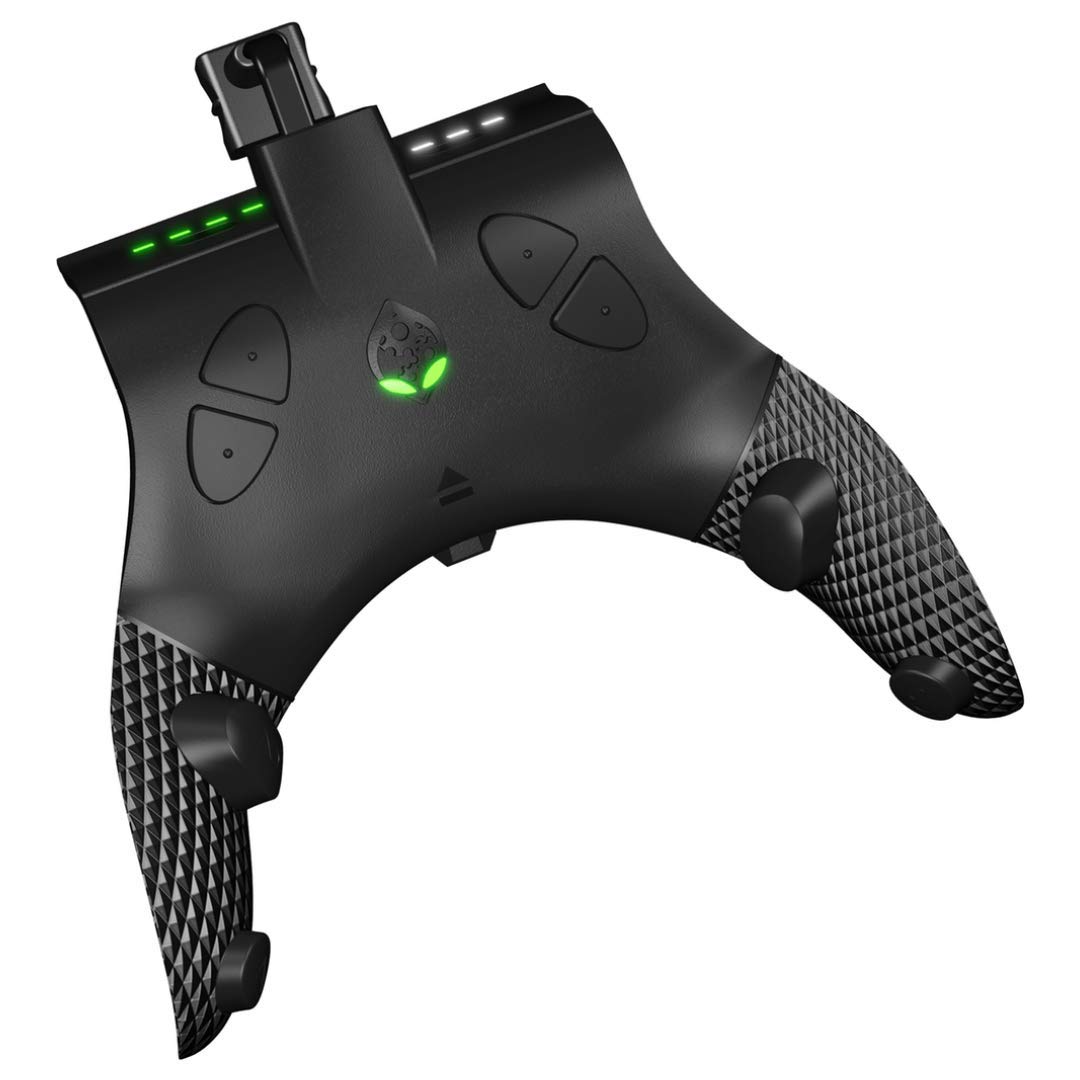


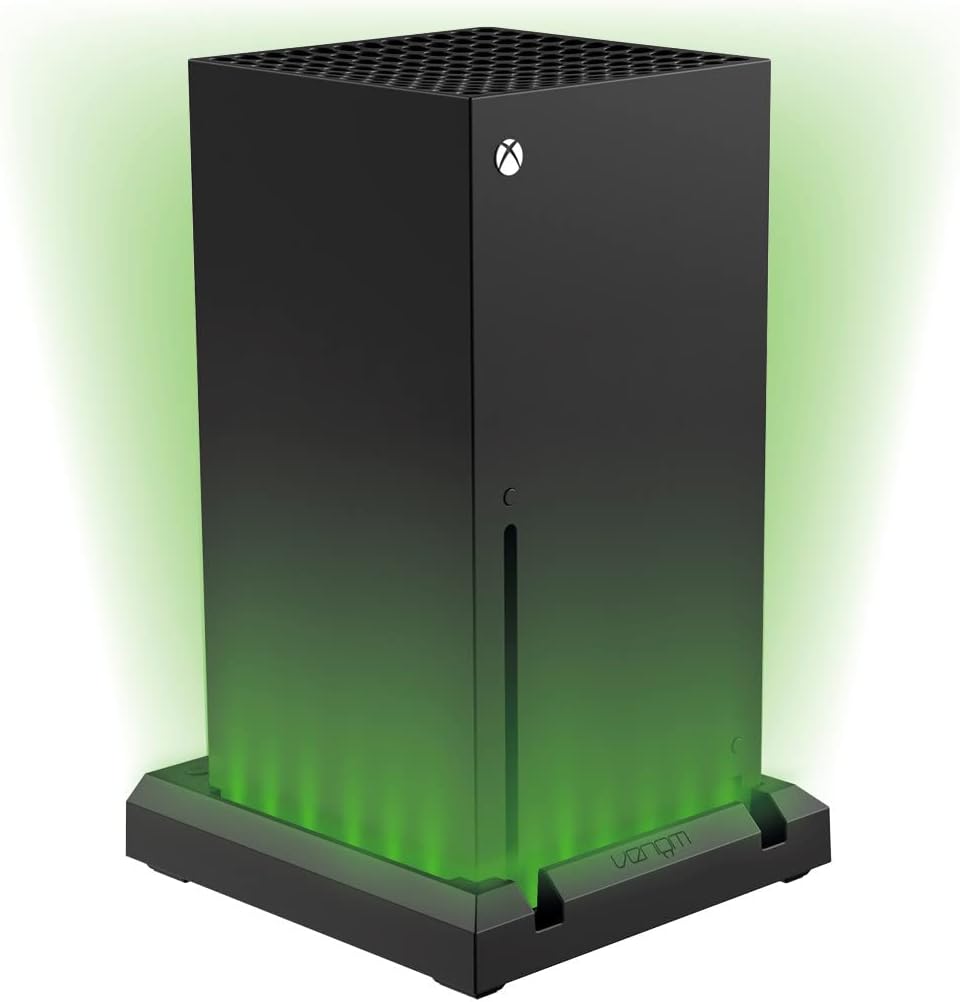


Popular brands in Accessories
Xbox Series X & S accessories can make a gaming setup more comfortable, organized, and convenient. The right choice depends on how you play: competitive gaming may call for a more responsive controller setup, while shared households may benefit from charging, storage, or protection accessories.
Use this catalog to compare specifications and features across accessory types. Before choosing, confirm compatibility with your exact Xbox console, controller generation, and other equipment. You can also browse Xbox Series X & S products for the wider console category or explore Games to complete your setup.
How to choose Xbox accessories
Start with the problem the accessory needs to solve. A charging solution can reduce cable clutter, a protective case can help with transport, and controller enhancements can change grip or button feel. Accessories intended for a desk setup may have different requirements from those used in a living room or taken on trips.
Consider these questions before comparing individual products:
- Is the accessory designed specifically for Xbox Series X, Xbox Series S, Xbox Wireless Controllers, or another compatible device?
- Does it connect by USB, wirelessly, through a controller port, or by another method?
- Will it fit your available space and work with your existing cables, headset, console stand, or storage arrangement?
- Is the priority comfort, protection, organization, charging, or gameplay control?
- Do the listed materials and dimensions suit the way the accessory will be used?
Common accessory types
Although accessories vary widely, most fit into a few practical groups. Controller accessories can include replacement parts, grips, button components, thumbstick enhancements, and other additions intended to personalize handling. Check installation requirements carefully, especially when a product involves removing controller panels or replacing internal components.
Charging accessories are useful for reducing interruptions and keeping controllers ready between sessions. Compare whether a charger is intended for one controller or multiple controllers, how it connects, and whether the package includes the required battery, cable, dock, or other parts.
Protection and organization products may include cases, covers, stands, cable-management items, or storage solutions. Compare internal dimensions, closure style, padding, ventilation, and access to ports. A compact case may be convenient for travel, while a larger organizer may be better for keeping several accessories together at home.
Features and specifications to compare
Compatibility is the first check. Xbox Series X and Xbox Series S share many accessories, but not every product is interchangeable with every Xbox controller or console arrangement. Read the compatibility details for the specific version of your hardware rather than relying only on a general Xbox label.
For controller-related products, compare grip texture, button layout, thumbstick design, adjustment options, included replacement parts, and installation method. Players who use a controller for long sessions may also want to consider shape, weight, padding, and whether the design accommodates their hand size.
For charging and power accessories, review connector type, cable length, charging arrangement, battery inclusion, and indicator features. For stands and organizers, compare footprint, construction materials, stability, and whether the design leaves necessary vents or ports unobstructed.
Brands represented in the catalog
The catalog includes accessories from brands such as Extremerate, ZENACCE, Fyoung, Playvital, MENEEA, Collective Minds, Fosmon, Venom, GOTRUTH, YoRHa, 6amLifestyle, and Collective Minds Gaming. Treat brand presence as a way to narrow a comparison, not as a substitute for checking the specifications of each individual product.
Product naming and compatibility descriptions can differ between brands. When comparing similar items, look beyond appearance and check what is included, which Xbox hardware is supported, and whether installation or additional equipment is required.
Setup, compatibility, and care tips
Keep the accessory’s instructions and packaging information available until compatibility has been confirmed. For products that attach to a controller or console, avoid forcing connectors, covers, or replacement parts into place. Accessories that use cables should be positioned so they are not sharply bent, pinched, or placed where they can be pulled accidentally.
Protective cases and storage organizers work best when they are not overfilled. Keep vents clear around console-related equipment, and allow devices or charging accessories to cool as recommended by their instructions. If an accessory requires an app, firmware update, batteries, or a separate adapter, account for that requirement before purchase.
Frequently asked questions
Are Xbox Series X and Xbox Series S accessories interchangeable?
Many accessories support both consoles, but compatibility varies by product. Check the listing details for the exact console, controller, connector, and accessory type.
What should I compare in a controller accessory?
Compare fit, materials, grip, button or thumbstick design, installation requirements, and whether the accessory is intended for your particular Xbox Wireless Controller version.
Are charging accessories compatible with every Xbox controller?
Not necessarily. Charging docks, batteries, and cables can depend on the controller’s battery door, connector, or included components. Verify compatibility before choosing one.
What makes a good Xbox accessory for travel?
Look for a suitable size, protective construction, secure closure, organized compartments, and room for the specific console or accessories you plan to carry.
Do accessories require additional equipment?
Some may need batteries, a cable, an adapter, installation tools, or a separate compatible device. Review the included-items and requirements sections before comparing options.
How can accessories help organize a gaming setup?
Stands, cases, cable-management products, and charging docks can keep controllers and related equipment in predictable places while reducing loose cables and clutter.