
logitech Computers & Accessories
Explore Logitech Computers & Accessories, including wireless keyboard-and-mouse combos, compact wireless mice, and ergonomic trackball mice. Compare product details before visiting Amazon.
773 results
Filters


logitech
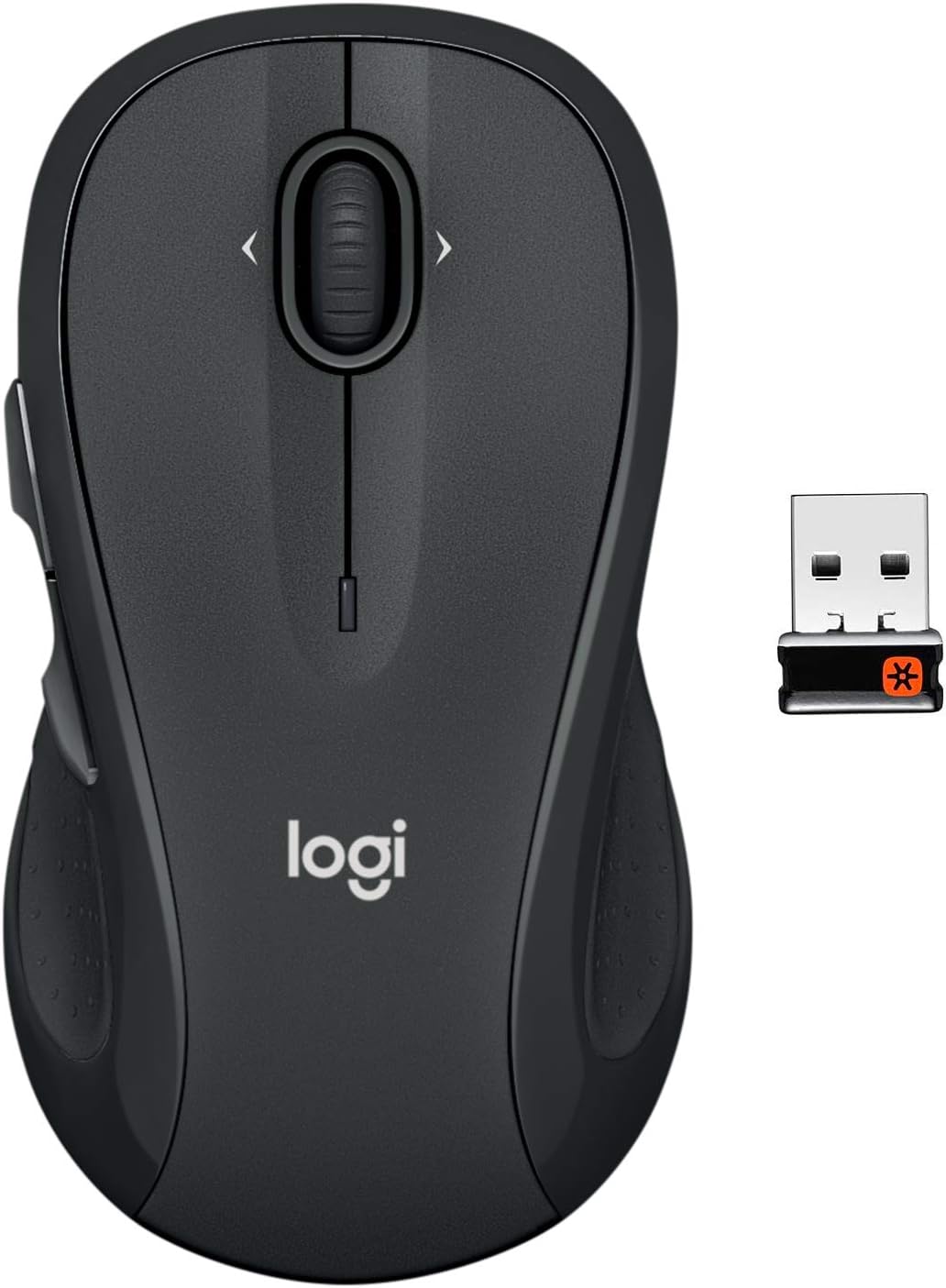
Logitech M510 Wireless Computer Mouse for PC with USB Unifying Receiver - Graphite
See current price


Logitech Computers & Accessories
This Logitech collection features computer input devices for everyday desktop and laptop use. The listings include wireless keyboard-and-mouse combos, standalone wireless mice, and a wireless trackball mouse with an ergonomic right-hand shape.
Browse the wider Computers & Accessories category to compare Logitech products with other options, or visit all Logitech products for more from the brand.
Keyboards and mouse combos
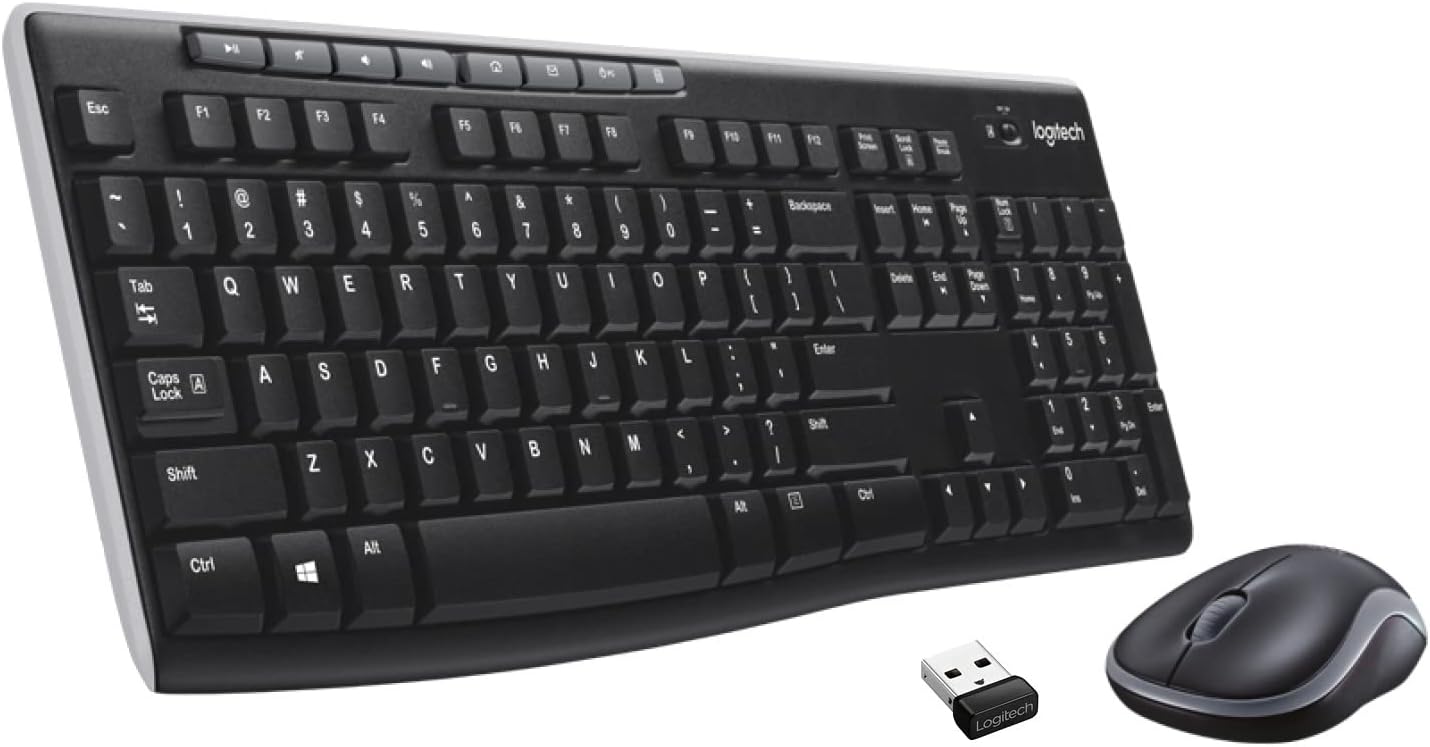
The MK270 wireless combo pairs a keyboard with a mouse for Windows PCs and laptops. Its listed features include a compact mouse, multimedia keys, shortcut keys, and wireless connectivity. This type of set can be a practical choice when you want matching input devices rather than selecting a keyboard and mouse separately.
When comparing combo listings, check the stated operating-system compatibility, connection method, keyboard layout, and included features. If you are replacing an existing setup, confirm that the available USB connection and wireless receiver arrangement suit your computer.
Wireless and trackball mice
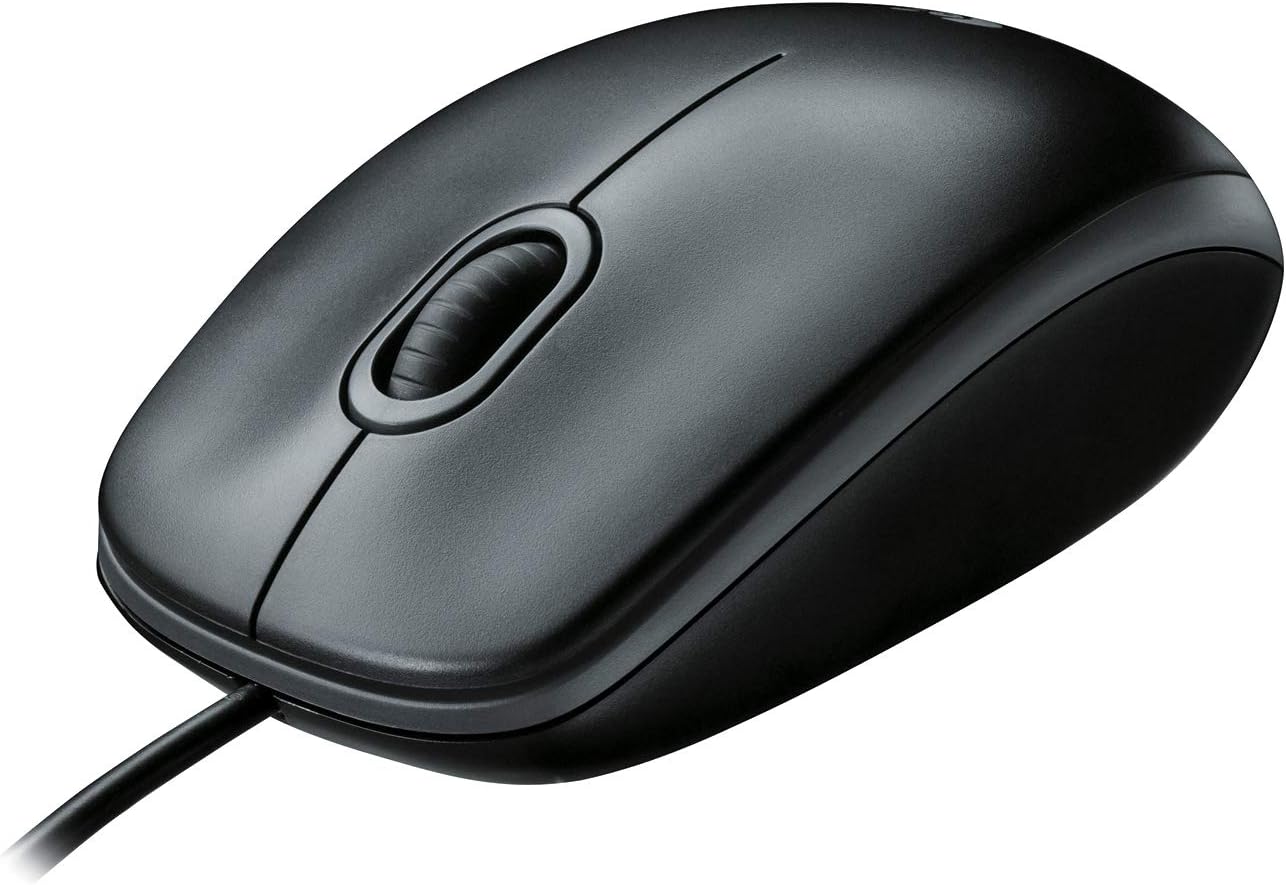
The Logitech M185 listings are wireless mice intended for general computer navigation. Their compact form factor may suit shoppers who want a straightforward mouse for a PC, laptop, or everyday workspace.
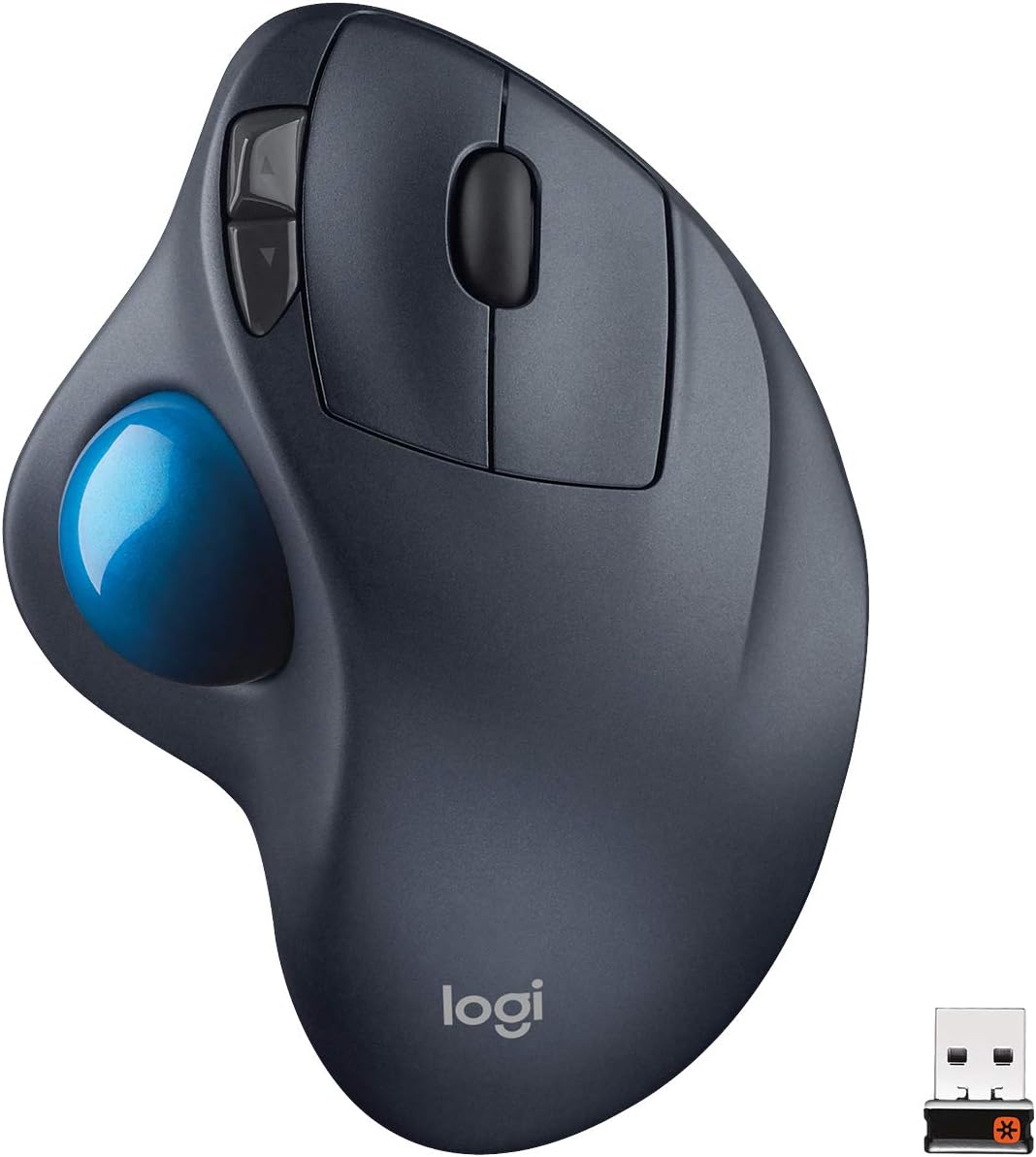
The M570 is a different style of wireless mouse, using a trackball and a sculpted right-hand design. Its listing identifies compatibility with Apple Mac and Microsoft systems and includes a USB Unifying receiver. A trackball can be worth considering if you prefer controlling the pointer without moving the entire mouse across your desk.
See Logitech PC products for related computer listings and Logitech computer accessories and peripherals for a more focused category view.
How to choose between models
Start with the device type you need: a keyboard-and-mouse combo for a complete replacement, a compact wireless mouse for basic navigation, or a trackball for a stationary pointing setup. Then compare compatibility with your operating system and computer, the connection or receiver details, and the shape that fits your hand and workspace.
For a keyboard combo, review the listed shortcut and multimedia controls. For a mouse, pay attention to size, hand orientation, and whether the trackball design matches your preferred way to work. Finally, compare the specifications shown on each product page before clicking through to Amazon.