
SteelSeries PC
Explore SteelSeries PC gaming gear, from Arctis headsets and Apex keyboards to Sensei mice and QcK gaming surfaces. Compare the listed specifications and features before visiting Amazon.
105 results
Filters


SteelSeries
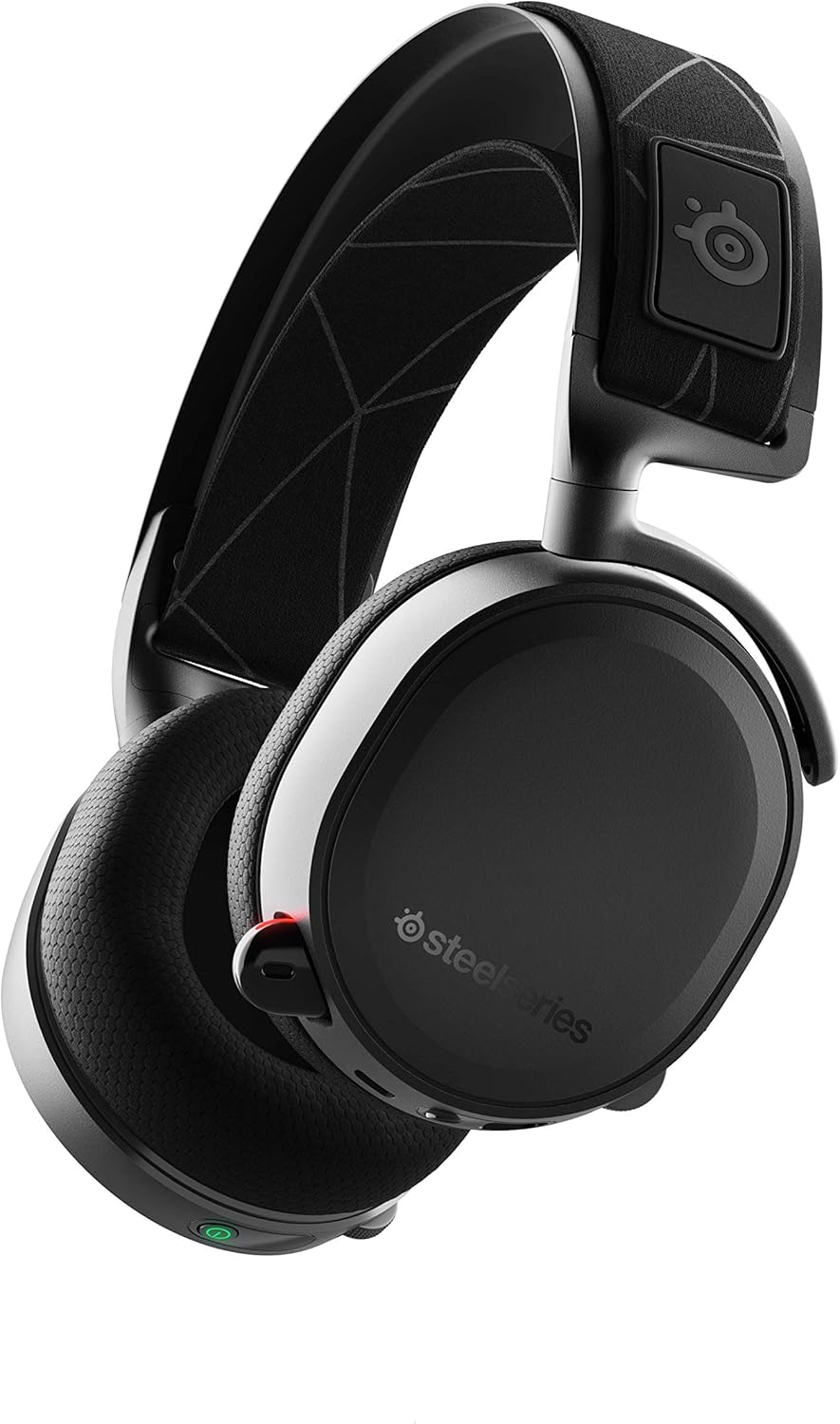
SteelSeries Arctis 7, Wireless Gaming Headset, DTS Headphone: X v2.0 Surround for PC and PlayStation 4, Black
See current price






SteelSeries
SteelSeries QcK Gaming Mouse Pad - XL RGB Prism Cloth - Sized to Cover Desks
See current price


SteelSeries
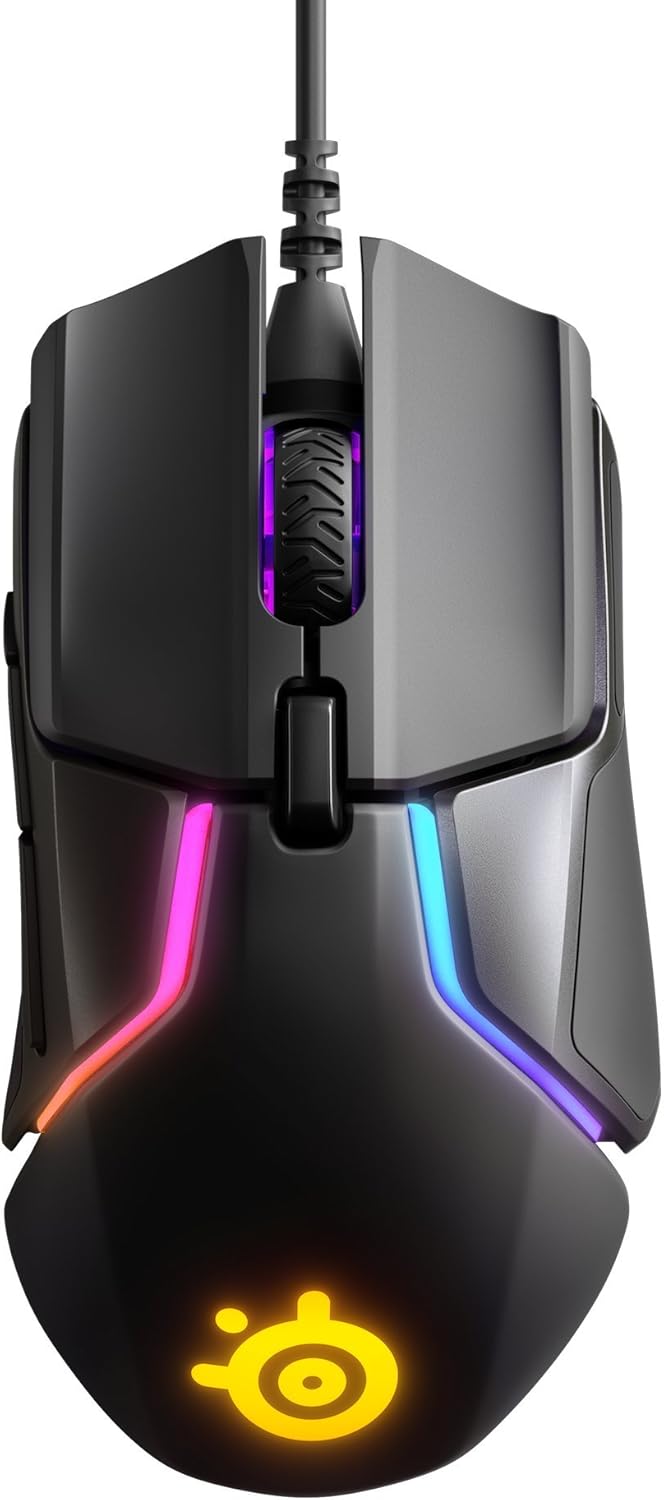
SteelSeries Rival 110 Gaming Mouse - 7,200 CPI TrueMove1 Optical Sensor - Lightweight Design - RGB Lighting
See current price


SteelSeries PC gaming gear at a glance
The SteelSeries PC selection includes accessories for several parts of a desktop gaming setup. Product titles feature Arctis gaming headsets, an Apex gaming keyboard, a Sensei gaming mouse, and QcK gaming surfaces. For a broader look at the category, visit the PC gaming catalog or browse all SteelSeries products.
The listed headsets include both wireless and wired-style models, with black and white options shown. Some titles name compatibility with PC and PlayStation consoles, while others highlight RGB illumination or DTS Headphone: X v2.0 Surround. The keyboard, mouse, and gaming surfaces focus on different parts of desktop control and comfort.
Headsets, keyboards, mice, and surfaces
Arctis headset listings emphasize wireless use on some models and RGB illumination on others. DTS Headphone: X v2.0 Surround appears in the headset titles, giving shoppers a feature to compare when considering audio specifications. Check each listing for its connection type, named platform compatibility, color, and included features.
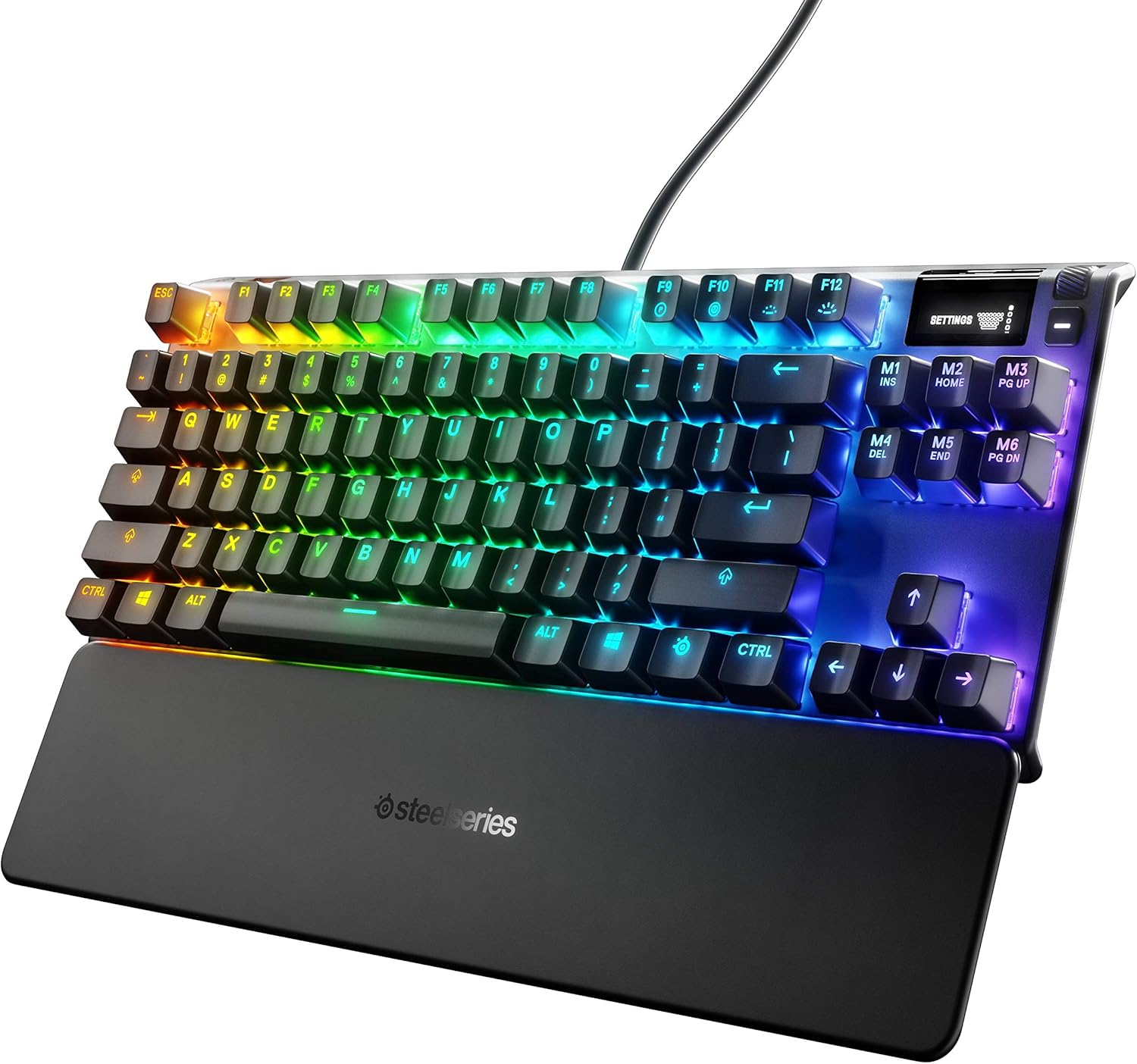
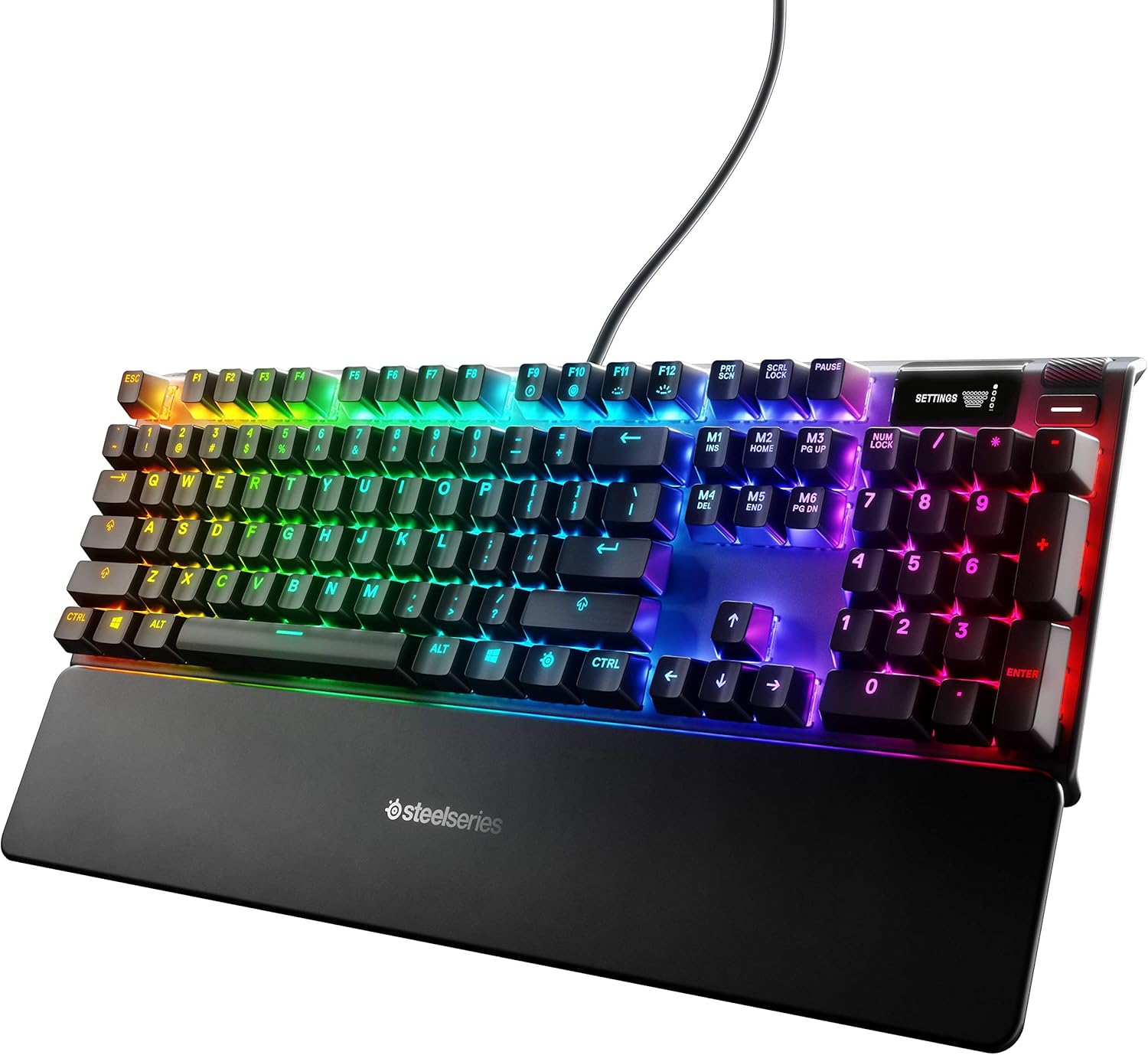
The Apex 3 gaming keyboard title calls out 10-zone RGB illumination, IP32 water resistance, a premium magnetic wrist rest, and whisper-quiet gaming switches. The Sensei Ten mouse features an ambidextrous design, a TrueMove Pro optical sensor, programmable buttons, and RGB lighting. QcK gaming surfaces are listed in different sizes and thicknesses, with features such as stitched edges, cloth construction, and sensor tracking optimization.
Features to compare before choosing
When comparing SteelSeries PC models, start with the accessory type you need: headset, keyboard, mouse, or gaming surface. Then narrow the choices by the features that affect your setup and playing style:
- Headsets: Compare wireless or wired connectivity, PC and console compatibility, audio features, color, and RGB illumination.
- Keyboards: Look at switch style, lighting zones, wrist-rest design, and the stated water-resistance rating.
- Mice: Consider ambidextrous shape, sensor specifications, programmable buttons, and lighting.
- Gaming surfaces: Compare size, thickness, cloth construction, edge stitching, and tracking-related features.
Choosing between SteelSeries models
Choose an Arctis model by prioritizing connection type, platform compatibility, audio features, and appearance. For a keyboard or mouse, focus on the physical design and controls you will use most often, such as a magnetic wrist rest, quiet switches, an ambidextrous shape, or programmable buttons. For a QcK surface, measure the available desk space before comparing its listed size and thickness.
Finally, review the complete specifications for each model rather than relying only on the product name. The current listing details can clarify compatibility, included features, and the configuration that fits your PC setup. When you are ready, use K-Catalog to compare options and continue to Amazon for the latest listing information.