


2 Pack Retro SNES USB Controller for PC Games, kiwitatá Classic SNES Wired USB Super NES Game Pad Controller Joypad for Windows PC MAC Linux Retro Pie
See current price
Check the current price and availability on Amazon.com.
View on AmazonAffiliate link — we may earn a commission at no extra cost to you. Learn more
- Item Weight
- 7.4 ounces
- Item model number
- K-Y-D002-024-K
- Manufacturer
- kiwitatá
- Brand
- KIWITATA
Key features
- 🔝Compatible with Raspberry Pi, Windows PC,Linux ,Mac.Specifically designed for playing classic old school snes games and retro games on computer or laptop. Notice:USB Interface,NOT Compatible with any Android Box and Tesla Model 3 cars. Please download the game emulator before use,such as VirtuaNES,sens9x,OpenEmu,Zsens,RetroArch,NESEmu and Jnes etc.
- 🔝Super precise cross key and function buttons,the cross direction key adopts frosted concave design,anti-sweat and anti-slip.The shape is designed to fit the contour of your hands,easy and comfortable to hold.
- 🔝PC running operating system:Windows 98/2000/ ME/XP/Vista/Win7/8/8.1/10 or later,or Mac running OS X 10.0/Mac OS X or above.The solid and accurate controller as a retro gaming machine for Raspberry Pi4 build, Raspberry Pi ;Retro Pi OS; Retro Pi NES; Retro Pi System
- 🔝Standard USB 2.0 port,plug and play,it can be used natively without drivers or patches .The cord is approx. 1.5 meters (5ft), use a USB cable extensions,you can play across the room.
- 🔝Third party controller ,100% customer satisfaction service and 30 days no reason to return. Support hardware device: PC computer or laptop, Raspberry Pi(RASPBERRY PI 1 MODEL A+/B+,RASPBERRY PI 2 MODEL B,Raspberry Pi 3 Model B,raspberry pi zero w)
Specifications
| Package Dimensions | 6.3 x 5.87 x 1.46 inches |
|---|---|
| Item Weight | 7.4 ounces |
| Item model number | K-Y-D002-024-K |
| Manufacturer | kiwitatá |
| Brand | KIWITATA |
| Operating System | Linux,Windows,Android |
| Hardware Platform | pc |
| ASIN | B01JYGYAUG |
About this product
Notice: 1)NOT Compatible with any android box, tesla vehicles and steam game platform 2)If there is an incompatibility on PC or Raspberry Pi, you could contact the seller for a support Widely Compatibility: PC / Laptop Computer(Windows 98/2000/ ME/XP/Vista/Win7/8/8.1/10 or later) MAC/ Notebook( OS X 10.0/Mac OS X or above) Raspberry Pi (Raspberry Pi Model A+/Raspberry Pi Model B+/Raspberry Pi 2 Model B/Raspberry Pi 3 Model B/Raspberry Pi Zero) What simulator can you download? 1)Use emulator "OpenEmu "on Macbook running Mavericks 2)SNES/NES Emulation,such as VirtuaNES,sens9x,Zsens,sensgt,Uosnesw,NESEmu and Jnes etc 3) use with a RetroPi /RetroArch Emulation Station, you have to get creative with your button mapping How to use the SNES Controller with raspberry pi: Raspberry pi 3b running recalbox Step 1: download a "recalbox software" before plugging the controllers to the Raspberry Pi device. Step 2: Write RetroPie mirroring file to SD card. Then plug the controller and set the button. The first time you start "Retro", you will be asked to configure your controller. Please set up the button of usb controllers according to the steps. Open Emulator-Option-Controller-Controller Settings (Select Default Setup base) Map usb controller' buttons ( D-pad、SELECT、START、B、A、X、Y button -- define)- confirm Choose Emulator Rom file( game) -START-Play computer games Package included: 2* SNES USB controllers
Similar products
EURPMASK Choose the color of europe
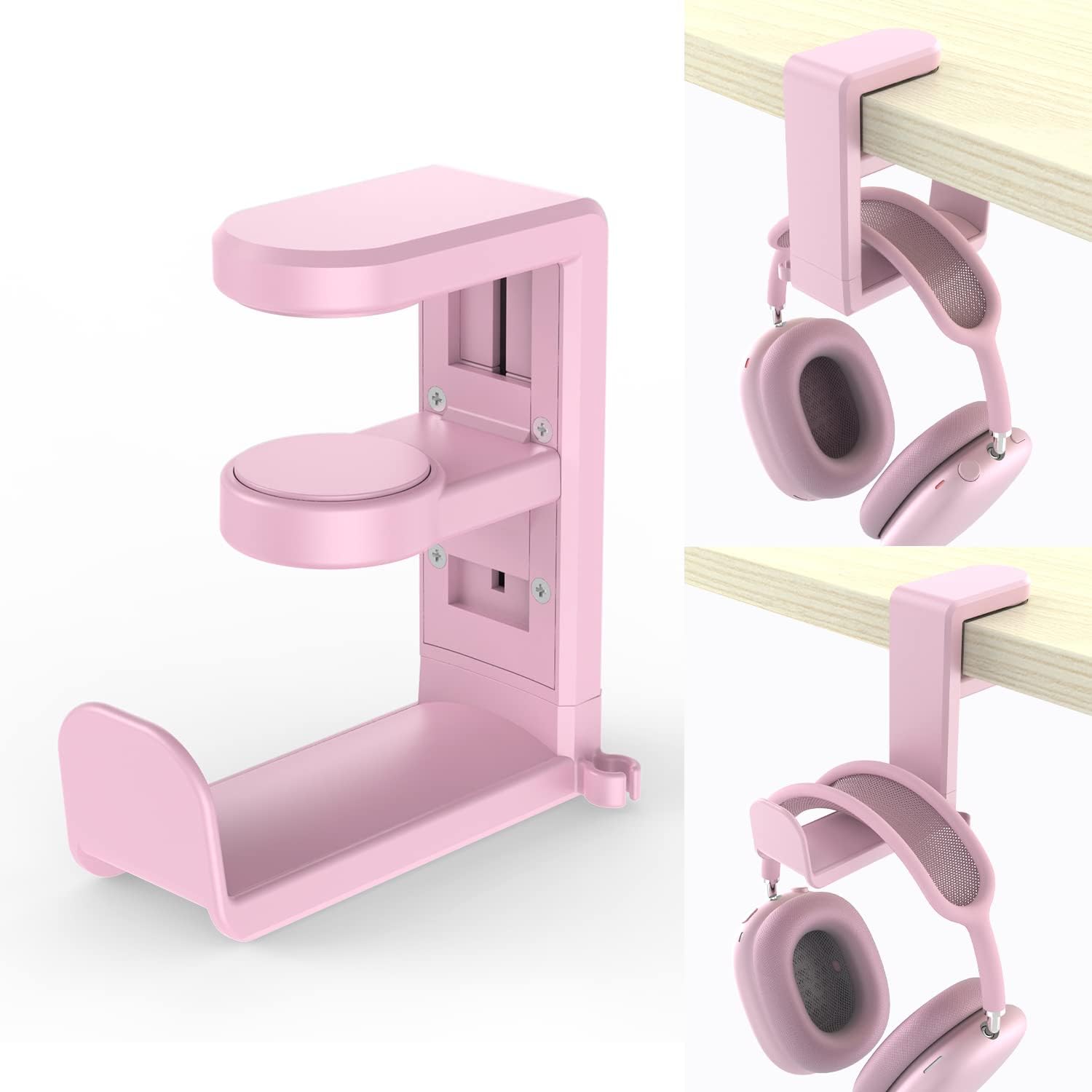
PC Gaming Headset Headphone Hook Holder Hanger Mount,Headphones Stand with Adjustable & Rotating Arm Clamp,Under Desk Design,Universal Fit,Built in Cable Clip Organizer EURPMASK Pink
See current price


See current price