


![Cable Matters [Ultra High Speed HDMI Certified] Active 8K @60Hz Fiber Optic HDMI Cable 49.2 ft / 15m - Supporting 8K@60Hz 4K@120Hz HDR - Compatible with Xbox Series X, PS5, Apple TV, PC](https://m.media-amazon.com/images/I/61SmZPJakNL._SL1500_.jpg)

Cable Matters MHL 2.0 to HDMI Adapter with integrated USB Charging Port and 6 Feet Charging Cable for Samsung Galaxy S3/S4/S5/Note 2/Note 3/Note 8.0/Note 10.1 - Black
See current price
Check the current price and availability on Amazon.com.
View on AmazonAffiliate link — we may earn a commission at no extra cost to you. Learn more
- Item Weight
- 0.704 ounces
- Manufacturer
- Cable Matters
- Item model number
- 602012-BLACK
- Compatible Devices
- Projector, Monitor, PC, Television, Tablet, Smartphone
Key features
Specifications
| Package Dimensions | 6.1 x 5.31 x 0.59 inches |
|---|---|
| Item Weight | 0.704 ounces |
| Manufacturer | Cable Matters |
| Item model number | 602012-BLACK |
| Compatible Devices | Projector, Monitor, PC, Television, Tablet, Smartphone |
| Connector Type | USB, Micro USB, HDMI |
| Connector Gender | Male-to-Male |
| Color | Black |
| Brand | Cable Matters |
| ASIN | B00ESM3Q7K |
About this product
OverviewCost-effective solution for connecting any MHL-enabled portable device to an HDTV or projector with HDMI. MHL 2.0 technology supports a higher refresh rate (60Hz) and a higher charging current (900mA) than MHL 1.0. It transmits crystal-clear video and Surround Sound to your HDTV.Important NotesS3/Note 2 (MHL 1.0) require the USB cable to power the adapter.Battery drain may be greater than the charging rate in some devices. For the best performance, start with a fully charged battery and reduce the battery consumption when possible.Instructions1. Turn off the TV.2. Insert a Micro-USB charging cable into the charging port on the Adapter. 3. Connect the other end to a wall adapter or USB port of a computer or TV for power.4. Insert the Micro-USB MHL cable from the Adapter to your phone/tablet. (Bottom right for S5/Note 3) 5. Connect an HDMI cable into a TV/Monitor and the Adapter. 6. Make sure that all cables are completely inserted into the connectors.7. Turn on the TV. Select the HDMI input channel and sound settings.If everything is connected correctly, there should be a charging sign on your device.Technical SpecificationsAdapter Ports: * 1 x MHL 2.0 Micro-USB 11pin Typ B - Male* 1 x HDMI Typ A 19pin - Female* 1 x Micro-USB 5 pin Charging Port * 1 x Micro-USB to USB Charging Cable - 2m M/M * Supports video resolution up to 1080p at all bandwidths between 25-75MHz* Supports 7.1 channel surround sound, 192KHz audio transmission
Similar products

![Cable Matters [Ultra High Speed HDMI Certified] 3-Pack 48Gbps 8K HDMI Cable 9.8 ft / 3m with 8K@60Hz, 4K@240Hz and HDR Support for PS5, Xbox Series X/S, RTX3080/3090, RX 6800/6900, Apple TV, and More](https://m.media-amazon.com/images/I/71kWauY5LgL._SL1500_.jpg)
Cable Matters
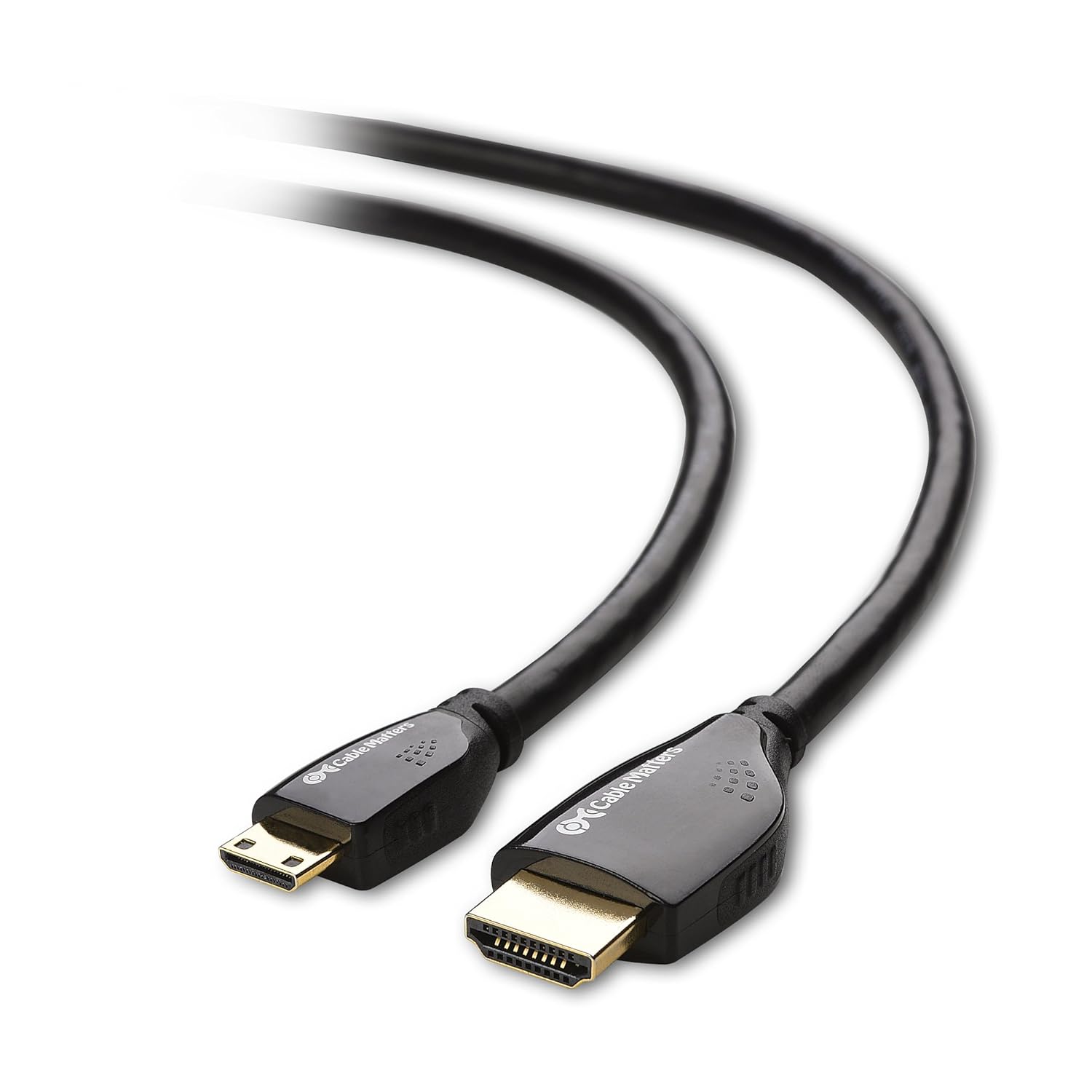
Cable Matters High Speed HDMI to Mini HDMI Cable 15 ft (Mini HDMI to HDMI) 4K Resolution Ready
See current price
See current price