
Amazon Basics
Amazon Basics HDMI Cable, 18Gbps High-Speed, 4K@60Hz, 2160p, Ethernet Ready, 10 Foot, Black
See current price

Compare television and video accessories by compatibility, connection type, installation needs, and everyday usability. K-Catalog helps you review specifications before visiting Amazon for current availability.
9,763 products in catalog
9,763 results
Amazon Basics
See current price


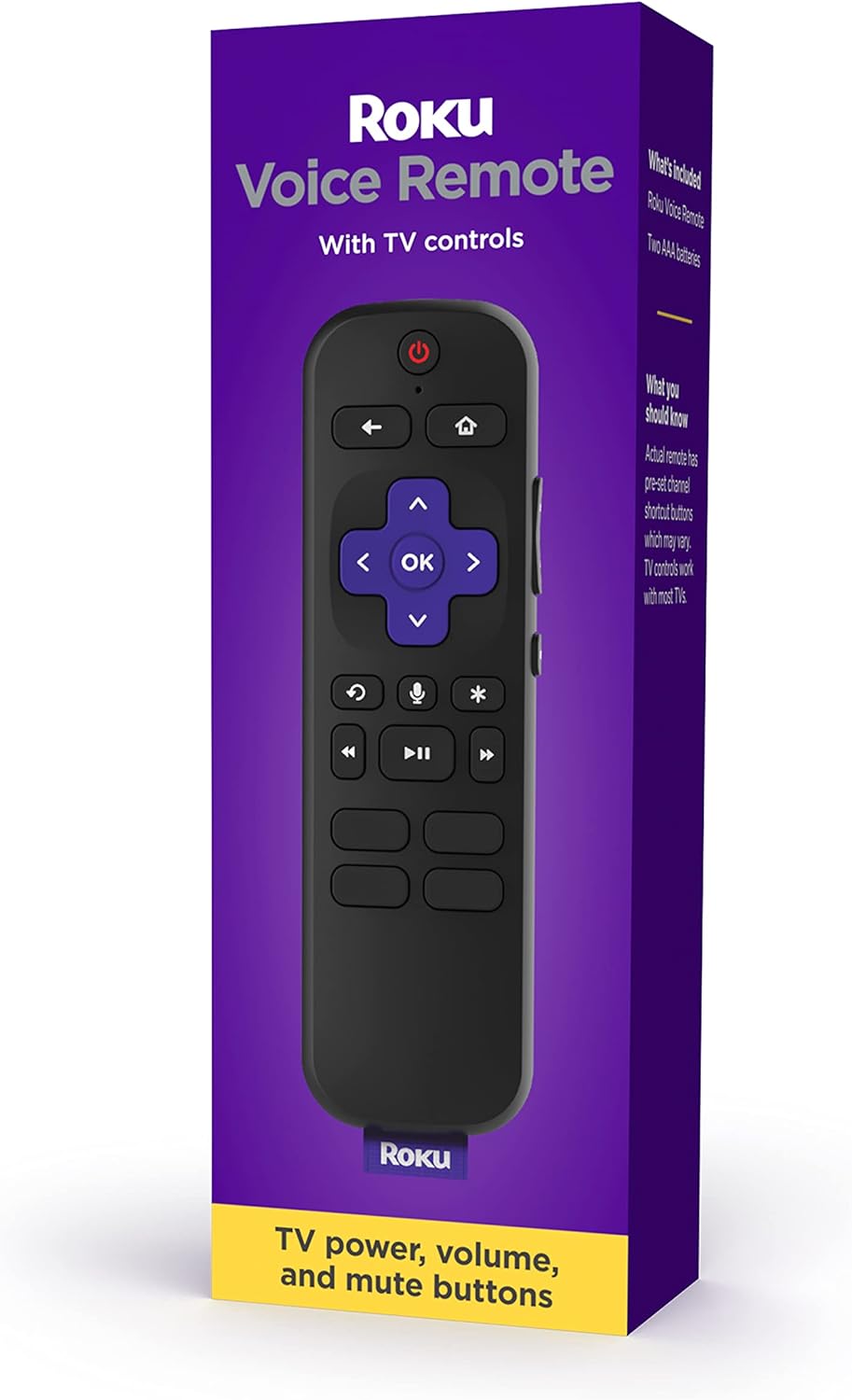


Amazon Basics
See current price


Amazon Basics
See current price


Television accessories can solve practical problems throughout a home entertainment setup, from replacing a misplaced remote to organizing cables or mounting a screen securely. The right choice depends less on appearance than on compatibility with your television, connected devices, room, and intended use.
This catalog covers a broad selection of accessories for television and video equipment. Use the specifications to narrow down products that match your connections, mounting pattern, control requirements, and installation plans.
Start by identifying the task the accessory needs to perform. A remote control, wall mount, HDMI cable, power accessory, antenna component, or replacement part will have different specifications to check. If the accessory is replacing an existing item, the original device brand and model information can be especially useful.
Consider these questions before comparing products:
If you are still choosing the main display, browse Televisions alongside accessories so the screen and supporting equipment can be considered together.
Although this category includes many individual products, most buying decisions fall into a few practical groups.
Replacement remotes are useful when the original is lost, damaged, or difficult to use. Compare the listed compatibility carefully, especially if the television is paired with a soundbar, streaming device, receiver, or other equipment. Button layout, shortcut keys, voice-control support, pairing method, and battery type may affect convenience.
A remote designed for one device may not control every component in a system. If you want fewer controllers, check whether the product is described as universal or compatible with multiple devices, and verify the supported brands or equipment types before selecting it.
Cables and adapters connect displays with players, consoles, audio equipment, receivers, and other sources. Compare connector types at both ends, cable length, supported signal features, and whether the accessory is intended for video, audio, power, networking, or a combination of functions.
Avoid choosing by length alone. A cable that reaches the equipment may still be unsuitable if its connectors do not match the available ports. For adapters, check which direction the signal travels and whether any external power or additional cable is required.
Mounts and stands affect viewing position, stability, and the amount of space around the television. Compare the supported screen size and weight, mounting-pattern compatibility, adjustment range, extension from the wall, and installation surface requirements.
A fixed mount may suit a straightforward, low-profile installation. Tilting or articulating designs can provide more adjustment when the screen is positioned above eye level or viewed from different parts of a room. For tabletop use, confirm that the stand fits the television and provides a stable footprint.
Power and signal accessories can help organize or extend an existing setup. Check plug style, cable length, power requirements, connector compatibility, and any stated limitations. For antenna-related products, the receiving environment and local signal conditions matter, so specifications should be treated as a starting point rather than a guarantee of reception.
Some households may need equipment that converts or supports an older signal path. For a dedicated comparison, see Analog-to-Digital (DTV) Converters.
The most useful specification depends on the accessory type, but several details matter across the category:
For a larger entertainment system, compare accessories with the equipment they support. Streaming Media Players add viewing options, while Blu-ray Players & Recorders and DVD Players & Recorders may require specific cables, remotes, or audio connections.
The catalog includes products from VINABTY, ZdalaMit, Amazon Basics, Mount-It!, MonoPrice, AIDITIYMI, Samsung, UBay, VIZIO, Smartby, Mounting Dream, and PERLESMITH. These brands appear across different accessory types and product designs, so compare the specifications of each individual listing rather than relying on brand name alone.
A familiar television brand may be relevant when checking replacement controls or device compatibility, while a mounting or cable-focused brand may offer a different range of installation features. The product details remain the best place to confirm fit, included hardware, and intended use.
Before ordering a mount or stand, measure the television, available wall or furniture space, and the viewing position. Confirm that the mounting surface can support the planned installation and that cables will still reach after the screen is positioned. Leave enough clearance for ventilation and access to ports where required by the equipment instructions.
For remotes, keep the original model information available and check whether pairing or programming is required. For cables and adapters, map the signal path from the source device to the display or audio equipment. This makes it easier to identify every connector and avoid purchasing an accessory that solves only part of the connection.
If the goal is improved audio or a complete room setup, compare related equipment such as Home Theater Systems rather than treating each accessory as an isolated purchase. Accessories work best when their specifications fit the entire signal chain and installation plan.
Check the accessory’s intended function, supported devices, connector type, dimensions, and any required power or installation hardware. Compatibility should come before appearance or extra features.
Identify the television or device brand and model, then compare the listed compatibility, button functions, pairing method, and battery requirements. A universal remote may support multiple devices, but the supported equipment should still be verified.
Compare the mount’s supported screen dimensions and weight, mounting pattern, adjustment range, wall clearance, and installation requirements. Also measure the viewing area and confirm the wall or surface is appropriate.
Match the connectors at both ends to the source and display, then check length, signal purpose, and any required adapter or power source. Confirm the complete connection path before selecting a cable.
No. Compatibility varies by device, port, mounting pattern, dimensions, software, and control system. Use the listing specifications and your television’s documentation to confirm fit.
Browse Televisions, Streaming Media Players, Blu-ray Players & Recorders, DVD Players & Recorders, and Home Theater Systems to compare related products with the accessories they may require.