



Canon· All Canon Scanners & Accessories →
Canon 4508B002 Document Scanner
See current price
Check the current price and availability on Amazon.com.
View on AmazonAffiliate link — we may earn a commission at no extra cost to you. Learn more
- Item Weight
- 5.1 Pounds
- Item model number
- LiDE210
- Manufacturer
- Canon
- Media Type
- Photo, Business Card
Key features
- easy-to-view scans by advanced image analysis and area-by-area data correction while the auto scan mode feature automatically detects the original you're scanning and saves it using the appropriate settings
- enable you to scan, copy, email or create a PDF faster than ever
- speed and ease of use
Specifications
| Product Dimensions | 17.5 x 12.5 x 3.5 inches |
|---|---|
| Item Weight | 5.1 Pounds |
| Item model number | LiDE210 |
| Manufacturer | Canon |
| Media Type | Photo, Business Card |
| Scanner Type | Document |
| Brand | Canon |
| Model Name | 4508B002 |
| Connectivity Technology | USB |
| Item Dimensions LxWxH | 17.5 x 12.5 x 3.5 inches |
| Resolution | 2400, 19200, 4800 |
| Wattage | 2.5 watts |
| Sheet Size | Letter |
| ASIN | B0099PBN5I |
About this product
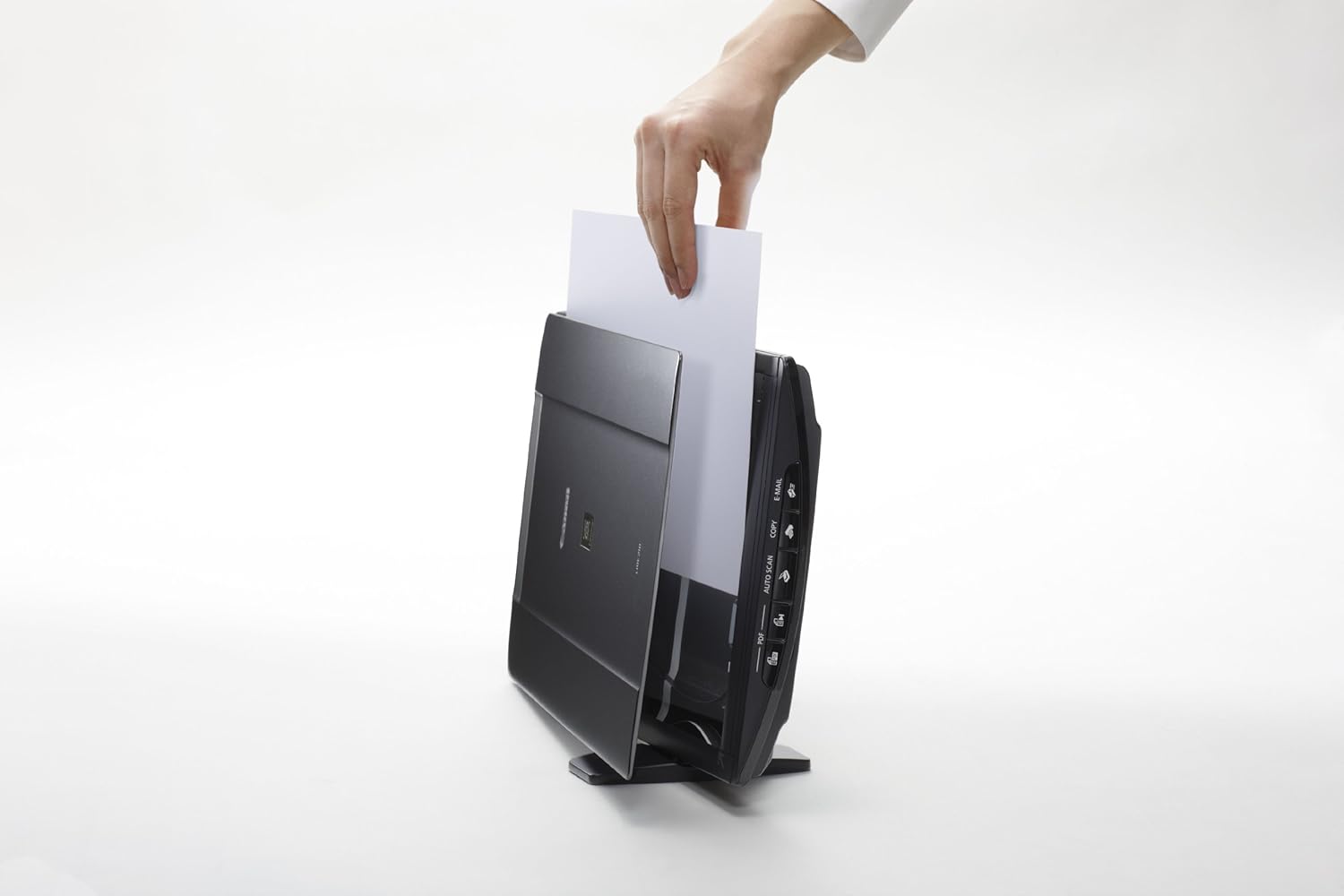
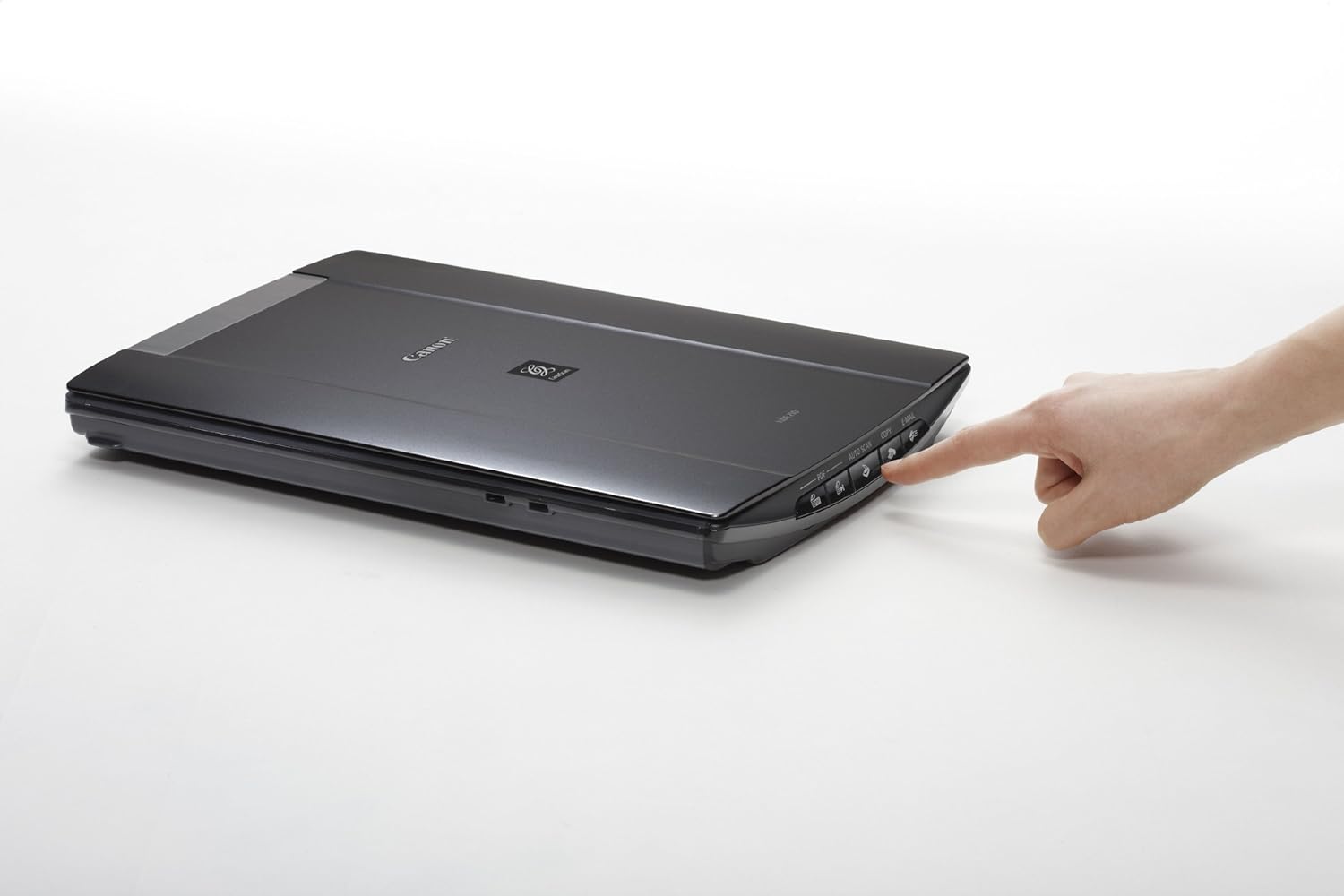
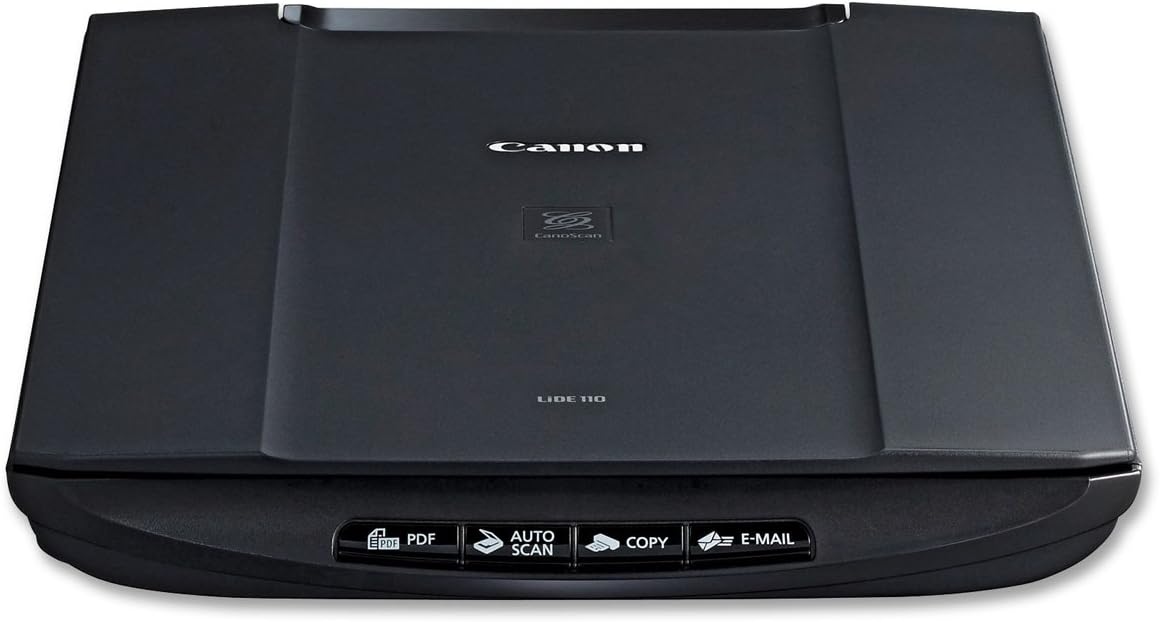
Product Description The CanoScan LiDE210 color image scanner features the quality, speed and ease of use that will bring your electronic filing system to another level. Auto document fix automatically delivers beautiful, easy-to-view scans by advanced image analysis and area-by-area data correction while the auto scan mode feature automatically detects the original you're scanning and saves it using the appropriate settings. From the Manufacturer Canon CanoScan LiDE210 Color Image Scanner: Ultra Compact Scanner with Vertical Scanning and up to 4800 dpi 1 OVERVIEW Canon CanoScan LiDE210 Color Image Scanner Ultra Compact Scanner with Vertical Scanning and up to 4800 dpi 1 "Auto Scan Mode" automatically adjusts settings by detecting what you are scanning "Auto Scan Mode" automatically adjusts settings by detecting what you are scanning High-speed letter size color scanning in approx. 10 seconds2 High-speed letter size color scanning in approx. 10 seconds 2 Just one USB cable for data and power Just one USB cable for data and power Advanced Z-lidTM expansion top for scanning bulky items Advanced Z-lid TM expansion top for scanning bulky items All-new Auto Document Fix delivers area-by-area correction for beautiful, easy-to-view scans, automatically All-new Auto Document Fix delivers area-by-area correction for beautiful, easy-to-view scans, automatically Click here for a larger image The CanoScan LiDE210 Color Image features the quality, speed and ease of use that will bring your electronic filing system to another level. Its maximum resolution of 4800 x 4800 (Optical) dpi 1 provides excellent scanning quality for both your photos and documents with a vivid 48-bit color depth and over 281 trillion possible colors. You’ll immediately notice how easy the CanoScan LiDE210 is to use. Auto Document Fix automatically delivers beautiful, easy-to-view scans by advanced image analysis and area-by-area data correction while the Auto Scan Mode feature automatically detects the original you’re scanning and saves it using the appropriate settings. The CanoScan LiDE210 has Five EZ Buttons that enable you to scan, copy, email or create a PDF faster than ever while you enjoy three scanning position to accommodate workspaces of any size. Plus, you can scan those bulky items as the Advanced Z-Lid extends up and over the platen to scan large items such as notebooks, textbooks and other thick documents. Are you looking to scan documents fast? The CanoScan LiDE210 delivers a letter size color scan in approximately 10 seconds! 2 You’ll also be able to proudly join the Generation Green initiative as its one USB Cable for data and power provides lower power consumption. FEATURES & BENEFITS SPEED & QUALITY Excellent Resolution: When you combine 4800 x 4800 maximum color resolution with a vivid 48-bit color depth and over 281 trillion possible colors, the results will astound you. Continue your scanning brilliance with tremendous 19,200 x 19,200 (Interpolated) software enhanced scans. 1 EASE OF USE EZ Buttons: Have the flexibility with your originals as you utilize the EZ Buttons to automate the entire scanning process. Scan copy and create email attachments or PDF files simply with the push of a button. Auto Scan Mode: At last, you have the ability to bring eight steps into one as you scan a photo, document, business card, textbook or personal notebook and have it automatically recognized. In addition, the original is automatically cropped to proper size, scanned and saved in the appropriate file format. All of this is achieved with the press of a single button. Auto Document Fix: Auto Document Fix delivers beautiful, easy-to-view scans by advanced image analysis and area-by-area data correction, automatically. So, your document text can be darkened with pronounced edges for clear, sharp text that’s easy to read, and pictures will maintain color tone and contrast Advanced Z-Lid: The Z-Lid extends up and over the platen to scan large items such as notebooks, textbooks and other thick documents. One Plug Scanning: Consolidate the number of wires in your work area as one simple cable provides a USB 2.0 Hi-Speed connection and power. 3 Way Positioning: Scan with flexibility to accommodate your work station as you can setup the LiDE210 in three positions such as upright, portrait and landscape. CONNECTIVITY Hi-Speed USB: Scan and transfer images to your computer with the fastest possible scanning speeds with this connection. The Hi-Speed USB Interface also allows for quick previews of your images to your computer. ADDITIONAL FEATURES & BENEFITS Create PDF Files: Variable PDF files creation functions feature Searchable PDF files, Multi-Page PDF files or Auto Direction correction. Click here for a larger image COMPATIBILITY Windows® 7, Windows Vista®, Windows XP/20003 Windows® 7, Windows Vista®, Windows XP/2000 3 Mac OS® X v10.4.11 to v10.63 Mac OS® X v10.4.11 to v10.6 3 WHAT'S IN THE BOX CanoScan LiDE210 Color Image Scanner CanoScan LiDE210 Color Image Scanner Document Kit: Cross Sell Sheet, Quick Start & Spec. Sheet, Safety Precautions, Setup Software & User’s Guide CD-ROM, Warranty Card Document Kit: Cross Sell Sheet, Quick Start & Spec. Sheet, Safety Precautions, Setup Software & User’s Guide CD-ROM, Warranty Card USB Cable USB Cable COMPARE CanoScan LiDE110Color Image Scanner CanoScan LiDE210Color Image Scanner CanoScan LiDE700FColor Image Scanner Currently Viewing Speed & Quality Maximum Scan Resolution 1 Scanning Technology Ease of Use 35mm Film Scanning - - Upright Scanning - Scan Thick Originals Easy, High-Quality Scanning Scanner Buttons Connectivity Power Source USB Connectivity ADDITIONAL INFORMATION Disclaimers Optical resolution is a measure of maximum hardware sampling resolution, based on ISO 14473 standard. Optical resolution is a measure of maximum hardware sampling resolution, based on ISO 14473 standard. Color document scanspeed is measured with ISO/IEC 24712 Newsletter. Scan speed indicates the time measured between pressing the scan button of the scanner driver and the on-screen status display turning off. Scan speed may vary depending on system configuration, interface, software, scan mode settings, document size, etc. Color document scanspeed is measured with ISO/IEC 24712 Newsletter. Scan speed indicates the time measured between pressing the scan button of the scanner driver and the on-screen status display turning off. Scan speed may vary depending on system configuration, interface, software, scan mode settings, document size, etc. Additional Disclaimers: System requirements vary by application. System requirements vary by application. Warranty programs are subject to certain conditions and restrictions. See www.usa.canon.com/support for details. Warranty programs are subject to certain conditions and restrictions. See www.usa.canon.com/support for details.
Similar products
Compare all Canon Scanners & Accessories →


See current price