

Scanners & Accessories
Compare scanners and accessories by the features that affect document, photo, receipt, and archival workflows. Review scan types, connectivity, software, and compatibility before choosing a model.
273 products in catalog
273 results
Filters







![Fujitsu ScanSnap iX500 Color Duplex Image Scanner for Mac or PC (2013 Release) [Discontinued by Manufacturer]](https://m.media-amazon.com/images/I/21GgxqS-FyL._AC_.jpg)

ScanSnap
Fujitsu ScanSnap S1300i Color Duplex Document Scanner for Mac or PC, Standard
See current price


Scanmarker
Scanmarker Air Pen Scanner - OCR Digital Highlighter and Reader - Wireless (Black, Scanmarker Air)
See current price
Popular brands in Scanners & Accessories
Scanners help turn paper documents, photographs, receipts, and other media into digital files for storage, editing, sharing, or organization. The right choice depends on what you scan most often, how much space you have, and whether you need a simple occasional-use device or a more capable office workflow.
This K-Catalog category brings together scanners and related accessories so shoppers can compare specifications and features in one place. Use the guidance below to focus on the details that matter for your setup.
How to choose a scanner
Start with the material you need to scan. A flatbed scanner is generally suited to books, photographs, individual pages, and fragile originals because the item rests on a glass surface. Sheet-fed and document scanners are designed around loose pages and can be more convenient for batches of paperwork. Portable scanners are useful when desk space, travel, or mobile work is a priority.
Consider your regular workload as well as occasional needs. A home user digitizing a few documents may value compact dimensions and simple software, while a busy office may need an automatic document feeder, duplex scanning, and support for longer scanning sessions. If photographs, negatives, or slides are part of the workflow, check that the scanner is designed for the relevant media rather than assuming a document model will be suitable.
Scanner types and common uses
Although this category does not have separate catalog subcategory pages, scanners can be compared by their intended use:
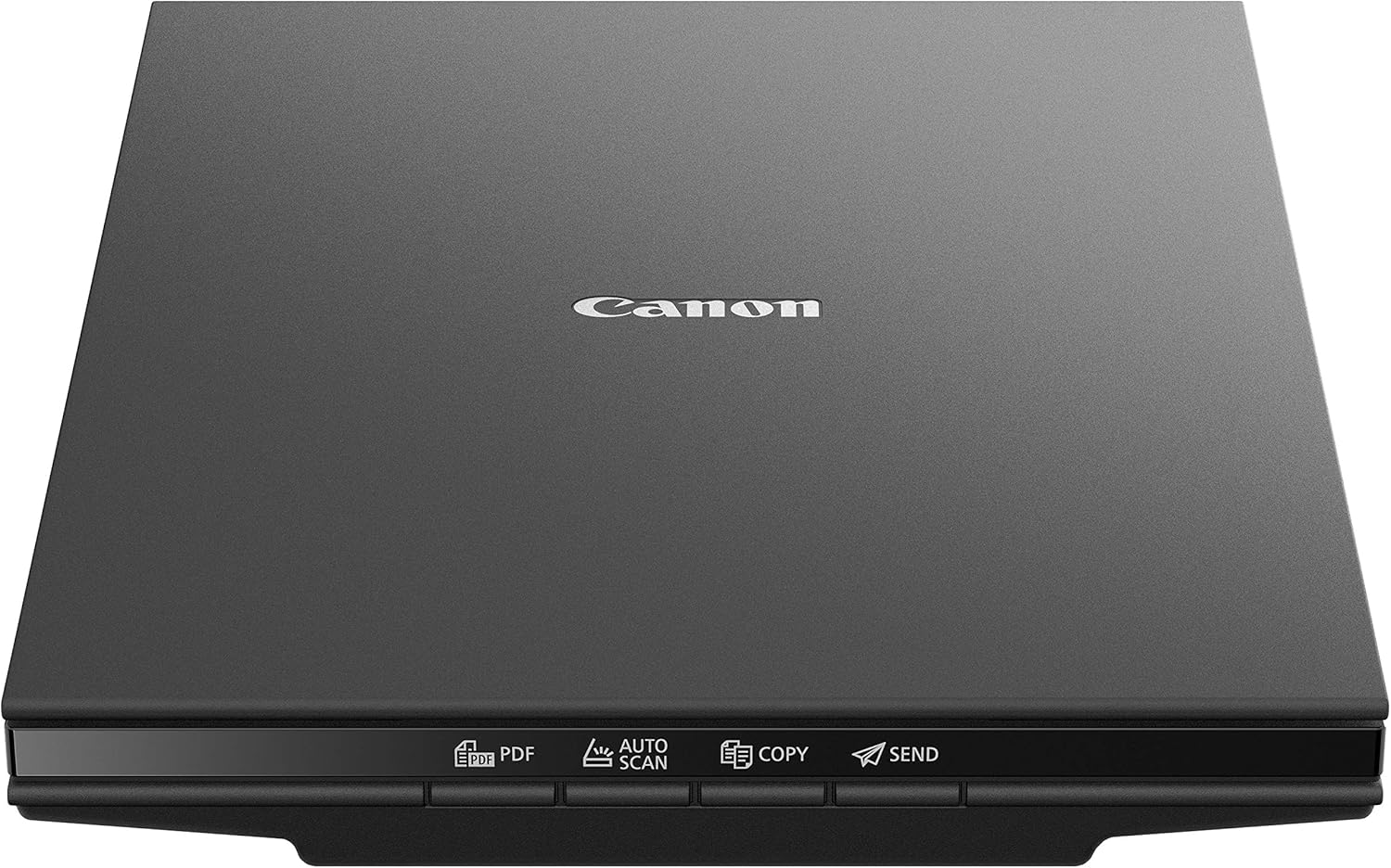
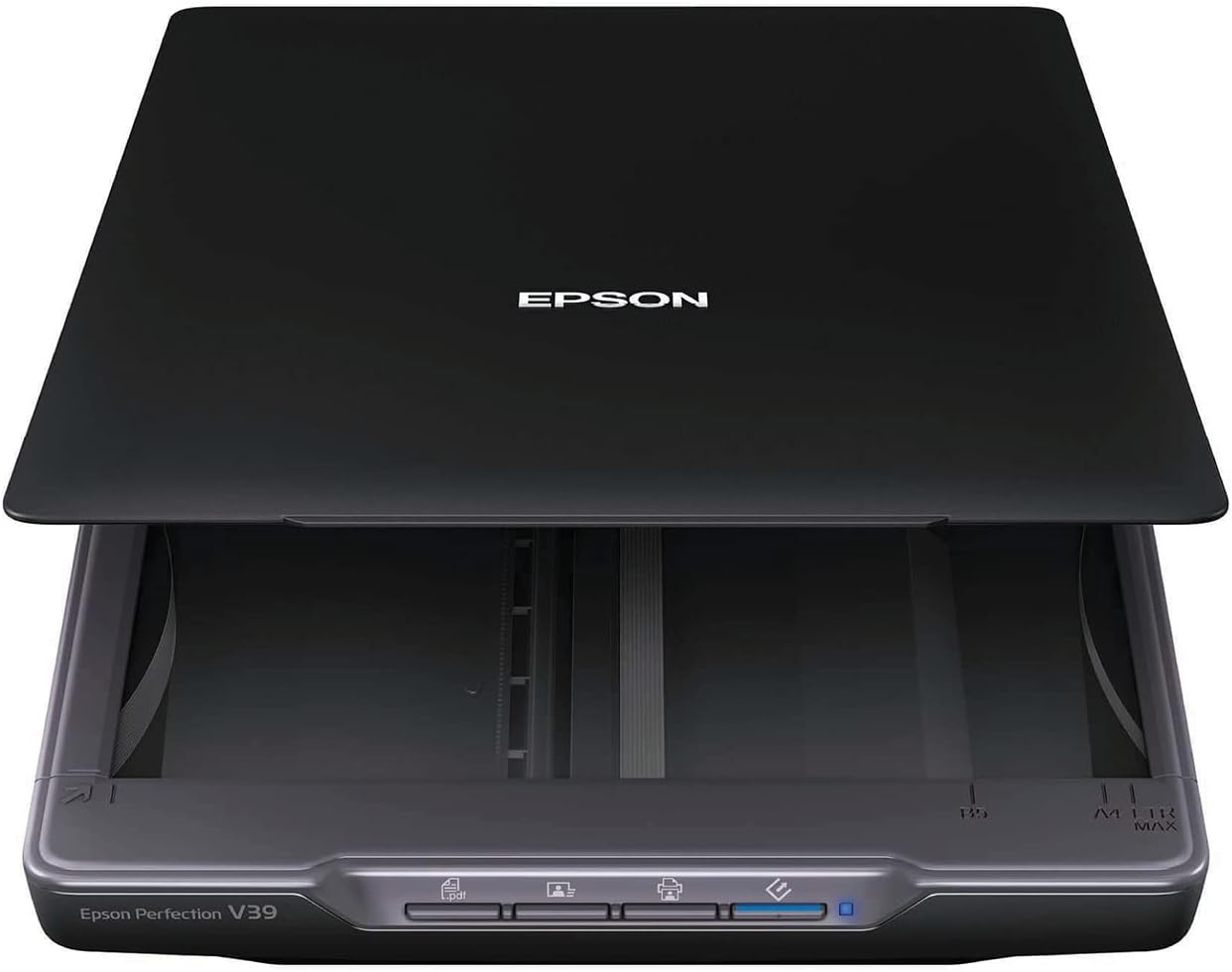
- Flatbed scanners: A flexible choice for photos, books, artwork, and mixed-size originals.
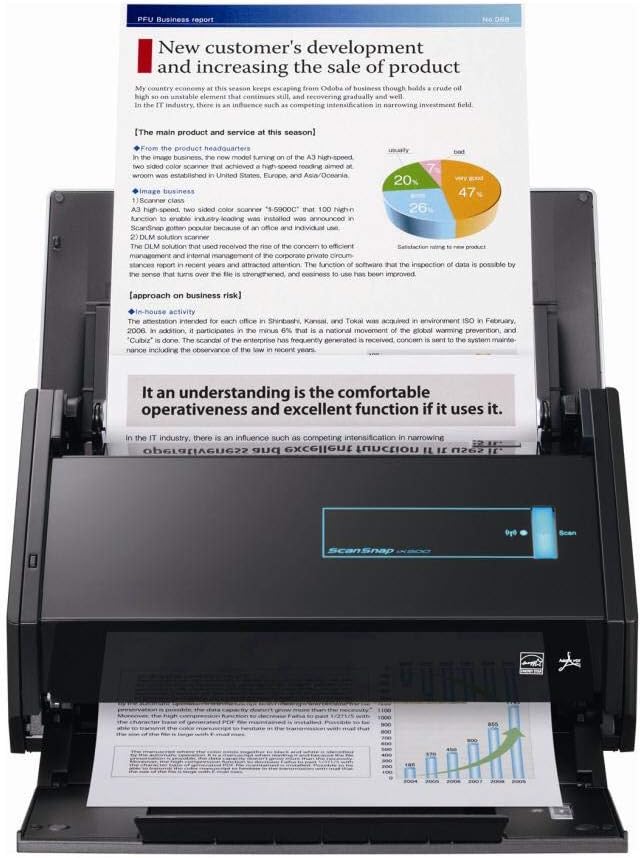
- Document scanners: Often focused on loose sheets, batch processing, and office filing.
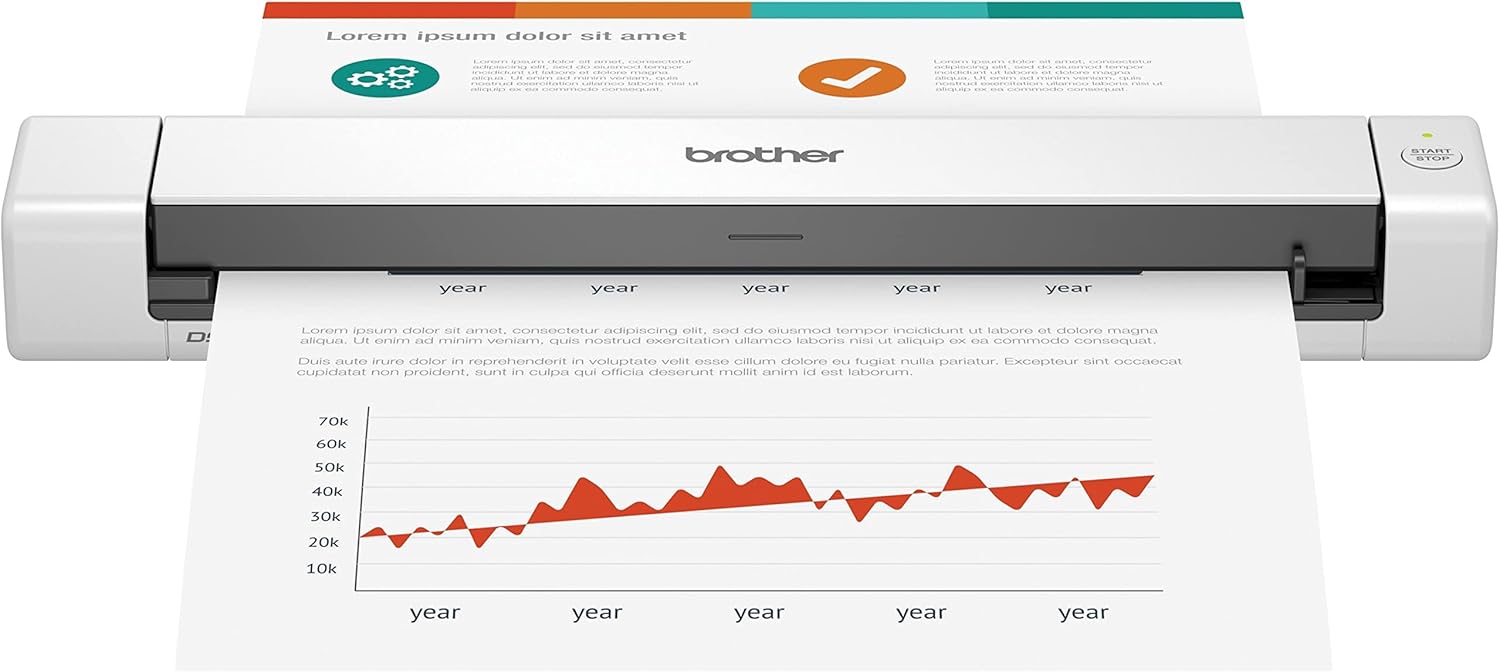
- Portable scanners: Compact options for occasional scanning away from a permanent desk.
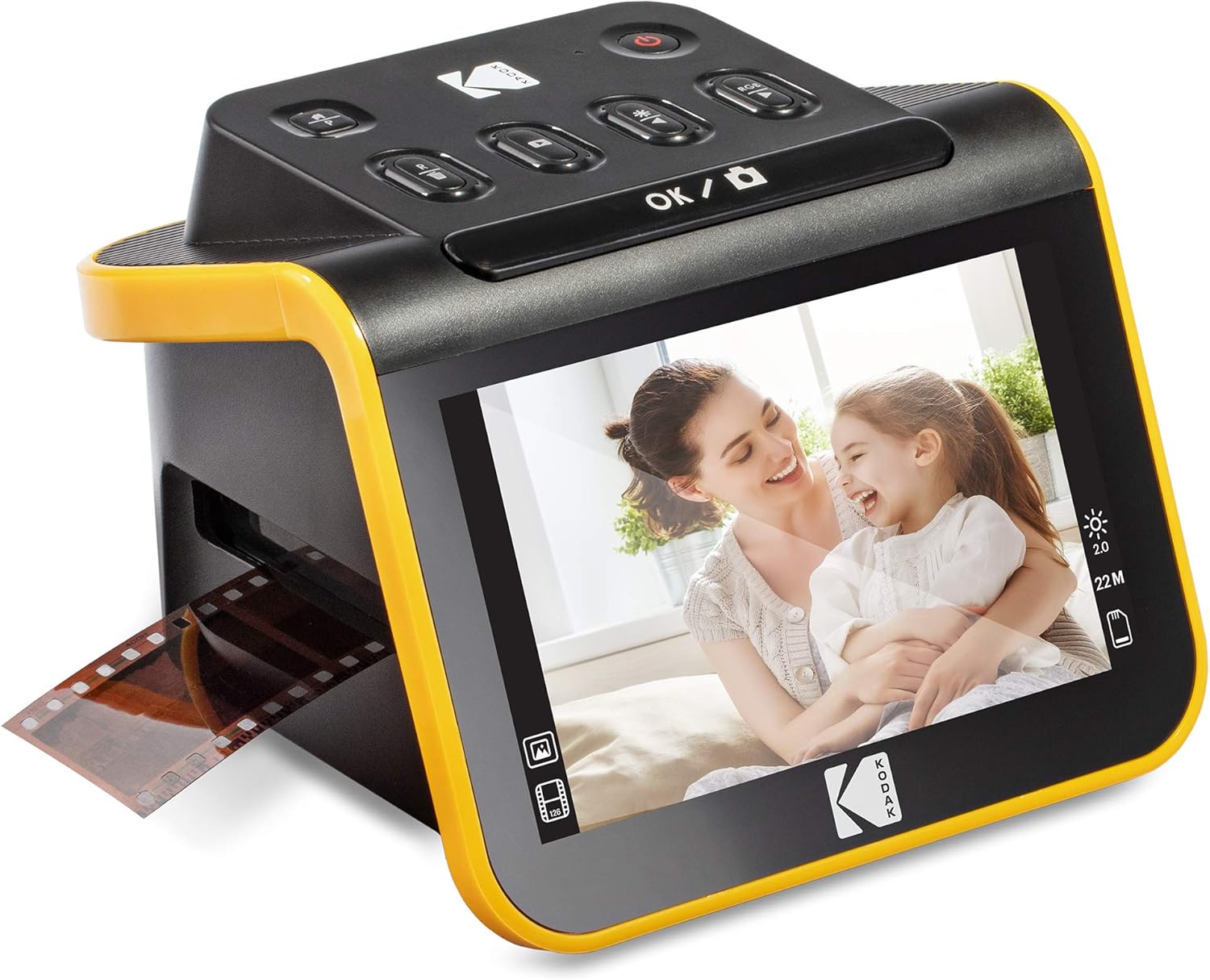
- Photo and film scanners: Designed for digitizing photographic materials; check the supported media carefully.
- Receipt and card scanners: Useful for small originals, expense records, identification cards, or contact information.
- Scanner accessories: Items such as carrying cases, replacement components, cleaning supplies, and connectivity accessories can support maintenance or a particular workflow.
A multifunction printer may also include scanning, but a dedicated scanner can offer a better fit when scanning is a central task. For combined printing and scanning, compare this category with Printers & Accessories.
Key specifications to compare
The most useful specification depends on the job. Pay attention to these details:
- Resolution: Higher optical resolution can preserve more detail, especially for photographs, artwork, and small text. Avoid judging quality by an interpolated figure alone.
- Scan speed: Look for how speed is described and whether it applies to color, black-and-white, one-sided, or two-sided scanning.
- Automatic document feeder: An ADF can reduce manual page handling. Check its capacity and whether it supports the paper sizes and media you use.
- Duplex scanning: This allows both sides of a page to be captured, but confirm whether the scanner scans both sides in one pass or turns pages internally.
- Connectivity: USB is common for direct computer connections. Some models may also support wireless or network workflows; verify compatibility with your devices and operating systems.
- File formats and software: Check whether the included software supports searchable PDFs, image files, OCR, cloud workflows, or document organization features that match your needs.
- Size and power requirements: Measure the available desk or storage space, and consider whether the scanner needs a dedicated power adapter or can operate through a computer connection.
Brands represented in the catalog
Brands represented in this catalog include Canon, Epson, Fujitsu, Brother, The Neat Company, KODAK, Wolverine, Plustek, Raven, ION Audio, Doxie, and DIGITNOW. Their products may focus on different combinations of document handling, photo scanning, portability, media support, or software features. Compare the specifications of individual products rather than choosing by brand name alone.
Compatibility and workflow tips
Before buying, check operating-system support for the computer or mobile device that will receive the scans. Also confirm the connection type, included cables, software requirements, and whether the scanner can save files directly to the locations or applications you use.
For office documents, think about paper sizes, page condition, and whether pages may contain staples, receipts, cards, or mixed media. For photos and film, review supported formats, holders, and image settings. A scanner that fits the source material can save time and reduce the need for repeated scans.
Keep the glass, rollers, and document path clean according to the manufacturer’s instructions. Store portable equipment with suitable protection, and replace accessories only with parts that match the scanner’s model and connection requirements. For other office technology, browse Other Office Equipment or Presentation Products.
Frequently asked questions
Should I choose a flatbed or document scanner?
Choose a flatbed for books, photos, artwork, and delicate originals. Choose a document scanner when you mainly process loose pages and want more convenient batch handling.
Is a higher resolution always better?
Not necessarily. Higher optical resolution can help with detailed photos or small originals, while ordinary text documents may not need the highest available setting. Compare optical resolution with your actual use.
What does duplex scanning mean?
Duplex scanning captures both sides of a two-sided document. Check the product specifications to see how duplex operation works and whether it matches your expected workflow.
Do I need an automatic document feeder?
An ADF is useful when scanning multiple loose pages. It may be unnecessary for occasional photos, books, or single-page documents, where a flatbed can be more practical.
What should I check for photo or film scanning?
Confirm that the scanner supports the type and size of media you have, and review its optical resolution, holders, included software, and file-handling options before choosing.