
SanDisk
SanDisk 128GB microSDXC-Card, Licensed for Nintendo-Switch - SDSQXAO-128G-GNCZN
See current price




See current price
Check the current price and availability on Amazon.com.
View on AmazonAffiliate link — we may earn a commission at no extra cost to you. Learn more
| Package Dimensions | 6.3 x 6.26 x 2.13 inches |
|---|---|
| Item Weight | 8.1 ounces |
| Batteries | 1 Lithium Polymer batteries required. (included) |
| Manufacturer | CuleedTec |
| Brand | CuleedTec |
| Compatible Devices | Windows |
| Controller Type | Gamepad |
| Connectivity Technology | Bluetooth |
| Color | CuleedTec |
| ASIN | B07TMDNYCB |
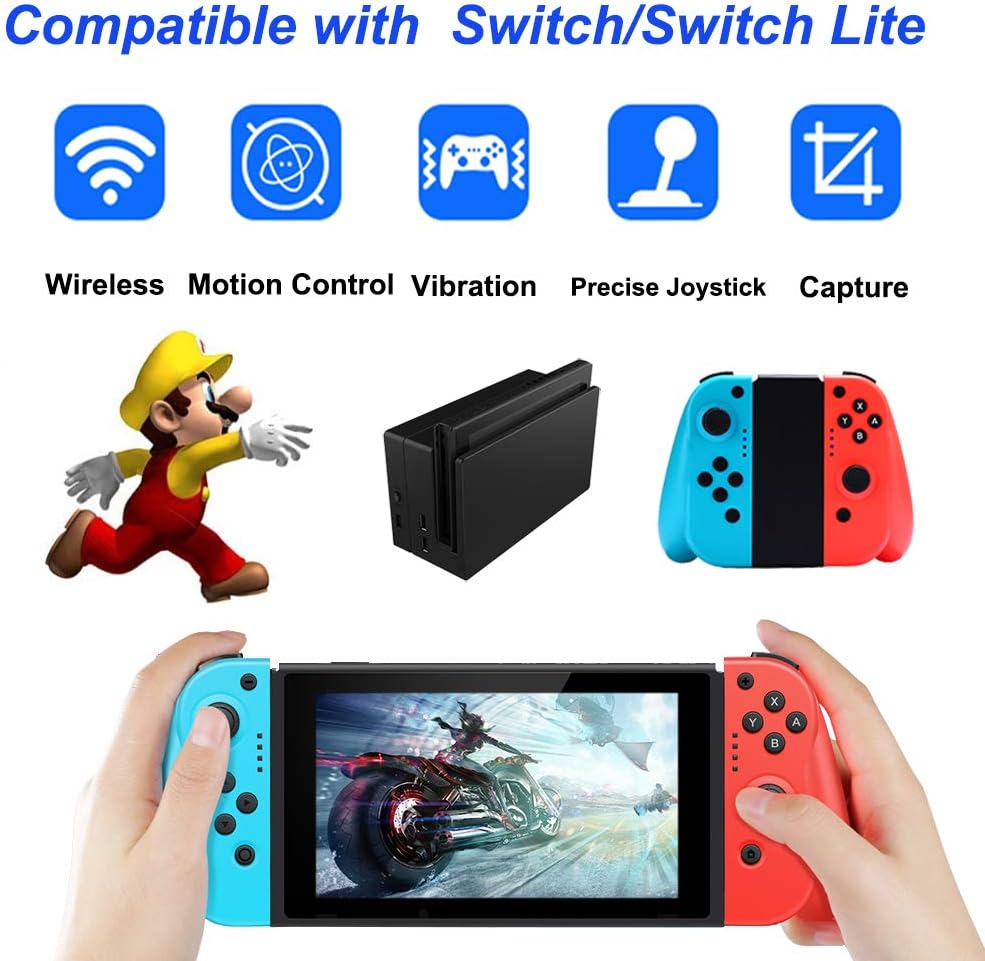
Our wireless controller is designed to be compatible with Switch/Switch Lite. Specifications: Application: Compatible with Switch. Connection: Attached to console or Wireless. Battery: Build-in 400mAh rechargeable lithium battery. How to charge: Attach to console or using the Type-C USB. Time to charge: 2-3 hours. Time to use: about 10 hours. Package include: 1 * Left and Right controller, 1*Grip Stand, 1 * Type-C USB cable, 1*user manual. How to Pair the switch controller with Switch in Wireless Way manually? Step 1 : Enable the Bluetooth for Switch. Step 2 : Enter Switch “Change Grip/Order” mode. Step 3 : Press and hold the SYNC button on the controller for about 3 seconds or more. The LED light on the controller will flash as a running light. Once paired, the LED light on the controller will keep solid bright. Step 4 : Then pair the other controller based on Step 3 . Once done, two controllers will work as an entire controller like Switch Pro controller. Important Notification: 1.If you find the controller begin vibrating when you attach it to Switch, please detach the controller and then attach it to Switch again. 2.If you find the controller cannot pair with Switch in wireless way. 2.1Reset the controller first and then go to Switch "Setting"--"Controllers and Sensors"--"Disconnect Controllers" to clear the historical connections for Switch, then restart Switch. 2.2Refer the above steps to pair the other controller with Switch. 3.You could use the Type-C cable to charge the controller or attach them to Switch to get charged (In this way, the Switch should be connected to the Power Adapter to get charging). 4.If you find the switch controller drift or have the control stick issue, please reset the controller first and then refer the user manual to fix the issue.
SanDisk
See current price


See current price