
Texas Instruments
Texas Instruments TI-84 Plus CE Color Graphing Calculator, Radical Red
See current price





See current price
Check the current price and availability on Amazon.com.
View on AmazonAffiliate link — we may earn a commission at no extra cost to you. Learn more
| Package Dimensions | 7.01 x 4.09 x 1.34 inches |
|---|---|
| Item Weight | 5.3 ounces |
| Item model number | JSQ |
| Batteries | 1 AAA batteries required. |
| Manufacturer | GUYUCOM |
| Brand | GUYUCOM |
| Color | White |
| Power Source | Battery Powered |
| Number of Batteries | 1 AAA batteries required. |
| Display Type | LCD |
| ASIN | B08S77KG55 |
GT: Press the GT key to transfer the contents of the GT storage register to the display register, press the AC or C key to eliminate the GT display mark. C/CE: Power on/Clear all values, press this key to power on, or to clear the values in all registers. AC: Clear key. During digital input, pressing this key for this first time will clear all values except the memory content. MRC: Press this key for the first time to recall the memory content, and to clear the memory content when pressed the second time. M+: Put the currently displayed value in the memory and interrupt the digital input. M-: Subtract the current display value from the memory content, interrupt digital input. >: Backspace key to clear the last digit of the number displayed on the LCD screen. 0~9,00: Number keys, enter the number 0~9, or add 00 at the end of the number.
Texas Instruments
See current price

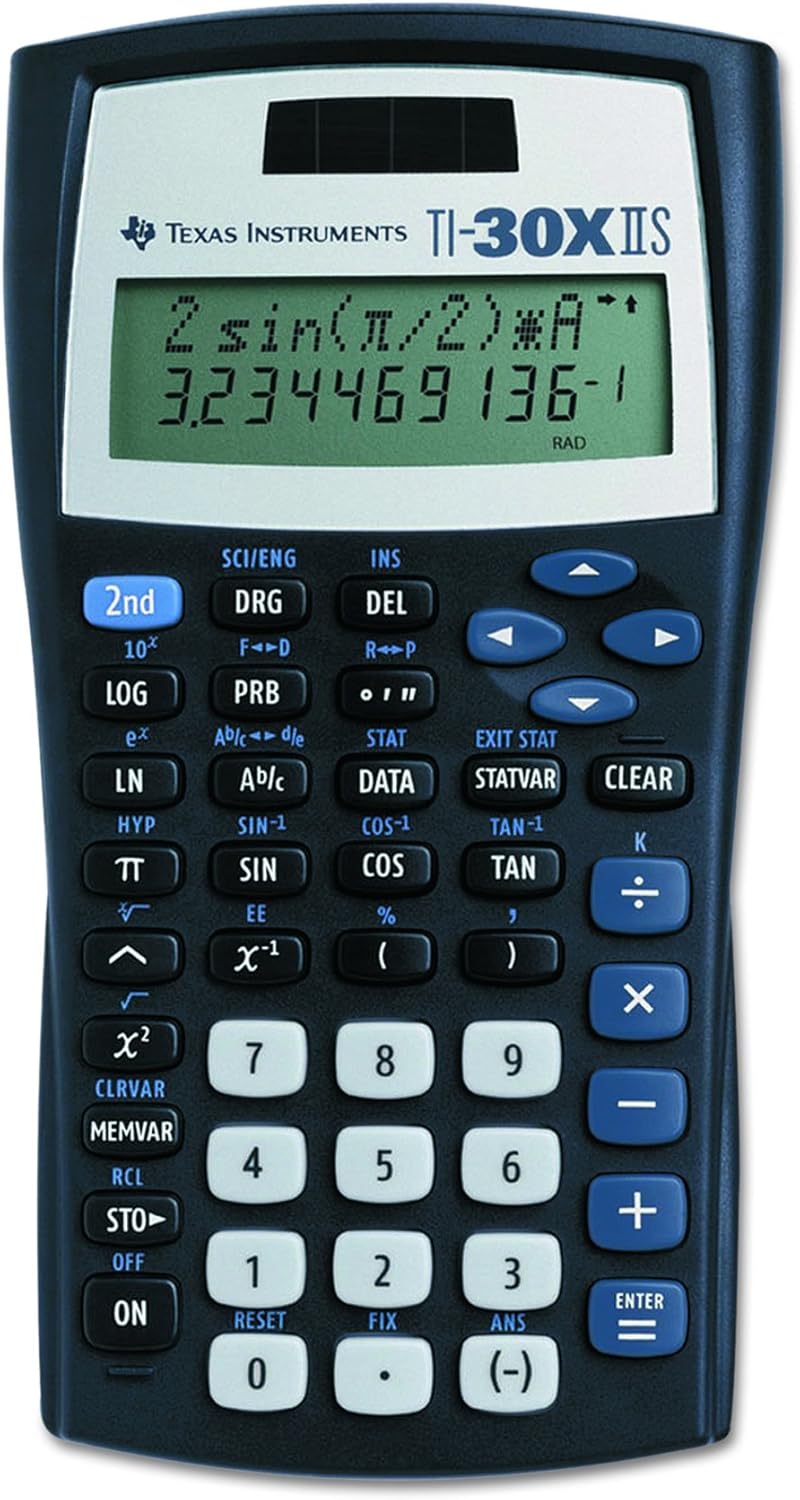
Texas Instruments
See current price

Texas Instruments
See current price
See current price