


Sony Computer Entertainment· All Sony Computer Entertainment PlayStation 4 →
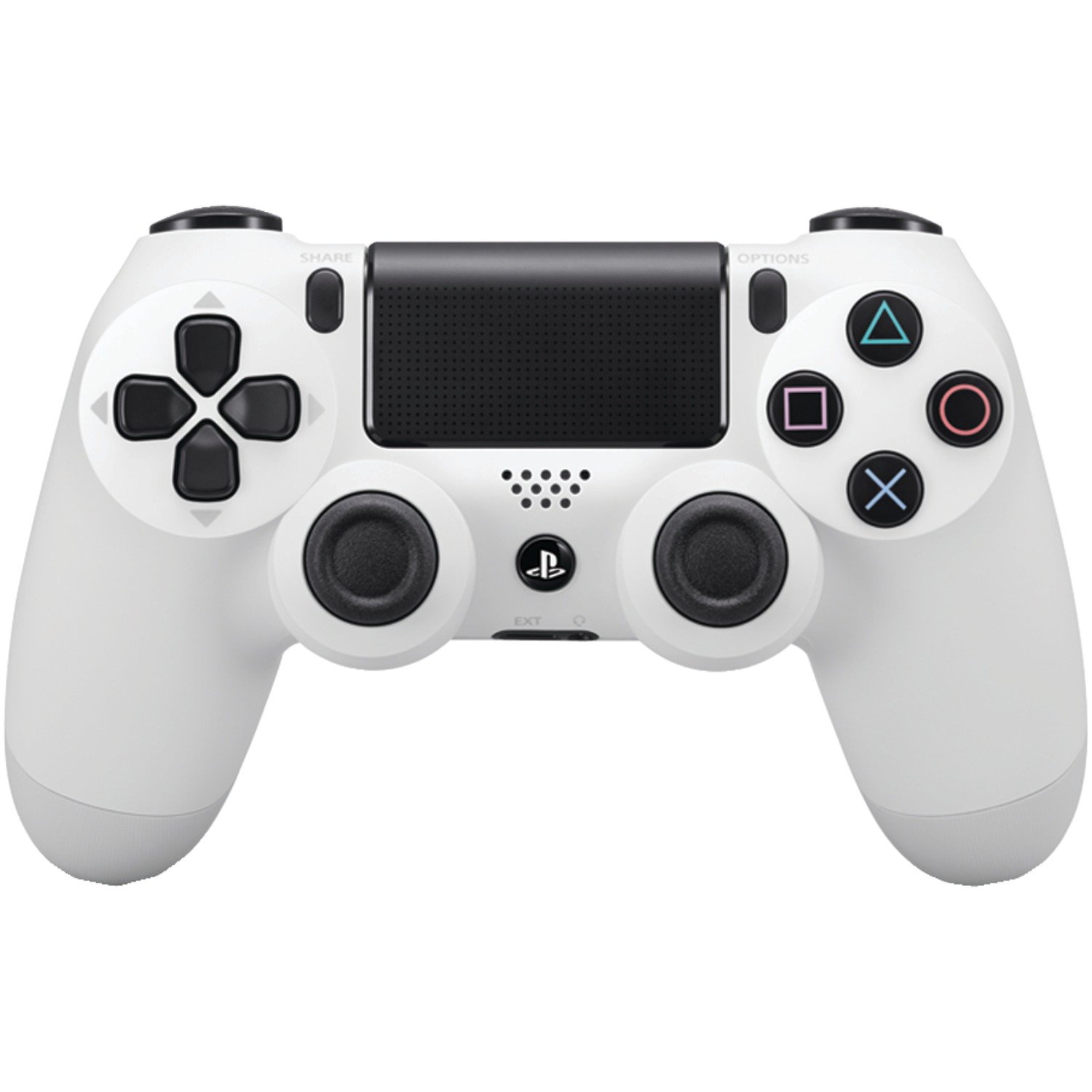
DualShock 4 Wireless Controller for PlayStation 4 - Silver
See current price
Check the current price and availability on Amazon.com.
View on AmazonAffiliate link — we may earn a commission at no extra cost to you. Learn more
- Product Dimensions
- 6.89 x 4.65 x 2.95 inches; 7.04 Ounces
- Type of item
- Video Game
- Rated
- Rating Pending
- Item model number
- 3001541
Key features
- The feel, shape, and sensitivity of the dual analog sticks and trigger buttons have been improved to provide a greater sense of control, no matter what you play
- The new multi-touch and clickable touch pad on the face of the DualShock 4 Wireless Controller opens up worlds of new gameplay possibilities for both newcomers and veteran gamers.
- The DualShock 4 Wireless Controller features a built-in speaker and stereo headset jack, putting several new audio options in the player's hands.
Specifications
| Release date | December 30, 2016 |
|---|---|
| Product Dimensions | 6.89 x 4.65 x 2.95 inches; 7.04 Ounces |
| Type of item | Video Game |
| Rated | Rating Pending |
| Item model number | 3001541 |
| Item Weight | 7 ounces |
| Manufacturer | Sony Computer Entertainment |
| Batteries | 1 C batteries required. (included) |
| ASIN | B015S4JIKA |
About this product
The DualShock 4 Wireless Controller features familiar controls, and incorporates several innovative features to usher in a new era of interactive experiences. Its definitive analog sticks and trigger buttons have been improved for greater feel and sensitivity. A multi-touch, clickable touch pad expands gameplay possibilities, while the incorporated light bar in conjunction with the PlayStation Camera allows for easy player identification and screen adjustment when playing with friends in the same room. The addition of the Share button makes utilizing the social capabilities of the PlayStation 4 as easy as the push of a button. The DualShock 4 Wireless Controller is more than a controller; it's your physical connection to a new era of gaming. USB storage devices connected to your PS4 system appear in a list. You can safely disconnect or format a USB storage device for use as extended storage. Select (Settings) > [Devices] > [USB Storage Devices].For details on using extended storage.
Similar products
Compare all Sony Computer Entertainment PlayStation 4 →
See current price