
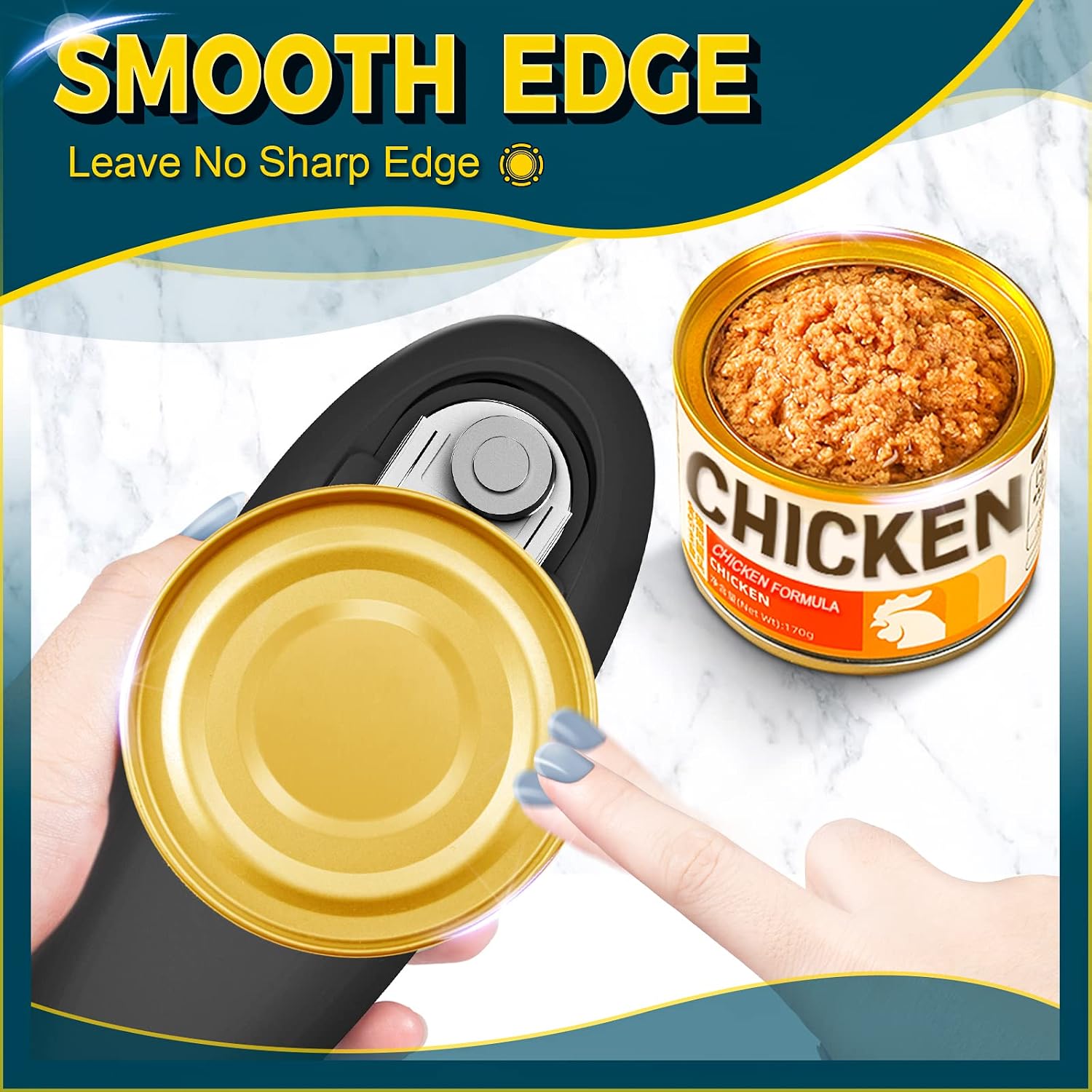


Electric Can Opener, Open Your Cans with A Simple Push of Button, Automatic Can Opener Smooth Edge
See current price
Check the current price and availability on Amazon.com.
View on AmazonAffiliate link — we may earn a commission at no extra cost to you. Learn more
- Item Weight
- 11.7 ounces
- Manufacturer
- W-Dragon
- Item model number
- 1
Key features
- 【𝗖𝗮𝗻 𝗢𝗽𝗲𝗻𝗲𝗿 𝗦𝗺𝗼𝗼𝘁𝗵 𝗘𝗱𝗴𝗲】 Electric Can Opener blade cuts along the side of the lid. No sharp edges are created, making the cut safer than a traditional can opener.
- 【𝗢𝗻𝗲 𝗧𝗼𝘂𝗰𝗵 𝗦𝘄𝗶𝘁𝗰𝗵 𝗖𝗮𝗻 𝗢𝗽𝗲𝗻𝗲𝗿】Electric Can Opener is twice as powerful as traditional can openers and can be operated with only one hand giving you more time to get more things done in the kitchen.
- 【𝗧𝗵𝗲 𝗣𝗲𝗿𝗳𝗲𝗰𝘁 𝗣𝗮𝗿𝘁𝗻𝗲𝗿 𝗳𝗼𝗿 𝗖𝗮𝗻𝘀】This electric can opener is suitable for any size of canned food, the can opener can help you open it effortlessly.
Specifications
| Package Dimensions | 8.54 x 4.06 x 2.8 inches |
|---|---|
| Item Weight | 11.7 ounces |
| Manufacturer | W-Dragon |
| Item model number | 1 |
| ASIN | B0BVQLSBQD |
About this product
Simple Steps of Usage 1. Place the rim of the can between the Blade and the Gear. 2. Press and hold the Start Button for seconds and release. 3. The electric can opener rotates around the lid 360° automatically and stops after finishing. 4. The magnet in the electric can opener absorbs the lid without contacting the lid with your hand. How to open the battery compartment? 1. Face the back of the electric can opener to yourself and support the electric can opener with both hands. 2. Place two thumbs side by side on the back of the electric can opener or press the electric can opener with one palm. 3. Slide the thumb down firmly. 4. Open the battery cover, insert the battery, and it can be used.
Similar products

W-Dragon
Can Opener Electric for Almost Size, Electric Can Openers for Kitchen Arthritis and Seniors
See current price


See current price