



HP· All HP Computers & Tablets →
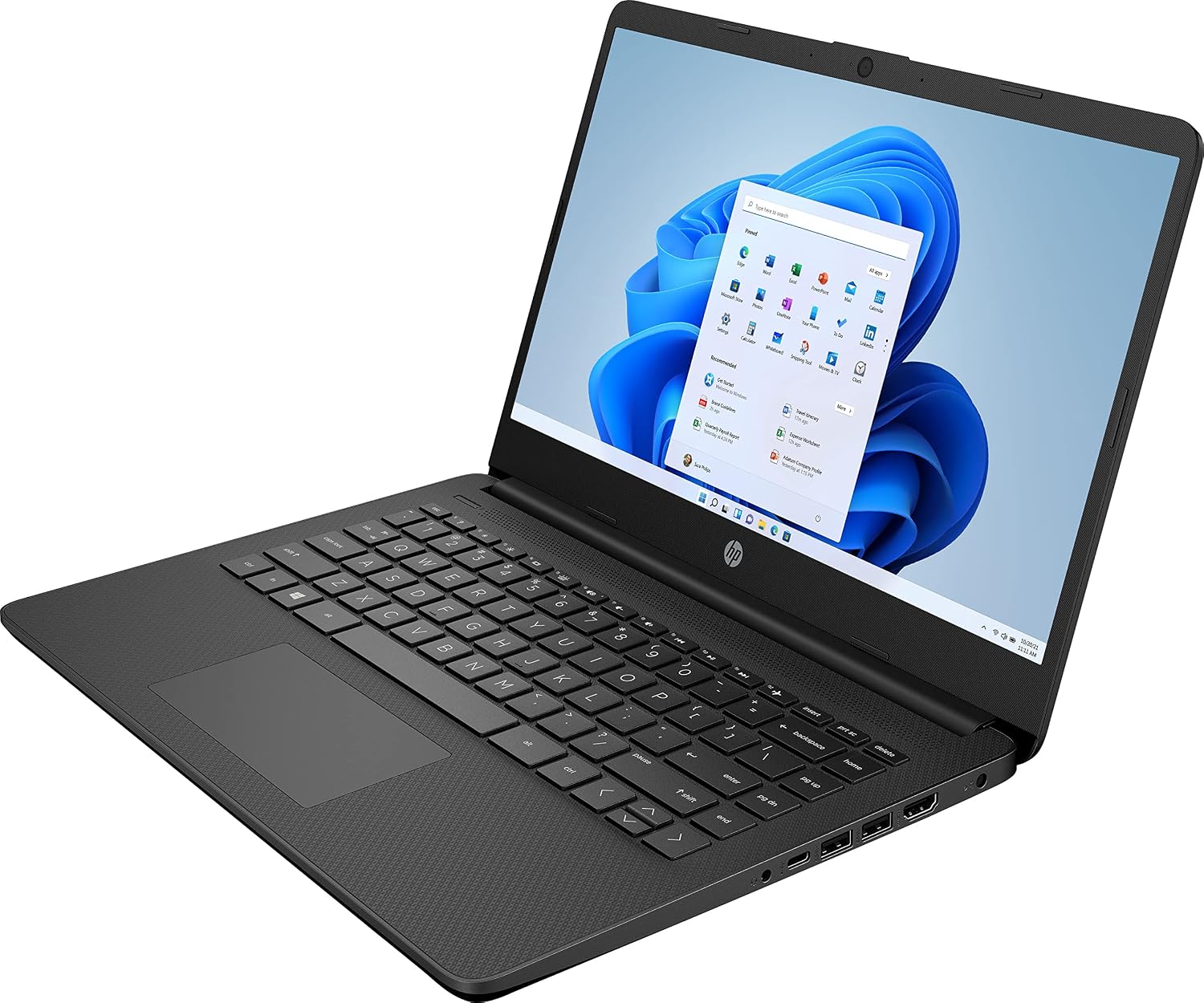
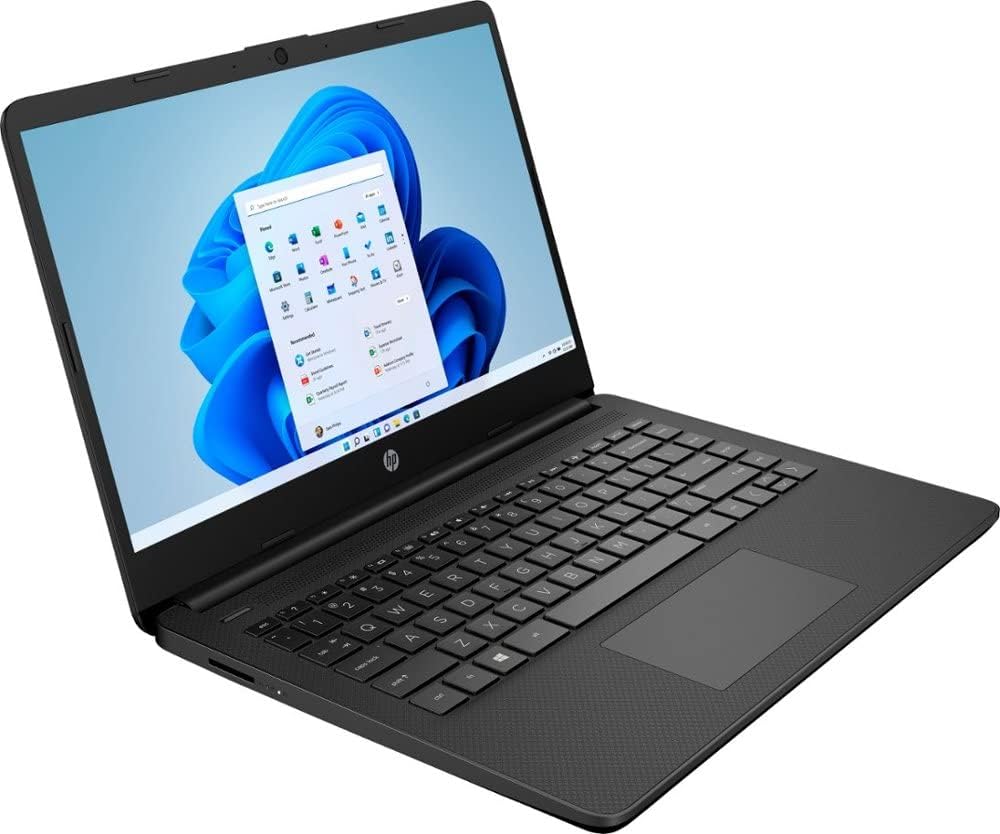
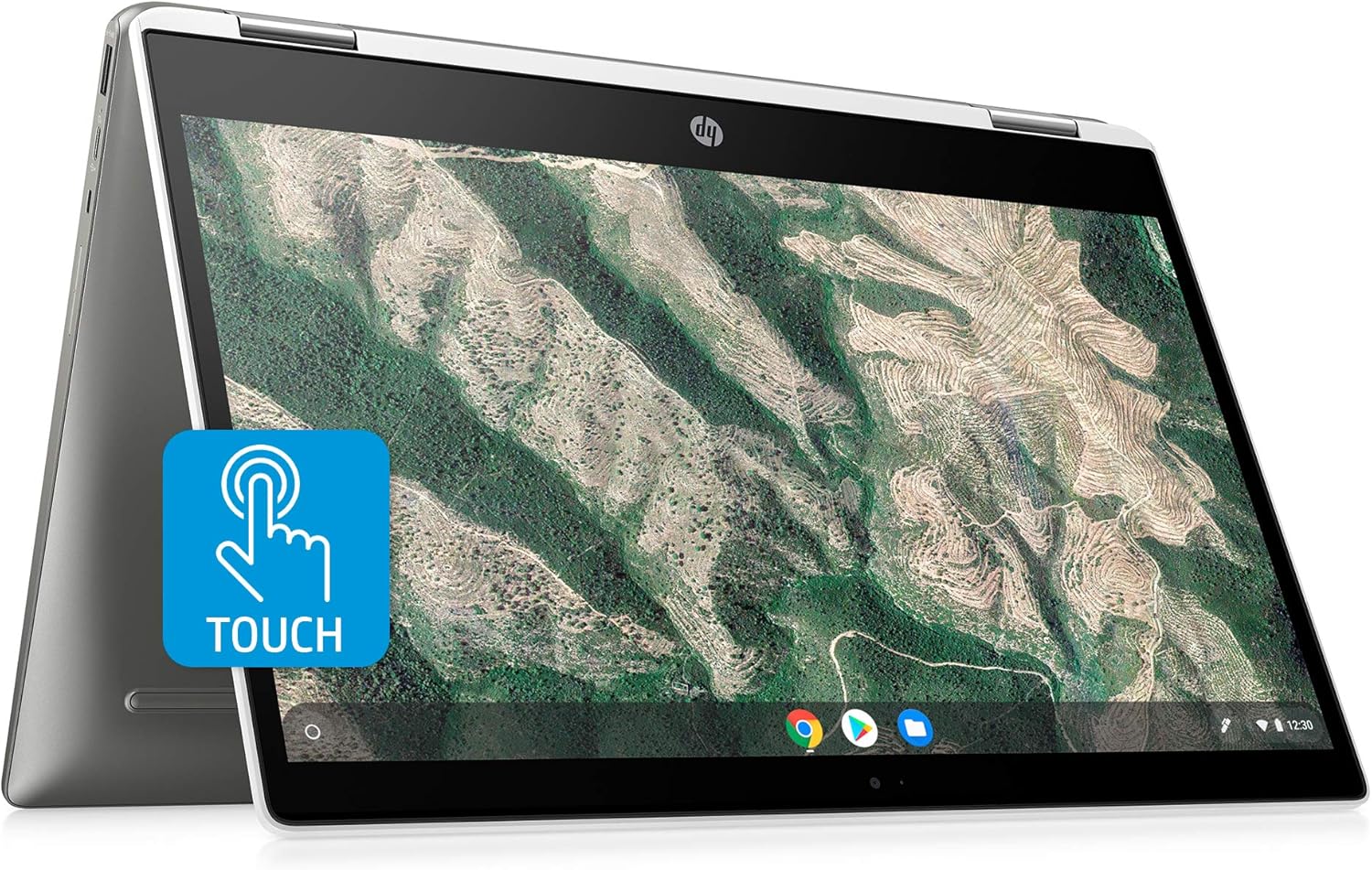
HP 2022 Newest 14in Ultra Light Laptop, Intel N4020 Processor(Up to 2.8GHz), 8GB RAM, 128GB Storage(64GB eMMC+64GB Micro SD), 1 Year Office 365, Webcam, HDMI, WiFi, USB-A&C, Google Classroom or Zoom
See current price
Check the current price and availability on Amazon.com.
View on AmazonAffiliate link — we may earn a commission at no extra cost to you. Learn more
- Screen Resolution
- 1366 x 768 pixels
- Max Screen Resolution
- 1366 x 768 Pixels
- Processor
- 2.5 GHz celeron_n4020
- RAM
- 8 GB DDR4
Key features
- Display: 14 inch HD(1366 x 768) Micro-edg display with virtually no bezel encircling the display, an ultra-wide viewing experience provides for seamless multi-monitor set-ups
- Processor: Intel Celeron N4020 (up to 2.8Ghz), basic dual-core processor boosts multitasking capabilities for reliable Internet browsing, e-mail and everyday productivity
- RAM: 8GB high-bandwidth DDR4 Memory (2400 MHz), 64GB high-speed eMMC Storage for your office and webinar needs
- Ports: 1 x USB 3.1 Type-C ports, 2 x USB 3.1 Type-A ports, 1 x HDMI, 1 x Headphone/Microphone Combo Jack, and there’s a microSD slot
- Activate 1 Year MS office 365 & Win 11 in S mode: (About switch to regular Win11, see the detail in Product description) Activate pre-installed Office: 1.Launch any Office app 2.Start your activation by signing in with your Microsoft account(Create a account if you don't have one yet) 3.Click ''Activative Office'' 4.Sign in your account and follow the next prompts. 5.Complete Step 1,2 and 3 6.Click on Refresh once Office is ready 7.Open a document and accept the license agreement.
- system ram type: ddr4 sdram
Specifications
| Standing screen display size | 14 Inches |
|---|---|
| Screen Resolution | 1366 x 768 pixels |
| Max Screen Resolution | 1366 x 768 Pixels |
| Processor | 2.5 GHz celeron_n4020 |
| RAM | 8 GB DDR4 |
| Memory Speed | 2.8 GHz |
| Hard Drive | 64 GB Emmc |
| Graphics Coprocessor | Intel UHD Graphics 600 |
| Chipset Brand | Intel |
| Card Description | Integrated |
| Wireless Type | Bluetooth |
| Brand | HP |
| Item model number | hp |
| Hardware Platform | PC |
| Operating System | Windows 11 S |
| Item Weight | 3.24 pounds |
| Product Dimensions | 12.76 x 8.86 x 0.71 inches |
| Item Dimensions LxWxH | 12.76 x 8.86 x 0.71 inches |
| Color | Black |
| Processor Brand | Intel |
| Number of Processors | 2 |
| Computer Memory Type | DDR4 SDRAM |
| Flash Memory Size | 64 GB |
| Hard Drive Interface | USB 3.1 |
| Power Source | Battery Powered |
| Screen Size | 14 Inches |
| Hard Disk Size | 64 GB |
| CPU Model | Celeron N4020 |
| Ram Memory Installed Size | 8 GB |
| Graphics Card Description | Integrated |
| CPU Speed | 2.5 GHz |
| ASIN | B09SPFBH2H |
About this product
Switching out of S mode in Windows 11 Windows 11 in S mode is designed for security and performance, exclusively running apps from the Microsoft Store. If you want to install an app that isn't available in the Microsoft Store, you'll need to switch out of S mode 1. On your PC running Windows 11 in S mode, open Settings > System > Activation. 2. In the Switch to Windows 11 Pro section, select Go to the Store. (If you also see an "Upgrade your edition of Windows" section, be careful not to click the "Go to the Store" link that appears there.) 3. On the Switch out of S mode (or similar) page that appears in the Microsoft Store, select the Get button. After you see a confirmation message on the page, you'll be able to install apps from outside of the Microsoft Store. HP 14 inch Laptop for Bussiness and Student: This ultraportable and lightweight 14 inch Laptop is powered by Intel N4020 dual-core low power consumption prosessor, and gives you the freedom of up to 11.5 hours battery life. Preloaded with the Windows 11 S, speedy performance, robust security and convenient features, it’s not only perfect for students, it’s ideal for anyone who’s always on the go! Display: 14 inch HD 1366 x 768 Micro-edg display with virtually no bezel encircling the display Processor: Intel Dual Core Celeron N4020 processor with 1.10GHz (Max Turbo Speed of 2.80GHz) Memory: 8GB DDR4 Storage: 64GB eMMC flash + 64GB SD Card Graphics: Intel UHD Graphics 600 Operating System: Windows 11 Home in S mode Battery Life: up to 11.5 hours Webcam: Front-Facing Camera Connectivity: Bluetooth 5.0, 802.11ac Battery Type: Lithium-ion polymer Dimensions: 12.76 x 8.86 x 0.71 inches Weight: 3.24 lbs
Similar products
Compare all HP Computers & Tablets →
See current price