

Computers & Tablets for Work, Study, and Play
Compare computers and tablets by performance, portability, operating system, display, storage, and connectivity. K-Catalog helps you narrow the choices before checking the current listing details on Amazon.
3,462 products in catalog
3,462 results
Filters

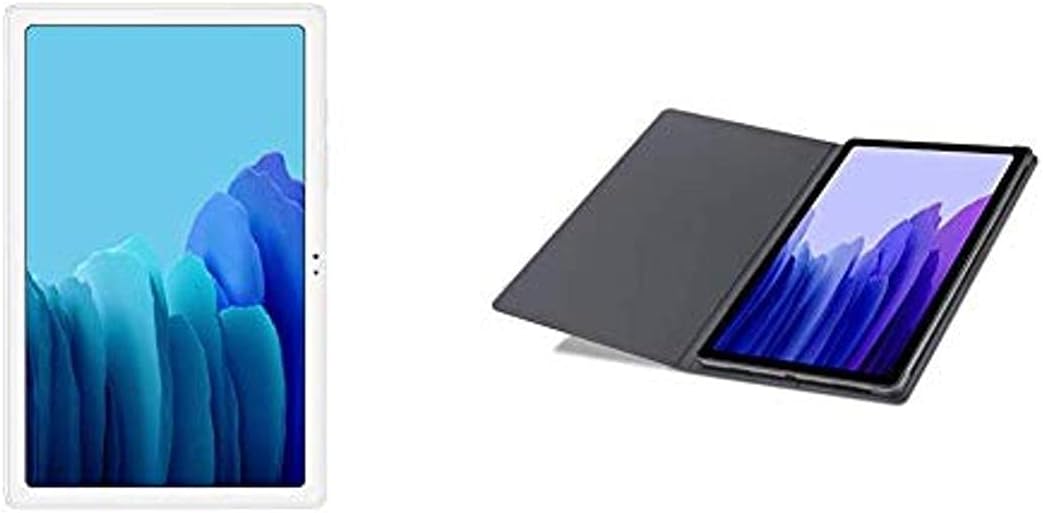


Meta Portal - Smart Video Calling for the Home with 10” Touch Screen Display - White
See current price


Samsung
SAMSUNG SM-T290NZKAXAR, Galaxy Tab A 8.0" 32 GB Wifi Android 9.0 Pie Tablet Black 2019
See current price

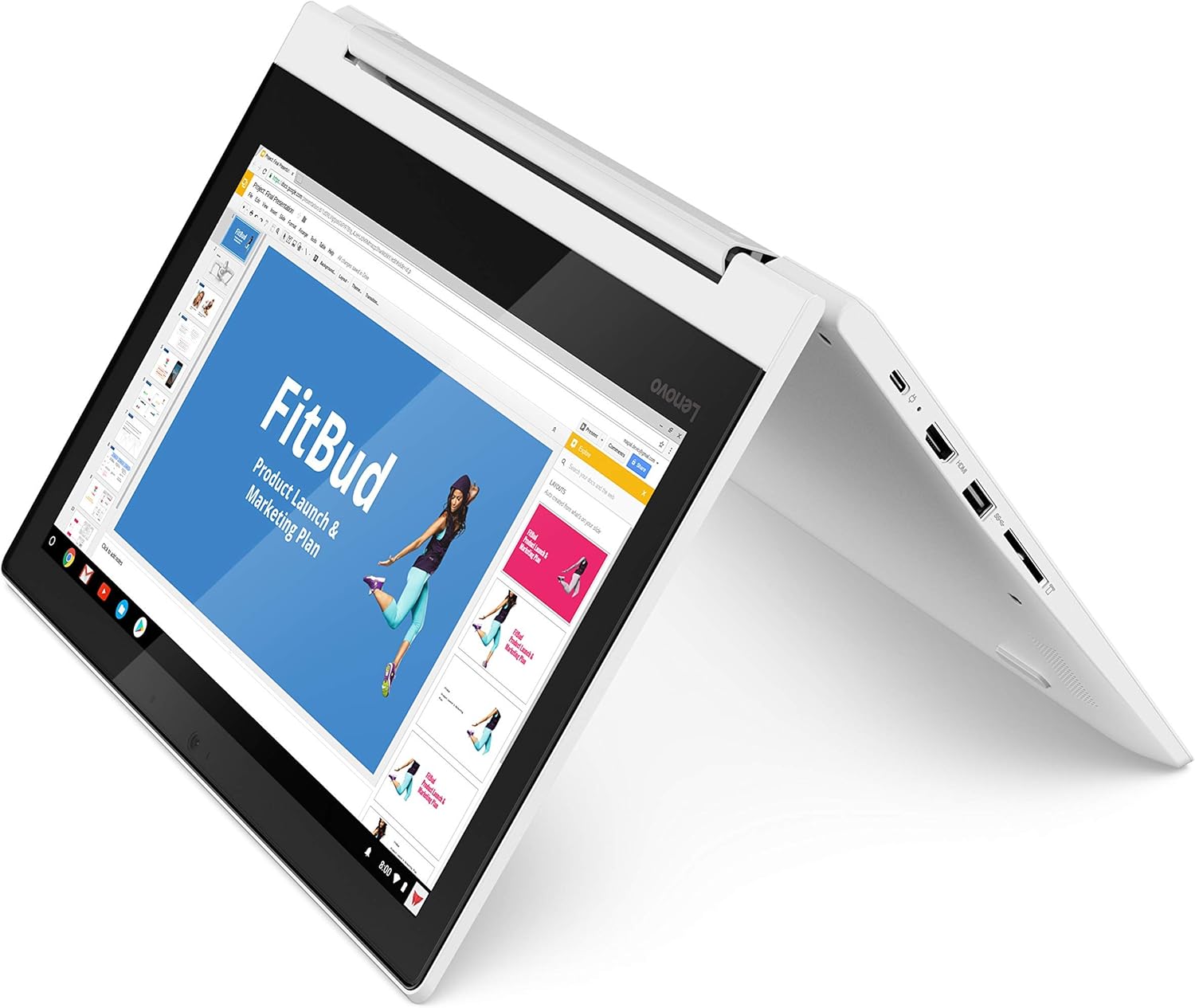


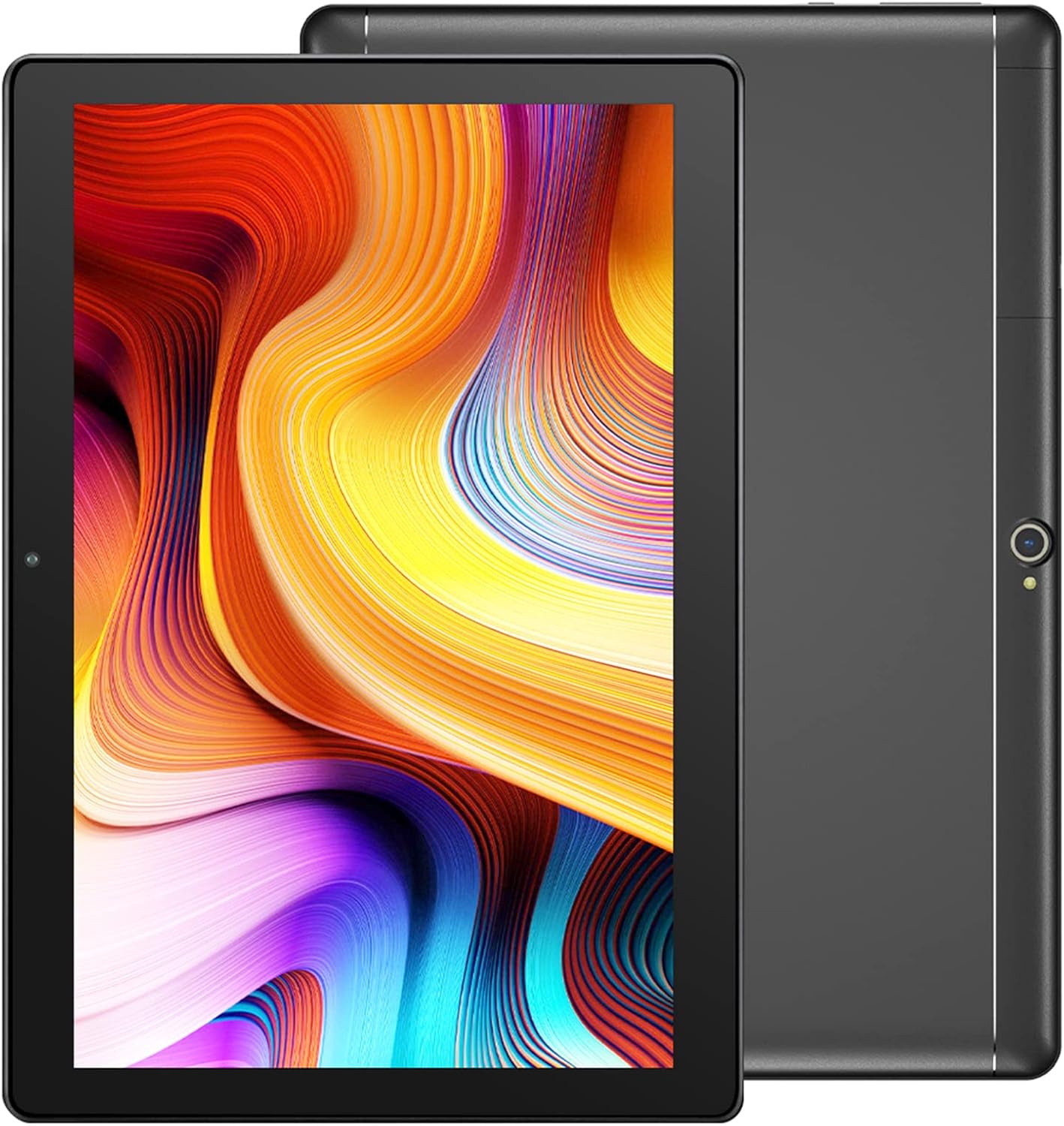
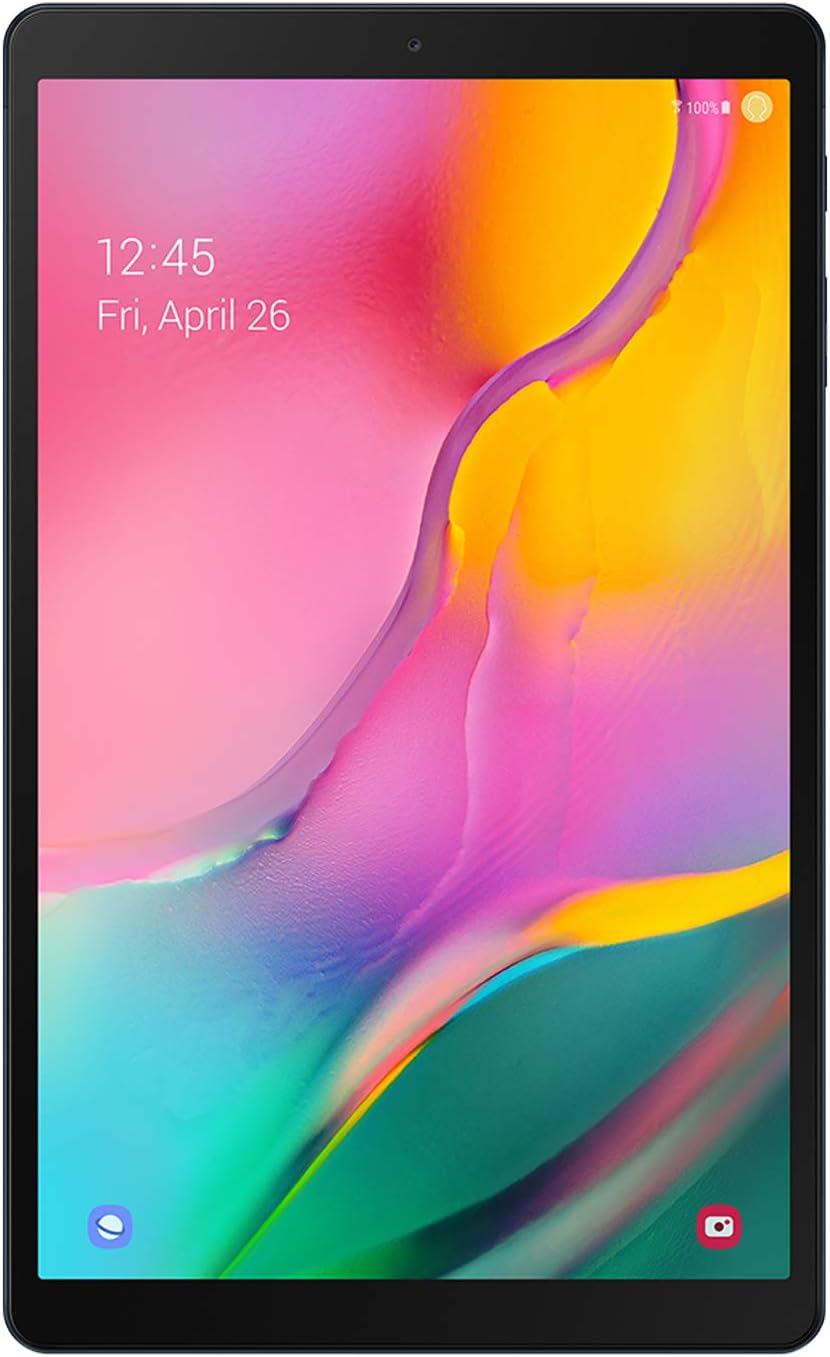


Apple
Apple iPad (2018 Model) with Wi-Fi only 32GB Apple 9.7in iPad - Space Gray (Renewed)
See current price
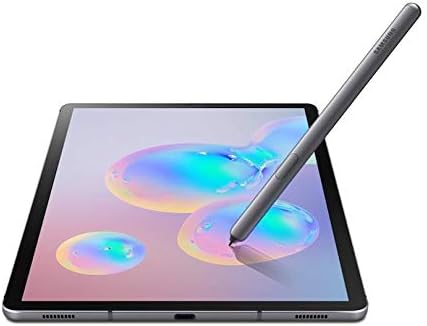
Samsung
SAMSUNG Galaxy Tab S6 10.5", 128GB (LTE VERIZON & WiFi) Tablet Mountain Gray - SM-T867VZAAVZW
See current price



Popular brands in Computers & Tablets
Computers and tablets serve different needs, from everyday web browsing and schoolwork to professional applications, creative projects, and gaming. The right choice depends on how you plan to use the device, where you will use it, and which software or accessories you need to support.
This category brings together a broad selection of computing devices from brands including HP, ASUS, Apple, Dell, Lenovo, Samsung, Acer, RCA, Microsoft, CyberpowerPC, Skytech Gaming, and Beelink. Use the product specifications to compare practical differences rather than choosing by brand alone.
How to choose a computer or tablet
Start with your main tasks. A device for email, documents, video calls, streaming, and browsing may not need the same hardware as one used for photo editing, software development, demanding business applications, or modern games.
Consider these questions before comparing individual products:
- What software must run on it? Check operating-system compatibility and application requirements.
- Will it stay in one place? Desktops can suit fixed workstations, while laptops and tablets are easier to carry.
- Do you need a keyboard? A laptop includes one, while a tablet may require a compatible keyboard accessory.
- How much multitasking is expected? More demanding workflows benefit from stronger processing hardware and sufficient memory.
- What connections are needed? Review ports and wireless support for displays, storage, networking, and other peripherals.
For a wider view of the category, browse Computers & Accessories and compare related equipment separately from the main device.
Main types to compare
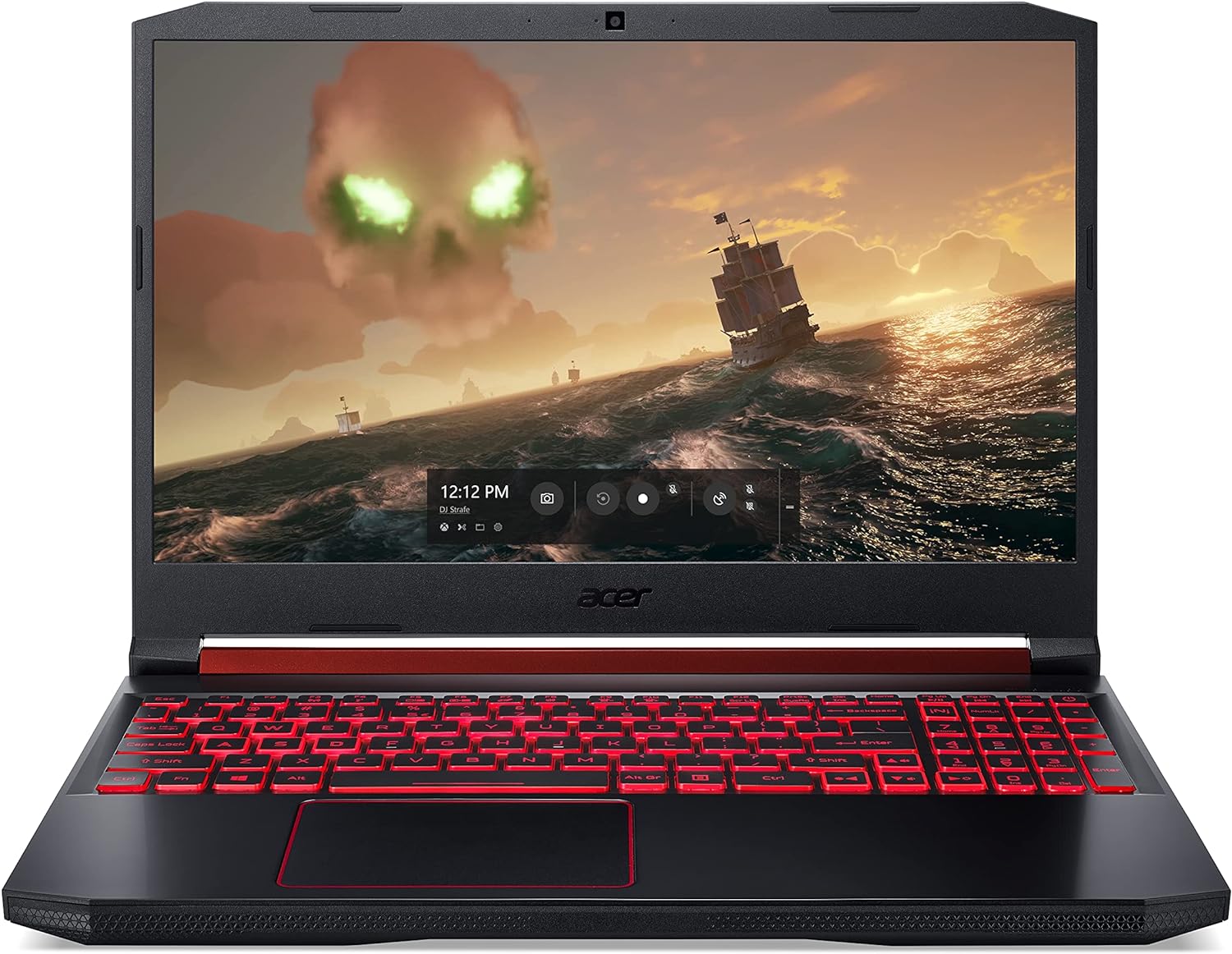
Laptops combine a display, keyboard, battery, and computer hardware in a portable format. They are a practical fit for students, remote workers, business users, and anyone who moves between rooms or locations. Compare screen size, weight, battery information, keyboard layout, webcam features, and available ports.
Desktop computers are often better suited to a permanent desk setup. They can provide a comfortable large-screen workstation and may offer more room for connectivity or future changes, depending on the design. All-in-one desktops reduce cable clutter by placing the computer behind or within the display, while traditional towers allow more flexibility in the surrounding setup.
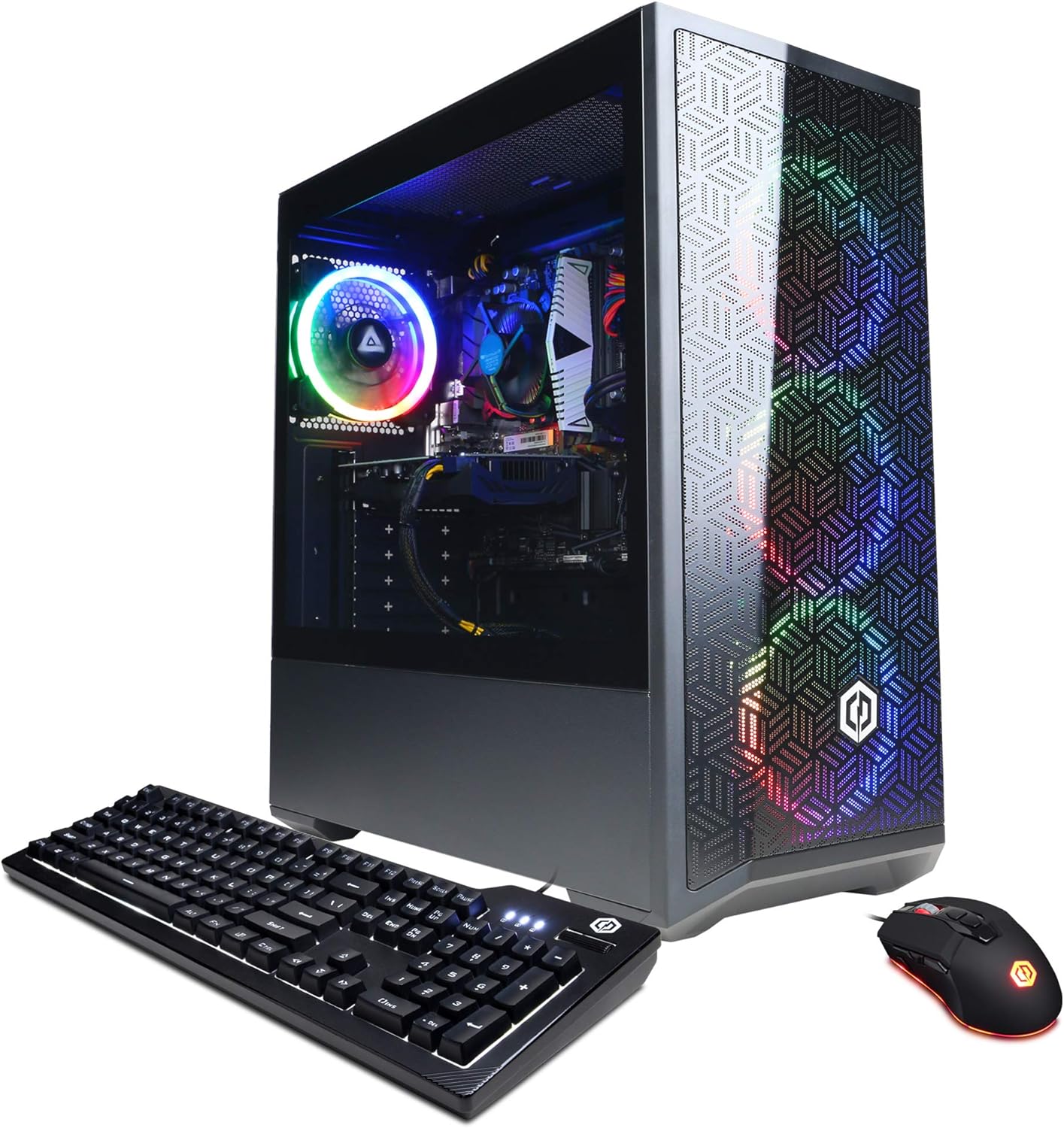
Gaming desktops are designed around graphics performance, cooling, and sustained workloads. Compare the graphics hardware, processor, memory, storage, cooling approach, power supply, and case expansion options. Systems from CyberpowerPC and Skytech Gaming are represented in the catalog alongside general-purpose desktop brands.
Tablets emphasize touch control, portability, and quick access to apps or media. They can work well for reading, travel, note-taking, communication, and light productivity. Compare the operating system, screen quality, battery information, storage capacity, cellular connectivity if needed, stylus support, and accessory compatibility.
Key specifications and features
The processor affects how quickly a device handles applications and multitasking, but it should be considered alongside memory and storage. Memory is especially important when many browser tabs or applications are open. Storage determines how much room is available for documents, media, applications, and games; also check whether it can be expanded or replaced.
Display details matter for both comfort and productivity. Look at panel type, resolution, brightness information, viewing characteristics, touch support, and refresh behavior where listed. A larger display can make split-screen work easier, while a compact screen may be preferable for travel.
Battery information is important for laptops and tablets, but actual use varies with brightness, applications, wireless activity, and power settings. For video calls, check the camera and microphone details. For home or office setups, review wireless standards, wired networking, USB connections, display outputs, and compatibility with docks or external monitors.
Brands represented in the catalog
The catalog includes devices from HP, Dell, Lenovo, ASUS, Acer, Apple, Samsung, RCA, Microsoft, Beelink, CyberpowerPC, and Skytech Gaming. These brands cover a range of laptops, desktops, tablets, compact computers, and gaming-focused systems. Compare the specifications of each individual product because configurations can differ substantially within the same brand.
Related accessories and components
A computer or tablet is only part of a complete setup. For keyboards, mice, monitors, webcams, hubs, and other equipment, visit Computer Accessories & Peripherals. Tablet users can compare cases, stands, keyboards, and charging equipment in Tablet Accessories, while laptop-specific add-ons are collected under Laptop Accessories.
If you are building or upgrading a desktop, explore Computer Components. Network equipment is covered in Networking Products, and drives or other storage solutions can be compared in Data Storage.
Frequently asked questions
Should I choose a laptop or a desktop?
Choose a laptop when portability and an integrated setup matter. Choose a desktop when the device will remain at a workstation and you prefer a larger display or a more stationary configuration.
Is a tablet enough for work or school?
A tablet can handle browsing, reading, communication, media, and many productivity tasks. Check the required applications, keyboard support, file management, and connection options before using one as a primary computer.
How much memory and storage do I need?
The right amount depends on your applications and files. Light everyday use needs less capacity than creative work, gaming, large media libraries, or extensive multitasking. Compare both the listed capacity and expansion options.
What should I check for gaming?
Focus on graphics hardware, processor capability, memory, storage, cooling, power supply, display connectivity, and the games or applications you intend to run. Also check whether the system supports the peripherals you already own.
Are operating systems interchangeable?
No. Applications, accessories, file workflows, and device features can vary by operating system. Confirm that the platform supports the software and services you rely on before choosing a device.