



La Crosse Technology· All La Crosse Technology Thermometers & Weather Instruments →
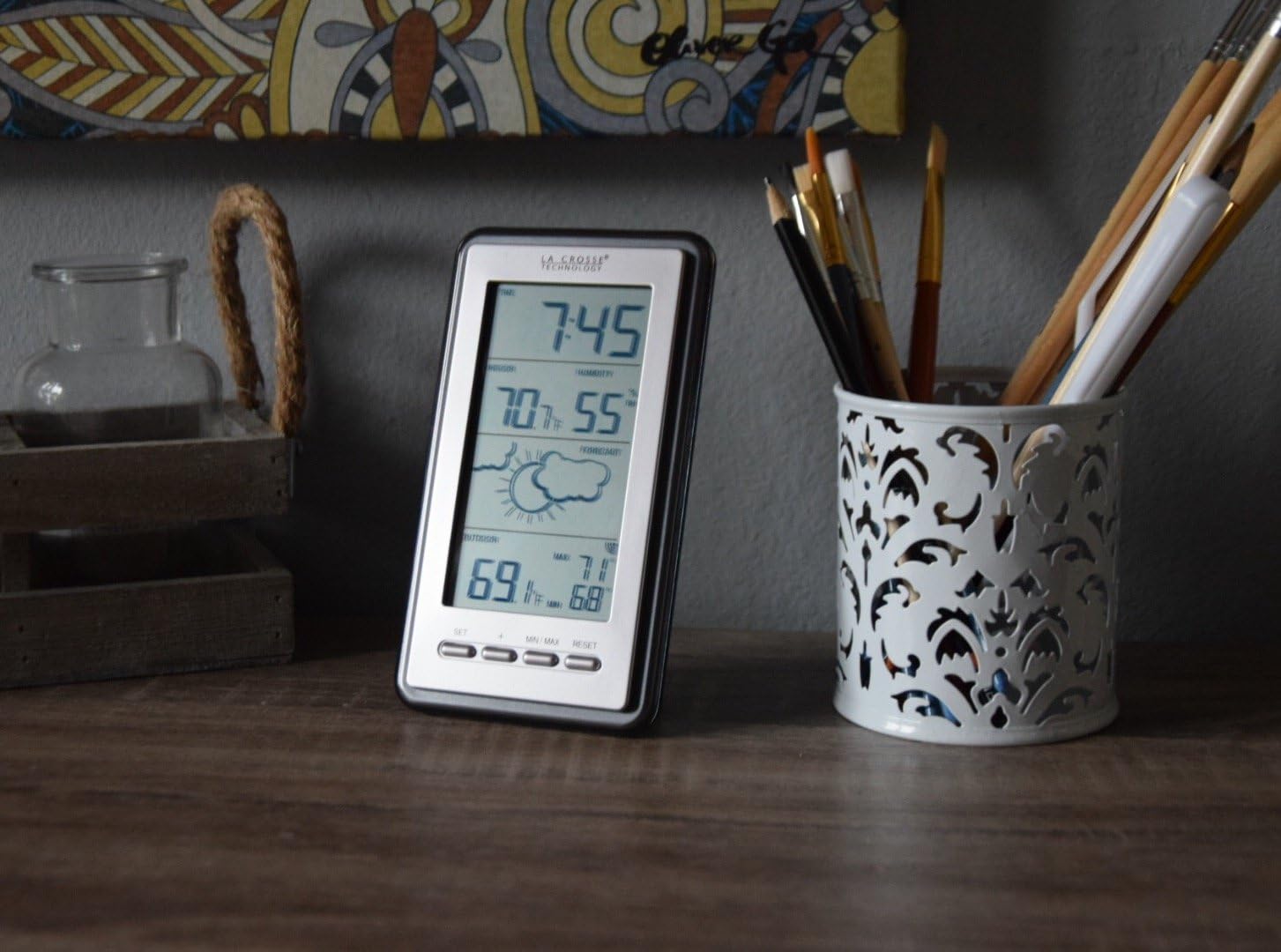
La Crosse Technology WS-9230U-IT-INT Digital Forecast Thermometer with Temp & Humidity
See current price
Check the current price and availability on Amazon.com.
View on AmazonAffiliate link — we may earn a commission at no extra cost to you. Learn more
- Color
- grey
- Age Range (Description)
- Adult
- Included Components
- Indoor base station^Outdoor temperature sensor^instructional manual
- Display Type
- Digital
Key features
- Indoor temperature (F only) and humidity (percent RH)
- Wireless outdoor temperature (F only)
- Records min/max temperature values
- Displays relative humidity, weather forecast & barometric tendency
- Only operates with TX50U-IT wireless transmitting sensor
Specifications
| Brand | La Crosse Technology |
|---|---|
| Color | grey |
| Age Range (Description) | Adult |
| Included Components | Indoor base station^Outdoor temperature sensor^instructional manual |
| Display Type | Digital |
| Product Care Instructions | Wipe Clean |
| Unit Count | 1.0 Count |
| Power Source | Battery Powered |
| Model Name | WS-9230U-IT-INT |
| Response Time | 3 seconds |
| Reusability | Reusable |
| Product Dimensions | 3.5 x 0.87 x 5.59 inches |
| Item Weight | 5.6 ounces |
| Manufacturer | La Crosse Technology, Ltd. |
| Item model number | WS-9230U-IT-INT |
| Assembly required | No |
| Batteries required | Yes |
| ASIN | B0723C1NX7 |
About this product
Have your own personal metrologist monitoring your backyard temperature and indoor climate with La Crosse Technology's wireless weather station. Weather icons adjust to fluctuating pressure showing you what the future forecast will be and tendency arrows show if it may improve or not. USES ONLY MODEL: TX50U-IT WIRELESS TRANSMITTING SENSOR to send outdoor temperature inside for your convenience. Indoor station records your HI and LO temperature values. Note: Power up. Insert 2-AA batteries into the TX50U-IT sensor, then 2-AAA batteries into the weather station. Observe correct polarity. Keep sensor and station together for 15 minutes. Configure basic settings. Hold the SET button for 3 seconds to enter settings menu. Use the + button to adjust and SET to confirm and move to the next setting. Note: The PM indicator will show for times after 12:00 noon. There is no AM indicator After 15 minutes, allowing the sensor and station to sync properly and ensure a strong connection, mount the sensor outside, in a shaded location. Transmission range is 262 ft (80 ms) in open air. This is important that the sensor and station are together for 15 minutes so working properly before mounting outside. For proper set up: 1. Power up. Insert 2-AA batteries into the TX50U-IT sensor, then 2-AAA batteries into the weather station. Observe correct polarity. Keep sensor and station together for 15 minutes. 2. After 15 minutes, allowing the sensor and station to sync properly and ensure a strong connection, mount the sensor outside, in a shaded location. Transmission range is 262 ft (80 ms) in open air.
La Crosse Technology
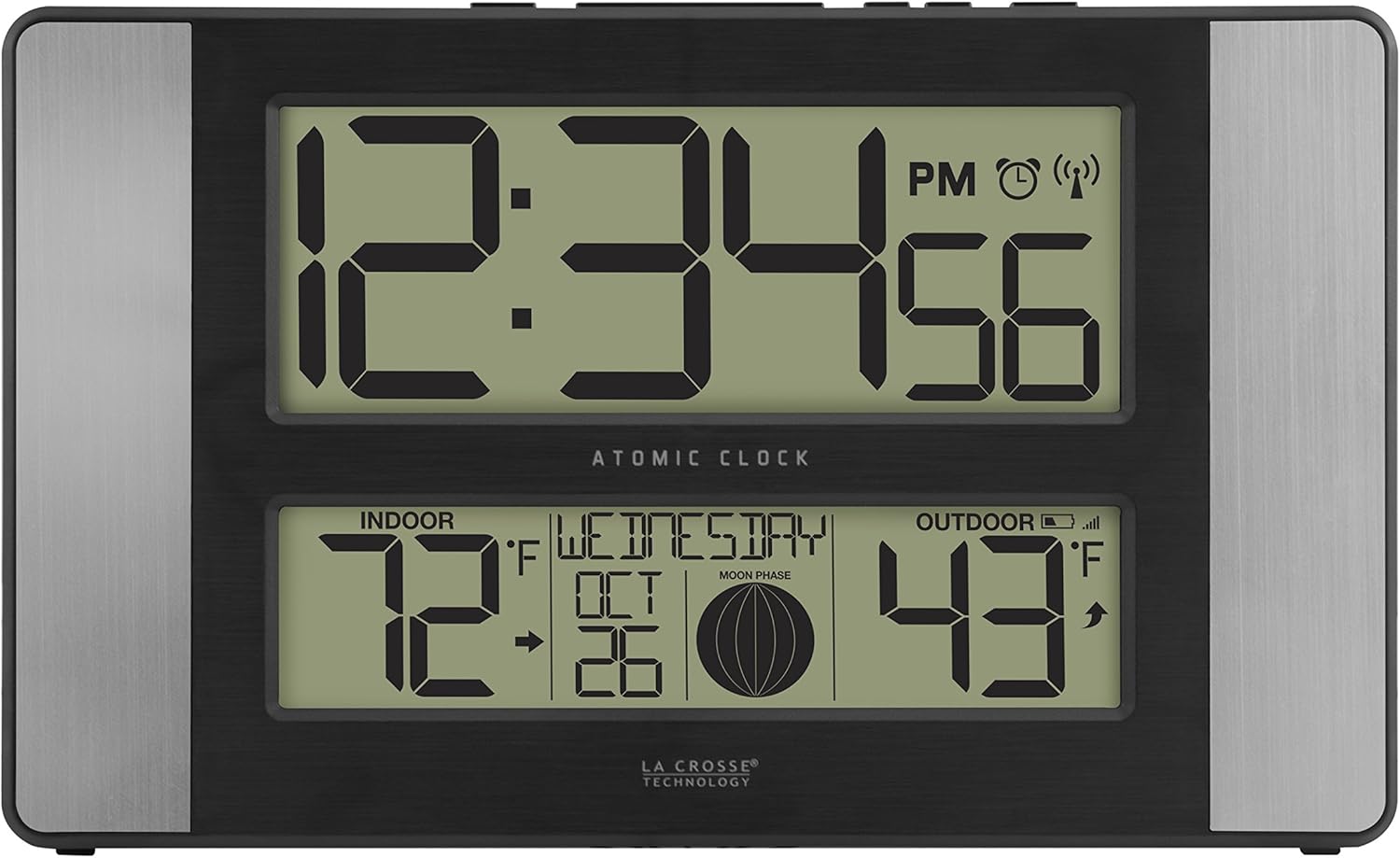
La Crosse Technology 513-1417AL-INT Atomic Clock w Outdoor Temp, Grey/Black
See current price

La Crosse Technology
La Crosse Technology 925-1418 Sensor Protection Shield with Mount
See current price

See current price