


Gxcdizx
LEOP Retro Game Console, TV HDMI Interface Card Game Console, Wireless Controller with U Disk Size Game Console, 32G Memory cardbuilt-in 818 Classic Games
See current price
Check the current price and availability on Amazon.com.
View on AmazonAffiliate link — we may earn a commission at no extra cost to you. Learn more
- Item model number
- U77
- Manufacturer recommended age
- 6 months and up
- Manufacturer
- LEOP
- Color
- Black
Key features
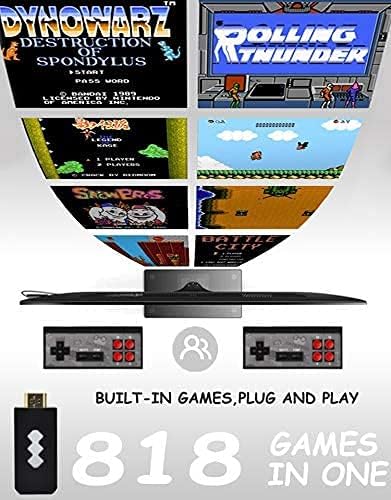
- 🕹Built-in 818 classic games: 818 classic childhood games, action games, shooting games, adventure games, racing games, etc. are built in the console. You can also download any game you want to play in NES format via the Internet,
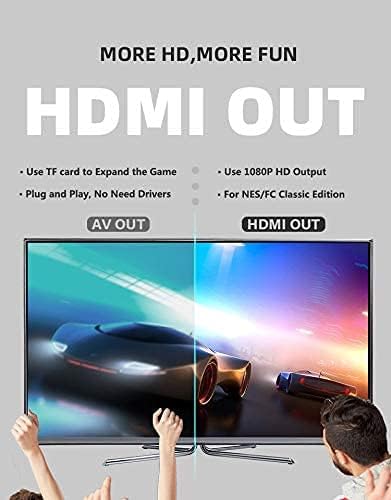
- 🕹Universal HDMI interface: The interface adopts a universal HDMI interface, which is compatible with most HDMI interface display devices.
- 🕹Plug and play: No other drivers are needed, just plug in the TV and power on and start the game.
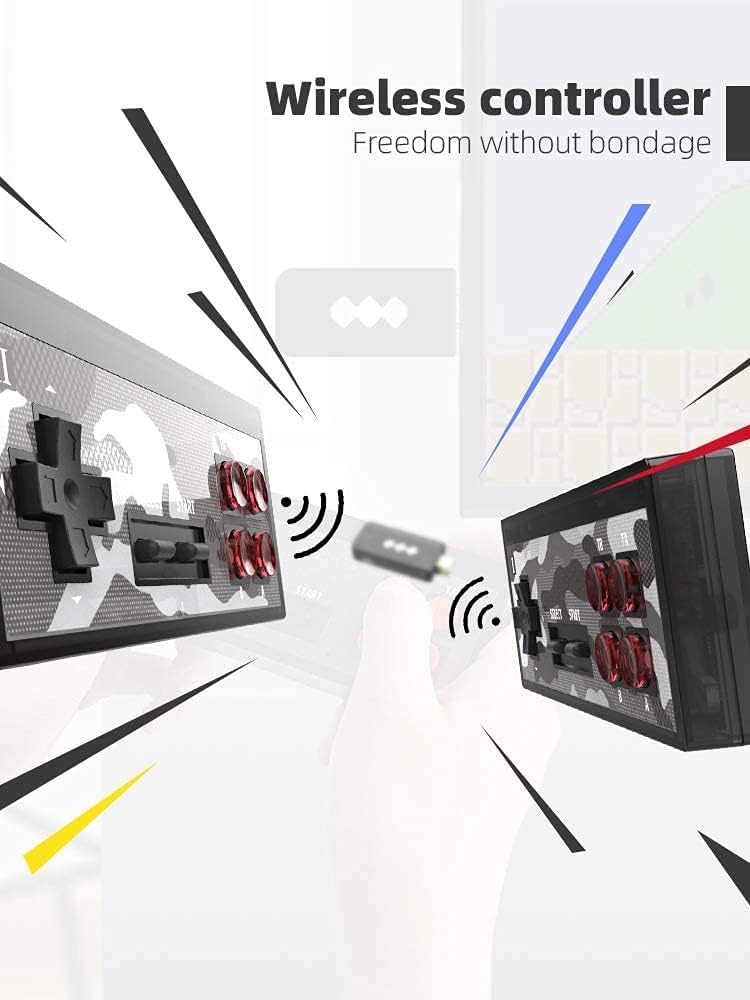
- 🕹Wireless handle: Two wireless handles are attached, which can be controlled remotely, and the wireless operation is more free.
- 🕹A great choice as a gift: interesting games, cool appearance, exquisite packaging, it is an excellent choice as a holiday gift, party game.
Specifications
| Item Weight | 7 ounces |
|---|---|
| Item model number | U77 |
| Manufacturer recommended age | 6 months and up |
| Manufacturer | LEOP |
| Color | Black |
| Brand | Gxcdizx |
| Theme | Retro |
| Controller Type | Button Control |
| Hardware Interface | HDMI |
| ASIN | B08HT28BZ3 |
About this product
Game Type: Action games: 88 types, including Super Mario 1, Dr. Mario Shooting games: 94 kinds, including Contra 24in1, Super Contra Sports games: 43 types, including passionate basketball and golf Fighting games: 46 types, including Turtle 1/2/3, Street Fighter Racing games: 25 types, including F1 races and fierce battles Puzzle games: 325 kinds, including Tetris, Pac-Man, Tank How To Use 1. Connect the game console to the HD port of the TV, connect the USB-powered data cable to the host, and then adjust the TV signal source to the HD channel to display the game list screen on the TV. 2. Put 2 AAA batteries into the game controller, and use controller 1 to control the game console for the first time. 3. Quit the game: Press SECECT + START at the same time for two seconds. Package includes 1. MINI HDMI U-BOX game console (including game TF card) 2. Two wireless game controllers 3. Power cord 4. User Manual
Similar products


See current price