

Plug & Play Video Games for Kids
Compare plug-and-play video games by connection type, included content, controller setup, and age-appropriate features. Browse catalog listings to find an option that fits your TV, play space, and gaming preferences.
197 products in catalog
197 results
Filters






Popular brands in Plug & Play Video Games
Plug-and-play video games are designed to make casual gaming easier to set up. Many include a console or game unit, built-in or bundled games, and one or more controllers, so families can start playing without assembling a larger gaming system.
K-Catalog helps shoppers compare the specifications and features shown in product listings. Before choosing, consider how the system connects, what kind of games it includes, who will use it, and whether the controls suit the intended players.
How to choose a plug-and-play video game
Start with the display and connection requirements. A system may be intended for a television or another compatible screen, and the included cable or connector can affect setup. Check the listing carefully for the required input, cable type, power source, and any additional equipment needed.
The game library is just as important as the hardware. Some products focus on classic-style arcade play, while others may include sports, puzzles, racing, action, or family-oriented games. Look for a clear description of the included content rather than assuming every title or genre will be present.
Also consider how many people can play at once. A single-controller system may suit solo play, while a product with multiple controllers can be more suitable for siblings, parties, or parent-and-child sessions.
Types and features to compare
Plug-and-play products can vary considerably even when they appear similar. Compare these common design differences:
- Console-style units: Connect to a television or compatible display and are generally suited to shared play in a living room or play area.
- Retro-inspired systems: Often emphasize arcade-style gameplay and familiar controller layouts, though the exact game selection differs by listing.
- Handheld or portable designs: May include a built-in display and controls for gaming away from a television. Check battery, charging, and storage details when provided.
- Motion or activity-focused products: May use movement-based controls or accessories for more active play. These can work well when children want to stand and move rather than sit with a traditional controller.
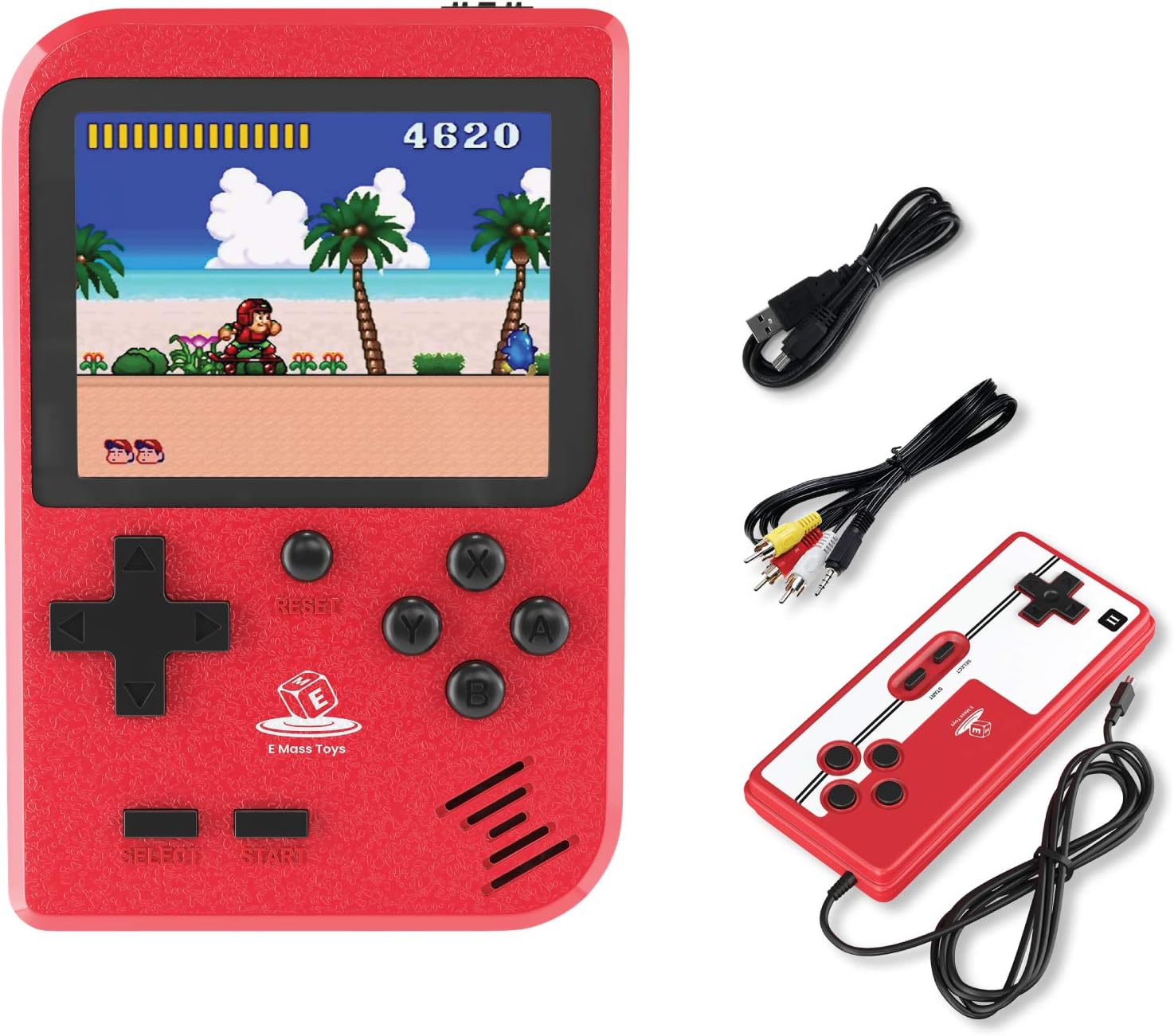
When comparing listings, pay attention to the number and type of included controllers, wired or wireless operation, built-in versus expandable content, and whether accessories are included. Product photos can help clarify the physical setup, but the written specifications should guide compatibility decisions.
Compatibility, controls, and play space
A product that is simple for one household may not be convenient for another. Confirm that the connection is suitable for the intended television or monitor, and check whether an adapter is required. If the system uses batteries, review the battery format and whether batteries are included. For rechargeable products, look for charging information and the charging cable supplied.
Controller design matters for younger players. Large, clearly labeled buttons may be easier to understand, while compact or more traditional layouts may suit older children. If several players will use the system, consider cable length, wireless range when specified, and the amount of space needed around the screen.
Parents and caregivers may also want to check the recommended age, game themes, language options, volume controls, and any small accessories. Keep cables organized and place the console where it has adequate ventilation and cannot be easily pulled from the display.
Brands represented in the catalog
The catalog includes plug-and-play video game listings from brands such as Ksasmile, CredevZone, BAORUITENG, Oriflame, Retroid Pocket, KIDWILL, TAPDRA, Jakks, NEXADAS, Best brose, HAndPE, and MJKJ. Brand presence can help narrow a large selection, but the most useful comparison is still the individual listing’s connection details, included games, controls, power requirements, and compatibility information.
Shoppers comparing children’s electronics may also want to browse Kids' Electronics as a broader category. For other types of interactive play, related options include Electronic Pets, Walkie Talkies, and Karaoke Machines.
Related play options and buying tips
A plug-and-play video game is only one way to add screen-based or interactive entertainment. Personal Video Players & Accessories may suit children who want individual viewing, while Dance Mats can add movement to game time.
Before selecting a product, make a quick checklist:
- Confirm the display connection and included cables.
- Check whether controllers, batteries, and power accessories are included.
- Review the game genres and included content.
- Match the controls and recommended age to the intended players.
- Consider storage, cable management, and available play space.
- Check the current product specifications before ordering, since package contents can vary by listing.
Frequently asked questions
Do plug-and-play video games require a separate console?
Usually, the plug-and-play unit is the main gaming hardware. However, some products may require a compatible television, display, power source, or adapter, so check the listing specifications.
Are games included with plug-and-play systems?
Many products include built-in or bundled games, but the selection varies. Review the product description for the game types and content supplied with that specific listing.
Can multiple children play together?
Some systems support shared play with multiple controllers, while others are intended for one player. Compare the included controllers and stated player support before choosing.
Are these products suitable for young children?
Suitability depends on the recommended age, game themes, controller design, and supervision needs. Check the age guidance and feature details for each product.
What should be checked before connecting one to a TV?
Check the required input, cable type, power requirements, and whether an adapter is needed. Confirm that the television or display supports the listed connection.