



logitech· All logitech Computer Accessories & Peripherals →
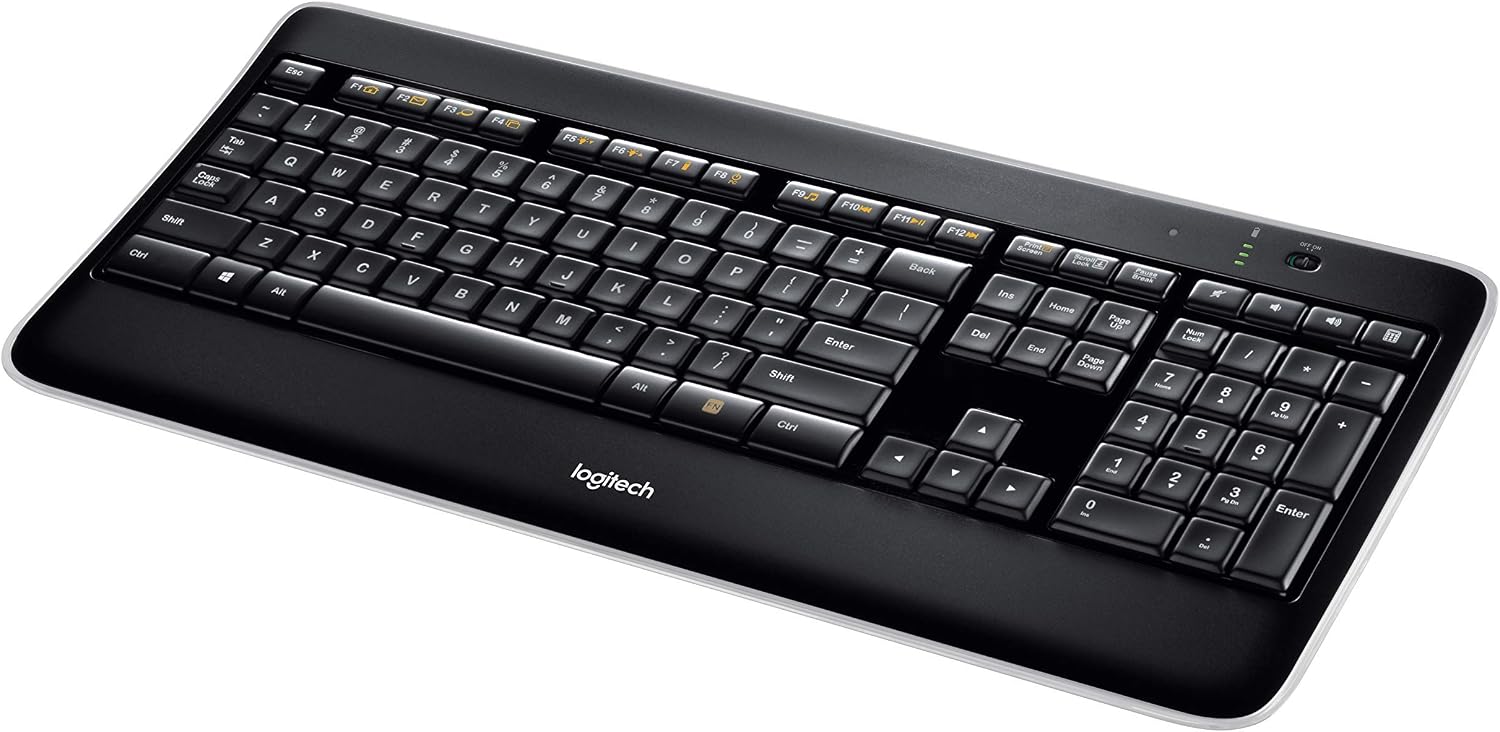
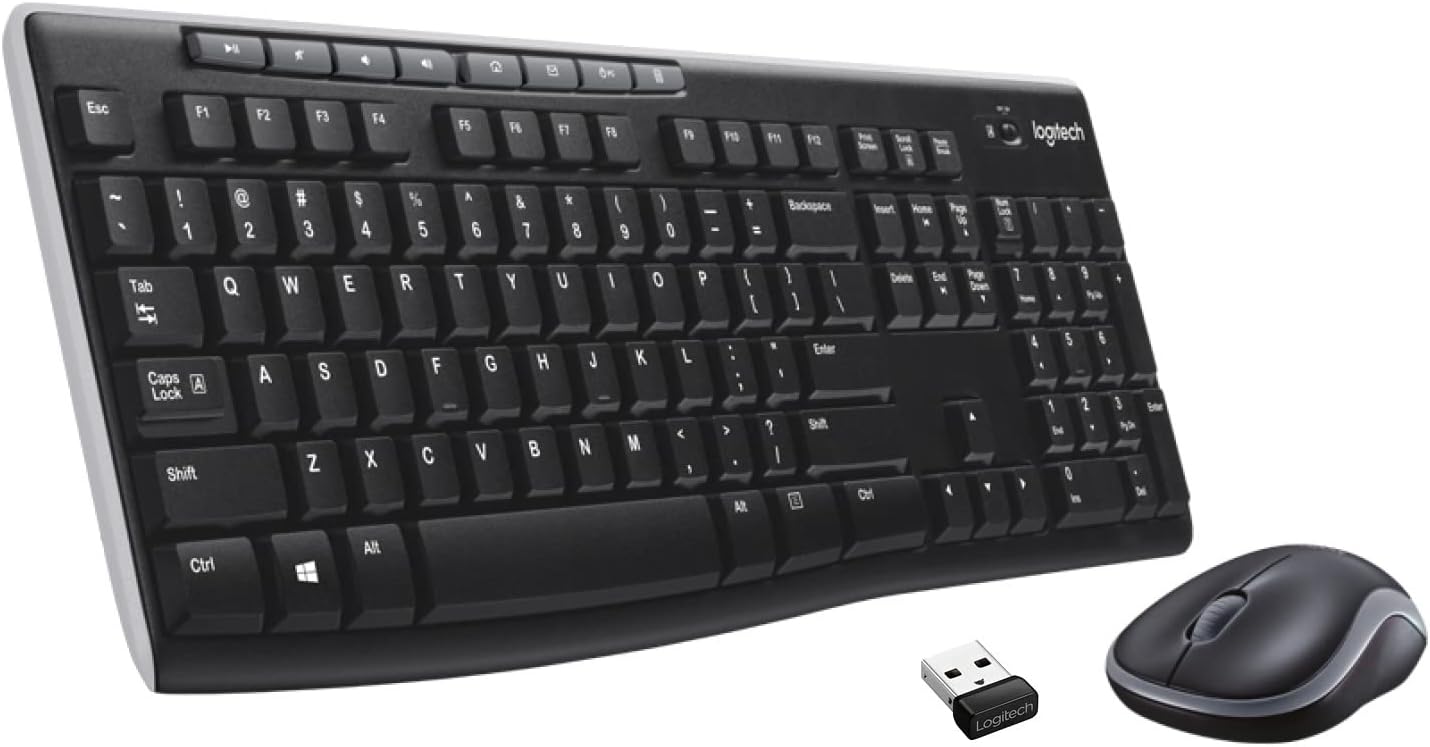
Logitech Wireless Illuminated Keyboard K800, Computer Keyboard Wireless, Desktop Keyboard (Renewed)
See current price
Check the current price and availability on Amazon.com.
View on AmazonAffiliate link — we may earn a commission at no extra cost to you. Learn more
- Item model number
- 920002359
- Hardware Platform
- PC
- Item Weight
- 2.72 pounds
- Product Dimensions
- 8.19 x 2.31 x 18.44 inches
Key features
Specifications
| Brand | Logitech |
|---|---|
| Item model number | 920002359 |
| Hardware Platform | PC |
| Item Weight | 2.72 pounds |
| Product Dimensions | 8.19 x 2.31 x 18.44 inches |
| Item Dimensions LxWxH | 8.19 x 2.31 x 18.44 inches |
| Color | Black |
| Batteries | 2 AA batteries required. (included) |
| Manufacturer | Logitech |
| Compatible Devices | PC |
| Connectivity Technology | Wireless |
| Keyboard Description | USB |
| Special Feature | Wireless, Lighting |
| Number of Keys | 108 |
| Style | Modern |
| Item Dimensions LxWxH | 8.19 x 2.31 x 18.44 inches |
| Included Components | USB Cable |
| ASIN | B01K5E0H5I |
About this product
It's nighttime and the lights are low. But that won't keep you from catching up on your email or latest blog entry. With brightly backlit characters, an ultra-comfortable key system and powerful wireless, you're all set for a brilliant typing experience—day or night. TROUBLESHOOTING: 1) If backlighting doesn't work: * Move your hand over the keyboard or press a key. There is a proximity sensor in the keyboard that detects motion and switches on backlighting.* Backlighting remains on while you charge the keyboard. When keyboard battery power is very low, the lower battery LED blinks red and backlighting is switched off to conserve battery life 2) If the keys doesn't work:* Check the Unifying receiver. Also, try changing USB ports * Try moving the keyboard closer to the Unifying receiver, or plug the Unifying receiver into the receiver extender cable to bring it closer to the keyboard * Check battery level * Check if the keyboard turned on? Slide the keyboard Off/On switch to the On position. The keyboard Status LEDs should light up * Re-establish the connection. Use the Unifying software to reset the connection between the keyboard/mouse and Unifying receiver * Restart the computer
Similar products
Compare all logitech Computer Accessories & Peripherals →
See current price