


ZdalaMit· All ZdalaMit Television & Video →
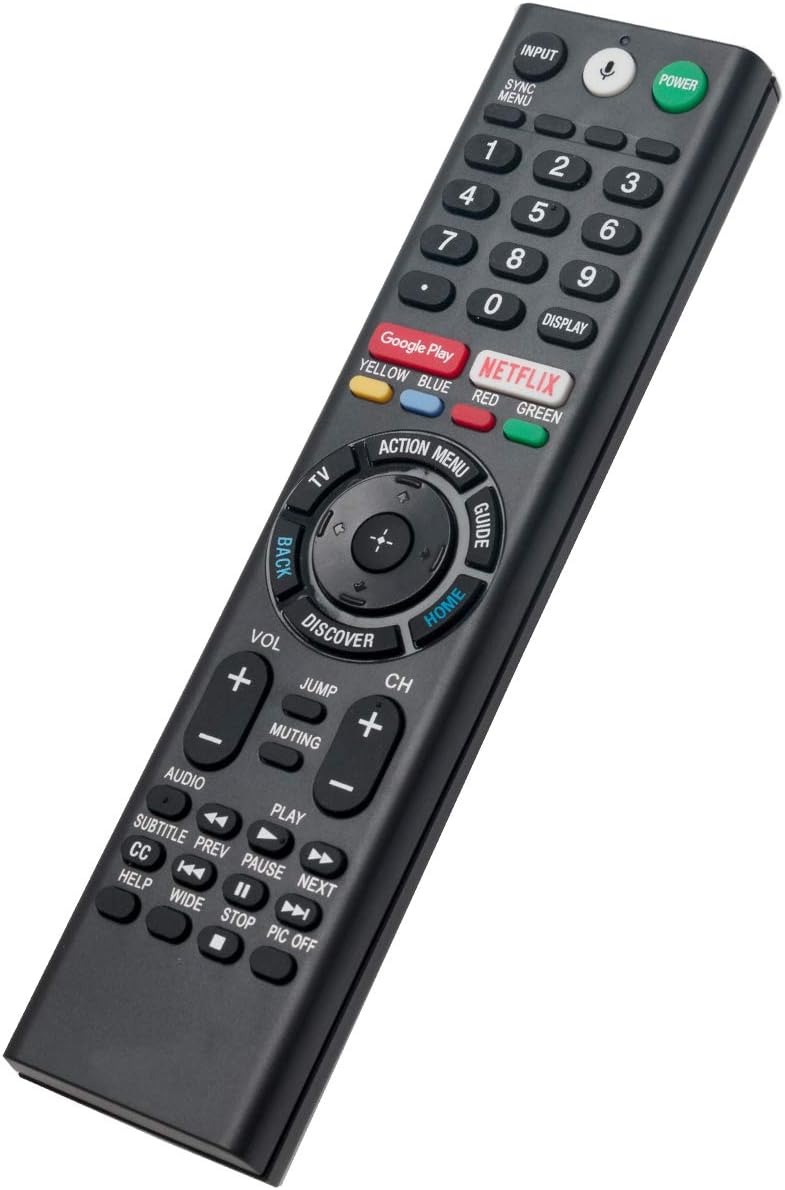
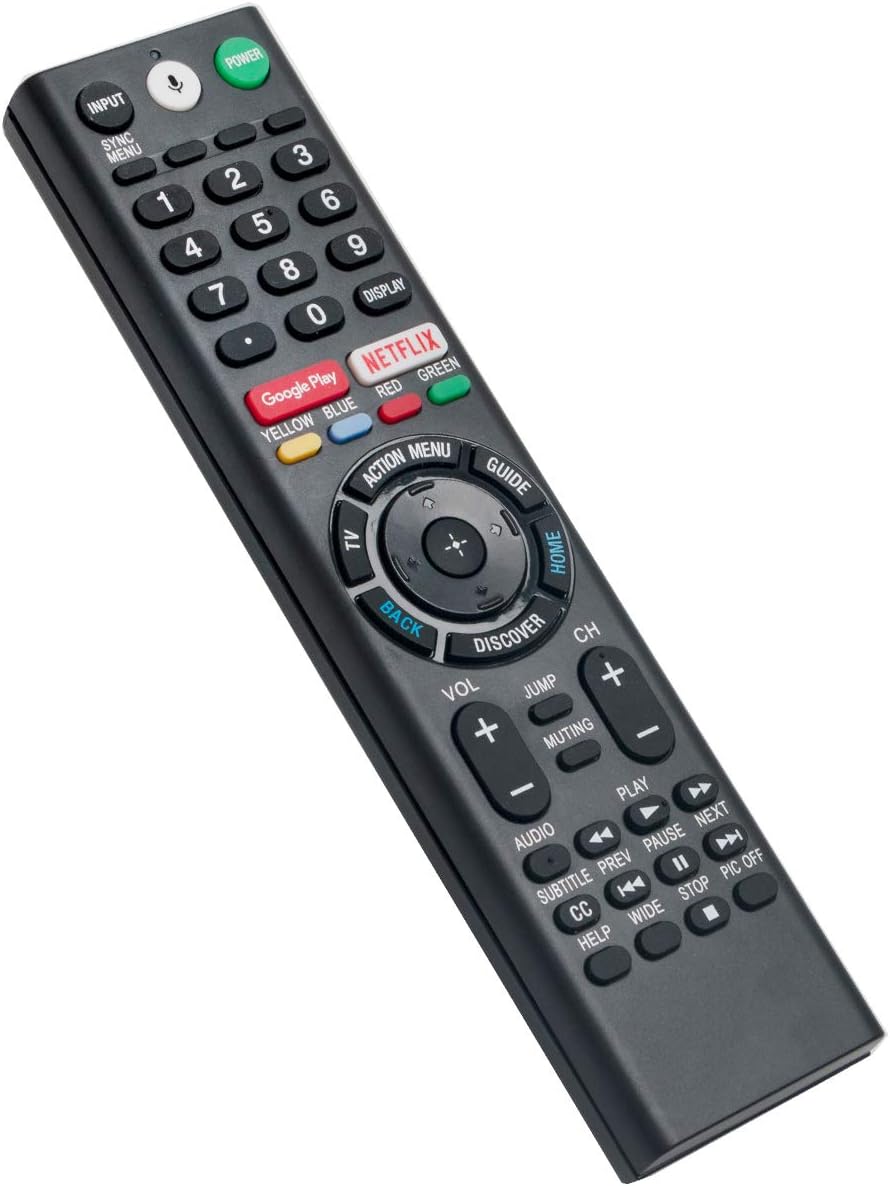
RMF-TX200U Voice Replacement Remote Applicable for Sony TV XBR-65X930D XBR-75X940D XBR-65X900E XBR-75X900E XBR-65X930E XBR-75X940E XBR-43X800D XBR-49X800D XBR-65X850D XBR-75X850D XBR-55X850D
See current price
Check the current price and availability on Amazon.com.
View on AmazonAffiliate link — we may earn a commission at no extra cost to you. Learn more
- Item Weight
- 3 ounces
- Batteries
- 2 AAA batteries required.
- Manufacturer
- ZdalaMit Factory
- Country of Origin
- China
Key features
- New RMF-TX200U Replacement Voice Remote Control Applicable for Sony Bravia TV XBR-100Z9D XBR-49X900E XBR-55X900E XBR-65X900E XBR-75X900E XBR-65X930E XBR-75X940E XBR-43X800D XBR-49X800D XBR-65X850D XBR-75X850D XBR-55X850D XBR-85X850D XBR-55X930D XBR-65X930D XBR-75X940D. If voice control not working, please go to menu of your tv, set VOICE CONTROL to active then pair the remote with your TV.
- Please pair this remote with your TV before use. Pairing Steps: 1. Press power button to turn on the TV. 2. Press and Hold Vol(-) button and Mic button for 2 seconds initiate pairing with TV. 3. All pairing process is behind the scene and no setup is required.
- Power Supply: 2X 1.5V AAA Alkaline Battery. Batteries are not included.
- Please feel free to contact us if you have any query, thanks!
Specifications
| Product Dimensions | 6.5 x 1.8 x 0.6 inches |
|---|---|
| Item Weight | 3 ounces |
| Batteries | 2 AAA batteries required. |
| Manufacturer | ZdalaMit Factory |
| Country of Origin | China |
| Brand | ZdalaMit |
| Special Feature | Voice Search |
| Color | Black |
| Max Number of Supported Devices | 1 |
| Compatible Devices | Television |
| ASIN | B086VG9WG2 |
About this product
New RMF-TX200U Replacement Voice Remote Control Applicable for Sony Bravia TV Compatible with below Sony TV mdoels: XBR-100Z9D XBR-49X900E XBR-55X900E XBR-65X900E XBR-75X900E XBR-65X930E XBR-75X940E XBR-43X800D XBR-49X800D XBR-65X850D XBR-75X850D XBR-55X850D XBR-85X850D XBR-55X930D XBR-65X930D XBR-75X940D Pairing Steps: 1. Press power button to turn on the TV. 2. Press and Hold Vol(-) button and Mic button for 2 seconds initiate pairing with TV. 3. All pairing process is behind the scene and no setup is required. Power Supply: 2X 1.5V AAA Alkaline Battery Package Content: 1X Remote Control
Similar products
Compare all ZdalaMit Television & Video →


See current price