
SanDisk
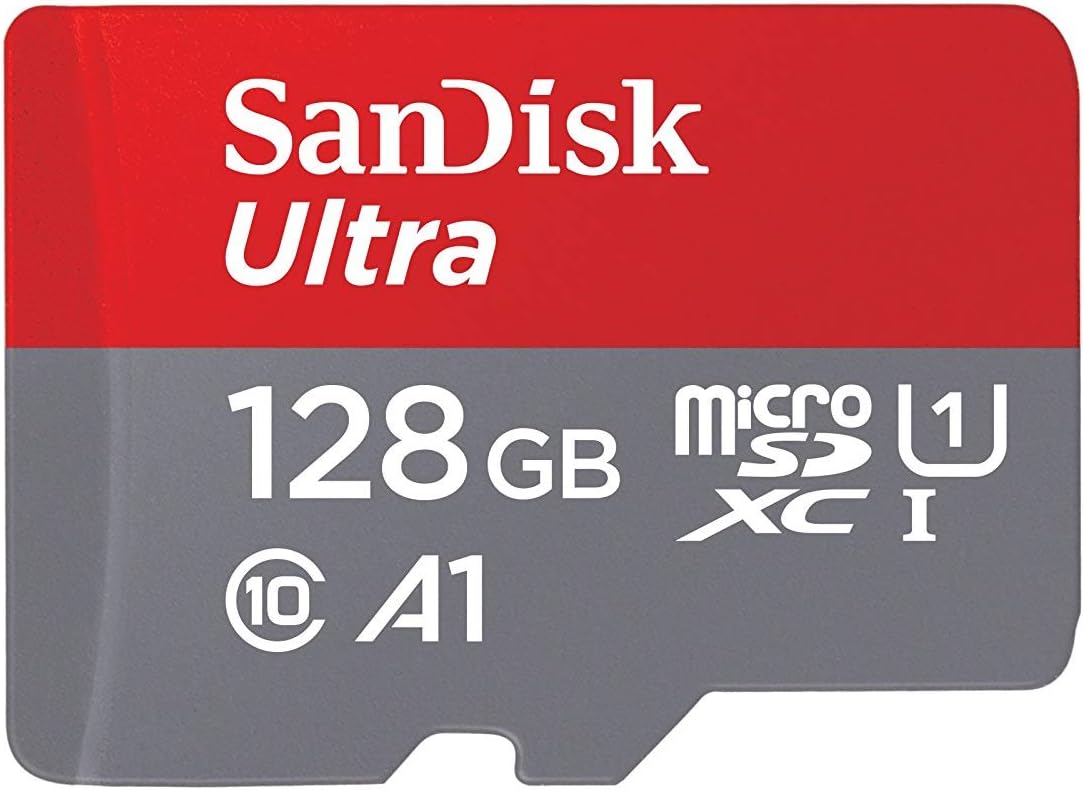
SanDisk 32GB 2-Pack Ultra MicroSDHC UHS-I Memory Card (2x32GB) - SDSQUAR-032G-GN6MT
See current price


See current price
Check the current price and availability on Amazon.com.
View on AmazonAffiliate link — we may earn a commission at no extra cost to you. Learn more
| Product Dimensions | 0.3 x 1.7 x 1.2 inches |
|---|---|
| Item Weight | 0.32 ounces |
| Item model number | EPL-1PL0BEGXAR |
| Manufacturer | Samsung Electronics |
| Compatible Devices | Tablet |
| Specific Uses For Product | personal |
| Connector Type | usb |
| Color | Black |
| Item Dimensions LxWxH | 0.3 x 1.7 x 1.2 inches |
| ASIN | B005518J6Q |
This pocket-sized device turns your SAMSUNG Galaxy Tab™ 10.1 into a USB host, allowing you to connect compatible USB accessory devices such as keyboards, mice, thumb drives and more to your Tab™. The adapter enhances the capabilities of your Tab, providing a solution for user-friendly removable data storage or the sharing of your favorite multimedia files with your Tab. Insert a USB mouse or keyboard to improve enterprise efficiency at the office or at home. Simply connect a USB memory stick or USB cable from compatible devices to the USB port on the adapter and then insert the adapter into your Tab.
SanDisk
See current price
Amazon Basics
See current price

SanDisk
See current price
See current price