




Samsung· All Samsung Computers & Accessories →
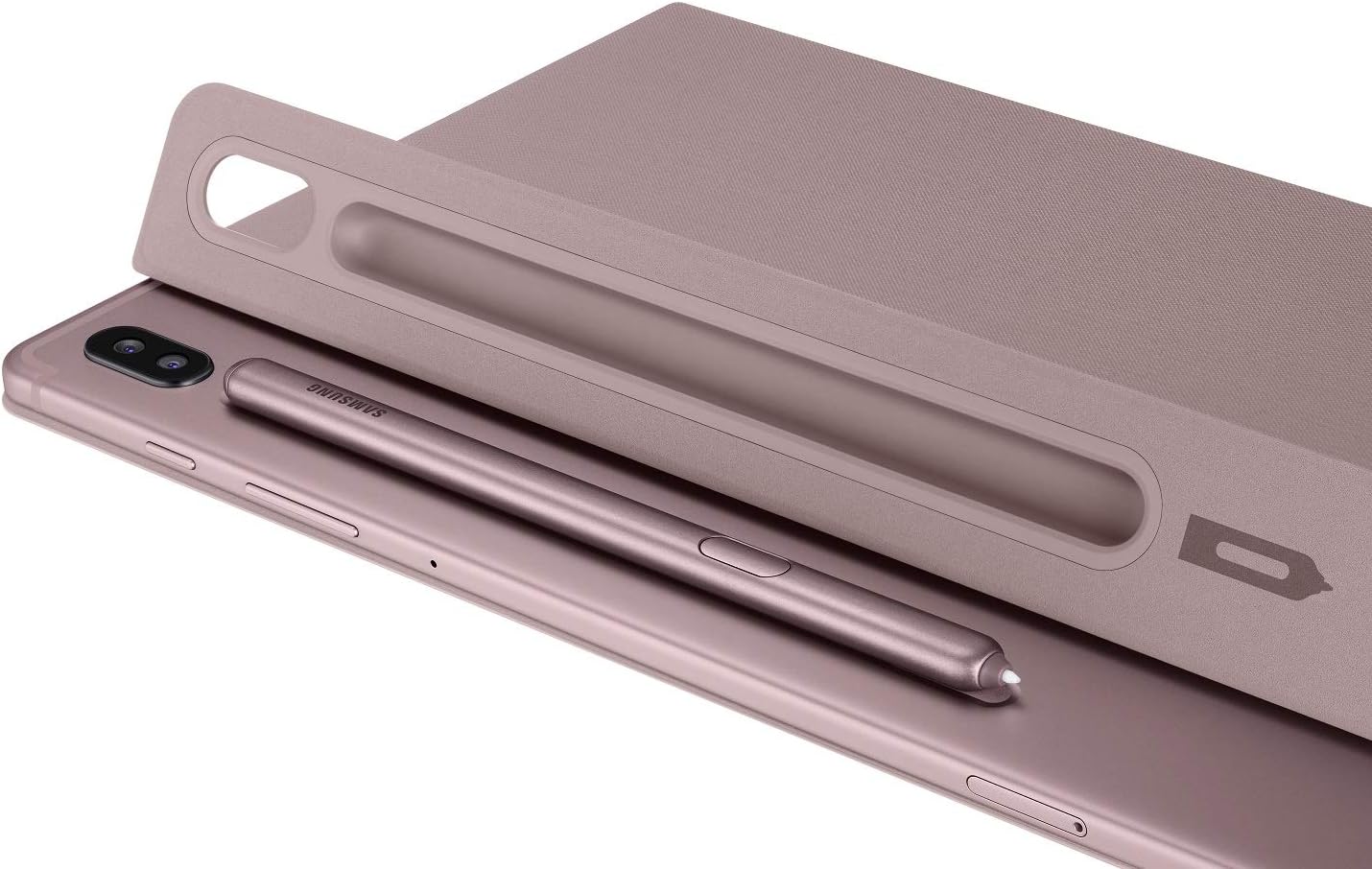
SAMSUNG Galaxy Tab S6 S Pen - Rose Blush - EJ-PT860BAEGUJ
See current price
Check the current price and availability on Amazon.com.
View on AmazonAffiliate link — we may earn a commission at no extra cost to you. Learn more
- Brand
- SAMSUNG
- Series
- Tablet S Pen
- Item model number
- EJ-PT860BAEGUJ
- Item Weight
- 1.58 ounces
Key features
- Mark up documents or use gestures within your apps
- Remotely take pictures, control movies, or click through your presentation.
- Magnetically attach and charge your s pen right on your Tab S6.
- Compatible with tab S6 (sm-t860 Series)
- Tablet device sold separately
Specifications
| Standing screen display size | 10.5 Inches |
|---|---|
| Brand | SAMSUNG |
| Series | Tablet S Pen |
| Item model number | EJ-PT860BAEGUJ |
| Item Weight | 1.58 ounces |
| Product Dimensions | 0.26 x 3.37 x 5.48 inches |
| Item Dimensions LxWxH | 0.26 x 3.37 x 5.48 inches |
| Color | Rose Blush |
| Batteries | 1 Lithium Ion batteries required. (included) |
| Department | Baby |
| Manufacturer | Samsung |
| Material | Aluminum |
| Number of Batteries | 1 Lithium Ion batteries required. (included) |
| Compatible Devices | Tablet |
| Item Dimensions LxWxH | 0.26 x 3.37 x 5.48 inches |
| Are Batteries Included | Yes |
| Batteries Required? | No |
| ASIN | B07VWXLCS5 |
About this product
All-new S pen - Now you can do more than ever with the all-new S Pen included with your Samsung Galaxy Tab S6. Pause a video, skip to the next slide or jump back to the beginning at the press of the button. Plus, you can still do all the things you love doing with S pen, like marking up papers, signing docs and taking notes. The S Pen attaches magnetically to the tab S6 for easy storage and charging so it's always with you. Bluetooth lets you control your tablet without ever touching it! Launch apps take a picture and record video. And now, you can use Air Actions to swipe the S Pen through the air for even more commands like control volume or move to the next video. And, of course, the S Pen comes with all the features you know and love. Hover the S Pen near the screen and press the button to pull up Air Command, our menu of some of the most-used S Pen features like jotting down some notes, selecting items to capture on-screen, and more. Click Smart Select to take a quick clip of a specific area of your screen. The AR Doodle feature fuels your creativity with drawing tools you can use while in the Camera app. The drawing “sticks” like a custom-built AR filter for your pictures and videos. And, pressing the S Pen button while hovering near the screen when the Tab S6 is locked opens the Screen-Off Memo feature, so you can capture that thought with a quick note. The Samsung S Pen attaches to the Tab S6 magnetically for easy storage and charging, so it’s always with you. Tablet device sold separately.
Similar products
Compare all Samsung Computers & Accessories →


See current price