

Tablet Accessories for Protection, Charging & More
Compare tablet accessories by compatibility, protection, portability, and everyday function. Explore cases, screen protection, charging gear, stands, keyboards, cables, and more.
16,716 products in catalog
16,716 results
Filters

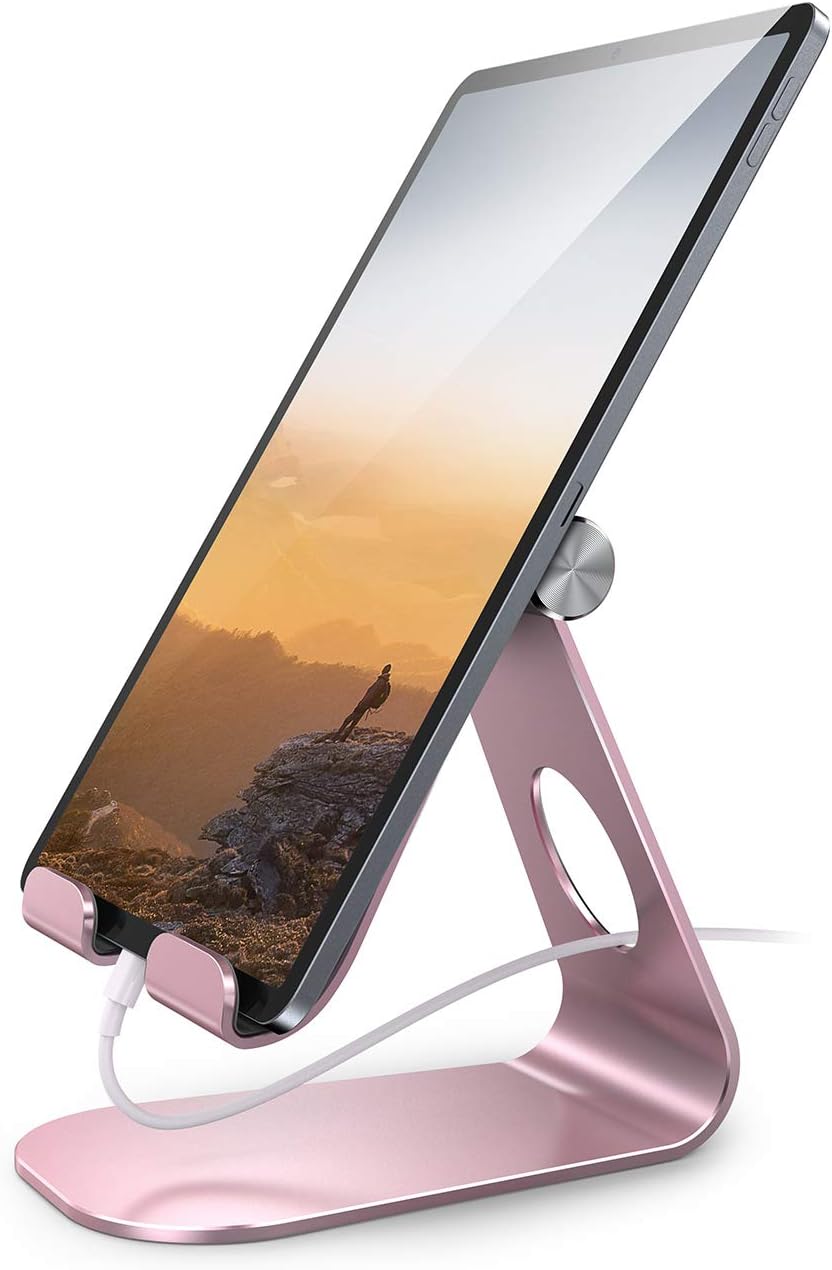


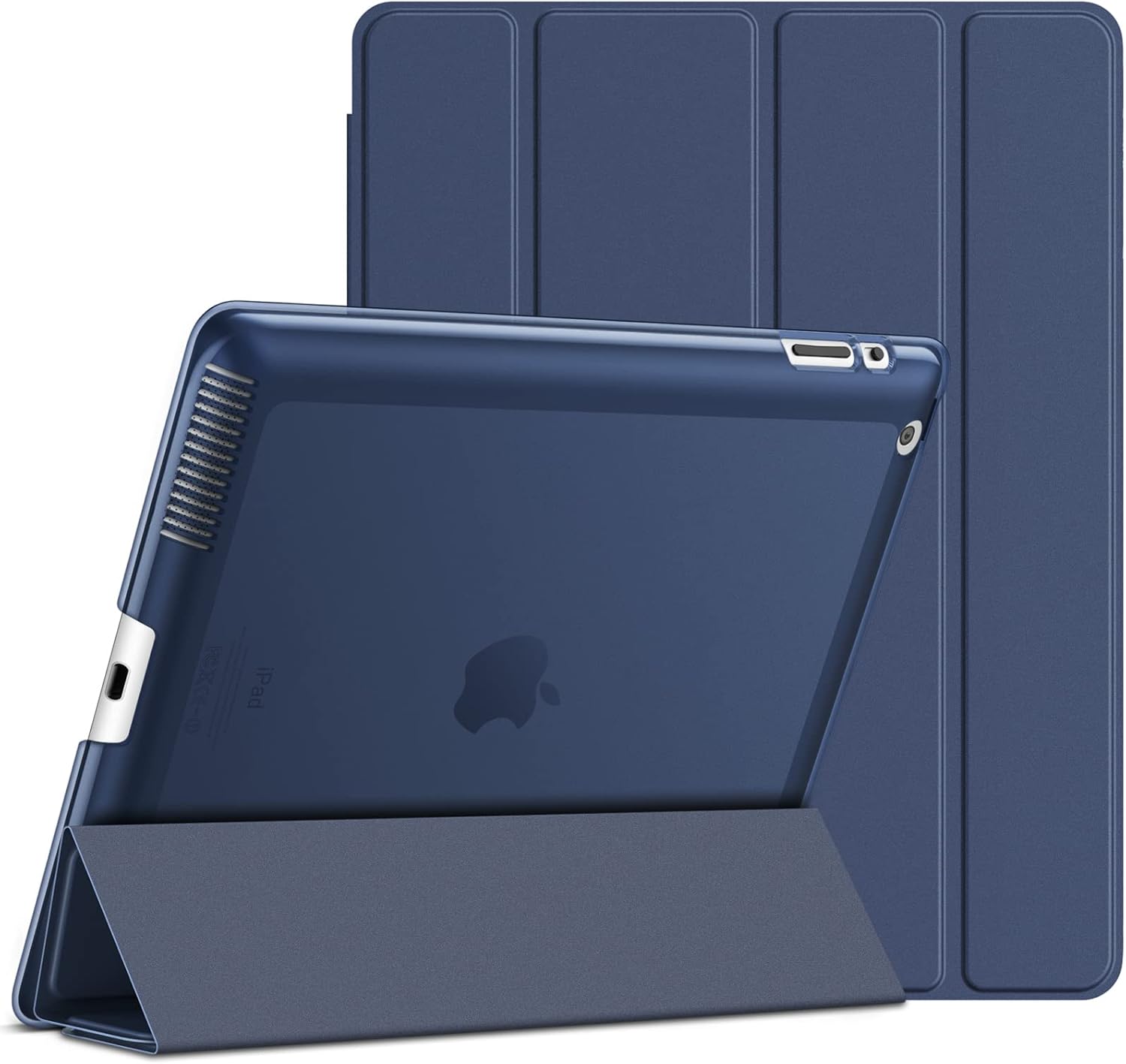
JETech
JETech Case Compatible with iPad 2 3 4 (Old Model), Smart Cover with Auto Sleep/Wake (Navy)
See current price


![Fintie Case for iPad 9.7 2018 2017 / iPad Air 2 / iPad Air 1 - [Corner Protection] Multi-Angle Viewing Folio Cover w/Pocket, Auto Wake/Sleep for iPad 6th / 5th Generation, Ocean Marble](https://m.media-amazon.com/images/I/81qhxYnOnzL._AC_SL1500_.jpg)


JETech
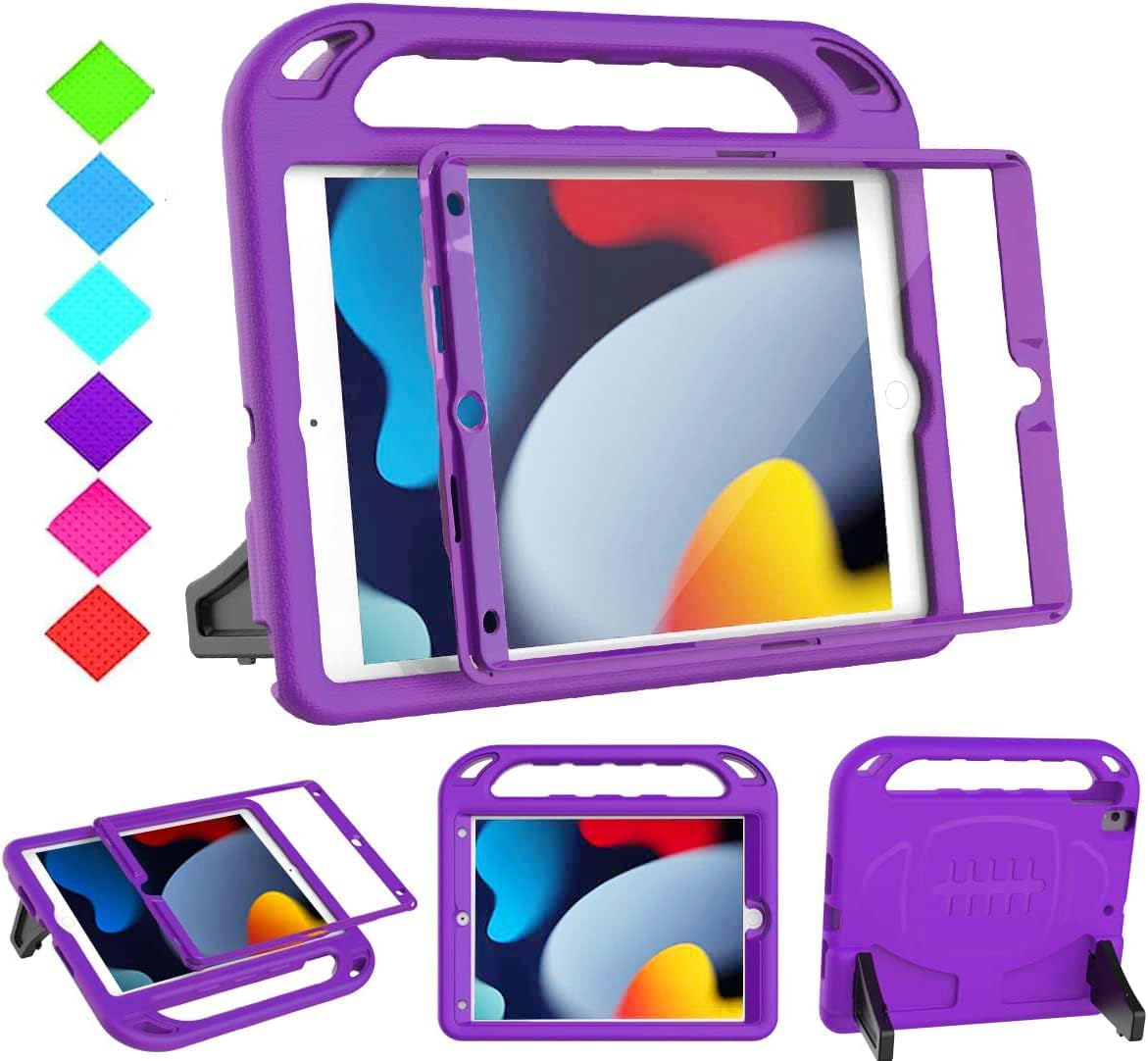
JETech Case for iPad Air 2 (Not for iPad Air 1st Edition), Smart Cover Auto Wake/Sleep, Blue
See current price



Popular brands in Tablet Accessories
Tablet accessories can change how comfortably and safely you use a device at home, at work, in class, or while traveling. The right accessory may protect a tablet from scratches, make typing easier, improve viewing angles, or solve a charging and connectivity need.
This category covers a wide range of products, so compatibility should come first. Before comparing materials, colors, or extra features, identify your tablet’s exact model, screen size, port layout, and operating-system requirements. A case, keyboard, screen protector, or stylus designed for a different generation may not fit or function correctly even when the tablets look similar.
How to choose tablet accessories
Start by deciding what problem the accessory needs to solve. Protection-focused shoppers may want a case, cover, screen protector, or combination kit. For productivity, a keyboard case, stand, hub, or stylus may be more useful. Travelers often prioritize a slim profile, a secure closure, cable organization, and accessories that can be carried together.
A practical selection process includes:
- Confirm device compatibility: Check the tablet name, model identifier, dimensions, camera placement, speaker openings, and port locations.
- Consider how the tablet is used: A child-friendly or travel setup may need more impact protection, while desk use may favor a stand or keyboard.
- Check the complete setup: Make sure a case leaves room for the charging connector and does not interfere with a screen protector, stylus holder, or dock.
- Compare convenience features: Kickstands, hand straps, magnetic closures, detachable keyboards, cable storage, and multiple viewing angles can affect daily usability.
- Match the accessory to the environment: Look for easy-clean materials and reinforced construction for frequent travel or shared use, and lighter designs for carrying between locations.
For a broader look at devices and related equipment, browse Computers & Accessories and Computers & Tablets.
Common types of tablet accessories
Cases and covers
Cases range from slim folio covers to more protective designs with reinforced corners, raised edges, or a built-in stand. A folio may suit reading, video calls, and everyday carrying, while a rugged case can be more appropriate for travel, work areas, or frequent handling. Compare the closure method, stand positions, grip, weight, and access to cameras, speakers, microphones, and buttons.
Keyboard cases combine tablet protection with a typing surface. Check the keyboard layout, connection method, adjustable viewing range, key spacing, trackpad availability, and whether the keyboard can be removed. A detachable design may be useful when the tablet is needed for reading or drawing without the keyboard attached.
Screen protectors
Screen protectors are available in different materials and finishes. Tempered glass is commonly chosen for a rigid protective layer, while film-style protectors may offer a lighter or lower-profile fit. Compare the stated compatibility, edge coverage, installation method, touch sensitivity, glare characteristics, and whether the protector is intended to work with a stylus.
A protector should match the tablet’s display shape and front-facing sensors. Even a small mismatch can affect alignment around cameras, speakers, or curved edges. Check whether the case and screen protector are designed to work together if both are being purchased.
Stands, mounts, and holders
A stand can make a tablet more comfortable for streaming, video calls, recipes, reading, or desk work. Compare the viewing-angle range, base stability, foldability, and support for the tablet’s size and weight. Vehicle and wall mounts require additional attention to installation, locking mechanisms, adjustability, and safe placement.
Chargers, cables, and adapters
Charging accessories should be compared by connector type, cable length, power specifications, portability, and compatibility with the tablet. A cable may support charging, data transfer, or both, so check the listed capabilities rather than assuming every cable performs the same function.
Adapters and hubs can add connections for peripherals, displays, memory cards, or other devices. Verify the tablet’s supported standards and port type before choosing one. If you also need equipment for a notebook or desktop setup, Computer Accessories & Peripherals may be a useful related category.
Styluses and input accessories
A stylus can be useful for notes, drawing, navigation, and precise selections. Important comparisons include compatibility, pressure or tilt support when listed, palm rejection, charging method, replacement tips, storage, and whether the tablet needs a particular active-pen protocol. Basic capacitive styluses may work for general tapping but may not provide the same functions as an active stylus.
Features and specifications to compare
The most important specification varies by accessory type, but these details are broadly useful:
- Fit and model support: Look for explicit tablet-model compatibility rather than relying only on screen size.
- Materials and construction: Compare the listed materials, corner reinforcement, hinge design, seams, and finish.
- Dimensions and weight: Bulkier protection can add carrying weight, while slim accessories may be easier to store.
- Connection standards: For keyboards, hubs, cables, and styluses, confirm wireless or wired connection requirements and supported ports.
- Power needs: Check whether an accessory uses batteries, rechargeable power, a direct tablet connection, or a separate charger.
- Port and camera access: Cases and covers should preserve access to essential controls and openings.
- Ease of installation: Screen protectors and mounts may require careful positioning, included tools, or a permanent installation.
- Portability: Foldable stands, detachable keyboards, compact chargers, and cable-management features can matter for commuting and travel.
If the accessory is intended for a laptop rather than a tablet, compare options in Laptop Accessories to narrow the selection.
Brands represented in the catalog
The tablet accessory catalog includes products from FINTIE, Infiland, MoKo, ProCase, ESR, Supershieldz, JZCreater, TiMOVO, DETUOSI, JETech, Poetic, and SEYMAC stock. These brands appear across accessory types such as cases, covers, screen protection, stands, and related device equipment. Compare each individual product’s compatibility, materials, dimensions, and listed features rather than choosing by brand name alone.
For accessories that connect to storage devices or broader computer setups, Data Storage and Computer Components provide related areas to explore. Networking Products may also be relevant when a tablet setup depends on network equipment or connectivity beyond the device itself.
Tablet accessory buying tips
Keep the tablet model information available while shopping, including the exact generation or model identifier. Do not assume that accessories for tablets with similar names are interchangeable. For cases and screen protectors, compare camera cutouts, button placement, speaker openings, and edge coverage. For cables and adapters, match the connector and supported functions on both ends.
When combining accessories, check for conflicts. A thick screen protector may affect a tight-fitting case, while a case with a built-in stand may not work with a separate holder. Keyboard cases can also change the tablet’s overall weight and thickness. For travel, confirm that the folded accessory fits the intended bag and that exposed ports or detachable components can be protected during transport.
Read the manufacturer’s care instructions for cleaning and installation. Avoid blocking ventilation or placing a tablet where a stand or mount could make it unstable. For charging equipment, use compatible specifications and inspect cables or connectors for visible damage before continued use.
Frequently asked questions
How do I know which case fits my tablet?
Check the tablet’s exact model identifier, dimensions, camera placement, button layout, and port positions. Screen size alone is not enough to confirm a case will fit.
Should I buy a case and screen protector together?
They can work well together, but compatibility is important. Check whether the case leaves enough room around the protector’s edges and whether both products list support for the same tablet model.
What should I compare in a tablet keyboard case?
Compare keyboard layout, connection method, battery or charging requirements, key spacing, trackpad features, viewing angles, weight, and whether the keyboard is detachable.
Are all tablet cables suitable for charging and data transfer?
No. Cable connectors may look similar while supporting different charging or data functions. Check the listed capabilities and match them to the tablet and charger.
What makes a tablet stand useful?
A useful stand should support the tablet securely, offer suitable viewing angles, remain stable on the intended surface, and fold or adjust as needed for storage and transport.
Can a stylus work with any tablet?
Stylus compatibility depends on the tablet and the pen technology. Confirm support for the specific tablet model, connection method, charging requirements, and desired writing or drawing features before buying.