
Texas Instruments
Texas Instruments TI-84 Plus CE Color Graphing Calculator, Radical Red
See current price



Texas Instruments· All Texas Instruments Calculators →
See current price
Check the current price and availability on Amazon.com.
View on AmazonAffiliate link — we may earn a commission at no extra cost to you. Learn more
| Product Dimensions | 9.72 x 6.77 x 1.06 inches |
|---|---|
| Item Weight | 5.2 ounces |
| Item model number | TI 30 X S MV |
| Batteries | 1 Lithium Metal batteries required. (included) |
| Manufacturer | Texas Instruments, Inc |
| Brand | Texas Instruments |
| Color | White, Green |
| Calculator Type | Engineering/Scientific, Graphing |
| Power Source | Battery Powered |
| Number of Batteries | 1 Lithium Metal batteries required. (included) |
| ASIN | B000UTKORK |
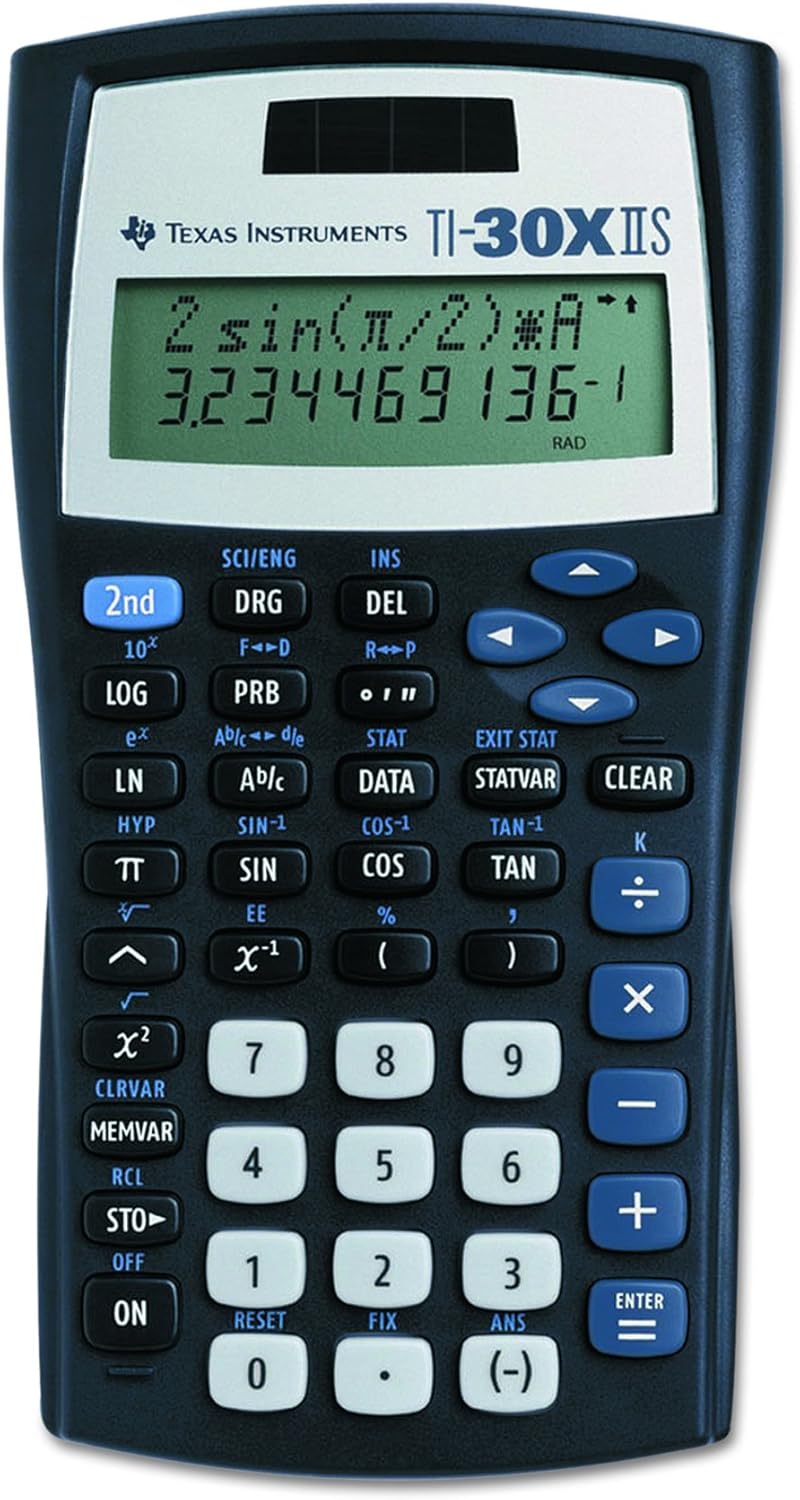
TI-30XS MultiView calculator with four-line, 16-character display allows you to enter more than one calculation, compare results and explore patterns, all on the same screen. Enter and view calculations in common Math Notation via the MATHPRINT mode, including symbolic pi, stacked fractions, exponents and exact square roots. Use Toggle Key to view fractions and decimals in alternate forms. Easy-to-read and navigate pull-down menus are similar to those on a graphing calculator. All mode settings are located in one central place, the mode screen. View scientific notation with the proper superscripted exponents and see output in scientific notation. Use table feature to explore (x,y) table of values for a given function, automatically or by entering specific x values. Scientific calculator displays multiple calculations and answers as you would write it. Scroll, review and edit current or previous entries. Runs on solar and battery power. Includes a protective cover.
Texas Instruments
See current price

Texas Instruments
See current price

Texas Instruments
See current price
See current price