K-Catalog
TNS-19252 NS-Switch Grip in-line Gamepad, Plug and Play, Suitable for N- Switch NS, can Charge and Play Games at The Same time, with six-axis Gyroscope Gravity Sensing, Dual-Motor Vibration
  • TNS-19252 NS-Switch Grip in-line Gamepad, Plug and Play, Suitable for N- Switch NS, can Charge and Play Games at The Same time, with six-axis Gyroscope Gravity Sensing, Dual-Motor Vibration
  • TNS-19252 NS-Switch Grip in-line Gamepad, Plug and Play, Suitable for N- Switch NS, can Charge and Play Games at The Same time, with six-axis Gyroscope Gravity Sensing, Dual-Motor Vibration
  • TNS-19252 NS-Switch Grip in-line Gamepad, Plug and Play, Suitable for N- Switch NS, can Charge and Play Games at The Same time, with six-axis Gyroscope Gravity Sensing, Dual-Motor Vibration
  • TNS-19252 NS-Switch Grip in-line Gamepad, Plug and Play, Suitable for N- Switch NS, can Charge and Play Games at The Same time, with six-axis Gyroscope Gravity Sensing, Dual-Motor Vibration
  • TNS-19252 NS-Switch Grip in-line Gamepad, Plug and Play, Suitable for N- Switch NS, can Charge and Play Games at The Same time, with six-axis Gyroscope Gravity Sensing, Dual-Motor Vibration

DOBE FOMIS ELECTRONICS

TNS-19252 NS-Switch Grip in-line Gamepad, Plug and Play, Suitable for N- Switch NS, can Charge and Play Games at The Same time, with six-axis Gyroscope Gravity Sensing, Dual-Motor Vibration

See current price

Check the current price and availability on Amazon.com.

View on Amazon

Affiliate link — we may earn a commission at no extra cost to you. Learn more

Item Weight
12.6 ounces
Manufacturer
DOBE FOMIS ELECTRONICS

Key features

  • 1. 【Installation method】 1. Before installation, open the Switch game console to enter the setting menu, find the "Handle and Sensor" setting item, and set "Pro Handle Wired Connection" to "On". 2. Install it in place, and then press the A key of the handle to connect to enter the control; Then enter the setting menu, find the setting item of "Handle and Sensor", and calibrate "Calibrate Rocker" and "Calibrate Gyro Sensor" before use.
  • 2.【Automatic connection】: The switch plug-in handle is a special game handle for the switch game console. The switch game console is directly installed on the grip to enhance the grip. After inserting the game console, the handle is automatically connected successfully; (Switch console only). More realistic body feeling: reflect the vibration effect according to the game scene, which will give you an immersive alternative feeling. (incompatible with switch OLED)
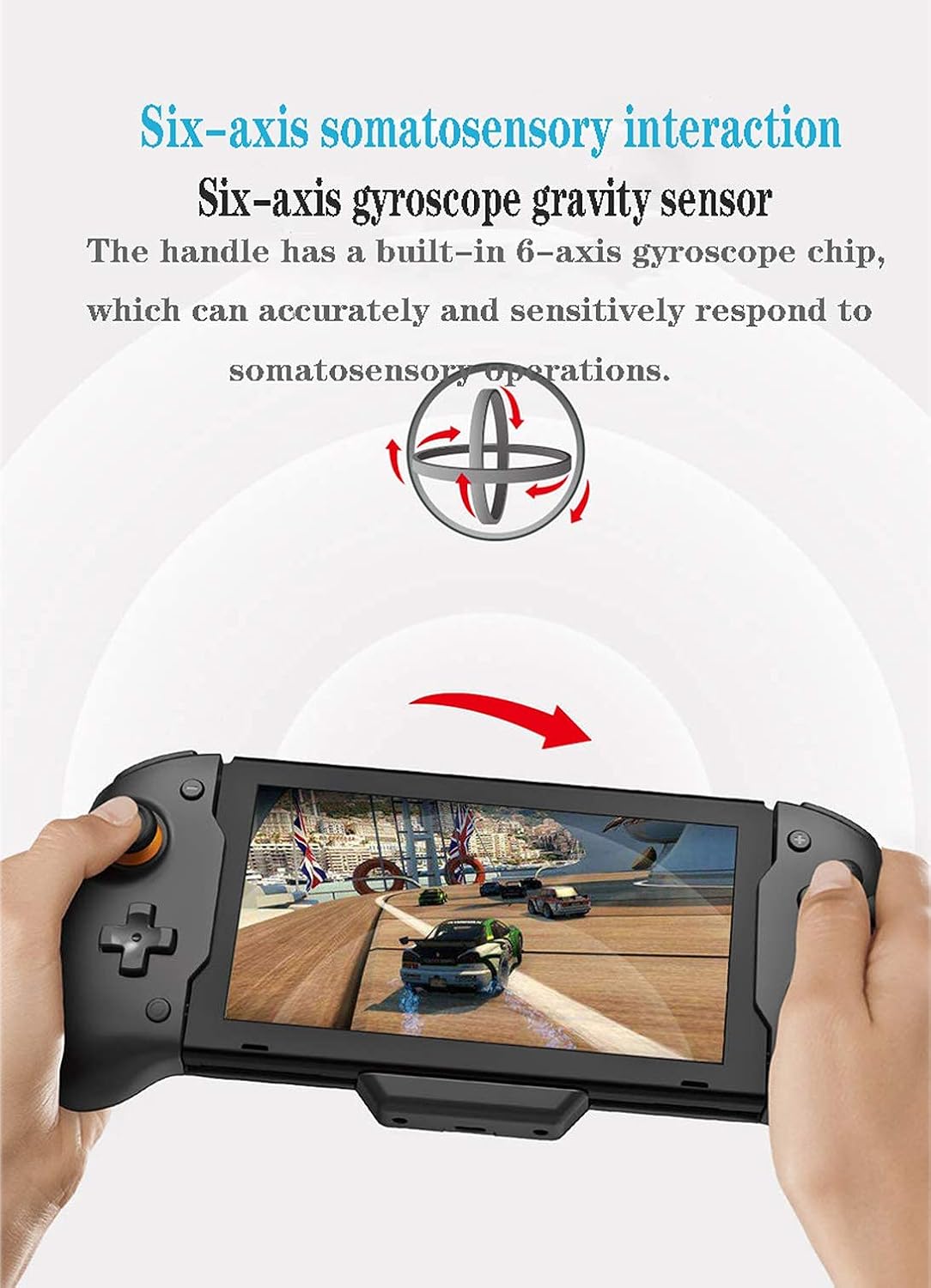
  • 3 【 Intelligent controller 】 Equipped with screen capture button, double motor vibration, and built-in six axis gyroscope chip in the handle, it can accurately and sensitively respond to the somatosensory operation. Feedback the vibration effect according to the game scene, giving you an immersive sense of substitution, handle system upgrading and other functions;
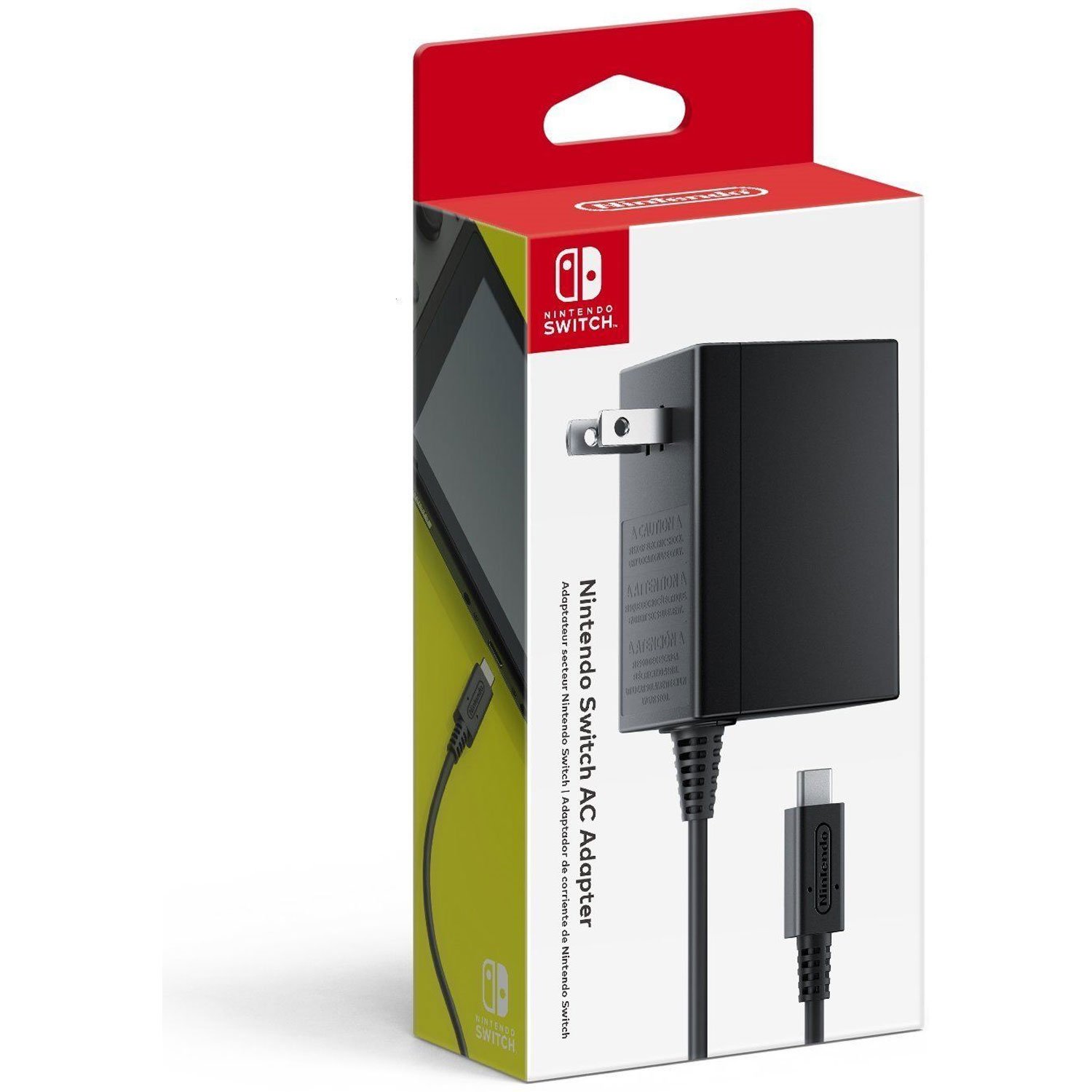
  • 4.【Fast charging】: It adopts tpye-c interface design, supports charging while playing on the switch game console, and supports the input charging of switch original power adapter or standard 15V PD protocol power adapter;
  • 5. 【E-sports level 3D joystick】: ergonomics, beautiful appearance, reasonable structure, excellent grip, anti slip handle design, anti scratch protective layer, flexible and human design of button cap, according to your own habits, so that you have a better game experience. E-sports level 3D joystick, lightning changes to move, continuous direction output, and lightning turns nimbly, is your game assistant,

Specifications

Package Dimensions12.05 x 5.08 x 3.03 inches; 12.59 Ounces
Item Weight12.6 ounces
ManufacturerDOBE FOMIS ELECTRONICS
ASINB08DFKZZ6L

About this product

【Installation and usage method】:1. Before installation, open the Switch game console and enter the settings menu, find the ""Handle and Sensor"" setting item, 2.and set the ""Pro handle wired connection"" to ""ON""Slide the Switch game console along the track of the handle grip and install it in place 3.press the handle A button to connect to enter the control; then enter the settings menu to find the ""Handle and Sensor"" setting item, and set ""Effect Joystick"" and ""Calibrate Gyro"" After the sensor is calibrated, use it again. Specifications:1.Name: switch Gaming Controller Adaptation: 2.for Switch for NS console only, 3.perfect compatible with all major popular games on the market, 4.supports all kinds of games to playInput 5.Colour: Black6.voltage: 15V (PD fast charge)7.Input current: 1.5A8.Working temperature: -20℃~40℃9.Size: about 270*110*62 mm/10.63*4.33*2.44in10.Packing List:1*Game Controller 1*User Manual2*Button Caps"

Similar products

See current price

View on Amazon